Afi Google Workspace (Formerly G Suite) and Microsoft 365 Backup offers data protection boasting a clean & responsive UI and SLA-based protection settings. Afi is powered by modern cloud architecture based on micro-services and leverages AI technology and machine learning to reduce manual administrative tasks and provide better resiliency. - Protect all Google Workspace data, including (team) Drives, Gmail, Calendars, Contacts and Sites with preserved user rights &…
N/A
AWS Backup
Score 8.9 out of 10
N/A
AWS Backup is a fully managed backup service from AWS, designed to make it easy to centralize and automate the back up of data across AWS services in the cloud as well as on premises using the AWS Storage Gateway. Using AWS Backup, users can centrally configure backup policies and monitor backup activity for AWS resources, such as Amazon EBS volumes, Amazon RDS databases, Amazon DynamoDB tables, Amazon EFS file systems, and AWS Storage Gateway volumes.
$0.01
per GB per month
HPE Zerto Software
Score 9.1 out of 10
Enterprise companies (1,001+ employees)
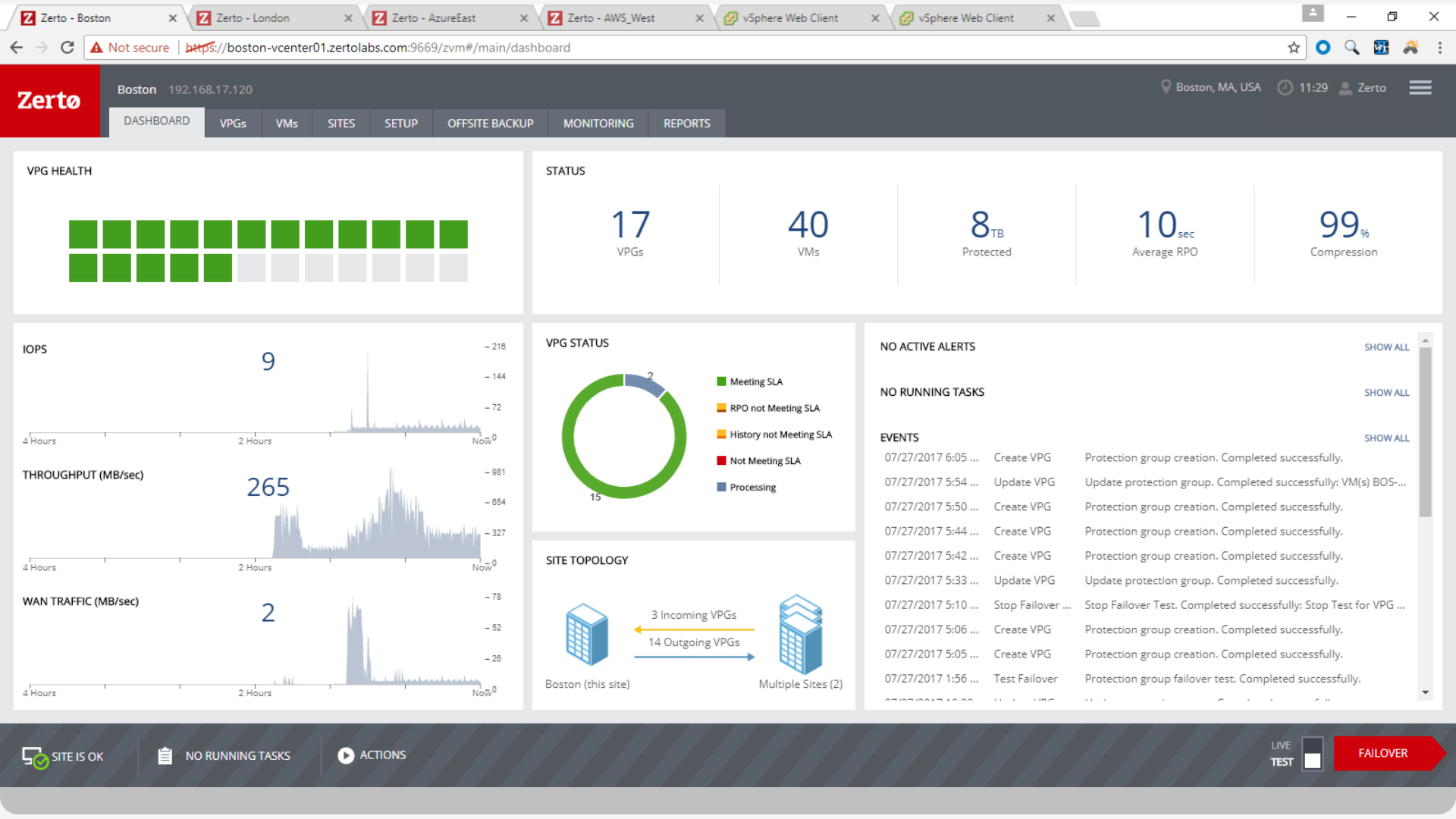
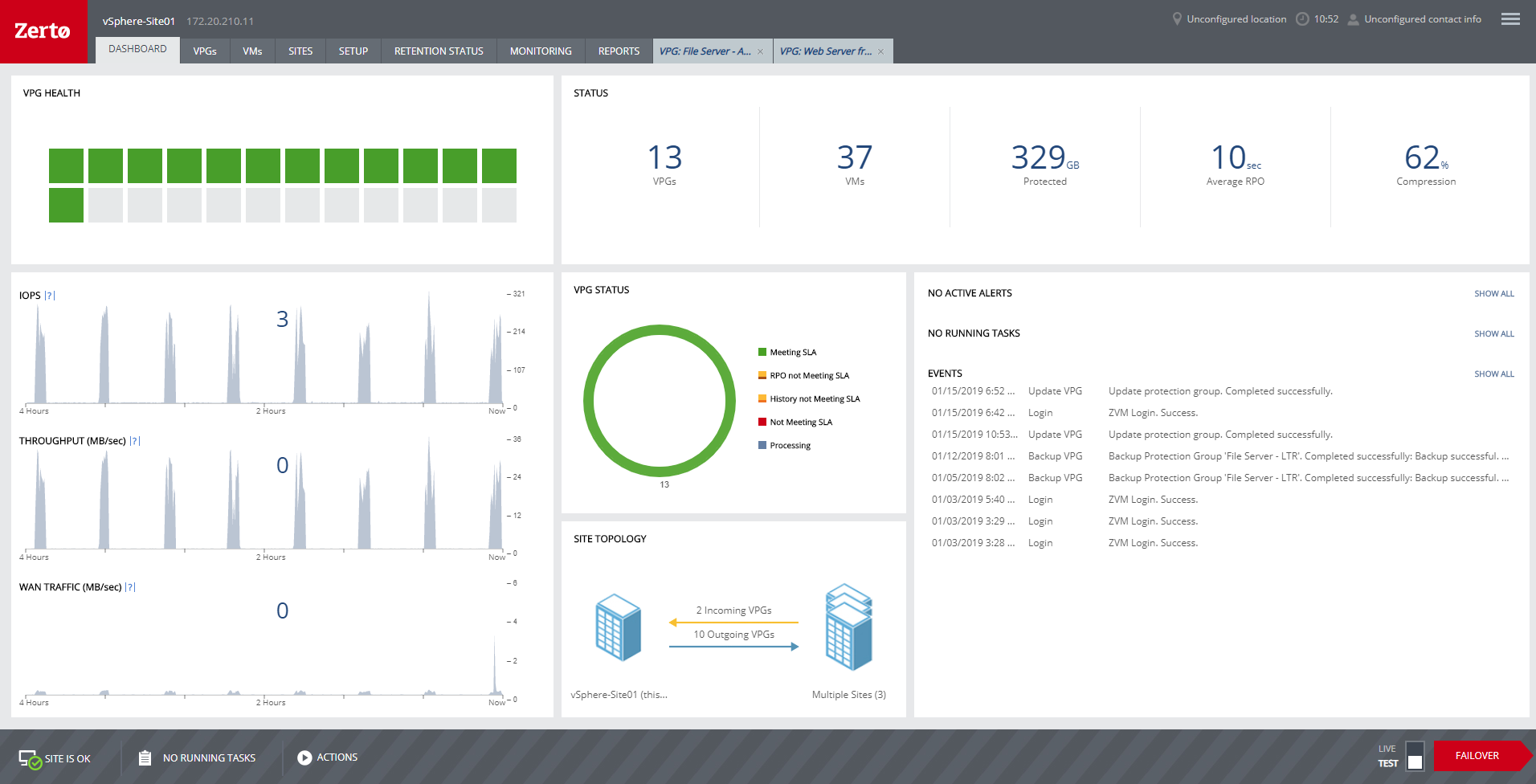
HPE Zerto Software aims to enable customers to run an always-on business by simplifying the protection, recovery, and mobility of on-premises and cloud applications.
N/A
Pricing
afi.ai
AWS Backup
HPE Zerto Software
Editions & Modules
No answers on this topic
Backup Storage - Cold Storage
$0.01
per GB per month
Restore - Warm Storage
$0.02
per GB per month
Restore - Cold Storage
$0.03
per GB per month
Backup Storage - Warm Storage
$0.095
per GB per month
Restore - Item-Level Restore
$0.50
per request
No answers on this topic
Offerings
Pricing Offerings
afi.ai
AWS Backup
HPE Zerto Software
Free Trial
No
No
Yes
Free/Freemium Version
No
No
No
Premium Consulting/Integration Services
No
No
No
Entry-level Setup Fee
No setup fee
No setup fee
Optional
Additional Details
—
—
—
More Pricing Information
Community Pulse
afi.ai
AWS Backup
HPE Zerto Software
Features
afi.ai
AWS Backup
HPE Zerto Software
Data Center Backup
Comparison of Data Center Backup features of Product A and Product B
afi.ai
-
Ratings
AWS Backup
8.9
6 Ratings
4% above category average
HPE Zerto Software
8.3
3 Ratings
3% above category average
Management dashboard
00 Ratings
8.36 Ratings
9.13 Ratings
Retention options
00 Ratings
7.16 Ratings
9.03 Ratings
Encryption
00 Ratings
8.36 Ratings
8.02 Ratings
Universal recovery
00 Ratings
00 Ratings
8.52 Ratings
Instant recovery
00 Ratings
00 Ratings
8.33 Ratings
Recovery verification
00 Ratings
00 Ratings
9.33 Ratings
Business application protection
00 Ratings
00 Ratings
8.73 Ratings
Multiple backup destinations
00 Ratings
00 Ratings
8.52 Ratings
Incremental backup identification
00 Ratings
00 Ratings
8.02 Ratings
Backup to the cloud
00 Ratings
00 Ratings
7.43 Ratings
Deduplication and file compression
00 Ratings
00 Ratings
7.73 Ratings
Snapshots
00 Ratings
00 Ratings
8.02 Ratings
Flexible deployment
00 Ratings
00 Ratings
8.73 Ratings
Platform support
00 Ratings
00 Ratings
7.03 Ratings
Enterprise Backup
Comparison of Enterprise Backup features of Product A and Product B
afi.ai
-
Ratings
AWS Backup
7.8
3 Ratings
2% below category average
HPE Zerto Software
8.3
2 Ratings
2% below category average
Operational reporting and analytics
00 Ratings
7.93 Ratings
7.52 Ratings
Malware protection
00 Ratings
7.93 Ratings
7.01 Ratings
Ransomware Recovery
00 Ratings
7.63 Ratings
8.02 Ratings
Continuous data protection
00 Ratings
00 Ratings
9.52 Ratings
Replication
00 Ratings
00 Ratings
8.52 Ratings
Multi-location capabilities
00 Ratings
00 Ratings
9.52 Ratings
SaaS Backup
Comparison of SaaS Backup features of Product A and Product B
afi.ai
-
Ratings
AWS Backup
7.8
3 Ratings
10% below category average
HPE Zerto Software
-
Ratings
SaaS Product Integration
00 Ratings
8.01 Ratings
00 Ratings
Multiple Data Restoration Options
00 Ratings
7.53 Ratings
00 Ratings
Data Auditing and Search
00 Ratings
7.63 Ratings
00 Ratings
Data Storage in the Cloud or On-Premises
00 Ratings
8.33 Ratings
00 Ratings
Disaster Recovery
Comparison of Disaster Recovery features of Product A and Product B
1. Data backup for Exchange Online, SharePoint and Teams works very well and reliable. 2. MS Teams support is good, which includes Private channels. 3. Excellent security options ( ransomware detection, encryption keys hosted by us) 4. Self service for end users is a huge time saver for our helpdesk team 5. We kill two birds with one stone with user archiving, compliance and cost savings on MS licenses.
There is a cost involved with data retrieval. AWS Backup is truly that, a backup. If you need to access this data on a regular basis, there are better options out there. For long term, just in case incremental backups, AWS [Backup] checks all the boxes. Just set it up, start your backups, and rest assured your data is safe.
Zerto is well suited for disaster recovery and virtual machine replication between multiple data centers. DR testing for audit or regulations is much easier with Zerto, great reporting, dashboard etc. It is not well suited for physical server replication for disaster recovery or as a primary backup solution.
Anyone with a large disk (VMDK) knows the issues of VMware snapshots. Most backup software is a "point in time backup" that uses snapshots. While the backup can be run multiple times per day the stress of the snapshot on the host and storage is eliminated by the continuous protection of Zerto log replication.
A client had a the disks on a VM go missing for some reason. We had them "flip the switch" for a real fail over and press the fail over button. The VM on our DR site started to come alive as the VM at the customer site was brought down. When the DR VM was fully up, automatic reverse replication started. The DR machine was available in a few minutes (to take into account different host hardware) for access. One the vm at both sites were in sync, we had the customer again repeat the fail over process and the DR site VM was turned off and the Production site VM was brought back on line. This was a 200 GB VM and the whole process was finished in about 3 hours.
Zerto also allows for "Test" fail overs that can be configured on many different functions, such as host, datastore, network and IP usage. Configuring the IPs is crucial to avoid inadvertent site cross contamination of the same VM.
Zerto can also retrieve files from any VM disk on the DR site without starting a VM. Very handy for retrieving files or directories.
Since Zerto is running continuous log replication, changes on the production VM are nearly instantaneously copied to the DR site. As with any data process, having sufficient bandwidth for "churn" peaks minimizes the delay in updating the DR site.
We will continue to renew the service for as long as we continue to use MS 365, unless Microsoft will release native Office 365 backup that provides all necessary features, including multi-geo admin roles, long-term affordable archiving storage tier, auto-conversion of email formats (MBOX, EML etc), point-in-time preview of previous file versions.
We really like the easy setup of this replication solution, as well as the ease of management. Not to mention, our internal IT Economist determined that the Zerto solution would provide the best ROI out of the competing solutions we analyzed. So far, his calculations have been spot on, and we have saved substantially
Overall because I can sell it white labeled and use my white labeled software like CloudBerry and the native backup apps on my synology NAS servers to store things in real time and do duplication and disaster recovery directly to it was game changing for my client in the advertising world they are never down now.
Zerto is very easy to implement and support. Uses are broad, only issues are once something doesn't sync it is difficult to get assistance until your reach tier 2 or tier 3 support. Basic file and folder recovery is great. Live and test fail overs are also easy to implement without issue.
Support is very technical and always eager to help us. The support team's responses are mostly relevant, with no generic/automated answers that would waste our time. The company's online product documentation is very clear and to the point; it answers most of the user questions in a detailed and clear manner.
Support for AWS Backup is by Amazon itself so it is solid as always. If you have a business or higher level support plan you'll have no trouble getting engineers or other staff on the job to help you with whatever comes up.
Overall support is very good. We sometimes get pushback when asking Level 1 support to escalate to Level 2. This causes undue frustrations when you need a more knowledgeable support person to get involved. We've had to escalate to account reps a few times for this scenario. Zerto is very responsive and normally handles our requests very quickly.
I've tried a lot of different products. Backblaze, at least from a birds-eye view is significantly cheaper than AWS/the rest. Backblaze is a little more simpler, but it's well worth it. Linode also provides backup options, however I'm only familiar with their backup on their VPS's (however you make that plural), which never gave me a problem.
We started out using Backup Exec which was in service until we virtualized our environment where it didn't perform as well at the time. Then we switched to Veeam which worked well, but then as we started needing to do migrations and off-site DR, we found ourselves relying on Zerto more often.
For my organization, the pricing model was an upfront investment for the Zerto licenses. My organization prefers to pay upfront and not deal with month-to-month or year-to-year pricing models that most companies are moving to. But for some, the investment may be more than they can afford, and would prefer the year-to-year pricing model.
I mean, it was 6 years ago, but we were up and going with all applications synchronizing in short order. The longest tasks was getting the 30 TB of application data synchronized between the datacenters.
Zerto is like having the best possible insurance ... it just works, and often provides the backups taken overnight that are key in recovering data/work between overnight backups.
Zerto easily enabled the move of primary datacenters by allowing easy failover to a secondary site, and failback to the primary site.