Amazon Chime is a communications service from Amazon Web Services with a built-in VoIP solution. Amazon Chime can be used for online meetings, video conferencing, and business calling, and features pay-as-you-go pricing.
$0
per minute
Zoho Meeting
Score8.9 out of 10
N/A
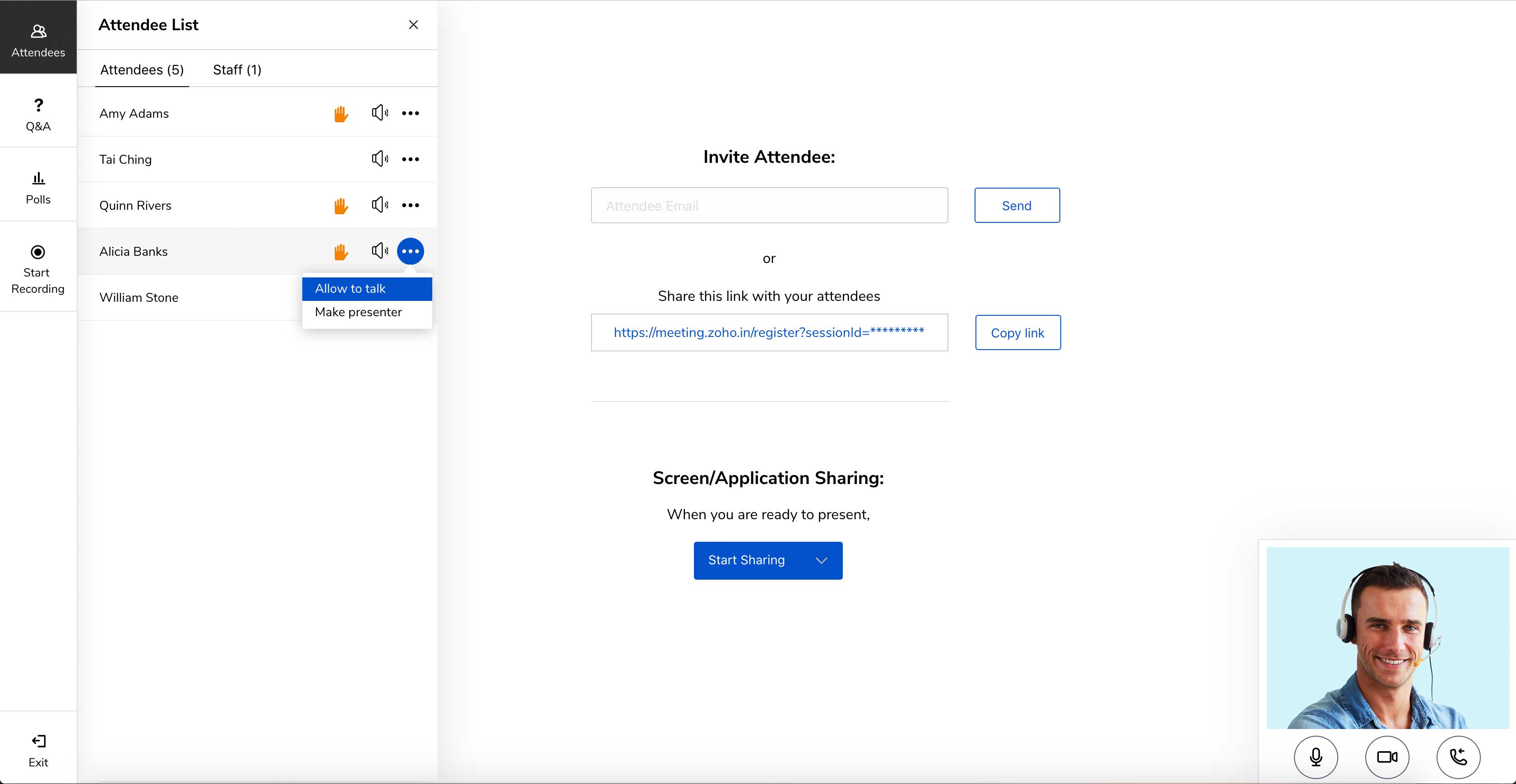
Zoho Meeting is a web-based online meeting solution.
$3
per month
Pricing
Amazon Chime
Zoho Meeting
Editions & Modules
Business Calling - Inbound
$0.002216
per minute
Business Calling - Phone Numbers
$1
per number per month, US Only
Meetings - Pro
$3
*per user per day
Meetings - Basic
Free
Business Calling - Outbound
Country Dependent
per minute
Business Calling - Receive Text
Free
US Only
Business Calling - Send Text
Country Dependent
MEETING - 10
$3
per month
MEETING - 50
$9
per month
MEETING-100
$12
per month
MEETING - 250
$18
per month
Webinar -25
$19
per month
Webinar - 50
$29
per month
Webinar - 100
$39
per month
Webinar - 250
$79
per month
Webinar - 500
$125
per month
Webinar - 1000
$200
per month
Offerings
Pricing Offerings
Amazon Chime
Zoho Meeting
Free Trial
No
Yes
Free/Freemium Version
No
Yes
Premium Consulting/Integration Services
No
No
Entry-level Setup Fee
No setup fee
No setup fee
Additional Details
*up to $15.00 per user per month
You can also get the toll-free add-on at $20/month and additional storage space for 200 sessions recording at $20/month for your organization.
A de minimis incentive was given to thank the reviewer for their time. The incentive was not used to bias or drive a particular response, nor was the incentive contingent on a positive endorsement. More Info
Amazon Chime is well suited for online video and audio meetings, IMs, and conducting training sessions using a whiteboard. It can be integrated well with Google Calendar and Microsoft outlook. With Amazon Chime mobile app you can attend meetings on the go as well. Meetings can be locked so that only legitimate participants can join the meeting. Amazon Chime is less suited in case you want meeting transcripts as well for your meetings. Given that Amazon Chime is not used by a larger audience so your client or customer may face some difficulties in join the meeting or accessing some of the features of the Chime.
A de minimis incentive was given to thank the reviewer for their time. The incentive was not used to bias or drive a particular response, nor was the incentive contingent on a positive endorsement. More Info
Anyone who needs assistance with a work-related issue can take advantage of this service. Because of this, the entire company benefits from increased effectiveness, openness, and output in all areas. Sharing a computer's screen has been an enormous help. Stability issues increase when a major meeting occurs. Make sure you buy the paid version because you won't find a good free version.
A de minimis incentive was given to thank the reviewer for their time. The incentive was not used to bias or drive a particular response, nor was the incentive contingent on a positive endorsement. More Info
Embed meeting link feature- The feature is unique to Zoho Meeting and helps attach meeting link to website, thus anyone accessing [the] website can join the meeting with just one click of a button.
Surveys and questions are prepared pretty seamlessly in Zoho Meeting as compared to other video conferencing applications.
As mentioned earlier, webinar analytics i.e. the way all the questions and surveys data is presented in .csv file is very easy to understand and helps the team lead a lot in understanding and getting to know the team better.
A de minimis incentive was given to thank the reviewer for their time. The incentive was not used to bias or drive a particular response, nor was the incentive contingent on a positive endorsement. More Info
More simplified dial-in numbers. The PIN for our conference line is long and easy to mistype.
You do not have to download the Chime app in order to join a conference, but if you want to do anything beyond join (schedule a conference, participate in a group chat, control participants), you have to have the app downloaded and installed. The app that you have to download in order to launch a conference is a memory hog, and slows down a computer's boot up time.
The add-in for Microsoft Outlook is particularly clunky. It helps you add scheduled conference calls/video conferences to your Outlook calendar, but it can cause Outlook to crash, and creates a really slow open time for Outlook. If you can avoid downloading the Outlook Add-In, I would.
A de minimis incentive was given to thank the reviewer for their time. The incentive was not used to bias or drive a particular response, nor was the incentive contingent on a positive endorsement. More Info
A de minimis incentive was given to thank the reviewer for their time. The incentive was not used to bias or drive a particular response, nor was the incentive contingent on a positive endorsement. More Info
Zoho Meeting is very easy to use and very effective collaborating tool. If I say about the usability, this application is highly usable because oaf it's cost effective nature, user friendly interface, empathetic customer services and amazing application features. Most importantly, it ensures data security for the company. Overall, the usability of the application is trustworthy.
A de minimis incentive was given to thank the reviewer for their time. The incentive was not used to bias or drive a particular response, nor was the incentive contingent on a positive endorsement. More Info
They were very supportive in answering all of our questions when we had problems. Their in-person calls but their support site also had a full set of information that can answer a good portion of your questions before you have to pick up the phone. But when you, you will get good service.
A de minimis incentive was given to thank the reviewer for their time. The incentive was not used to bias or drive a particular response, nor was the incentive contingent on a positive endorsement. More Info
Zoho Meeting's support team was always good their response time. Many of their customers come to them with a complete lack of knowledge and I think they're well aware of that. they were friendly and knowledgeable so it was always a good experience contacting them. but I think it's better if they can open a hotline for their paying customers
A de minimis incentive was given to thank the reviewer for their time. The incentive was not used to bias or drive a particular response, nor was the incentive contingent on a positive endorsement. More Info
Better than Skype for Business in terms of loading the application onto your device. Skype had crashing issues always and those are comparatively low when using Amazon Chime. Amazon chime is fast and easy to work with while collaborating and setting up meetings. The audio and video quality are better than Skype for Business.
A de minimis incentive was given to thank the reviewer for their time. The incentive was not used to bias or drive a particular response, nor was the incentive contingent on a positive endorsement. More Info
Zoho Meeting is very affordable and it suits better for the small business like ours. In addition to these, it offers the same features Microsoft Teams does. It has better adaptability compared to teams both in desktop and mobile applications. Moreover, it ensures data security as they do not rely on 3rd party
A de minimis incentive was given to thank the reviewer for their time. The incentive was not used to bias or drive a particular response, nor was the incentive contingent on a positive endorsement. More Info
The positive ROI is Amazon Chime helps make our sales reps more professional in their calls leading to an increase in closed/won deals.
Amazon Chime has increased overall morale across our sales team because it has greatly improved our call processes when compared to other tools we've used in the past.
A de minimis incentive was given to thank the reviewer for their time. The incentive was not used to bias or drive a particular response, nor was the incentive contingent on a positive endorsement. More Info