Azure DevOps (formerly VSTS, Microsoft Visual Studio Team System) is an agile development product that is an extension of the Microsoft Visual Studio architecture. Azure DevOps includes software development, collaboration, and reporting capabilities.
$2
per GB (first 2GB free)
ConnectWise PSA
Score 8.1 out of 10
Small Businesses (1-50 employees)
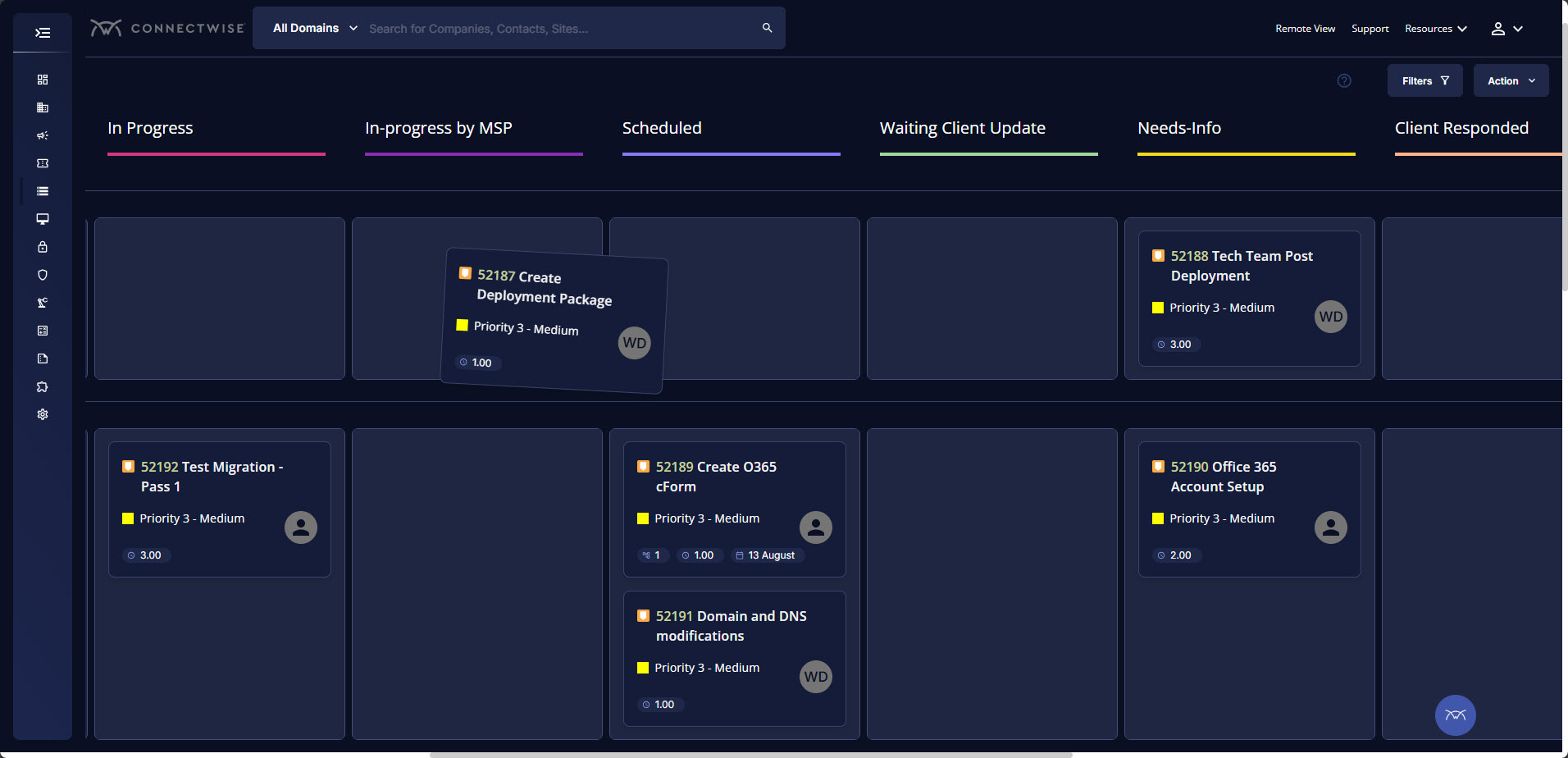
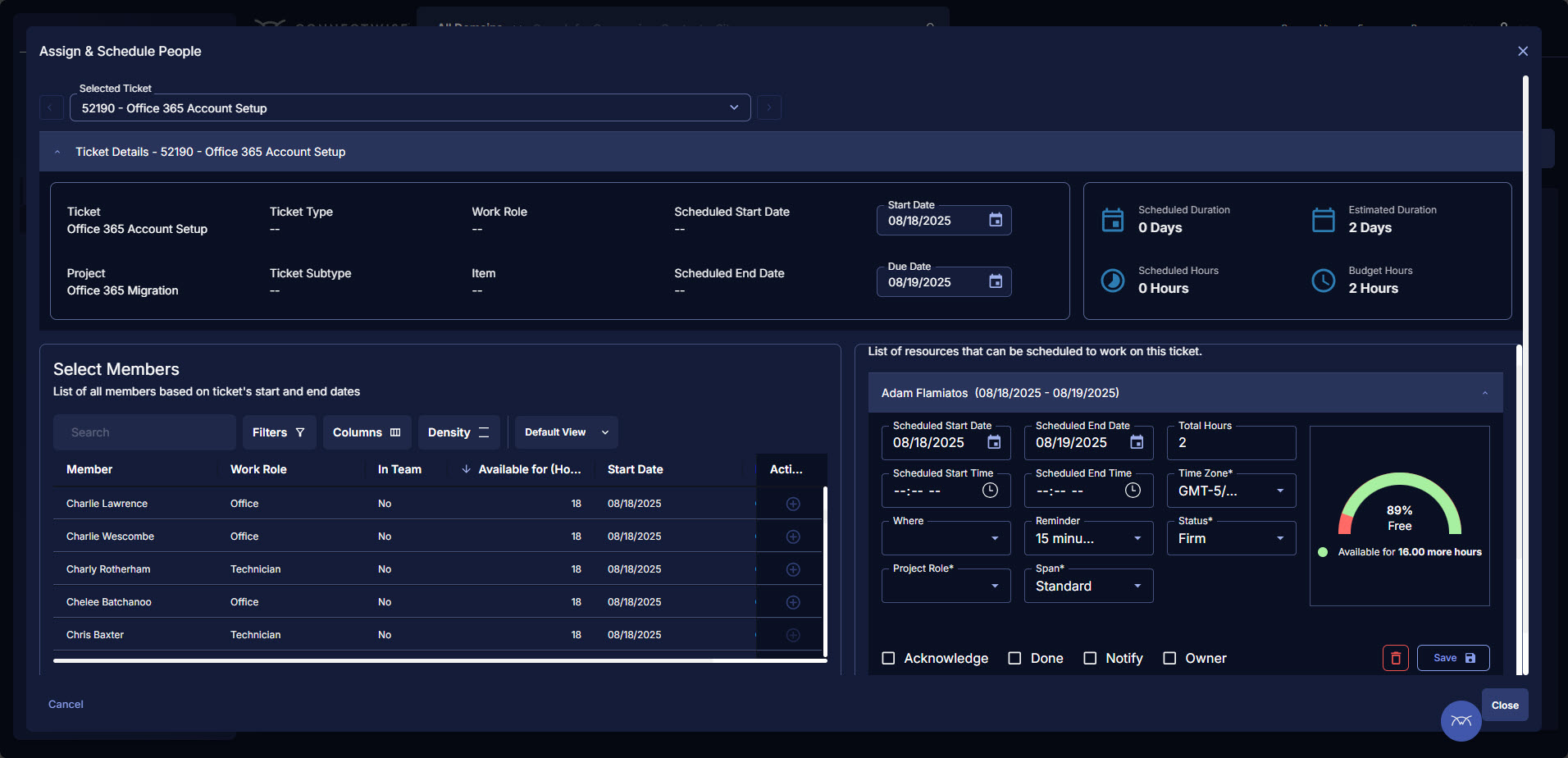
ConnectWise PSA (formerly Manage) is a business management platform for companies that sell, service, and support technology. The platform is cloud-based and integrates automation, help desk and customer service, sales, marketing, project management, and business analytics. It is the hub of the ConnectWise suite.
$35
Per Tech Per Month
Zendesk Suite
Score 8.6 out of 10
N/A
Zendesk is a customer support solution with built-in ticketing, conversational messaging, and live chat, designed to help businesses of all sizes and industries deliver personalized service at scale. Zendesk's AI agents are trained in CX to help Service teams resolve customer issues faster and more accurately while still providing a human-centered experience. Zendesk ultimately aims to help businesses improve time to value, reduce effort per ticket, and keep costs low.
$69
per month per agent
Pricing
Azure DevOps
ConnectWise PSA
Zendesk Suite
Editions & Modules
Azure Artifacts
$2
per GB (first 2GB free)
Basic Plan
$6
per user per month (first 5 users free)
Azure Pipelines - Self-Hosted
$15
per extra parallel job (1 free parallel job with unlimited minutes)
Azure Pipelines - Microsoft Hosted
$40
per parallel job (1,800 minutes free with 1 free parallel job)
ConnectWise PSA compares pretty closely with autotask based on my usage as a technician. I cannot address it beyond ticketing. Zendesk was a much simpler ticketing system and did not have much of the more complicated functions. Zendesk did at the time integrate very well with …
ConnectWise Manage is heads and shoulders above these other options. There's no contest in regards to customization, user management, time tracking, and overall business improvement.
Zendesk is used in conjunction with ConnectWise Manage to communicate to us in our ticketing system. Zendesk has more features than Spiceworks, and I believe the increased cost justifies itself. The ability for our users to text in to the ticketing system makes it easy to …
Azure DevOps works well when you’ve got larger delivery efforts with multiple teams and a lot of moving parts, and you need one place to plan work, track it properly, and see how everything links together. It’s especially useful when delivery and development are closely tied and you want backlog items, code and releases connected rather than spread across tools. Where it’s less of a fit is for small teams or simple pieces of work, as it can feel like more setup and process than you really need, and non-technical users often struggle with the interface. It also isn’t great if you want instant, easy programme-level views or a very visual planning experience without putting time into configuration.
BrightGauge lets us know when we have critical issues that need solving. A massive influx of tickets all at the same time triggers an investigation. Usually, it is tied to a server going down, which we can address. It would not be helpful for a small MSP or IT department with just a few daily tickets. The stats are better used to track a large amount of clients.
Being a customer support agent, I found it very good when it comes to send an email or call or chat- with the user. I can do all that from the one single platform which is so easy and time saving for you. It does not take much time to use this, We can chat- with the user and at the same time we can send an email to them as well.
Tickets- Customers can email and a ticket is generated and falls under their profile for historical records. You can save documents and select if they are customer facing or only internal facing. The option as well to have communication in tickets whether its internal facing or customer facing is nice to have when you're trying to keep a record or important details for just internal means and the customer doesn't have to see all the jargon.
Procurement - It's great to have this integrate with Quosal Sell. Quotes being processed into opportunities and then into a sales order which connects to a ticket or project is pretty easy to use. It does have a learning curve but once you get the hang of it, it's straightforward. Everything is pretty connected, whether keeping track of products customers have purchased historically through us, to knowing what ticket is associated to an RMA.
I did mention it has good visibility in terms of linking, but sometimes items do get lost, so if there was a better way to manage that, that would be great.
The wiki is not the prettiest thing to look at, so it could have refinements there.
Annual or more than annualized data is desperately needed for MSPs to show trends, current limitation is previous 240 days for ConnectWise tickets
Alerts when datasets do not sync properly, I have to rely on my team to notice vs get an automated alert from BrightGauge
Small thing, but it would be nice to have more options on the report scheduler to enable a start date. If you wish to do it quarterly, you have to start the schedule exactly 3 months from the next run.
Is there a way for AEs and CSMs to be informed in a weekly summary of all their accounts and any tickets? Example: Disney submitted a ticket on XYZ. Google has an urgent issue on X still unresolved.
Is there a way for CSMs or AEs to have a Dashboard that's specific to their accounts instead of seeing all the tickets in the queue that are not relevant to them?
I don't think our organization will stray from using VSTS/TFS as we are now looking to upgrade to the 2012 version. Since our business is software development and we want to meet the requirements of CMMI to deliver consistent and high quality software, this SDLC management tool is here to stay. In addition, our company uses a lot of Microsoft products, such as Office 365, Asp.net, etc, and since VSTS/TFS has proved itself invaluable to our own processes and is within the Microsoft family of products, we will continue to use VSTS/TFS for a long, long time.
ConnectWise has uniquely positioned themselves with the Modern Office Suite to have direct integration with a nearly full suite of tools for MSPs. Although each tool may not necessarily be the absolute best tool on the market, the efficiencies leveraged through direct integration make the entire suite an obvious choice for most companies.
Zendesk is an amazing tool for communicating with your customers easily. The communication tickets from sellers to us or from us to sellers are stored, and there are statuses used to make communication easy. We have internal conversations between departments, linked with useful software such as Zingtree, Talkdesk, and Webs.
It's a great help to get more information about new feature release and stay updated on what the dev team is working on. I like how easy it is to just login and read through the work items. Each work item has basic details: Title, Description, Assigned to, State, Area (what it belongs to), and iteration (when it’s worked on). See image above.They move through different states (New → Discovery → Ready for Prod → etc.).
I have been using ConnectWise since 2004 and I am impressed with the progress they have made. However, there are still bugs that don't work quite like they should. If I were to run reports and get consistent answers along with a couple other annoyances, then I would score CW as a 10
Pros: The agent interface is sleek, contemporary, and relatively easy to learn compared to many other enterprise tools. For common tasks, admins are given point-and-click options- adding fields, modifying workflows, constructing macros. The knowledge base (Guide) editor is easy to use for non-developers. Drawbacks: Once you move past the initial things - complex automations, reporting/analytics in Explore, and/or customizations integrating the API, it requires much more advanced training to use successfully. Navigating between the different modules (Support, Explore, Chat, Guide) can feel very disconnected; often you are reminded that it really is a "suite" of products brought together -not really one unified platform. If you're using multiple brands managing simultaneous support tickets, or heavily customizing workflows to meet your brand, you may run into a bit of struggle with usability. So: it's a lot more user friendly than the palaces (Salesforce Service Cloud, ServiceNow), but is not used as quickly or with as much streamlined flow as a product made for a small shop. So if you are looking for a great balance, this is a good option if you are a net new organization or an organization on their way to scaling from 15 - 50 employee. Expect some elbow grease from the admin team once learning, adapting, and working efficiently once you move past the basics with your support tickets and initial customizations.
We use the cloud version of ConnectWise and in the last 5 years it has never been down for us during business hours. I can only recall 1 time when it was not available during off hours when we wanted to use it.
Some tab for certain areas load speeds could be better. Dashboards can load slowly when they reference multiple reports. Some reports can load slowly based on the tables and views they are accessing. At times the SQL queries being performed in the background can actually timeout and a tab or screen will fail to load.
When we've had issues, both Microsoft support and the user community have been very responsive. DevOps has an active developer community and frankly, you can find most of your questions already asked and answered there. Microsoft also does a better job than most software vendors I've worked with creating detailed and frequently updated documentation.
The front line support techs are wildly inconsistent when it comes to the level of support. Sometimes you get someone who just wants to throw links to University documentation at you, sometimes you get someone who truly tries to understand your issue and confers with peers and managers to find an answer, and sometimes you get someone who just wants to create a ticket and escalate immediately. If you ask three different techs the same question you will probably get three different answers, one of them being, "That's not possible."
We rarely need to contact their support team, but when we do they are responsive. However there have been notable times when communication between myself and the support rep was challenging despite me providing clear explanation of the issue, screenshots, and a thorough explanation of the goal we hope to achieve. It took several back and forth attempt, on a few occasions, to get resolution on an otherwise simple request
We are a telecoms company. Whilst CW were very happy to sell us their product and tell us how good it is for telecoms. All the training material is geared towards IT MSP's. The on-line training material was virtually useless. We found the implementation a bit of a joke. They tried telling us 12 hours of implementation time would be sufficient to launch the product. We erred on the side of caution and paid for 24 hours. This was quickly eaten away and we were nowhere near ready to go-live. I find the on-line chat facility is of much more use for us.
Zendesk has tons of available material for training - videos, webinars, articles, etc. The only reason this is not a 10 is because it can be hard to figure out how to navigate to these things and find what you are looking for.
Rather than letting them sell you a block of time for implementation, create a list of things that must be completed do declare the implementation complete. The implementer will have the discretion on what they set up and in what order. They will be trying to end their services in as little time as possible and may not get things set up right. You are best advised to hire a third-party wizard that has done many of these setups. Record the audio and video of all of your implementation sessions.
I was very satisfied. They have a free trial for 30 days and I recommend you do that and use it. It is very easy to get started with the basics and the build on over time.
The only thing technically complex was single sign-on and integration to Salesforce.com required some tweaks – otherwise setting up system was very easy
Microsoft Planner is used by project managers and IT service managers across our organization for task tracking and running their team meetings. Azure DevOps works better than Planner for software development teams but might possibly be too complex for non-software teams or more business-focused projects. We also use ServiceNow for IT service management and this tool provides better analysis and tracking of IT incidents, as Azure DevOps is more suited to development and project work for dev teams.
Everyone but dynamics had holes in it. Dynamics is good, but it requires more development time. I spoke with some people that have CW and liked it. But when I inquired after our frustrations, I discovered they had a full time scheduling & logistics CW manager and the field people were using it purely like any other more simplistic ticket system. They said it would be impossible otherwise. The one big difference is the transparency of the sales effort. The other sales people were honest on the limitations or potential challenges and worked with us. They also worked with our agenda. At CW they don't have that option. The consulting time is eaten through a pre-formatted agenda which they communicate too you, not with you.
The customisable reporting every time. Our leadership reply on me to run my team and want to know what customers are telling us so they can elevate our products. We have extensive custom reports that tie up all aspects of our product and customer journeys. I've not found another product that allows me as much freedom as Zendesk Suite explore does, so far.
ConnectWise seems to have a good understanding of the IT service industry. During the required onboarding training, they even preach configuring only features that you need right now, as you can always scale up later. The feature set for the most part takes into considerations all aspects of an IT business, whether small or enterprise, or growing from one to the next.
We have saved a ton of time not calculating metrics by hand.
We no longer spend time writing out cards during planning, it goes straight to the board.
We no longer track separate documents to track overall department goals. We were able to create customized icons at the department level that lets us track each team's progress against our dept goals.
Integrating other AI solutions for an organization with high volumes can cost about USD5000 monthly. With Zendesk AI and by building onto the same with AI powered apps built for Zendesk Suite we save a projected USD4000 monthly.
Robust Zendesk APIs have enabled us to integrate our internal system with a customized app saving us hundreds of hours every quarter spent loading customer profiles that are not loaded instantly from the app.
Plug and play apps like Round robin save us weeks of sprint delay timelines as they do not require additional coding or developer support to install and start using.