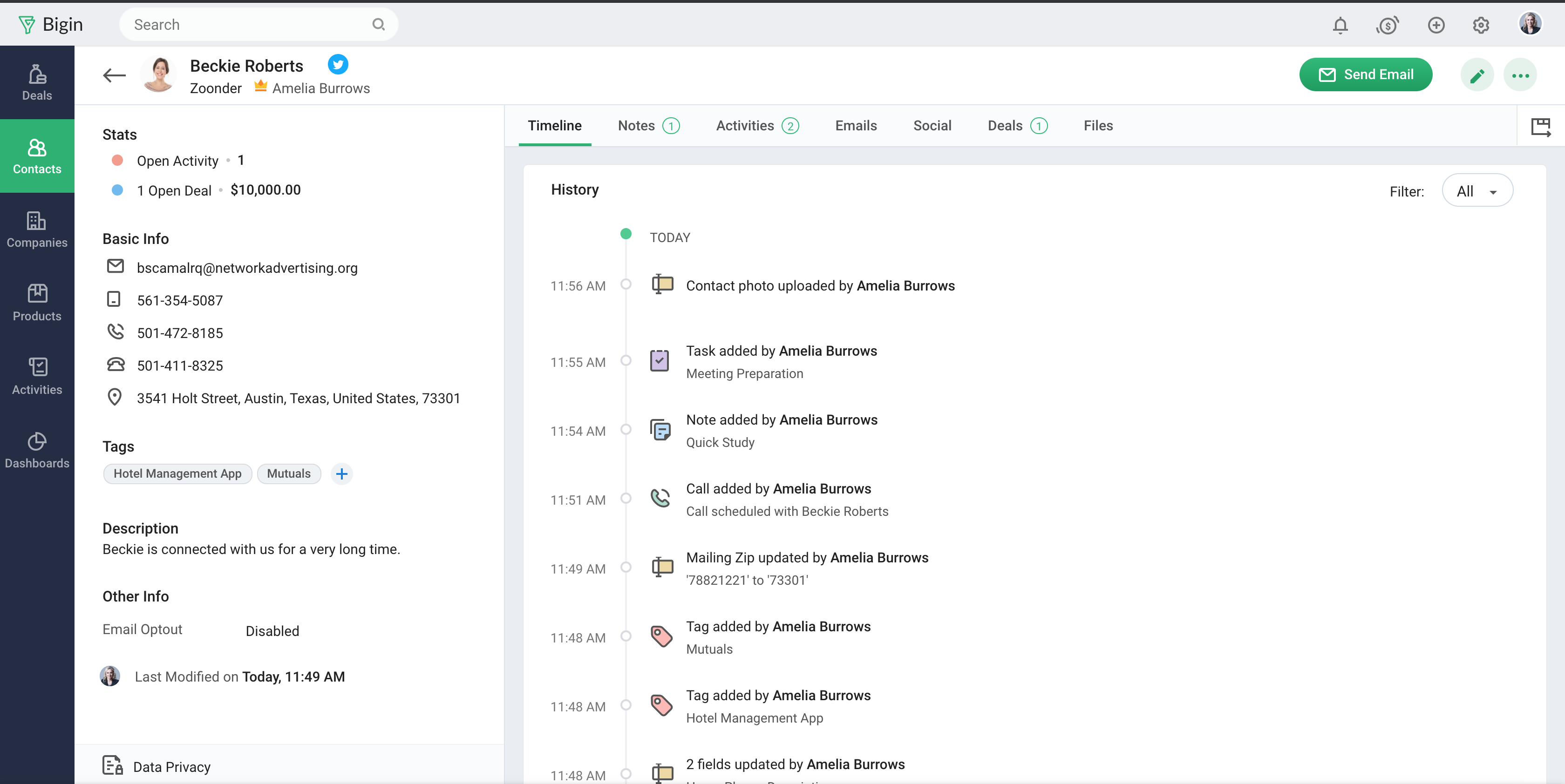
Bigin by Zoho CRM is a simplified customer relationship management (CRM) software designed specifically for small businesses, startups and teams. Bigin helps small businesses unify customer-facing operations— marketing, sales, onboarding, delivery, and support, and it offers features that help to manage these customer relationships effectively.
$9
per month per user
Zendesk Suite
Score 8.6 out of 10
N/A
Zendesk is a customer support solution with built-in ticketing, conversational messaging, and live chat, designed to help businesses of all sizes and industries deliver personalized service at scale. Zendesk's AI agents are trained in CX to help Service teams resolve customer issues faster and more accurately while still providing a human-centered experience. Zendesk ultimately aims to help businesses improve time to value, reduce effort per ticket, and keep costs low.
We Initially started working the Zendesk Suite and it is more easier to understand all the functionalities and workflows. It is more secured and well managed platform
- Multiple pipelines let me organize processes like sales, marketing, customer support, and assets clearly. - The forms builder allows me to gather leads, sign-ups, and customer requests from my website directly into the Bigin by Zoho CRM. - Integrations with Zapier and Make connect website orders and data from other sources smoothly. - Email templates make it easy to send professional, branded communications. - Automations handle repetitive tasks like managing customers, orders, and team tasks, saving me time.
Being a customer support agent, I found it very good when it comes to send an email or call or chat- with the user. I can do all that from the one single platform which is so easy and time saving for you. It does not take much time to use this, We can chat- with the user and at the same time we can send an email to them as well.
Manage big databases. We have a large database of contacts and partners (more than 5,000 contacts), which are updated day by day, as a result of our participation in conferences, webinars, etc. For this reason, we needed a platform that would allow us to always have our database up to date, and accessible and editable by any member of the company.
Pipelines. Pipelines are very necessary in our daily lives, since we present many service proposals to different clients, and until now we control the status very manually. With Bigin by Zoho CRM, we can have all this information centralized in a single place, and know at all times the status of the service proposals we present (sent, pending decision, lost, won...).
Product definition. The product definition block has allowed us to further structure our typologies of products and services. At least, it has allowed us to reflect on them and what is the best way to package the service offered.
Control panel. The control panel has been very useful for us to be able to quickly see the main indicators (offers presented, next actions to be taken, etc.).
The interface is clean, but I can see how, as we get into more complex workflows, it may be limited, whereas a heavier CRM may be necessary at that point.
Mobile app works pretty well, it isn't quite as smooth as the web app.
Reporting could be a little more robust, but it does what we need.
Is there a way for AEs and CSMs to be informed in a weekly summary of all their accounts and any tickets? Example: Disney submitted a ticket on XYZ. Google has an urgent issue on X still unresolved.
Is there a way for CSMs or AEs to have a Dashboard that's specific to their accounts instead of seeing all the tickets in the queue that are not relevant to them?
Sales Development Representative Account Executivessss sssssssssssssssss ss ssss s ss s ssssss ss s s ss sss sssssss sssss s ssssssss sssss sss sssssssssssssss ss ss sss sssss s ssss sssssss s s s s ssss sss s s ss ss ssss s s sssssss s ssssssssss sssss sss ss eads sd
Zendesk is an amazing tool for communicating with your customers easily. The communication tickets from sellers to us or from us to sellers are stored, and there are statuses used to make communication easy. We have internal conversations between departments, linked with useful software such as Zingtree, Talkdesk, and Webs.
The overall usability has been great! From a team that was outright rejecting CRMs to giving Bigin a chance to adopting it - it has been amazing. It is easy to use - easy to train and the support has been great!
Pros: The agent interface is sleek, contemporary, and relatively easy to learn compared to many other enterprise tools. For common tasks, admins are given point-and-click options- adding fields, modifying workflows, constructing macros. The knowledge base (Guide) editor is easy to use for non-developers. Drawbacks: Once you move past the initial things - complex automations, reporting/analytics in Explore, and/or customizations integrating the API, it requires much more advanced training to use successfully. Navigating between the different modules (Support, Explore, Chat, Guide) can feel very disconnected; often you are reminded that it really is a "suite" of products brought together -not really one unified platform. If you're using multiple brands managing simultaneous support tickets, or heavily customizing workflows to meet your brand, you may run into a bit of struggle with usability. So: it's a lot more user friendly than the palaces (Salesforce Service Cloud, ServiceNow), but is not used as quickly or with as much streamlined flow as a product made for a small shop. So if you are looking for a great balance, this is a good option if you are a net new organization or an organization on their way to scaling from 15 - 50 employee. Expect some elbow grease from the admin team once learning, adapting, and working efficiently once you move past the basics with your support tickets and initial customizations.
The support is all international and it takes a while to get support as you have to go through chats and set up times, not as easy to just call and get the support you need. They are very nice when you do finally connect with someone and they are knowledgeable, just challenging being international sometimes.
We rarely need to contact their support team, but when we do they are responsive. However there have been notable times when communication between myself and the support rep was challenging despite me providing clear explanation of the issue, screenshots, and a thorough explanation of the goal we hope to achieve. It took several back and forth attempt, on a few occasions, to get resolution on an otherwise simple request
Zendesk has tons of available material for training - videos, webinars, articles, etc. The only reason this is not a 10 is because it can be hard to figure out how to navigate to these things and find what you are looking for.
I was very satisfied. They have a free trial for 30 days and I recommend you do that and use it. It is very easy to get started with the basics and the build on over time.
The only thing technically complex was single sign-on and integration to Salesforce.com required some tweaks – otherwise setting up system was very easy
Simplicity Without Sacrificing Core Features Unlike full-scale CRMs that often feel overwhelming, Bigin by Zoho CRM provides a focused set of features that are perfect for managing deals, contacts, and activities. It’s not bloated, and that was exactly what we needed for a lean, fast-moving team.
The customisable reporting every time. Our leadership reply on me to run my team and want to know what customers are telling us so they can elevate our products. We have extensive custom reports that tie up all aspects of our product and customer journeys. I've not found another product that allows me as much freedom as Zendesk Suite explore does, so far.
Integrating other AI solutions for an organization with high volumes can cost about USD5000 monthly. With Zendesk AI and by building onto the same with AI powered apps built for Zendesk Suite we save a projected USD4000 monthly.
Robust Zendesk APIs have enabled us to integrate our internal system with a customized app saving us hundreds of hours every quarter spent loading customer profiles that are not loaded instantly from the app.
Plug and play apps like Round robin save us weeks of sprint delay timelines as they do not require additional coding or developer support to install and start using.