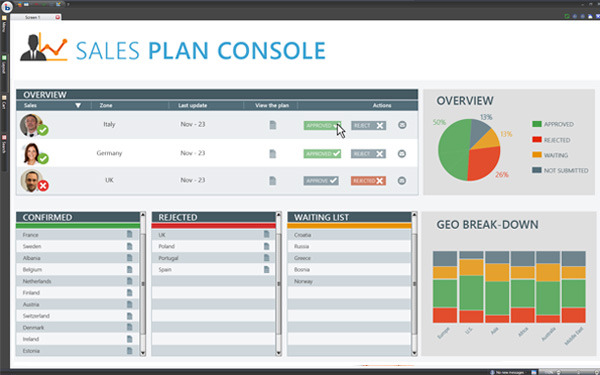
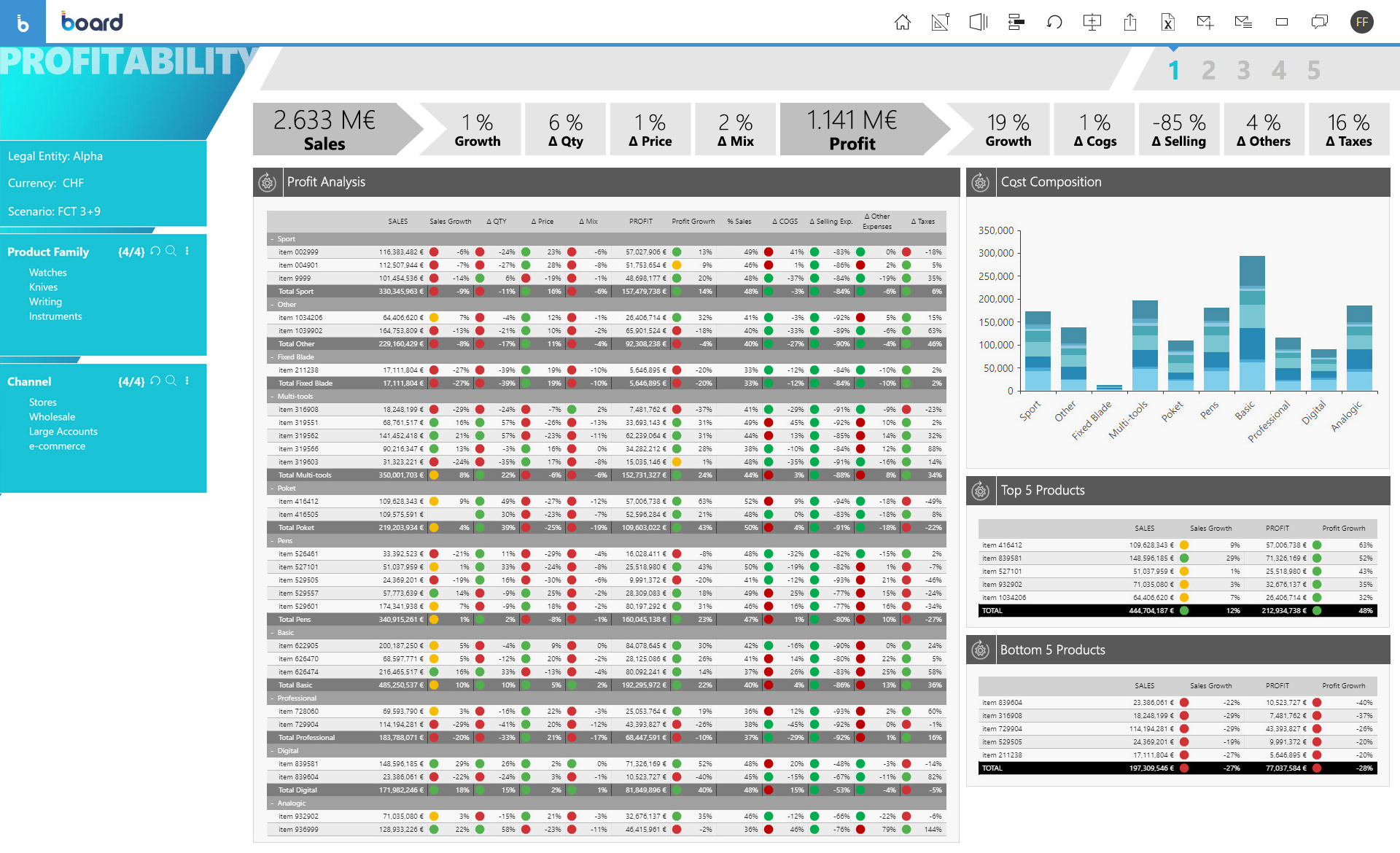
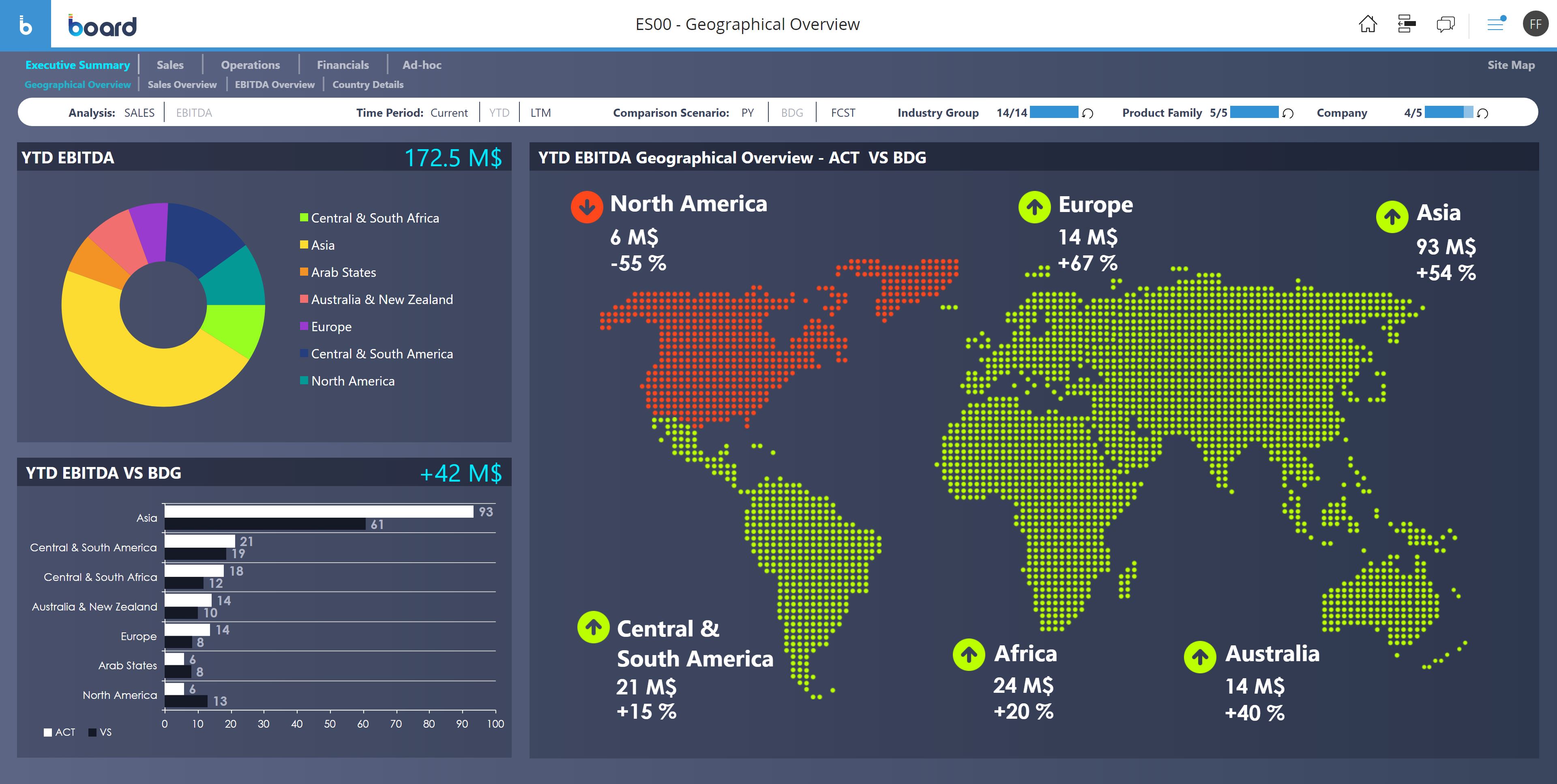
Board is presented as an enterprise planning platform, offered as a solution to accelerate business performance and enable continuous planning with greater forecast accuracy to drive confident, aligned decisions.
N/A
Microsoft Project
Score 7.9 out of 10
N/A
Microsoft Project is a project management software. It provides core PM functionality, including agile workflow support and resource management. Project can be deployed in the cloud or on-premise.
$120
per year per user
Pricing
Board
Microsoft Project
Editions & Modules
No answers on this topic
Project Server
$0
Planner Plan 1
$10
per month per user
Planner and Project Plan 3
$30
per month per user
Planner and Project Plan 5
$55
per month per user
Project Standard 2024
$679.99
one-time fee per installation
Project Professional 2024
$1,129.99
one-time fee per installation
Offerings
Pricing Offerings
Board
Microsoft Project
Free Trial
No
Yes
Free/Freemium Version
No
No
Premium Consulting/Integration Services
Yes
No
Entry-level Setup Fee
No setup fee
No setup fee
Additional Details
—
Plans are billed annually.
More Pricing Information
Community Pulse
Board
Microsoft Project
Features
Board
Microsoft Project
BI Standard Reporting
Comparison of BI Standard Reporting features of Product A and Product B
Board
6.8
91 Ratings
11% below category average
Microsoft Project
-
Ratings
Pixel Perfect reports
6.778 Ratings
00 Ratings
Customizable dashboards
6.991 Ratings
00 Ratings
Report Formatting Templates
6.984 Ratings
00 Ratings
Ad-hoc Reporting
Comparison of Ad-hoc Reporting features of Product A and Product B
Board
6.9
96 Ratings
16% below category average
Microsoft Project
-
Ratings
Drill-down analysis
6.994 Ratings
00 Ratings
Formatting capabilities
6.292 Ratings
00 Ratings
Integration with R or other statistical packages
6.964 Ratings
00 Ratings
Report sharing and collaboration
7.687 Ratings
00 Ratings
Report Output and Scheduling
Comparison of Report Output and Scheduling features of Product A and Product B
Board
7.1
88 Ratings
15% below category average
Microsoft Project
-
Ratings
Publish to Web
6.977 Ratings
00 Ratings
Publish to PDF
7.285 Ratings
00 Ratings
Report Versioning
6.978 Ratings
00 Ratings
Report Delivery Scheduling
7.676 Ratings
00 Ratings
Data Discovery and Visualization
Comparison of Data Discovery and Visualization features of Product A and Product B
Board is a useful tool with a great set of features. We migrated from human apps to board and we find it relatively fast in search results and better-managed threads and forums. There are some areas, such as UI and interactions which could be improved but overall a great product. The learning section is also pretty good.
Microsoft Project Online is suited to Turnkey Projects where more Collaboration is required in Project Progress monitoring, risk assessment and conveying, issue recording and tracking. It is less appropriate when ERP Suites other than MS Dynamics are used, i.e when Enterprises need to integrate Finance / Accounting with It and having straight project management workflow
I love the Gantt Chart that Microsoft Project offers me, because it provides me with a view from various aspects, it provides me with exact details about the fulfillment of tasks over a period of time, it also allows me to make comparisons with the necessary data and the fulfilled data. by the employees, in order to know exactly if the project's expectations have been met.
I love the Gantt Chart that Microsoft Project offers me, because it provides me with a view from various aspects, it provides me with exact details about the fulfillment of tasks over a period of time, it also allows me to make comparisons with the necessary data and the fulfilled data by the employees, in order to know exactly if the project's expectations have been met.
The alert system for the fulfillment and delay of assignments is perfect. Microsoft Project allows me to configure the task system, I can assign the necessary tasks to fulfill the project, and the software alerts me immediately if the managers are fulfilling the assignments.
Board is a fantastic product for swift BI solution delivery when compared with its peers. Ease of use, support and integration with Microsoft Office Addin open a wide horizon of opportunities for further enhancements to solutions. Easy bespoke app development capabilities make it a winner for us. BOARD is just like a white canvas, it lets you explore your creative side while designing and delivering a solution
From a user perspective, Board is quite simple to use. You can evaluate the presentation of the data, the navigation, the configuration of the users, the selection of the data etc ... It would have a better rating if it were even more intuitive as regards the construction of a project, starting from the database, to the info-cubes, to entities, to data acquisition procedures from other servers.
Microsoft Project is easy to operate because data could be inserted, changed and deleted like you are in an Excel timesheet. Besides, it provides a great level of automation beween his fields allowing few data changes. Also, its funcionalities are well defined and grouped in upper menus, so you can find a funcionality quickly
The only time I needed assistance was due to a problem in the prints: the colors of the brochures as they were on the screen were not reproduced in the print, but a series of standard colors were reproduced. This fact made colored numbers on a colored background illegible. From the assistance they confirmed that it was a problem of version 10.2 that occurred when leaving the brochures with the default colors proposed by Board. To obtain the desired colors, they had to be personalized ... I didn't like the solution very much and the technician who recommended it didn't like me either, but they would have solved the problem with the following versions. In any case, the assistance was quick and effective even if not exactly efficient.
Microsoft in recent years has transformed itself and gives a positive feeling when one interacts with the company. The company is focusing on its customers and willing to go extra mile to make customers happy.The company continues to invest in its products and bringing new features from time to time. Overall it is a positive feeling to be associated with such an iconic company.
Board is fairly simple and straight forward. Advance training on workflows and procedures is a good one but the training content only touches through the interesting areas. training content needs to cover a few areas more in-depth
The problem of user profiling in our context is certainly quite complex. The complexity is given by the fact that the company is divided territorially into logistic points of sale, but at the same time they are virtually divided into divisions (or specific implementation areas) and points of sale of competence. The same operator can have access to data at different logistic sales points, sales points of competence and divisions.
Board has been more complete when compared to Anaplan. Although I didn't participate in the buying decision of any of those products I have used both and by far Board just has more features. It's more than a CPM, it's BI and CPM put together. If I had to make a choice now it would be Board.
While many of the above tools are extremely well-versed, Microsoft Project's largest advantage comes from it being related to the largest business productivity company in the world. Project does have its sharing limitations - but regardless, offers one of the most robust tools in the market today. Microsoft Project is built with large-scale projects in mind but is more than up to the task for smaller projects as well. However, there are options available (especially cloud-based options) that may be more fitting for higher-level projects that do not require going into the weeds.
Board facilitates proactive decision making - it gives all the insights of the company's needs, which includes predictive analytics and manipulation of data to make different types of reports.
Easy to use for non-programmer and integration with other software is seamless. It has [the] ability to handle large amounts of data.
Project saved me, as the project manager, countless hours of digging through tickets and schedules to plan everything out. It also saved me time in adjusting the project triangle as needed, since it does so much automatically.
It is costly, and since it requires extensive training to master, it's not just the high licensing cost that you need to take into account.
The reporting features - even just printing out Gantt charts - makes it far easier to communicate with stakeholders. That means less time for PMs doing all of this manually, and it means less follow-up questions and delays moving forward.