
Tony Fleming
Director of Communications and Operations
Chose Bonterra EveryAction
We went with EveryAction as they offered a more user-friendly interface and assured us they could meet the unique needs our business model requires.

| Product | Rating | Most Used By | Product Summary | Starting Price |
|---|---|---|---|---|
 Bonterra EveryAction | N/A | Bonterra EveryAction enables nonprofits to increase efficiency, optimize supporter and prospect interactions, and raise more money by providing expansive fundraising, digital, and organizing tools on a unified CRM. | N/A | |
 Bonterra Salsa Engage | Mid-Size Companies (51-1,000 employees) | Online fundraising platform | N/A |
| Bonterra EveryAction | Bonterra Salsa Engage | |||||||||||||||
|---|---|---|---|---|---|---|---|---|---|---|---|---|---|---|---|---|
| Editions & Modules | No answers on this topic | No answers on this topic | ||||||||||||||
| Offerings |
| |||||||||||||||
| Entry-level Setup Fee | Optional | Optional | ||||||||||||||
| Additional Details | — | — | ||||||||||||||
| More Pricing Information | ||||||||||||||||
| Bonterra EveryAction | Bonterra Salsa Engage | |
|---|---|---|
| Considered Both Products | Bonterra EveryAction Tony Fleming Director of Communications and Operations Chose Bonterra EveryAction We went with EveryAction as they offered a more user-friendly interface and assured us they could meet the unique needs our business model requires.  Jennifer Rennicks Senior Director of Policy & Communications Chose Bonterra EveryAction EveryAction is a much more powerful CRM that creates better looking products (emails, newsletters, etc.) but also requires more time to set up (create the templates) and to plug in each time (the coding is more complicated)  Joe Calabrese Director of Communications & Development Chose Bonterra EveryAction EveryAction is the best of those I've worked with in terms of integration. It just works. It takes a little configuration to convert your files, but in the end, it is worth it. Nonprofits can go with cheaper solutions, like Salesforce, but unless you have coding knowledge, … | Bonterra Salsa Engage  Annie Regan Senior Campaign Manager Chose Bonterra Salsa Engage EveryAction is a lot cheaper, but Salsa has more featured with targeting certain elected officials/better text messaging strategies. |
| Bonterra EveryAction | Bonterra Salsa Engage | |
|---|---|---|
| Small Businesses |  Bonterra Network for Good Score 9.5 out of 10 | Bonterra Network for Good Score 9.5 out of 10 |
| Medium-sized Companies |  Bloomerang CRM Score 9.0 out of 10 |  OneCause Score 8.8 out of 10 |
| Enterprises |  Blackbaud Enterprise Fundraising CRM Score 7.6 out of 10 | Blackbaud Enterprise Fundraising CRM Score 7.6 out of 10 |
| All Alternatives | View all alternatives | View all alternatives |
| Bonterra EveryAction | Bonterra Salsa Engage | |
|---|---|---|
| Likelihood to Recommend | 8.2 (161 ratings) | 7.0 (5 ratings) |
| Likelihood to Renew | 1.1 (5 ratings) | - (0 ratings) |
| Usability | 3.5 (6 ratings) | 9.0 (1 ratings) |
| Availability | 8.3 (154 ratings) | - (0 ratings) |
| Performance | 8.5 (2 ratings) | - (0 ratings) |
| Support Rating | 1.9 (8 ratings) | 9.0 (1 ratings) |
| Online Training | 10.0 (1 ratings) | - (0 ratings) |
| Implementation Rating | 7.0 (151 ratings) | - (0 ratings) |
| Configurability | 5.7 (2 ratings) | - (0 ratings) |
| Ease of integration | 8.9 (2 ratings) | - (0 ratings) |
| Product Scalability | 10.0 (2 ratings) | - (0 ratings) |
| Vendor post-sale | 10.0 (1 ratings) | - (0 ratings) |
| Vendor pre-sale | 10.0 (1 ratings) | - (0 ratings) |
| Bonterra EveryAction | Bonterra Salsa Engage | |
|---|---|---|
| Likelihood to Recommend | Bonterra
| Bonterra
|
| Pros | Bonterra
| Bonterra
 Kevin Gay Data Manager |
| Cons | Bonterra
| Bonterra
 Kalyn Hoffman WMU Graduate Ambassador |
| Likelihood to Renew | Bonterra
| Bonterra No answers on this topic |
| Usability | Bonterra
| Bonterra
Kevin Gay Data Manager |
| Reliability and Availability | Bonterra
 Julia Bianco Community Organizer | Bonterra No answers on this topic |
| Performance | Bonterra
| Bonterra No answers on this topic |
| Support Rating | Bonterra
| Bonterra
Kevin Gay Data Manager |
| Online Training | Bonterra
| Bonterra No answers on this topic |
| Implementation Rating | Bonterra
| Bonterra No answers on this topic |
| Alternatives Considered | Bonterra
| Bonterra
Annie Regan Senior Campaign Manager |
| Scalability | Bonterra
| Bonterra No answers on this topic |
| Return on Investment | Bonterra
| Bonterra
|
| ScreenShots | Bonterra EveryAction Screenshots     | Bonterra Salsa Engage Screenshots  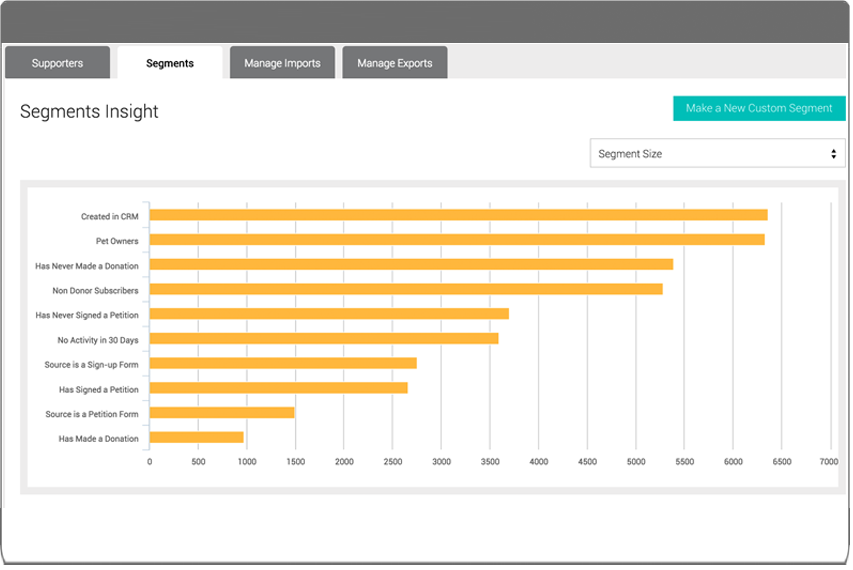 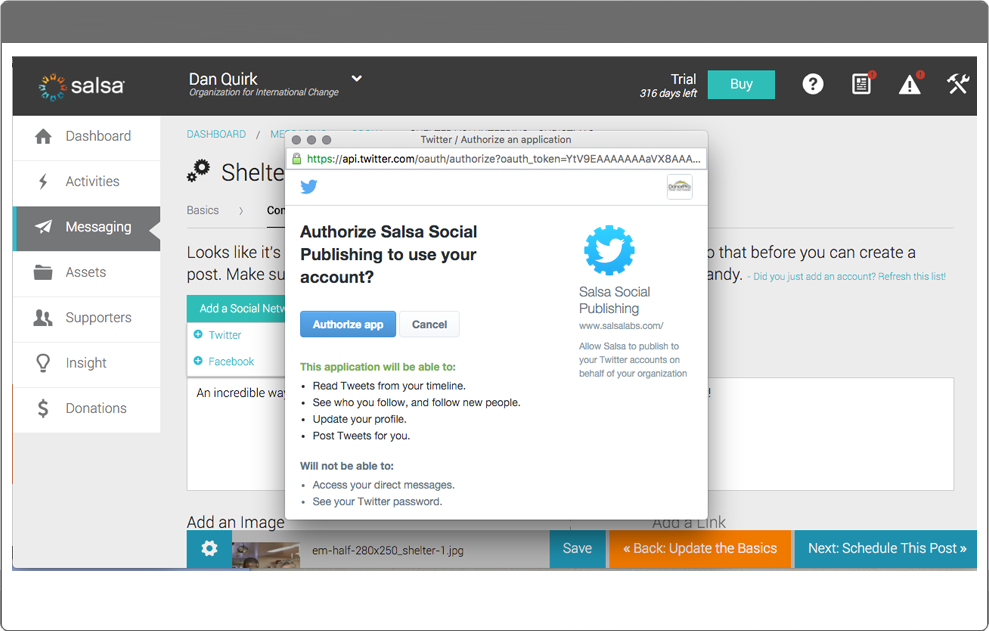  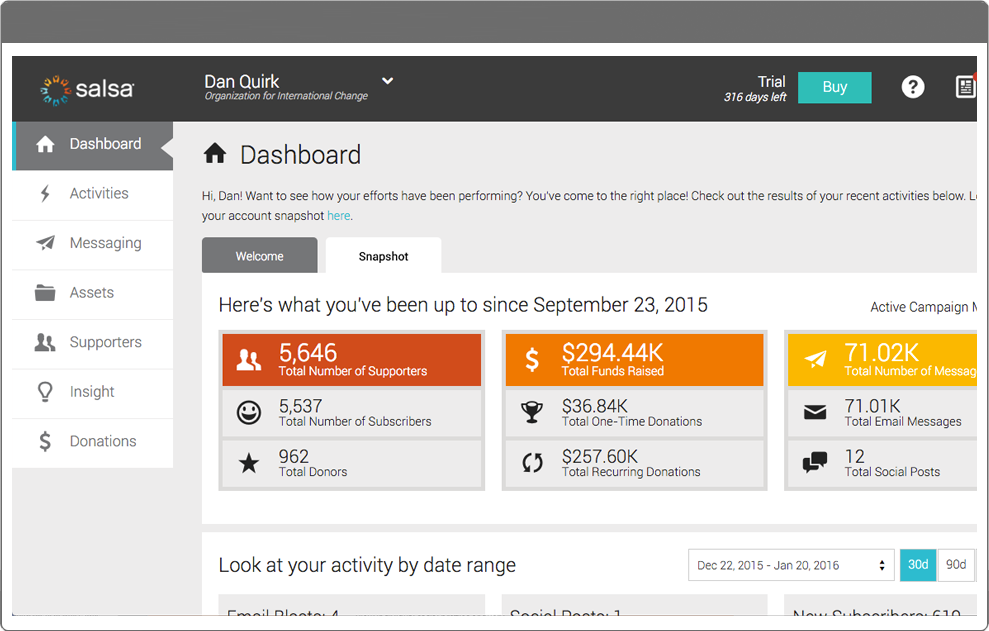 |