Box is an online Intelligent Content Management solution that caters to individual users as well as businesses.
$20
per month 3 users (minimum)
Dokmee ECM
Score 7.9 out of 10
N/A
An ECM solution for streamlining the digital transformation process in a manner that the vendor states is efficient, cost effective, and user-friendly. Dokmee is presented as a secure, easy to use enterprise content management system designed for a variety of purpose including document capture and storage, search and retrieval, and file sharing. The vendor further states Dokmee adapts to any business model by maximizing accessibility and functionality in…
N/A
IT Glue
Score 8.9 out of 10
N/A
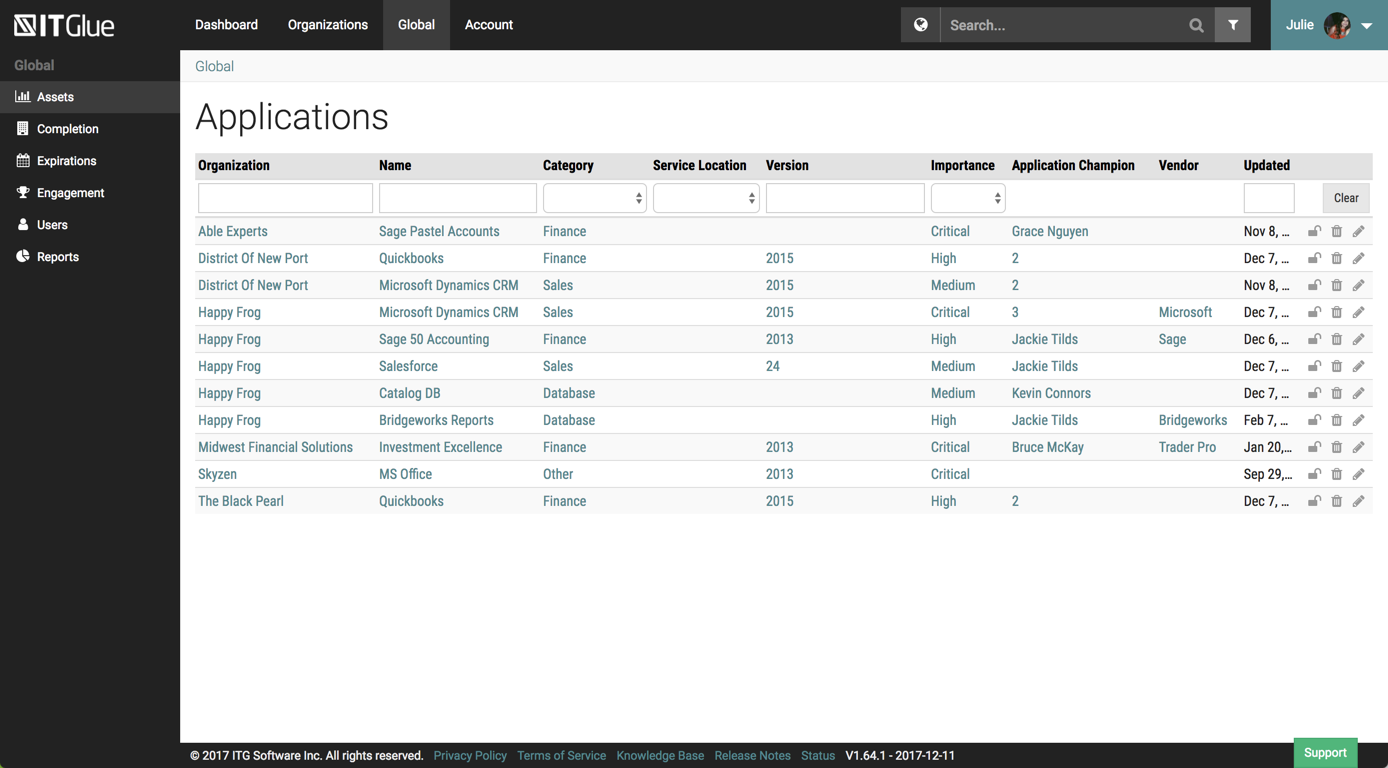
IT Glue, a Kaseya company since the December 2018 acquisition, is an information management platform that allows for efficient storage and retrieval of all the documentation an organization needs to help their MSP run better. By integrating PSA and RMM data, the vendor says they can help increase efficiency, and reduce onboarding times.
$29
per month per user (5 user minimum)
Pricing
Box
Dokmee ECM
IT Glue
Editions & Modules
Business Starter
$7
per month per user (3 minimum)
Business
$20
per month per user (3 minimum)
Business Plus
$33
per month per user (3 minimum)
Enterprise
$47
per month per user (3 minimum)
Enterprise Plus
$50
per month (billed annually) per user (3 minimum)
Enterprise Advanced
Contact us
per month per user (35 minimum)
No answers on this topic
Basic
$29.00
per month per user (5 user minimum)
Select
$34.00
per month per user (5 user minimum)
Enterprise
$39.00
per month per user
Offerings
Pricing Offerings
Box
Dokmee ECM
IT Glue
Free Trial
Yes
Yes
No
Free/Freemium Version
Yes
No
No
Premium Consulting/Integration Services
Yes
Yes
Yes
Entry-level Setup Fee
Optional
No setup fee
$545 one-time fee
Additional Details
A discount is available for annual pricing.
—
—
More Pricing Information
Community Pulse
Box
Dokmee ECM
IT Glue
Features
Box
Dokmee ECM
IT Glue
Enterprise Content Management
Comparison of Enterprise Content Management features of Product A and Product B
Box
7.7
26 Ratings
5% below category average
Dokmee ECM
9.0
2 Ratings
11% above category average
IT Glue
-
Ratings
Content capture & imaging
8.119 Ratings
9.02 Ratings
00 Ratings
File sync, storage & archiving
9.725 Ratings
9.02 Ratings
00 Ratings
Document management
8.524 Ratings
9.02 Ratings
00 Ratings
Records management
7.120 Ratings
9.02 Ratings
00 Ratings
Content search & retrieval
8.324 Ratings
9.02 Ratings
00 Ratings
Enterprise content collaboration
8.021 Ratings
9.02 Ratings
00 Ratings
Content publishing & creation
5.015 Ratings
00 Ratings
00 Ratings
Security, risk management & information governance
I think Box is great for research teams or anyone that has a large number of files that need to be securely stored. Particularly in the case of social science research, where it is important to protect identifying data, Box is a great option. In cases where teams need a more reliable means for real-time collaboration, I would probably consider a different alternative
The files are easily customized and editing of different project documents and easy handling of multiple project files easily without risking any document or any business information. Dokmee ECM allows the team to work together through various projects and easy to access drawings and many other files from remote areas and also the uploading is effective.
It is best suited for an MSP but it is also best not suited for an MSP. It is well suited for folks with a minimal knowledge of a client and are attempting to learn what they can. Perhaps just bumbling about and can find the same thing consistently. At my particular work, we pay somebody full time to manage the system. I feel this is unnecessary.
The main feature that I like the most in Box is that it makes collaboration seamless, workers can easily check the documents any time and make changes according to the needs.
Box manages and backs up all of your files on its cloud servers, and provides a very nice interface for creating, viewing, editing, and collaborating on the most commonly used file types (PDF, XLS, DOC, etc.).
Over the past few years, Box has built on top of its basic cloud storage management with a host of other tools, such as workflows, AI, monitoring, and analytics.
It is helping us to make good connections with clients and our workers themselves as to its syncing and viewing feature to all is very much helpful and easy to go.
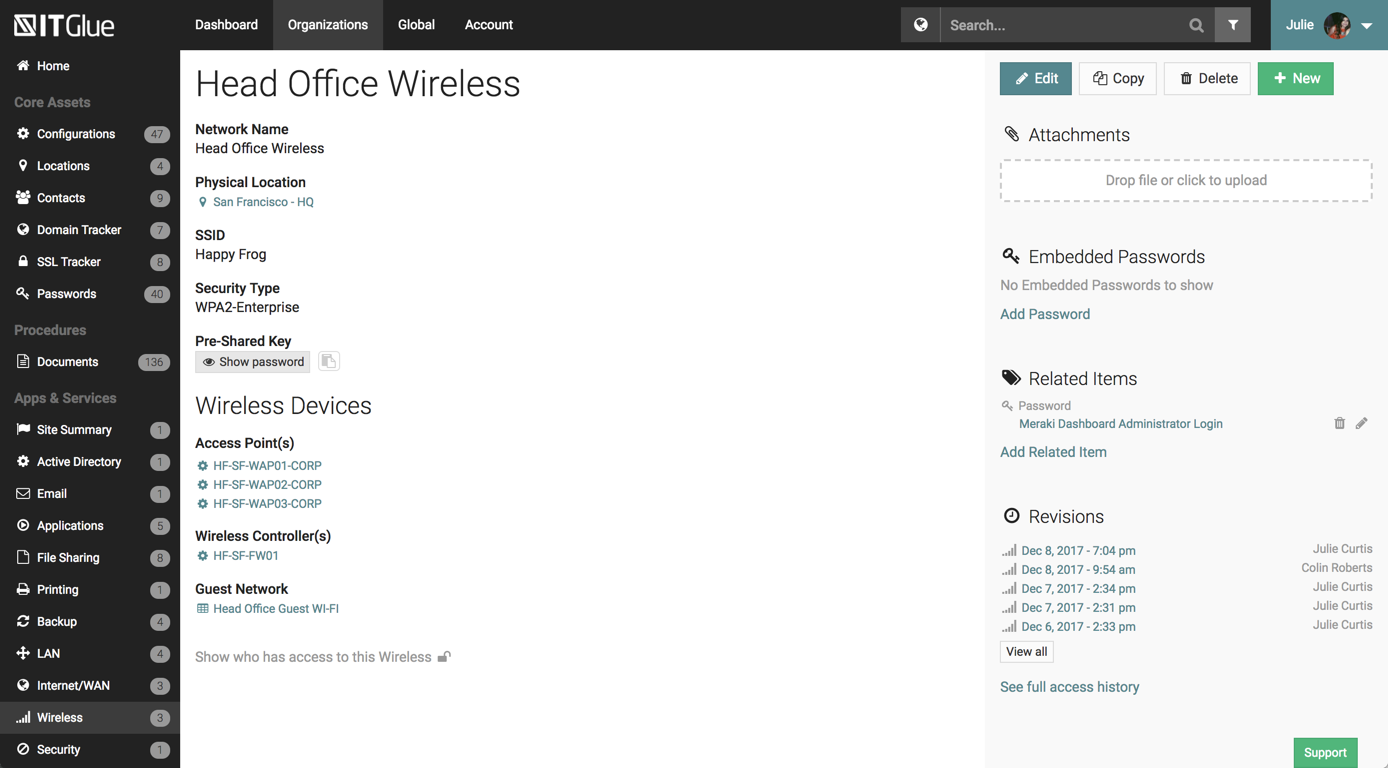
The UI has been set up perfectly, there is a sub-menu for every possible bit of information you wish to store.
There are a number of excellent features such as the autohiding passwords and quick searching from anywhere on the page.
The recent addition of the IT Glue is also an excellent feature, it features online self-guided courses to become a certified IT Glue user.
You can create and group custom documents together.
IT Glue can be integrated with a number of platforms such as Autotask.
IT Glue also integrates well with N-Central to automatically populate the configurations tab with all the relevant Workstation, Printer, and Server information making client on-boarding a breeze.
Like many other MSPs we had the majority of our SOPs and KBs in Word docs. The best case scenario would be to simply drop those files directly into ITG without having to import them into the ITG documentation format. The import function is so broken as to not be an option because it completely ruins formatting and tends to drop images. Thus we have to manually copy/paste text and individually upload each image.
They marketed the product as having true branding but that is stretching the truth. SSL is not an option so client-facing documents will give security errors in browsers. ITG does not appear to be concerned about this even though security is a major concern for all MSPs.
I like the security features and I like the website. It's easy to use and create and move things around as needed. The main reason for a lower rating is because the Box Sync app is just not a good program. It's a memory hog, it's slow, transfer speeds are slow, and it's not the most efficient route. If you have a large Box account and you need to get a computer up to speed on a large amount of data within Box, you are in for the long haul. Last time I had to do this, it took 3 days to sync all of the files and we are talking around 100 GB worth of data
Overall IT Glue meets every need that we need it to. IT is easy to use and convenient and we have not had very many issues with it since the inception. I would easily recommend it to anyone who needs this software.
Everything with Box is seamless. It can be integrated into virtually any other software or application. You can even get the app for your phone or tablet to work on the go. File syncing is so quick. The only reason I gave it a 9 is the issue I discussed earlier about the local file application rebooting and not continuing to sync files. Other than that, it's great!
The interface is excellent and very easy to use. As long as the text you input into the system can be easily read, you will have no problem finding it with all the different categories offered. Sometimes, the slider on the right can blend in with dark backgrounds, making it hard to see.
Yeah, it's always worked, I've never had any kind of connection issues, the only issues I've had it I've been on our end when the Internet hasn't worked.
The general operation and management of Box is very efficient, both when accessing the account, and when adding files, downloading or modifying any document directly. The web platform, mobile and desktop versions work really well and quickly, making all the work and process flow smoothly and without setbacks. So far I have not been able to observe any inconvenience
Other than a few access outages, ITGlue is always up and available to us. Their ability to export Playbook, that contain our customers data, and securely send those over to them is amazing and are produced pretty fast. We have IT Glue linked with several other services and software and we have not found that it slows anything down.
I found their support community lacking in clarity when I experienced a login issue. The error messaging was poor on my Box Sync application. I did not reach out to support staff for help, instead, I reasoned that I should try downloading the Box Sync application again and reinstall it. That fixed my issue, thankfully. I think a less computer-savvy user would've been much more frustrated.
No problems with support when needed it. Their answers on how to handle DR/BC situations when ITG is down are not stellar. They don't seem to get the business risks of their suggestions to just give the xls backup to engineers (aka give all passwords of ALL clients to engineers in an unencrypted flat-file where it is easy to copy, print, etc.)
The documentation is good. Since Box is a popular service, there were also a number of YouTube videos and other sources that were helpful as we were considering the product and planning for deployment. Also, the ability to try the free version helped to prepare us.
Be careful with settings. It is easy to get overwhelmed with updates. For example, you don’t want to be updated when doing historical data uploads. I recommend taking off notifications initially and then turn on post you have done your historical data upload.
They are kind of the same. And both of them do their job as promised. But for company and project wise I think that Box slightly wins for some points. Which [makes him] win over Google Drive (don't forget that Google Drive is very easy to use and has a lot [of] nice features too).
We chose IT Glue particularly because it's tailored to IT documentation. As a managed IT service provider, it's perfectly in line with what we were looking for. The flexibility and tagging in particular were the kind of features we were looking for. Confluence is very good, and can be used for a number of things, not just IT documentation, but IT Glue shines for that.
Box has been an only positive experience. It provides a seamless way for me and my team to collaborate on documents in such a way where we're not sending the document back/forth via email. It's a huge timesaver.
Box reduces the risk of sharing a sensitive document to the wrong person via email.
Box has provided a platform where my team can share notes in meetings - this has helped streamline and organize our meetings. Our meetings are more productive and actionable.