Box is an online Intelligent Content Management solution that caters to individual users as well as businesses.
$20
per month 3 users (minimum)
Microsoft Exchange
Score 8.6 out of 10
N/A
Microsoft Exchange is a secure email / messaging gateway with file archiving and encryption / data loss capability, available as a hosted service (Exchange Online) or installed (Exchange Server).
N/A
Zimbra
Score 6.7 out of 10
N/A
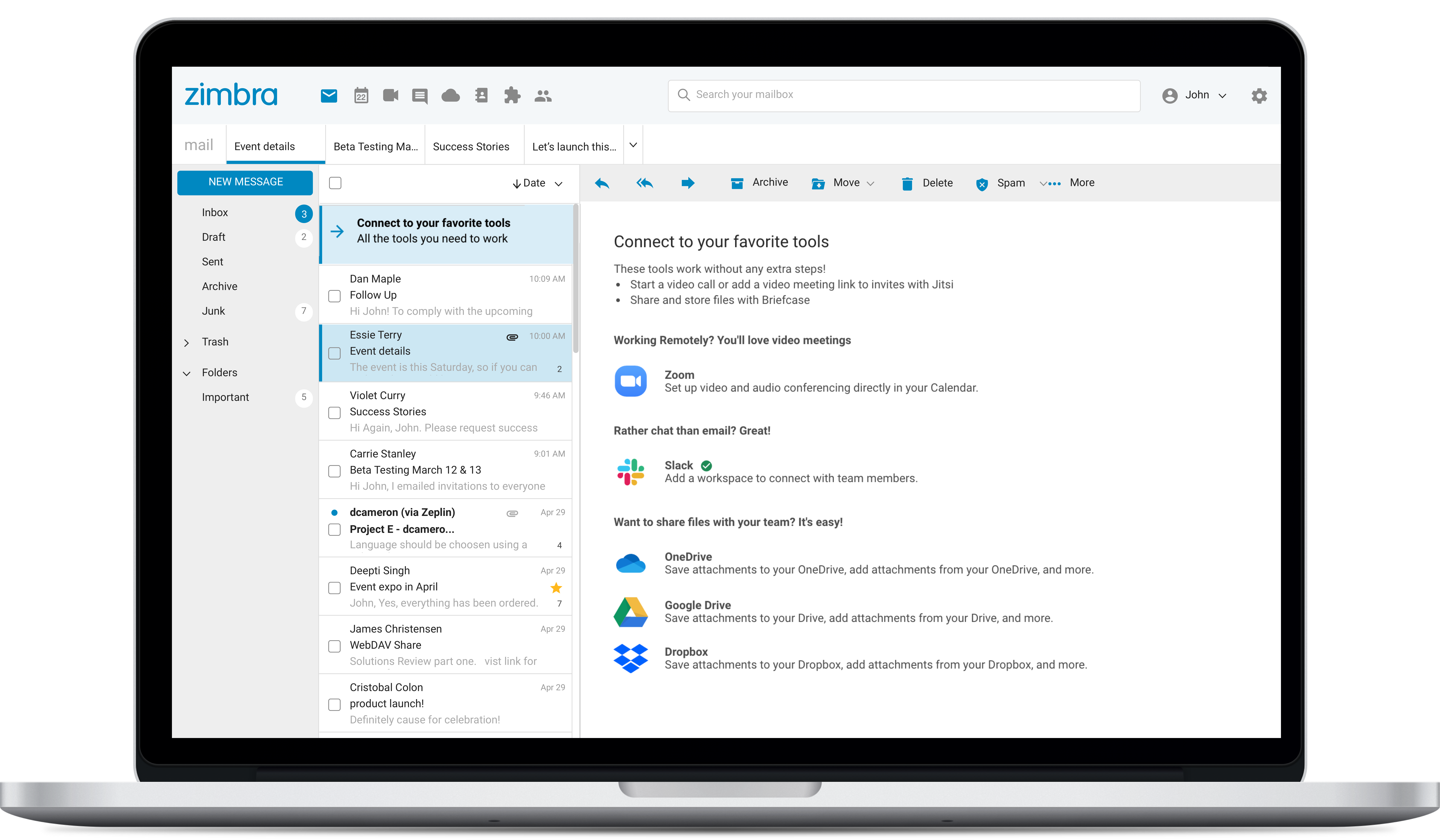
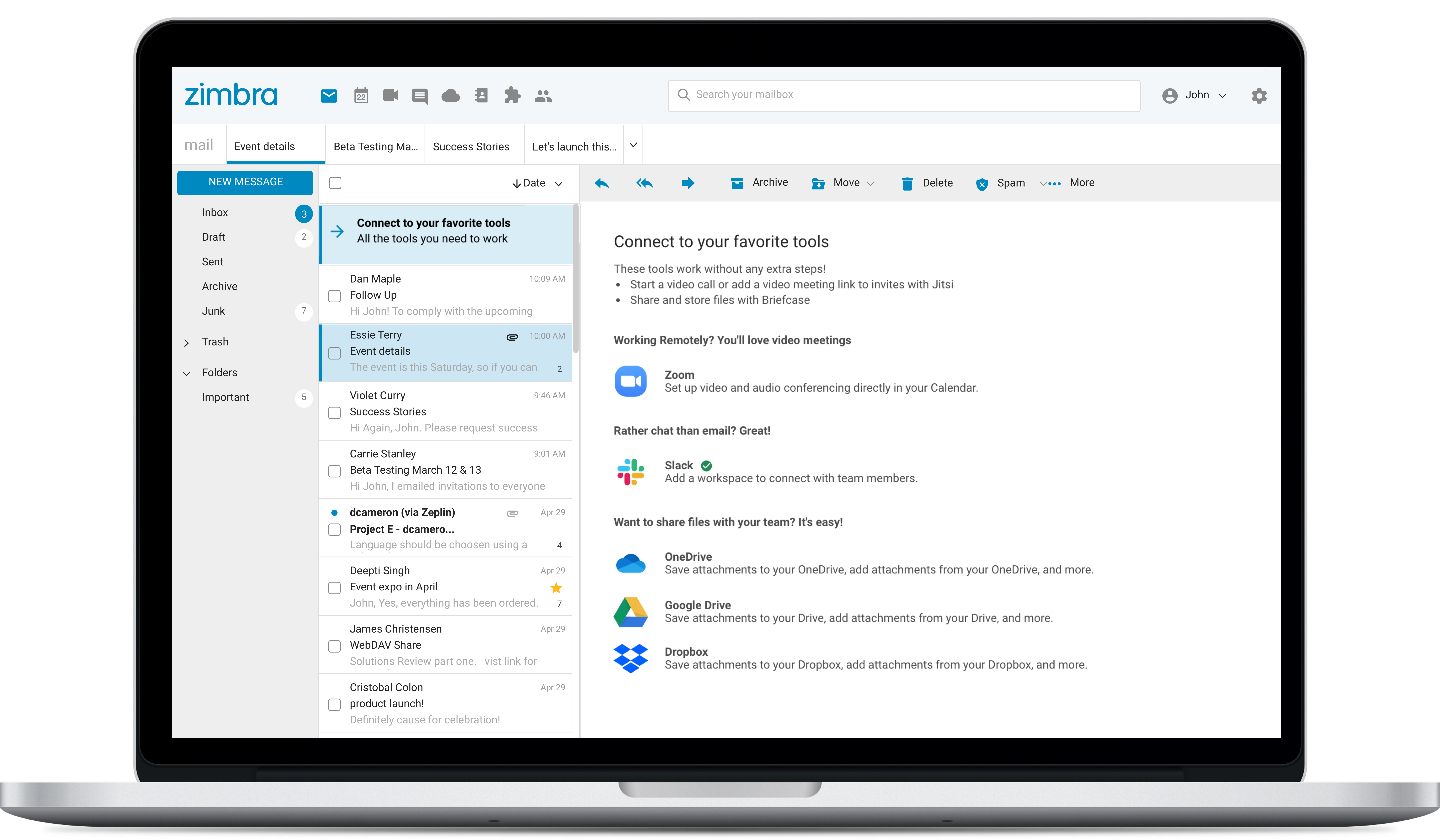
Zimbra is an email and collaboration platform and productivity suite that includes contacts, calendar, tasks, chat and file sharing, plus videoconferencing, document editing, and file storage.
N/A
Pricing
Box
Microsoft Exchange
Zimbra by Synacor
Editions & Modules
Business Starter
$7
per month per user (3 minimum)
Business
$20
per month per user (3 minimum)
Business Plus
$33
per month per user (3 minimum)
Enterprise
$47
per month per user (3 minimum)
Enterprise Plus
$50
per month (billed annually) per user (3 minimum)
Enterprise Advanced
Contact us
per month per user (35 minimum)
No answers on this topic
No answers on this topic
Offerings
Pricing Offerings
Box
Microsoft Exchange
Zimbra
Free Trial
Yes
No
Yes
Free/Freemium Version
Yes
No
No
Premium Consulting/Integration Services
Yes
No
No
Entry-level Setup Fee
Optional
No setup fee
No setup fee
Additional Details
A discount is available for annual pricing.
—
—
More Pricing Information
Community Pulse
Box
Microsoft Exchange
Zimbra by Synacor
Considered Multiple Products
Box
No answer on this topic
Microsoft Exchange
Verified User
Director
Chose Microsoft Exchange
Microsoft Exchange is the DeFacto groupware product. It handles mail and calendar so well that it is mostly unrivaled. While I used Zimbra at a previous employer, we ended up moving to Microsoft Exchange because of better Outlook use and the overall Microsoft Exchange product …
We had a Zimbra on-premise server earlier and were pretty satisfied with it. But when compared with the advanced features of the Microsoft Exchange server, we could easily justify our purchase team to go for this since we already have O365 apps.
Verified User
Engineer
Chose Microsoft Exchange
We use Zimbra for some specific tasks in our company. Microsoft has superiority over Zimbra in terms of the graphical user interface. I like the Microsoft exchange interface as it is more futuristic. Also, Microsoft exchange has a better user experience. Zimbra mail can be …
It gives the impression of being a more professional and more robust tool. Despite the large amount of data, it always manages them at its best, without performance problems.
Zimbra is a significantly cheaper option than one of the Microsoft solutions, such as Exchange. It is able to run in a free environment, as it is in the case of Linux. It offers the advantages of a powerful mail manager, such as indexed searches and the integration of contacts …
We selected Zimbra because it has a lower cost in the market, offers more development features for its open source, has a very easy to use interface and adjusts to the needs of the company.
Zimbra provides a robust and reliable software that delivers what is promised. We have tested Zimbra in a pilot project before deploying it in production. Incidents and crashes are rare and you have tools to recover it if necessary. Initially we had a contract with support to …
I think Box is great for research teams or anyone that has a large number of files that need to be securely stored. Particularly in the case of social science research, where it is important to protect identifying data, Box is a great option. In cases where teams need a more reliable means for real-time collaboration, I would probably consider a different alternative
Creating and receiving emails is simple. Managing contacts is a nice feature, especially connecting to Active Directory. Calendar management is also helpful and sharing access to others' calendars for scheduling meetings is useful. And reserving resources such as rooms or equipment is also useful. Personal and shared mailboxes are good features, as well. Tasks are a little lacking, but other than that, the features are thorough.
Zimbra is great for an email system for a medium or large organization with appropriate IT staffing. The system is easy to use for end-users, and has a fantastic web interface. Unfortunately, it is overly complex, when considering staffing requirements and price, when compared with Office 365 or Google Apps for smaller organizations. For other education customers, it is hard to compete with Microsoft and Google providing their services for "Free" now though
The main feature that I like the most in Box is that it makes collaboration seamless, workers can easily check the documents any time and make changes according to the needs.
Box manages and backs up all of your files on its cloud servers, and provides a very nice interface for creating, viewing, editing, and collaborating on the most commonly used file types (PDF, XLS, DOC, etc.).
Over the past few years, Box has built on top of its basic cloud storage management with a host of other tools, such as workflows, AI, monitoring, and analytics.
It is helping us to make good connections with clients and our workers themselves as to its syncing and viewing feature to all is very much helpful and easy to go.
As we have a large user base of 11,000 users we use MailTips to avoid people getting confused with people with similar names in the organization.
The integration between Teams Meeting and Resource booking is generally very good. The Scheduling Assistance makes it easy to scan calendars and find free periods to provisionally scheduled events.
Marking yourself as Out of the Office and busy is easy, as is sharing your calendar within the team/organization or individuals.
Voicemail integration and the ability to receive missed chats in your inbox are highly used and useful.
The two main factors for the better reliability & Uptime of internally hosted Exchange Server depends on Exchange Server configuration and the level of investment the organization is willing to provide for hosting the Exchange Server On-Premise Environment. As the data is stored in the organization’s hardware, any disaster may lead to the loss of email and servers.
Losing data might affect business continuity and rebuilding it can be costly.
Security remains a major concern.
Security of data loss is main concern. To ensure that, organization needs to configure networks, systems and Exchange platform against possible threats.
Zimbra's mobile application leaves much to be desired; it is its weakest point.
This forces the use of third-party applications on smartphones, which only offer a more or less complete integration with the ActiveSync protocol.
Zimbra allows for an on-premise scenario, which is not for everyone, especially considering that the trend nowadays is to outsource email; in any case, it also offers this alternative.
The cost of Zimbra as a SaaS solution comes too close to that of more widely adopted competing options.
Zimbra lacks a robust integrated chat system, which its competitors offer.
I like the security features and I like the website. It's easy to use and create and move things around as needed. The main reason for a lower rating is because the Box Sync app is just not a good program. It's a memory hog, it's slow, transfer speeds are slow, and it's not the most efficient route. If you have a large Box account and you need to get a computer up to speed on a large amount of data within Box, you are in for the long haul. Last time I had to do this, it took 3 days to sync all of the files and we are talking around 100 GB worth of data
Email and calendars in a business setting are requirements. And Microsoft continues to be the standard of business applications. Microsoft 365 makes Microsoft Exchange easy to use. Everything is in the cloud. Let Microsoft take care of the hardware, the software, and the security. You just enable your business users with the functionality they need.
Everything with Box is seamless. It can be integrated into virtually any other software or application. You can even get the app for your phone or tablet to work on the go. File syncing is so quick. The only reason I gave it a 9 is the issue I discussed earlier about the local file application rebooting and not continuing to sync files. Other than that, it's great!
Microsoft Exchange has come a long way over the years and has nowhere near the technical overhead required for support as it did back in 2003/2007 and prior. The integrations with Teams, Defender, Sharepoint, Copilot and many other products make it a solid and well-rounded tool used for many day-to-day tasks.
The web usability of the solution is adequate, with all functions integrated into a single interface. However, it is important to note that in the desktop environment, it lacks its own application and relies on ActiveSync synchronization with reference solutions like Outlook or Thunderbird. Some features, such as the briefcase, will be excluded. The same happens on smartphones.It is also common for competing solutions to include integrated chat or video call tools, which Zimbra lacks. These shortcomings are among the most frequently requested by users.
Yeah, it's always worked, I've never had any kind of connection issues, the only issues I've had it I've been on our end when the Internet hasn't worked.
The general operation and management of Box is very efficient, both when accessing the account, and when adding files, downloading or modifying any document directly. The web platform, mobile and desktop versions work really well and quickly, making all the work and process flow smoothly and without setbacks. So far I have not been able to observe any inconvenience
I found their support community lacking in clarity when I experienced a login issue. The error messaging was poor on my Box Sync application. I did not reach out to support staff for help, instead, I reasoned that I should try downloading the Box Sync application again and reinstall it. That fixed my issue, thankfully. I think a less computer-savvy user would've been much more frustrated.
We have a good enterprise agreement with Microsoft which affords us quick phone support. I have found the support staff knowledgeable and prompt with a solution when required. At times it may be difficult to schedule a call back, this is mainly due to our need for calls early in the morning which happens to be during a shift change at Microsoft support.
The documentation is good. Since Box is a popular service, there were also a number of YouTube videos and other sources that were helpful as we were considering the product and planning for deployment. Also, the ability to try the free version helped to prepare us.
Be careful with settings. It is easy to get overwhelmed with updates. For example, you don’t want to be updated when doing historical data uploads. I recommend taking off notifications initially and then turn on post you have done your historical data upload.
Implementation/conversion can be quite complex and, unless you have certified Exchange administrators in-house, you should strongly consider a 3rd party consultant for this implementation.
Overall, we were satisfied with the implementation. We perhaps should have spent more time consulting with Zimbra or others regarding best practices but as we got to know the system better we were able to make changes relatively easily after the fact.
They are kind of the same. And both of them do their job as promised. But for company and project wise I think that Box slightly wins for some points. Which [makes him] win over Google Drive (don't forget that Google Drive is very easy to use and has a lot [of] nice features too).
Microsoft Exchange Product The best cloud-based enterprise-grade archiving platform with a host of features that enable files to be securely archived and retrieved with advanced search options. This tool is very easy to use and has a User-friendly interface. It is a highly reliable platform that allows all employees to automatically store their data without any limitations. It offers a cost-effective solution with customized policy management. We are happy that the customer support team is always fast and concerned, and the product's uninterrupted service experience. It is very good that it stores data in real-time without losing it, even in the event of a disaster. The cost-effective solution and integration with other tools are seamless.
Zimbra is a significantly cheaper option than one of the Microsoft solutions, such as Exchange. It is able to run in a free environment, as it is in the case of Linux. It offers the advantages of a powerful mail manager, such as indexed searches and the integration of contacts and notes, all in one platform. It is constantly updated and the operation of its connection in mobile equipment is remarkable and very efficient. Additionally, it is able to easily integrate with Outlook solutions with its connector, which brings all the benefits of Zimbra to the user under the interface known as "mail manager." So far, I have been using Zimbra for several years and I have not missed my previous work platforms.
Box has been an only positive experience. It provides a seamless way for me and my team to collaborate on documents in such a way where we're not sending the document back/forth via email. It's a huge timesaver.
Box reduces the risk of sharing a sensitive document to the wrong person via email.
Box has provided a platform where my team can share notes in meetings - this has helped streamline and organize our meetings. Our meetings are more productive and actionable.
It has been an important factor in allowing seamless communication with clients and scheduling business meetings, which in turn works in the company's favor.
Haven't noticed any negative impact Exchange has had on our ROI. The support team is also responsive and helpful.
Zimbra is a cheaper email service than other similar platforms and in my point of view offers better features, that's why the company migrated services to this platform several years ago and without a doubt, it has been the best investment.
Zimbra has a more user-friendly interface for employees, this has improved response times to external customers of the company.
The implementation of Zimbra in the company motivated the IT engineering department to make improvements in open source to adapt it to the needs of the company.