BQE CORE is a business management solution built specifically for professional service firms. BQE CORE is a combination of a billing assistant, project management, and accounting solution. CORE is designed to do the hard work of delivering actionable insights directly to the user's dashboards or inbox. BQE CORE replaces the products Engineeroffice, Archioffice, and BillQuick; the functionality of these applications is now found in BQE CORE.
N/A
Buddy Punch
Score 10.0 out of 10
Small Businesses (1-50 employees)
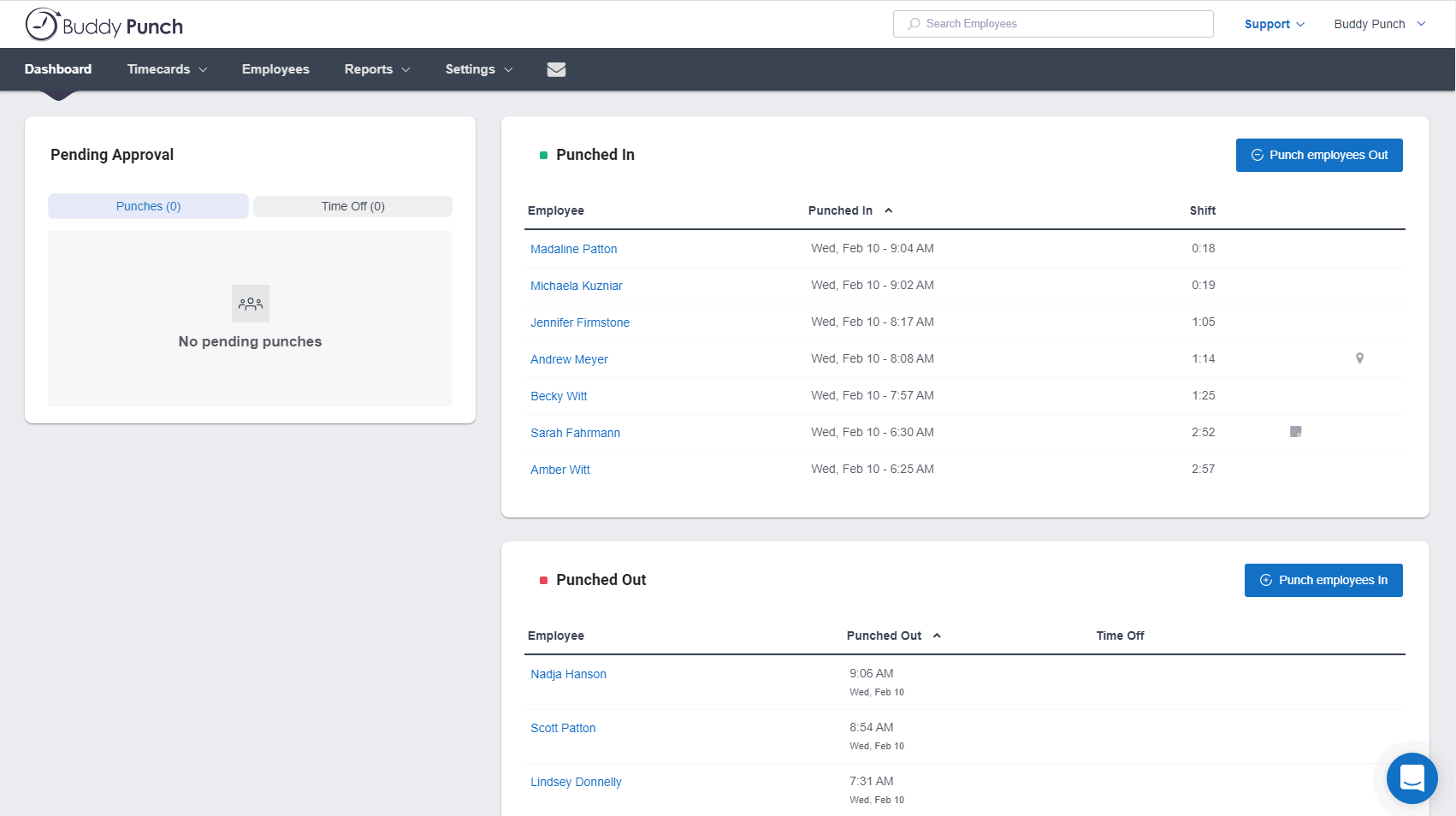
Buddy Punch is an online time tracking, scheduling, and payroll application. Track time, time off, locations, and jobs. The solution aims to help make punching in and out intuitive for employees and easy for users to view and export time. Employees can clock in using a browser or the Buddy Punch Google, iOS, and Android apps. Users can view who's working, their GPS position, or even limit where they can punch. The solution integrates with QuickBooks, ADP, Paychex, and SurePayroll, to name a…
$24.49
per month ($19 base fee + 5.49 per user)
Trello
Score 8.4 out of 10
N/A
Trello from Atlassian is a project management tool based on a Kanban framework. Trello is ideal for task-management in a to-do list format. It supports sharing boards and cards across users or teams. The product offers a free version, and paid versions add greater automation, collaboration, and administrative control.
$6
per month per user
Pricing
BQE CORE
Buddy Punch
Trello
Editions & Modules
No answers on this topic
Starter
$5.49
per month per user
Pro
$6.99
per month per user
Enterprise
$11.99
per month per user
Standard
$6
per month per user
Premium
$12.50
per month per user
Enterprise
$17.50
per month per user
Free
Forever Free
Offerings
Pricing Offerings
BQE CORE
Buddy Punch
Trello
Free Trial
Yes
Yes
No
Free/Freemium Version
No
No
Yes
Premium Consulting/Integration Services
Yes
No
No
Entry-level Setup Fee
No setup fee
No setup fee
No setup fee
Additional Details
—
Three plans are available via a monthly or annual payment option. Each plan has a per user price and a base fee of $19. There are no startup, cancellation, support, or additional fees of any kind. A discount is available for the annual payment option.
A discount is offered for annual billing and for larger numbers of users.
We previously managed projects, time and expenses, and billing/AR with Billquick (also a BQE product), BQE Core is much easier to use and has an updated feel aesthetically. The data/report output is more clear. More customizations in reports is available now as well. …
I would recommend this for our industry: architecture, engineering, or construction. I would recommend this for any larger firm with many employees or high number of projects. I would particularly recommend this for a company with projects that have budget constraints and where time tracking and expense tracking is very important. I would not recommend this complicated software for a small firm with a small amount of income or number of projects.
I think that is very convenient as far as tracking your employees when they are punching in or out to ensure they are physically at the location they are supposed to be for that shift. I also think that the option to download this app to your personal phone is amazing, it makes it more convenient to punch in or out when you aren't near a laptop or a residence to use one. The feature of being able to attach a note with your punches explaining possible late punchers or absences is very beneficial to the employee allows show proof if needed.
For teams or individuals with lots of individual tasks/details to track, Trello is perfect! It basically removes the need for a paper checklist. For those that need an overall project management tool that requires less tasks and more overarching goals, collaboration amongst various teams, and gantt charts I would suggest monday.com
Invoice Collections within Billing is a great tool because of the ability to take notes and track contact.
Invoices are professional looking and easy for our clients to understand the overall progress within each phase of their project.
Dashboards are the best tool EVER!
The Contact List feature within Clients setup is the perfect way to track multiple project managers within a large company that also has multiple contracts with us.
Their customer service is second to none. We have requested several changes over the years for the web interface and app; I think all the requests we've made were implemented by this point. I only wish this was the case with other companies we utilize.
They allow you to set different pay rates based on department which allows us to pay employees more for the skilled jobs they perform versus the more basic work they perform. This is a huge benefit to a small company as it encourages employees to strive for more skilled work and they keep moving up the ladder to become even better assets to the company.
The reports you can run are very thorough and work very well for us when it comes time to enter payroll.
Having the ability to set alerts has allowed us to cut back on unnecessary overtime as employees can get reminders prior to going over. We can also set reminders for employees to punch in/out for the ones that have a tendency to forget.
Assigning contacts to particular roles - such as Invoicing, Contracts, etc.
Accounting Functionality - they are basically a project management accounting software, so in my opinion, they could learn some things from other accounting software such as QuickBooks etc.
We have been using Core for a few years now, and honestly started to look at other software systems to see what was out there. What we chose was a nightmare for migration so we never left Core. Now we have added invoicing and payments from Core instead of double entry with QBO. Still only a few cycles in but looks like it will be up to speed soon and working smoothly.
I am very likely to renew Trello, because it doesn't cost anything to do so. I am also very likely to use Trello's upgraded features in the future because a lot of my team's data is stored on there and they have already gotten used to the platform. Trello is very easy for new team members to pick up, making the onboarding and usability very streamlined.
The foundation is awesome, like I have said before, however the house being built on it, the educational resources being provided to us (more of sales pitches that don't work), and flexible workflow opportunities, is making us look elsewhere for how much we will be spending on per user. It's crazy to think how flexible they are not when it comes to user settings. Lack of integration with other sources is awful.
Most of my employees have figured it out pretty quickly, even the ones who are a little less technically savvy. If you have a phone, then you have the ability to use this app. There are a few quirky things with notes and punches that happen, but this may just be the employees
Trello is incredibly intuitive, both on desktop and mobile right away. It is also full of helpful features that make it even easier to use, and is flexible enough to suit almost any organizational need. Onboarding for the software is thorough, but concise, and the service is frequently updated with even more QOL improvements.
This is one area that does need some improvement. It can be slow at time, so we had our IT look at it from our side and we had no issues, so it has to be some slowness on their side.
As a new employee and CORE user, I talk to support on a weekly basis. I have never had to wait for more than 3 min to get connect with a support rep, and all my questions have been answered. The support representatives are polite and eager to help no matter how simple your question is.
I haven't reached out to their support very often and their support is very limited anyway for the free users. They do have tons of great articles and videos in their Help Center and constantly send emails with updates and add-ons to the product. The fact that I've barely ever had to contact their support team means that they've developed a great product.
For our small business, getting a few of us started well on Trello was the key, I think. As long as a couple of us were really comfortable with the interface, we could lead others and help them with any questions. From now on, anyone who works with us just naturally uses Trello for information sharing - it's just part of what we do.
Deltek Vision is far more advanced, more encompassing and offers more flexibility with what you want to do. However, it's also quite difficult to use, whereas BQE CORE is intuitive and user friendly. The trade off is worth it in some arenas but overall it's not suited for a larger fast paced company. Great for smaller companies.
We originally scheduled and ran payroll through Homebase, but in the last few months the software became very buggy, customer service was slow and when they did respond, was not helpful. When we cancelled our account they didn't even try to make things right. We are so happy that Buddy Punch is like us--taking care of their clients and really invested in their success!
Trello is more simple and not as "robust" as the other tools, but it's easier to use and manage and understand and ACTUALLY get stuff done with. It's simplicity is part of the beauty of using it. You don't need a million options that nobody uses, you just need to get stuff done.
Efficiency has definitely gone up switching to Buddy Punch. Ive never quantified specific hours or time lapse it has given to my personal managerial efficiency. But it has without doubt.
I can see a better overview of the employees I need to be concerned with and not have to filter out others not concerning me.
Ease of use has decreased mental stress and angst in maneuvering employee time cards.
Trello keeps me organized, focused, and on track. I could filter the Trello board to only see my issues and understand what I needed to work on and when.
Trello helped our team implement an agile structure. It's a very simple kanban method of viewing all of your team's tasks and statuses. You can completely customize the columns to your team's specific workflow and create tags relevant to your work.
Trello helps reduce unnecessary communications between teams. When I want to request translations, I simply create a card on the localization Trello board -- no need to directly message anyone on the team, and I can watch the status of the card change from "in progress" to "in review" to "translated," all without having to directly ask for updates.