Chose BrightHR
Our previous payroll provider isn't listed, they closed down their service, forcing a move. BrightHR was recommended to us.

| Product | Rating | Most Used By | Product Summary | Starting Price |
|---|---|---|---|---|
 BrightHR | N/A | British company BrightHR offers a human resources platform which helps replace paper documents with edocuments and contains features for managing employee scheduling and ROTA, sick leave and tardiness, vacation and holiday shift planning, as well as providing employment law legal advice. | N/A | |
 invoicely | N/A | invoicely is an online invoicing system for small businesses, from Austrian company apilayer, that supports billing in any currency. It offers a free plan, and its paid plan enables users to set up recurring billing, expense billing (e.g. time, mileage, etc.), team and multiple business management, and branded invoices. | $9.99 per month | |
 Zoho Projects | N/A | Zoho Project is online project management and planning software that provides project teams with a web-based collaborative environment. Zoho Projects can also include a bug tracking module specifically design to support software development project. It is integrated with other Zoho products including Zoho CRM. | $0 |
| BrightHR | invoicely | Zoho Projects | ||||||||||||||||||||||
|---|---|---|---|---|---|---|---|---|---|---|---|---|---|---|---|---|---|---|---|---|---|---|---|---|
| Editions & Modules | No answers on this topic |
|
| |||||||||||||||||||||
| Offerings |
| |||||||||||||||||||||||
| Entry-level Setup Fee | No setup fee | No setup fee | Optional | |||||||||||||||||||||
| Additional Details | Prices start at £4.50 (per employee/per month) | Discounts available for annual pricing. | Discount offered for annual billing. | |||||||||||||||||||||
| More Pricing Information | ||||||||||||||||||||||||
| BrightHR | invoicely | Zoho Projects | |
|---|---|---|---|
| Considered Multiple Products |  BrightHR  Vicky Tudor (nee Poole) Office Manager Chose BrightHR We chose BrightHR over Breathe as it had an app, and this was essential as we have a lot of employees on the road.  Tracie Dunn CIPD Associate HR Manager Chose BrightHR It has been over 15 years since I used oracle but it was advanced even back then such as date tracking features etc...i think Bright HR is a good, solid product that will work well for lots of companies but it still has room for development. We have Bright HR as part of our …  Katy McCarthy Personnel Manager Chose BrightHR This is my first experience of such a system and one I would recommend to any employer that does not already use it  Ella Malin Business Support Manager Chose BrightHR I chose BrightHR as it offered a one-stop platform for HR management for which we have dedicated UK and ROI HR specialists who not only give HR advice but also write policies and handbooks, etc. They are a one-stop-shop, which was very important as when I signed the contract I … | invoicely  Joaquin Masimelli Database Operator Chose invoicely Invoicely was the first choice I used as a freelancer to make my receipts, and since then I have not tried any other options. |  Zoho Projects  María Fernanda Cruz Coordinator Chose Zoho Projects We use other project management tools in other departments, I personally like Zoho Projects best because of the customization in terms of automation and customized reports in Zoho Analytics. The dashboards and data that can be used for decision making, tracking and management …  Emily Muhoberac Chief Operations Officer Chose Zoho Projects I would choose Hubspot & Asana over Zoho because of their intuitive UIs and functionality. I would choose Zoho over Basecamp only when you are managing hundreds of projects.  Vikash Kumar Product Design/Development Engineer Chose Zoho Projects I found it easier to work with Zoho Projects. While working with WorkZone, my system got stuck between my work, and it cost us time to restart all of it. I couldn't switch between my work on WorkZone and my teammate; we're also having the same problem as I did. So we switch to …  Jaideep Tibrewala Head of Product Chose Zoho Projects MSP - Windows based. Not collaborative. Complex UI. Cannot be shared with people outside the organization easily. Cannot set security levels for users to access projects based on the rights granted to them. Trello and Asana - Expensive subscription plan. Limited …  Bryan Buford Vice President Chose Zoho Projects Zoho has attractive pricing. Additionally, it really gives a 10,000 foot view of long term projects and that was something we needed.  Vivek Jaiswal CEO & Co-founder Chose Zoho Projects I used Zoho projects initially because it was easy to setup and gets going for FREE. The best thing you can get out of Zoho projects is that it needs zero setup time. It is also a great tool for manage projects, however not that suitable for product management, I believe. Jira …  Hansa Sharma Co Founder Chose Zoho Projects I have tried other task management products before I signed up for Zoho. The primary difference is Zoho projects goes beyond tasking. And the second factor is the operational mechanism you have behind it. If your operational framework is right, Zoho project will be the single … Chose Zoho Projects We haven't used any other PM type projects so I can't say how Zoho Projects is vs some others but we've always had lists of things to do on ruled pads and white boards and while it functioned, using Zoho Projects significantly made a huge difference to our entire team. Plus, if …  Hannibal Pharaon Multimedia & Marketing Manager Chose Zoho Projects SmartSheet is less user-friendly and more like a spreadsheet tool. Community Building (in the case of SmartSheet) is not encouraged within a millennial staffed company.  Sudip Chakraborty President Chose Zoho Projects Best combination of features, usability and price  Cassandra Stephens Project Manager and Director of Creative Services Chose Zoho Projects The interface of Zoho Projects is so clean and modern compared to the others. The functions and abilities of this product outshone it competitors and the price is very reasonable and competitive. Finding and adding information in Zoho Projects is very easy even for a novice. … |
| BrightHR | invoicely | Zoho Projects | |||||||||||||||||||||||||||||||||||||||||||||||||||||||||||
|---|---|---|---|---|---|---|---|---|---|---|---|---|---|---|---|---|---|---|---|---|---|---|---|---|---|---|---|---|---|---|---|---|---|---|---|---|---|---|---|---|---|---|---|---|---|---|---|---|---|---|---|---|---|---|---|---|---|---|---|---|---|
| Human Resource Management |
| ||||||||||||||||||||||||||||||||||||||||||||||||||||||||||||
| Payroll Management |
| ||||||||||||||||||||||||||||||||||||||||||||||||||||||||||||
| Leave and Attendance Management |
| ||||||||||||||||||||||||||||||||||||||||||||||||||||||||||||
| Employee Self Service |
| ||||||||||||||||||||||||||||||||||||||||||||||||||||||||||||
| HR Reporting |
| ||||||||||||||||||||||||||||||||||||||||||||||||||||||||||||
| Onboarding |
| ||||||||||||||||||||||||||||||||||||||||||||||||||||||||||||
| Performance Management |
| ||||||||||||||||||||||||||||||||||||||||||||||||||||||||||||
| Recruiting / ATS |
| ||||||||||||||||||||||||||||||||||||||||||||||||||||||||||||
| Project Management |
| ||||||||||||||||||||||||||||||||||||||||||||||||||||||||||||
| Professional Services Automation |
|
| BrightHR | invoicely | Zoho Projects | |
|---|---|---|---|
| Small Businesses |  Dayforce Powerpay Score 9.2 out of 10 |  vcita Score 9.0 out of 10 |  Stackby Score 8.9 out of 10 |
| Medium-sized Companies |  Paypro Workforce Management Score 9.1 out of 10 |  TimeCamp Score 7.0 out of 10 |  InEight Score 8.2 out of 10 |
| Enterprises |  PeopleStrong Score 10.0 out of 10 | TimeCamp Score 7.0 out of 10 | InEight Score 8.2 out of 10 |
| All Alternatives | View all alternatives | View all alternatives | View all alternatives |
| BrightHR | invoicely | Zoho Projects | |
|---|---|---|---|
| Likelihood to Recommend | 7.1 (0 ratings) | 7.0 (0 ratings) | 6.5 (0 ratings) |
| Likelihood to Renew | 7.3 (0 ratings) | - (0 ratings) | 9.9 (0 ratings) |
| Usability | 7.1 (0 ratings) | - (0 ratings) | 5.6 (0 ratings) |
| Availability | - (0 ratings) | - (0 ratings) | 9.0 (0 ratings) |
| Performance | - (0 ratings) | - (0 ratings) | 9.0 (0 ratings) |
| Support Rating | 6.2 (0 ratings) | - (0 ratings) | 7.4 (0 ratings) |
| Online Training | - (0 ratings) | - (0 ratings) | 9.0 (0 ratings) |
| Implementation Rating | 7.3 (0 ratings) | - (0 ratings) | 8.0 (0 ratings) |
| BrightHR | invoicely | Zoho Projects | |
|---|---|---|---|
| Likelihood to Recommend |
|
Joaquin Masimelli Database Operator |
 James McQuillin User Experience Expert |
| Pros |
|
Joaquin Masimelli Database Operator |
Emily Muhoberac Chief Operations Officer |
| Cons |
|
Joaquin Masimelli Database Operator |
Jaideep Tibrewala Head of Product |
| Likelihood to Renew |
Tracie Dunn CIPD Associate HR Manager | No answers on this topic |
 Khashi Rahmani Marketing and Sales Assistant |
| Usability |
| No answers on this topic |
|
| Reliability and Availability | No answers on this topic | No answers on this topic |
|
| Performance | No answers on this topic | No answers on this topic |
|
| Support Rating |
| No answers on this topic |
María Fernanda Cruz Coordinator |
| Implementation Rating |
Tracie Dunn CIPD Associate HR Manager | No answers on this topic | No answers on this topic |
| Alternatives Considered |
|
Joaquin Masimelli Database Operator |
|
| Return on Investment |
|
Joaquin Masimelli Database Operator |
|
| ScreenShots | BrightHR Screenshots 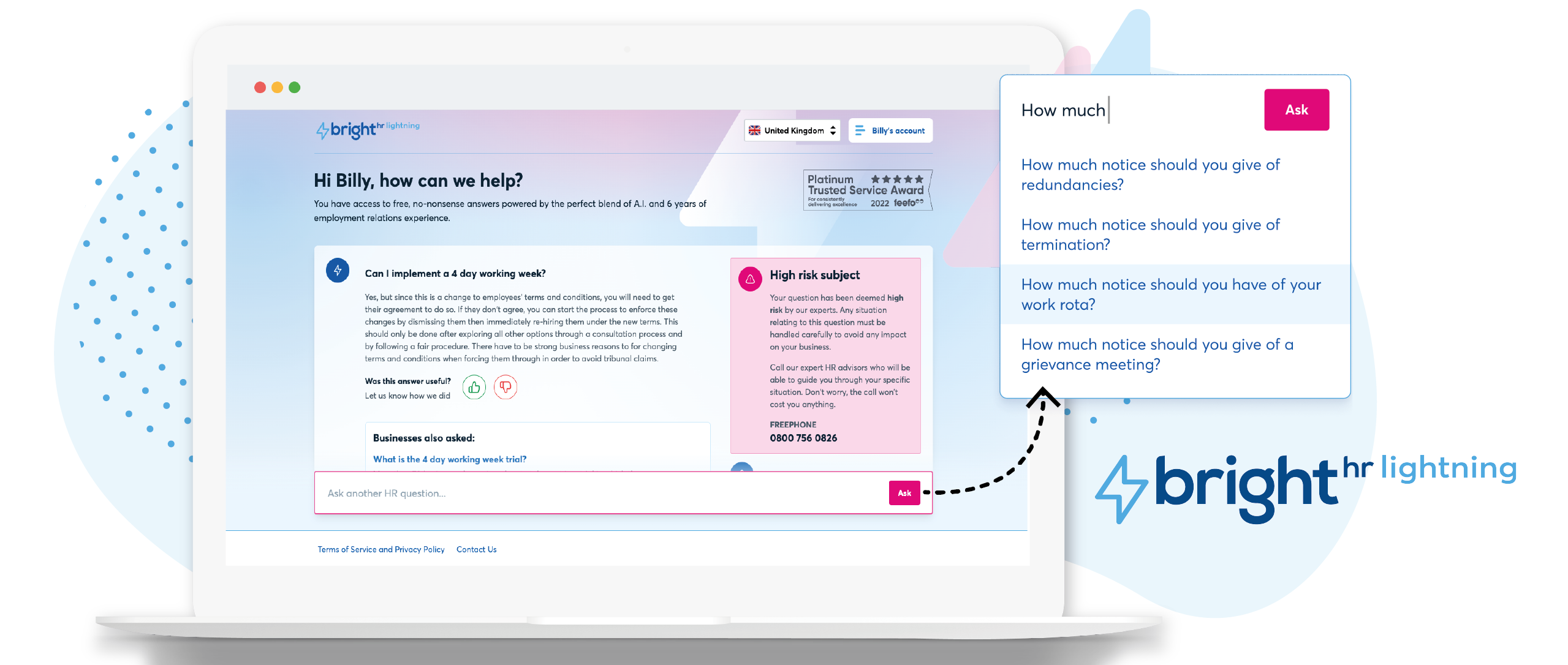 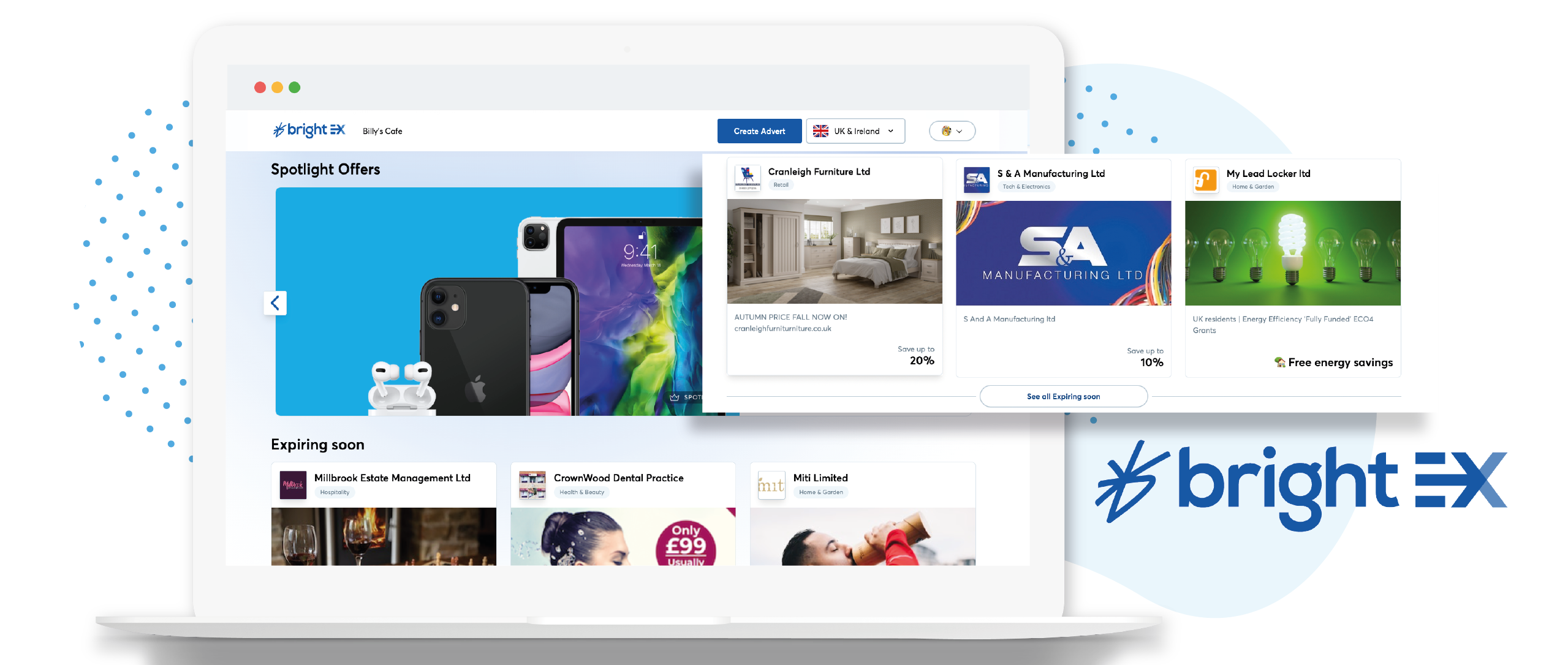    | invoicely Screenshots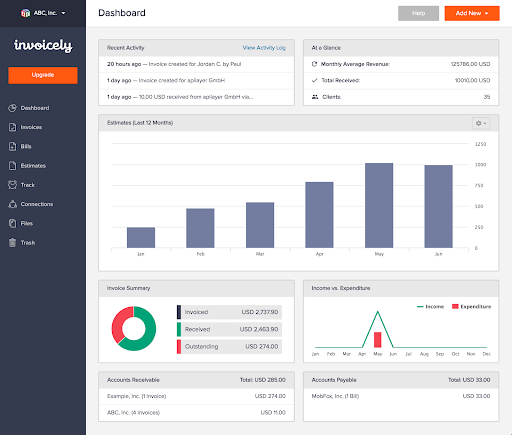 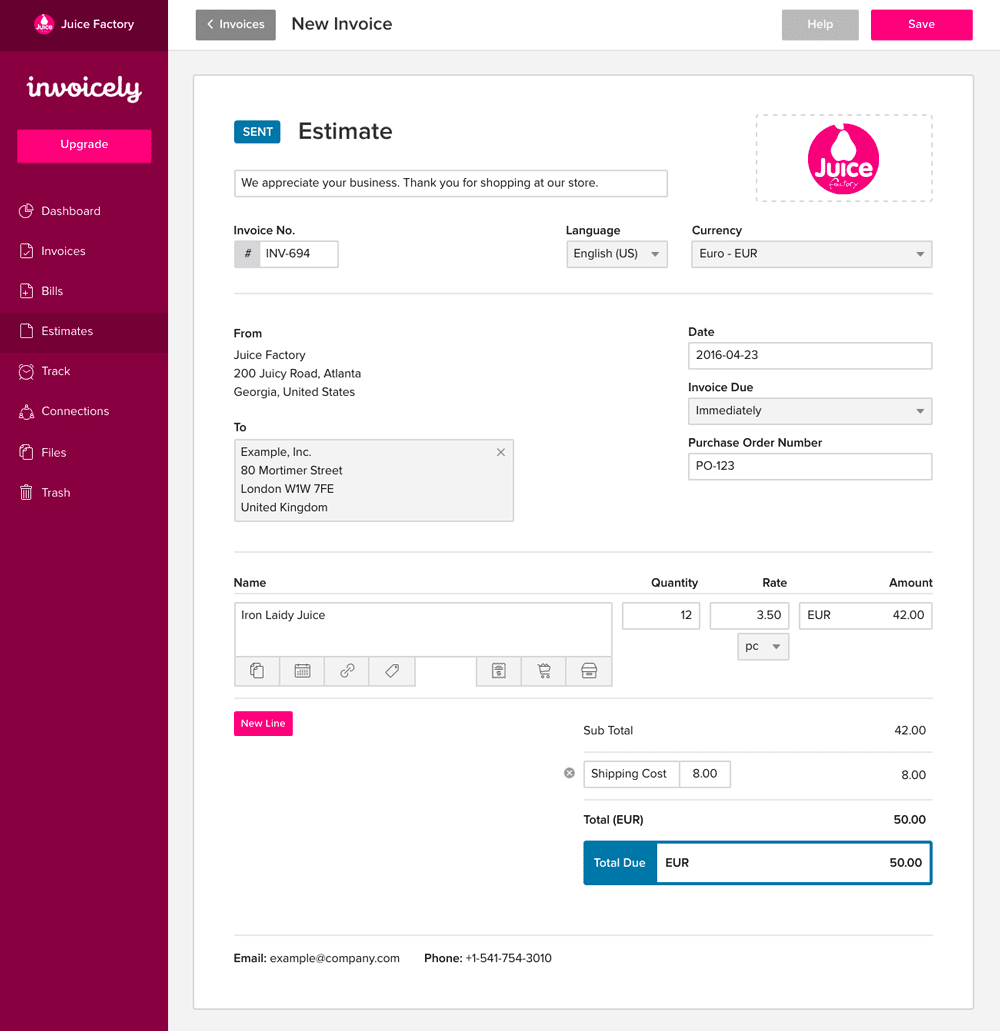 | Zoho Projects Screenshots      |
