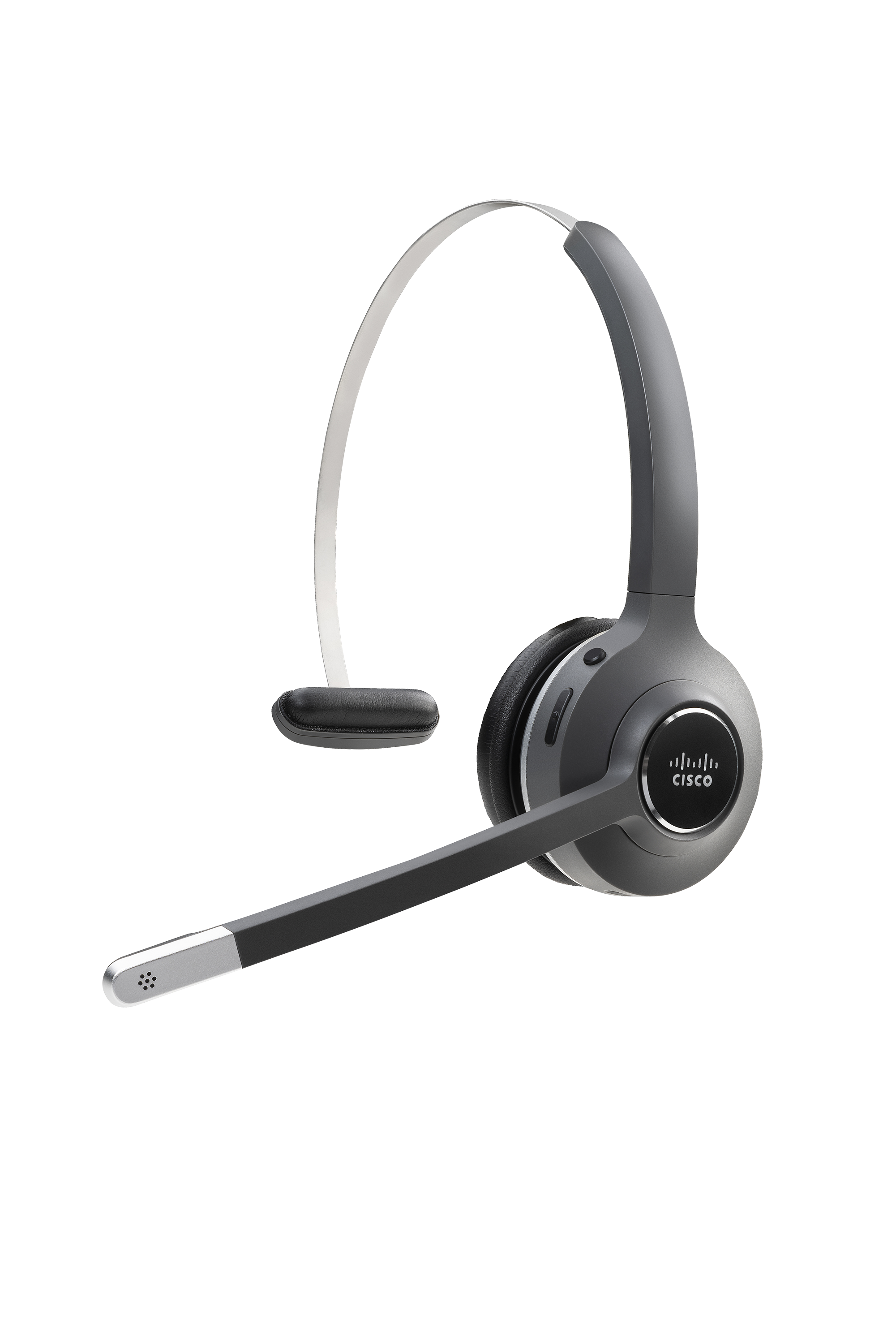
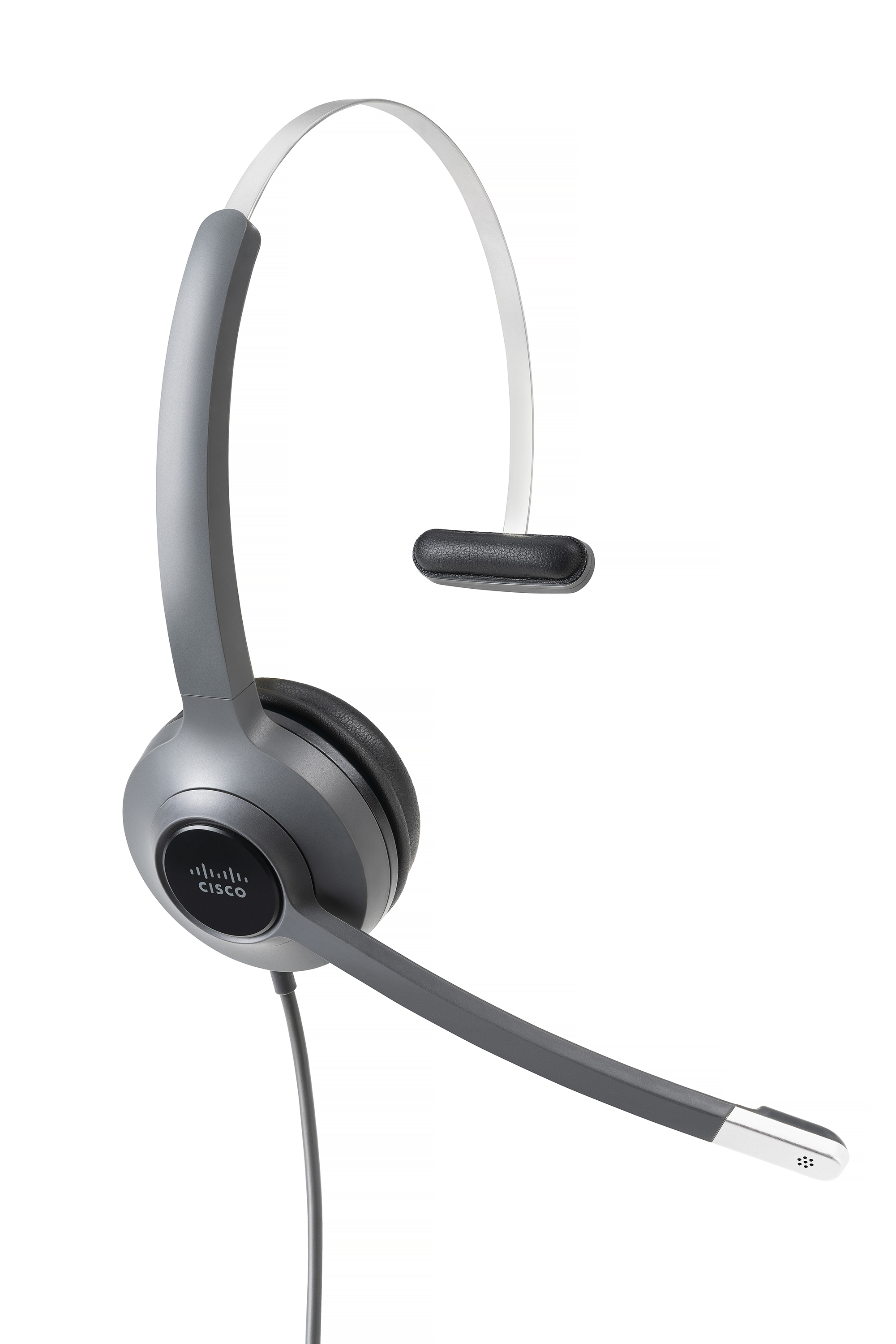
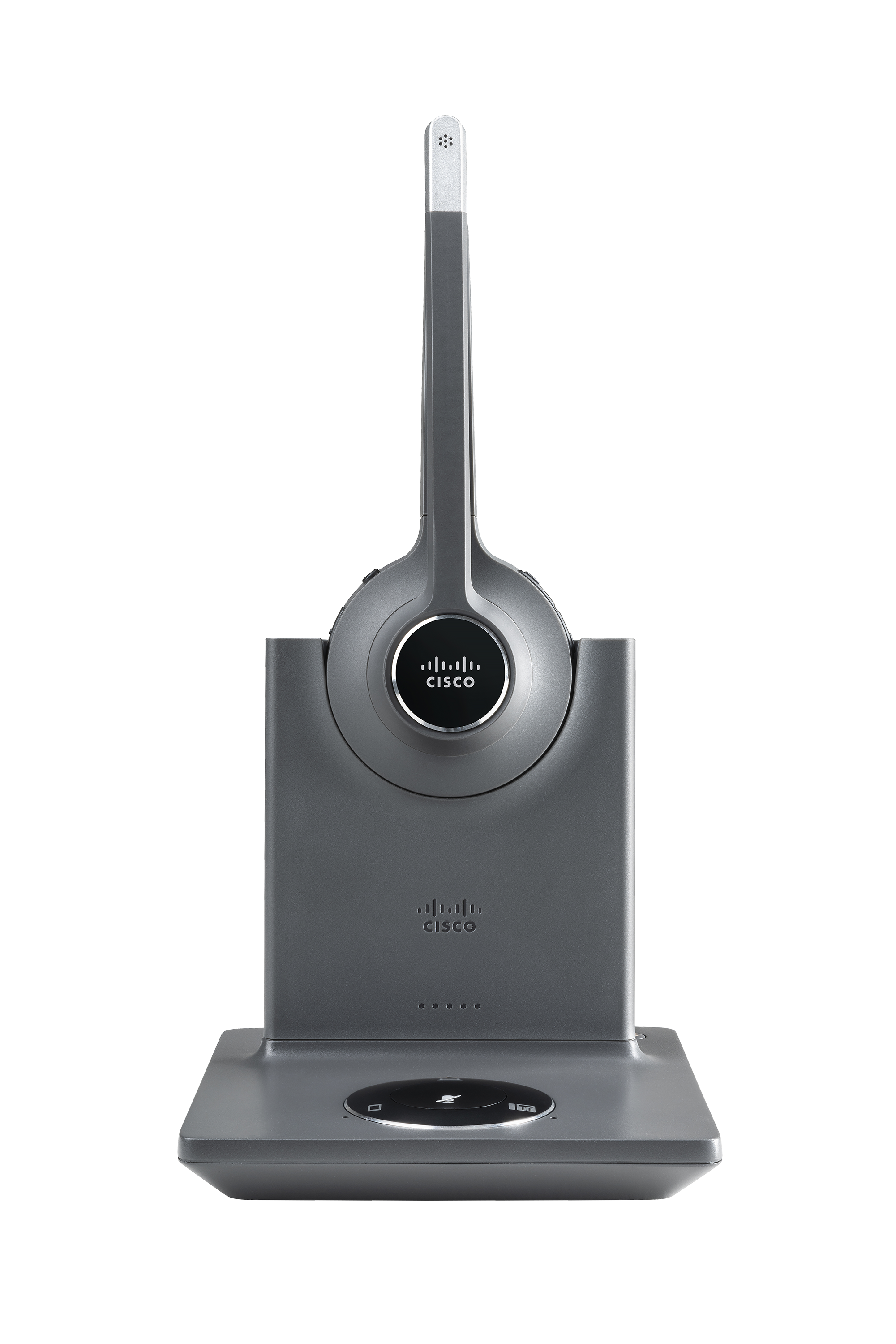
Cisco Headsets are designed to help users stay connected wherever they work. Whether working at home, at the office, or on the go, the headset helps users stay focused on what's important. The professional headsets are built to deliver exceptional audio and are integrated with the Webex platform for seamless collaboration and simple management. Bluetooth wireless, DECT, or wired headsets are available.
N/A
Zoom Workplace
Score 8.4 out of 10
N/A
Zoom Workplace, Zoom’s open collaboration platform with an AI Companion, empowers teams to be more productive, and strengthen customer relationships throughout the customer lifecycle with Zoom’s Business Services for sales, marketing, and customer experience teams, including Zoom Contact Center.
Specialist of Spectrum Policies and Broadband Development
Chose Cisco Headsets
I have used apple earphones, they are good also but mostly for phone calls not for so professional like Cisco Headset 700 Series are. I also have used sony headsets, they are quite good but they don't reduce [as] much noise [as the] Cisco Headset [700 Series] does. So Cisco …
Key advantages for the Cisco Headset 700 series include simplicity of connections (no special adapter cables needed), long battery life, and general performance for the price point. Integration with the rest of Cisco's Webex eco-system (the Webex app, and Webex Control Hub) …
In my opinion, the headsets are well-suited for an environment with high background noise, and, specifically in open spaces, they allow you to isolate yourself very well during your call and to move around the deck without staying in your seat, thanks to the Bluetooth connection. I don't think it's less appropriate because it can be used everywhere.
Zoom Workplace is ideal for many businesses, more so because it saves money by uniting different functionalities into one app - meetings, messaging, phone, and scheduling. The tool keeps teams connected thanks to the amazing collaboration and communication features. In addition, Zoom Workplace is helpful for businesses with a hybrid team, thanks to its effortless connections.
Cancel the noise side of things. You can't hear anything in the background. I quite often talk really loud because I can't hear myself talking and it's comfortable. They are really comfortable. We've got the wireless ones and they just sit so comfortably on your head. Amazing.
It offers amazing unified collaboration features, including Zoom whiteboard, Zoom team chat, and integrated mail and calendar.
Zoom is a great meeting solution, with features like smart recording, breakout rooms, and personalized video and audio, making it a functional business meeting tool.
It is equipped with amazing AI features that help summarize meetings, generate content, and provide quick catch-up, allowing one to ask AI questions without interrupting meetings.
I don't think there is any malfunction in their solution; it's extremely convenient to use, be it creating a meeting invite, adding people, sending any extra stuff to them. It's quick, and this is the only tool that works seamlessly even on Androids.
Way easier to set up and manage. no fiddling with knobs, dials, and silly things like a physical receiver lifter that breaks easily. sound and call quality is great, no issues using day to day. only thing is that the price is a premium, but for us its worth it for the advantages that come with the ecosystem.
We're sticking with Zoom for the foreseeable future--given its compelling feature set, ease of use, and advanced technology, there's just no other competition to be excited about. Plus it's a Gartner-recognized industry leader, so it's a rather easy choice.
I have yet to find a use case where the 730 is not appropriate. The audio quality and active noise cancellation capabilities are excellent, and the portability puts it above many alternatives.
Zoom is made for the non tech office. It has features that can be made to do what you need to run things on a day to day basis. Immediately we we able to get meetings going with remote employees. The ability to be able to add smartphone connected people was a big plus. Zoom met our needs at the time.
I would give it a 10 but the ringing on the base after you answer makes it unbearable at times. You have to unplug the USB or turn off the Bluetooth to get it to stop.
There have been less than a handful of outages during our two years with Zoom, and whenever there was one, an email informing us of the outage went out immediately, and they had the issue resolved shortly thereafter.
Zoom has among the best performance of any video conference platform, as I've mentioned several times. Besides that, their Chat platform works great, and their back end always runs smooth. It's unfortunate that reporting can now only be done by one month at a time, but nonetheless, it only takes a second to run any kind of Zoom report, whether it's an attendee report, Poll results, a user report, a list of meetings from the past month, etc.
Too expensive and too heavy and too uncomfortable. It just didn't deliver the experience that we thought we would get based on the price. I can get the same features, for cheaper, with a more comfortable headset from another vendor. So overall this one just never got put on the final list.
Because I got a response right away, and was assigned one specific individual to work with me from the beginning to the resolution. I had an actual email address and direct contact with this person without having to start over and over every time I contacted Zoom - this singular individual remained attentive and was well informed on the subject matter and quite able to resolve my needs.
If you receive any pushback from higher ups, point to any of the various positive reviews like this one. Or show Zoom's excellent Gartner report, or articles describing Zoom's partnership with Sequoia capital. It's not difficult to show how Zoom is a trustworthy industry leader with best-in-class technology.
The fact you can manage the Cisco Headsets as devices in admin control hub is awesome. You can push firmware updates etc. Overall audio quality from Headset speakers and microphone are hands down better than other 3rd parties at this point. The price is a premium, but you get what you paid for, quality audio.
Teams do not stack up to Zoom at all. My clients use Teamas because it is a corporate policy, and they use it most of the time between employees of the same company. It makes sense for this, NOT for me. Every time a Teams meeting is launched, since I am not part of this company, the meeting is laborious, the interface is not as nice as Zoom's, sharing documents is more difficult, etc., etc. Zoom is superior to Teams in every way!!!
The billing and price model is really fair for so many functions that they offer, our remote work requires each of the features that Zoom offers, so accepting payment for a tool like this is the least we can do. I like that billing arrives on time and that they offer opportunities and payment times.
Because the Basic licenses are completely free, and because it's very easy to configure and install Zoom, and because anyone can join Zoom from a link without needing an account, scaling is a Breeze. There are absolutely no roadblocks. My company keeps adding more Zoom Pro license every week since it's so in demand. We were able to convert users from several different platforms onto Zoom with no trouble at all.
Zoom is perfect for our business. We use it to video chat with prospective clients. The name recognition alone gives us credibility and it is very easy to screen share and send content out.
Durability and quality so less spending on replacing the product.
Helped me understand speakers words clearly with no voice breaks thus making me more reliable and professional, directly increasing my productivity and impacting business in a positive light.
Uniformity. Our organisation first pilot tested Cisco Headsets and soon we changed our other vendor because of its quality. So, now it's all Cisco.
We are still early in our adoption of Zoom Workplace for business, so we don't really have any data to show cost savings.
The ability to take a call summary or meeting summary and add it to our practice management system have been remarkable. It's a quick copy/paste and it's in the system. Prior to this, we would have to scan in notes and save them into the system, if it even got that far. Mostly, attorneys would be searching through legal pads for the notes of a previous meeting or phone call.