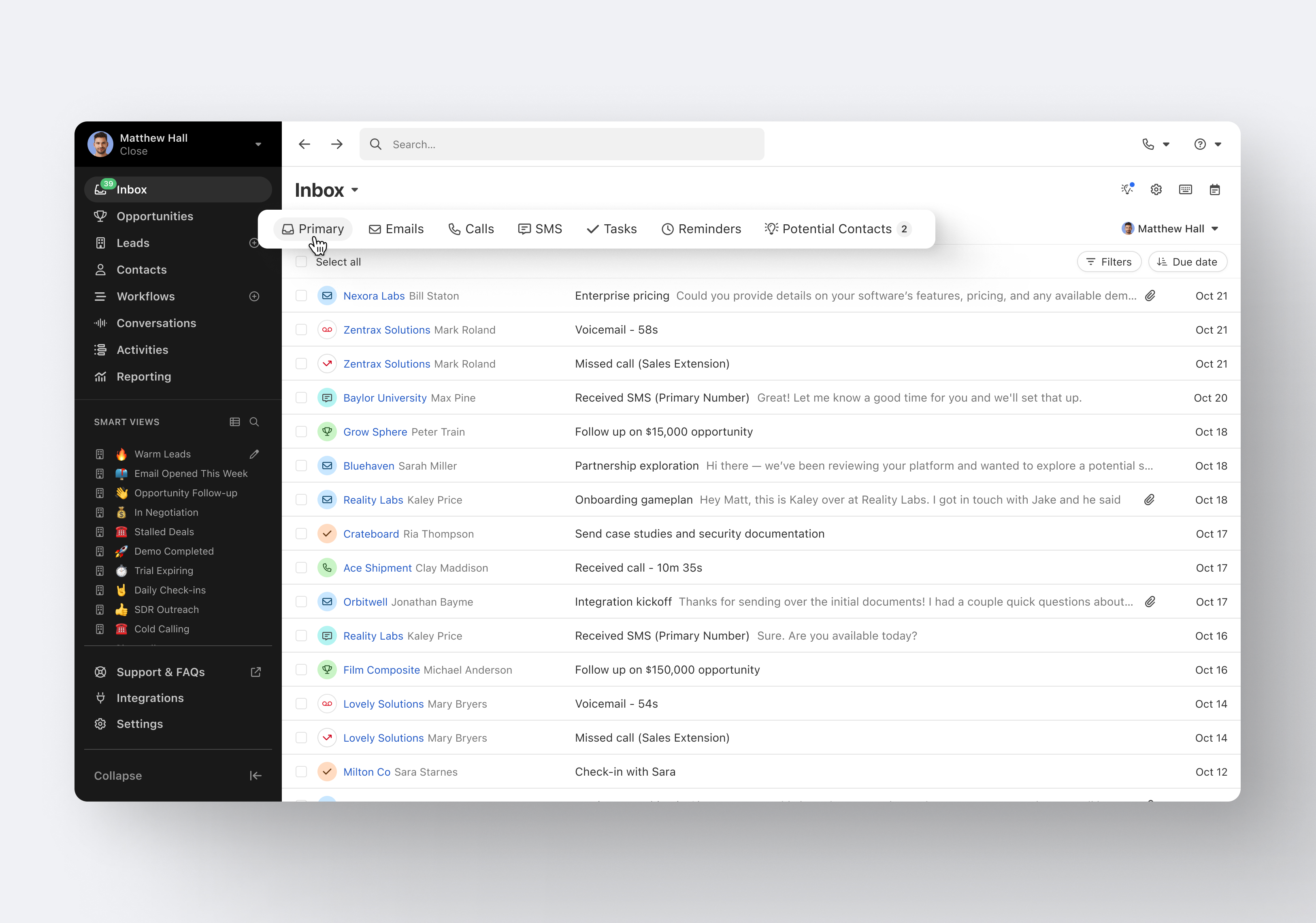
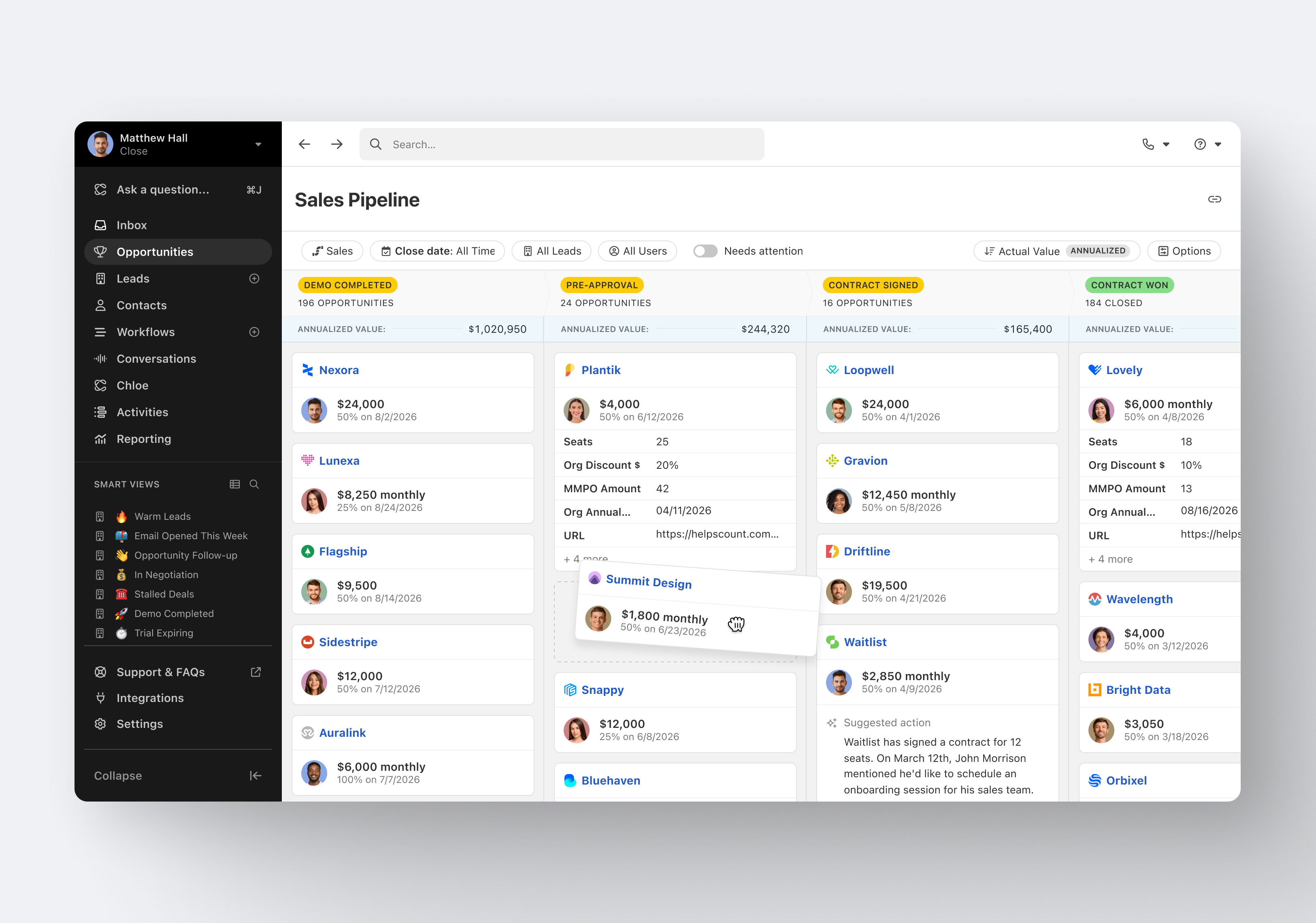
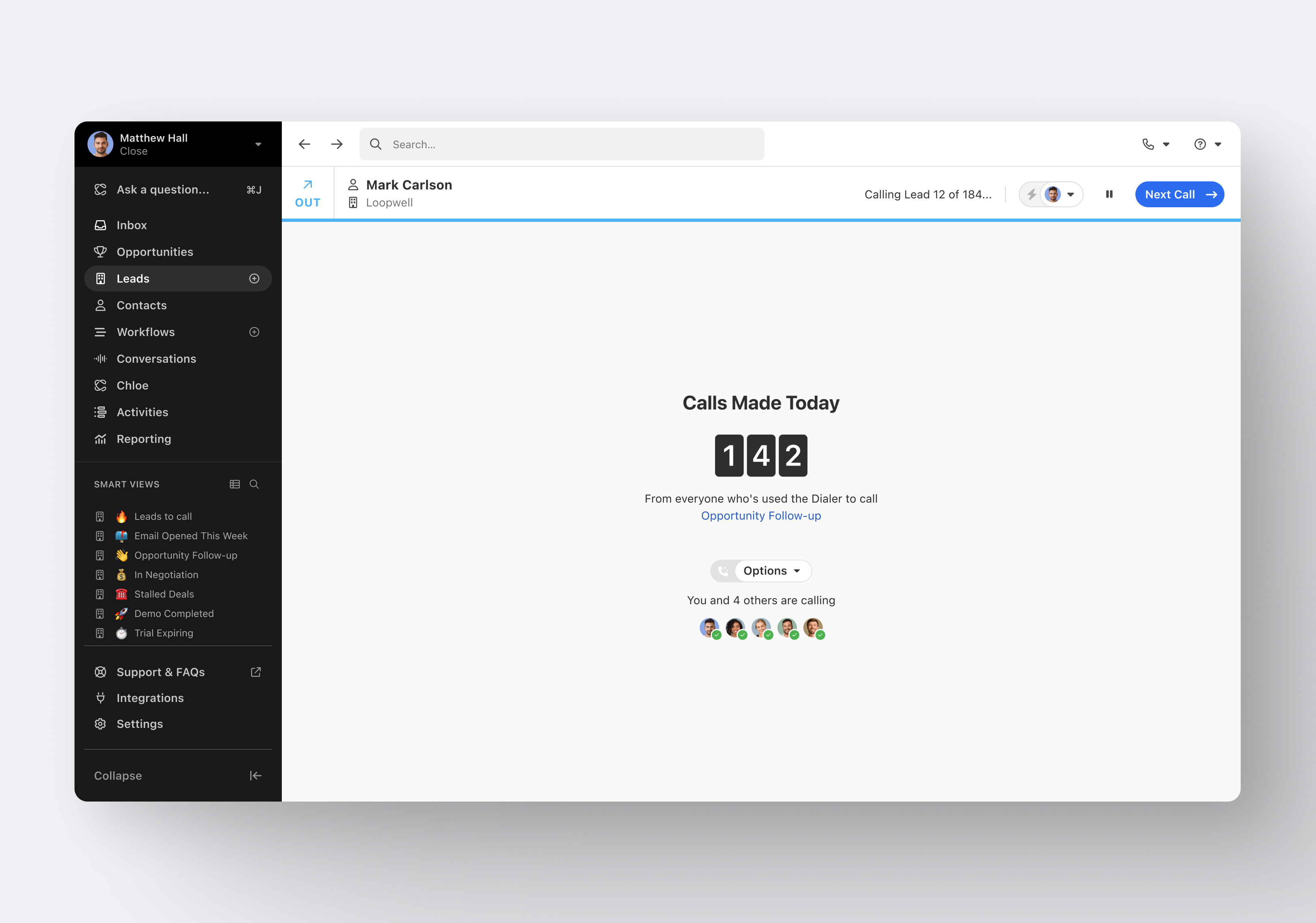
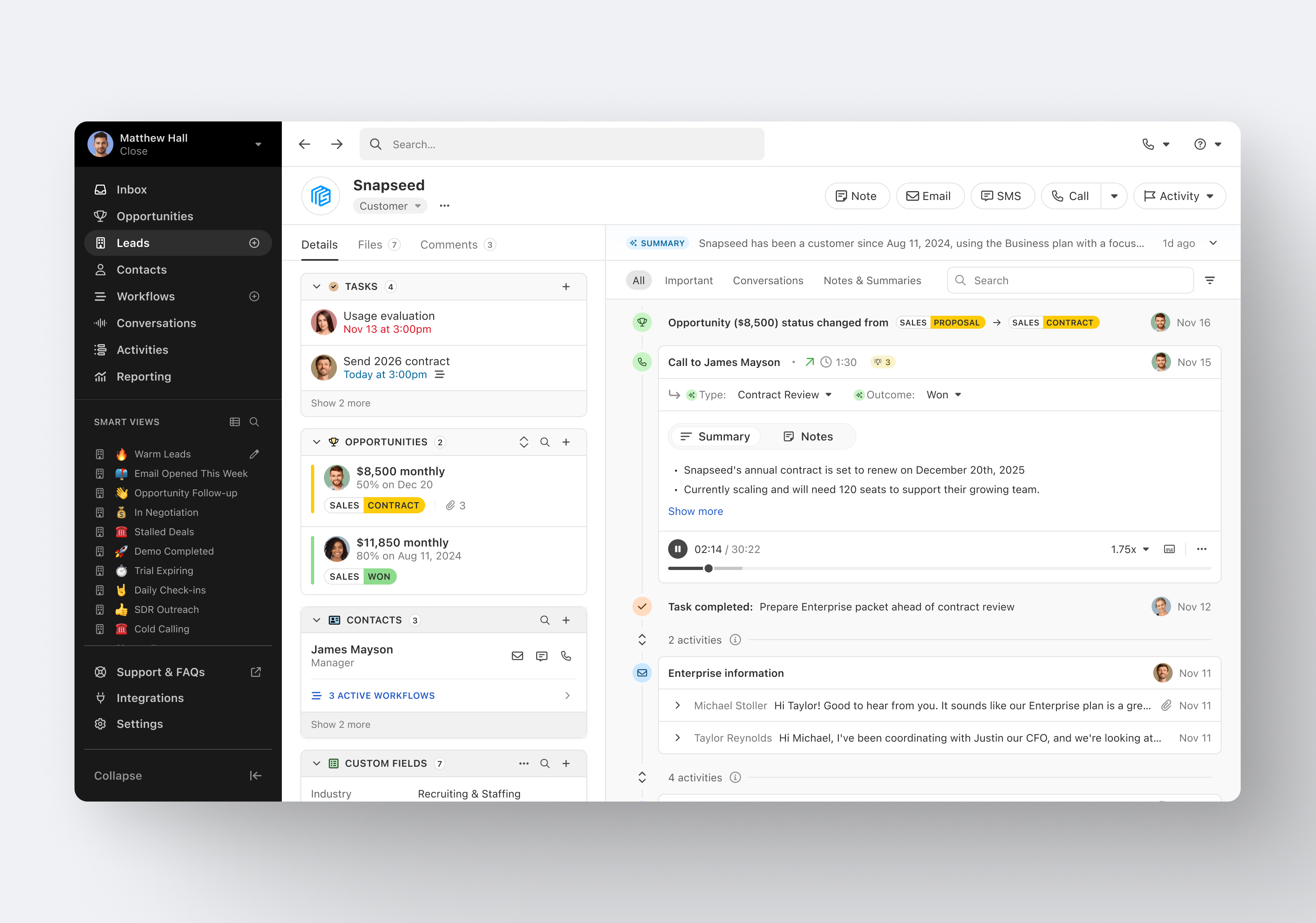
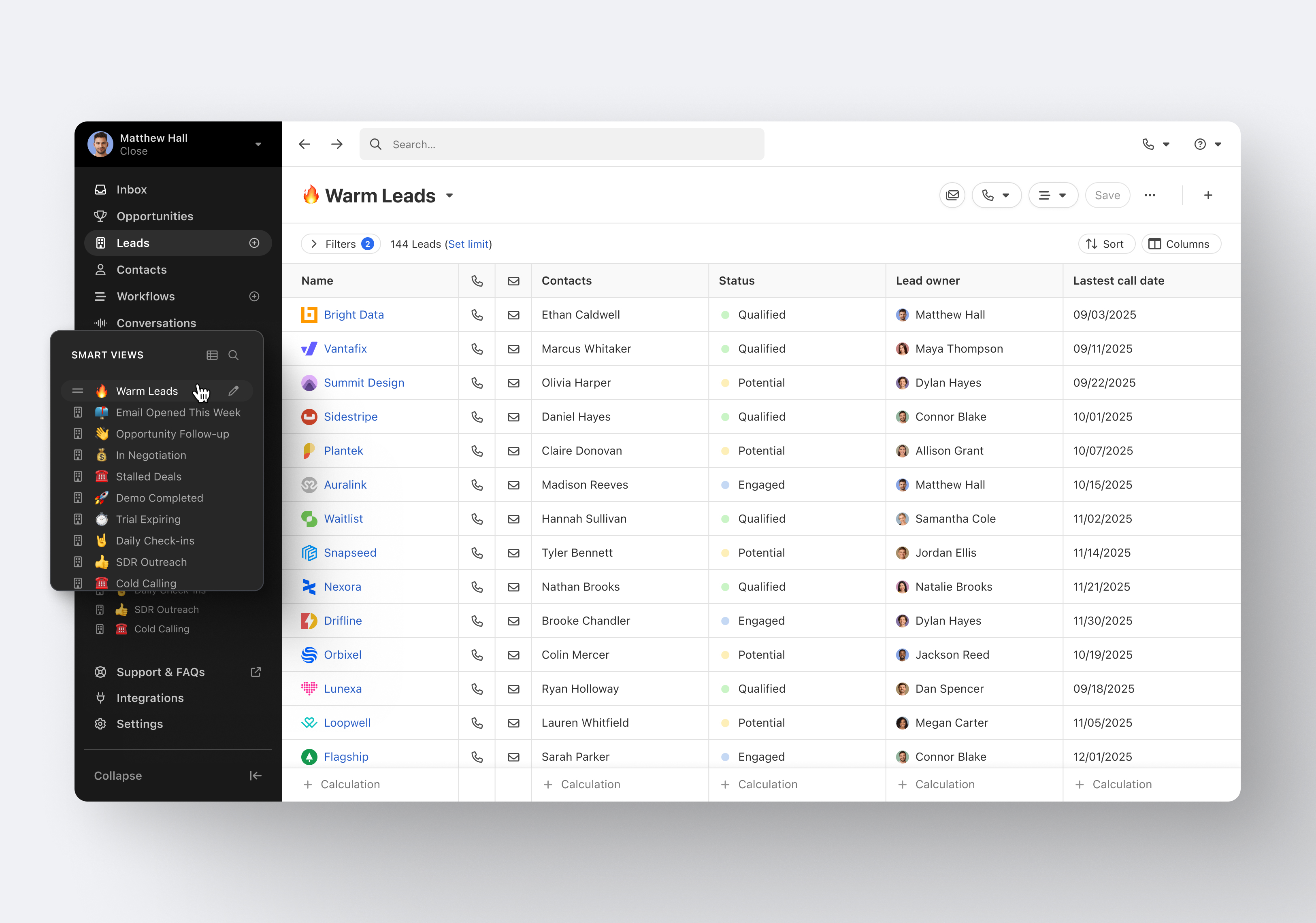
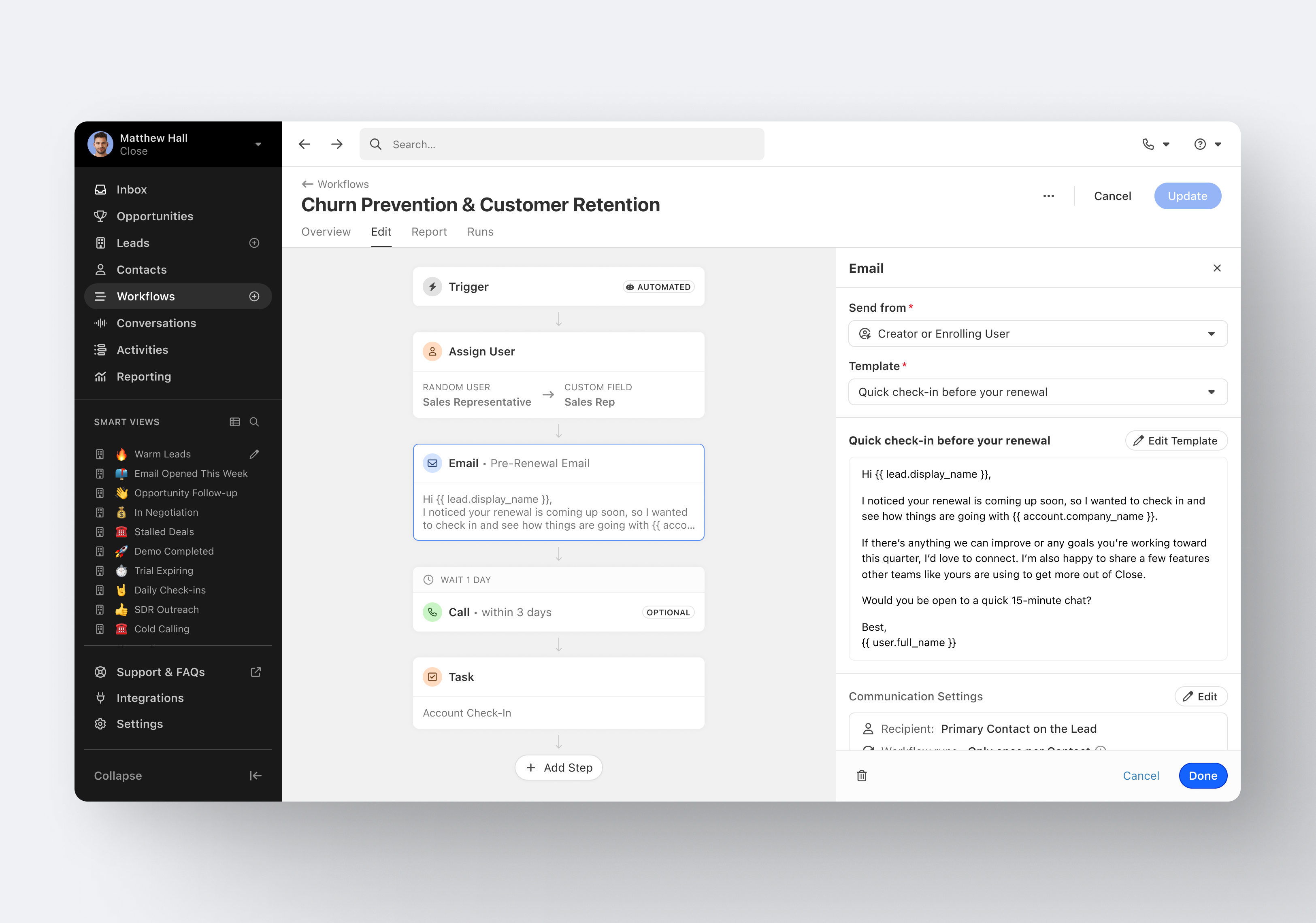
Close.io is a customer relationship management (CRM) software with call management and sales workflow automation capabilities.
$19
per month includes 1 user
iContact
Score6.8 out of 10
N/A
iContact is an email marketing solution that was acquired by Vocus in 2012. The product is integrated with Facebook and Twitter and is aimed at SMBs with unlimited sending as a key feature.
$14
per month
Pricing
Close CRM
iContact
Editions & Modules
Solo
$9
per month (paid annually) per user
Essentials
$35
per month (paid annually) per user
Growth
$99
per month (paid annually) per user
Scale
$139
per month (paid annually) per user
1500 Users
$15.00
per month
2500 Users
$25.00
per month
5000 Users
$45.00
per month
Offerings
Pricing Offerings
Close CRM
iContact
Free Trial
Yes
No
Free/Freemium Version
No
Yes
Premium Consulting/Integration Services
Yes
No
Entry-level Setup Fee
Optional
No setup fee
Additional Details
The pricing listed here reflects up to a 35% discount for paying annually. Monthly billing is available at of $19 per user for the Solo plan (only 1 user allowed), $49 per user for the Essentials plan, $109 per user for the Growth plan, and $149 per user for the Scale plan.
—
More Pricing Information
Features
Close CRM
iContact
Sales Force Automation
Comparison of Sales Force Automation features of Close CRM and iContact
Feature
Close CRM
8.9
8 Ratings
13% above category average
iContact
-
Ratings
Customer data management / contact management
8.08 Ratings
00 Ratings
Workflow management
7.78 Ratings
00 Ratings
Territory management
8.01 Ratings
00 Ratings
Opportunity management
10.06 Ratings
00 Ratings
Integration with email client (e.g., Outlook or Gmail)
9.38 Ratings
00 Ratings
Contract management
10.01 Ratings
00 Ratings
Interaction tracking
8.38 Ratings
00 Ratings
Channel / partner relationship management
9.73 Ratings
00 Ratings
Customer Service & Support
Comparison of Customer Service & Support features of Close CRM and iContact
Feature
Close CRM
8.5
6 Ratings
10% above category average
iContact
-
Ratings
Case management
8.03 Ratings
00 Ratings
Call center management
7.45 Ratings
00 Ratings
Help desk management
10.02 Ratings
00 Ratings
Marketing Automation
Comparison of Marketing Automation features of Close CRM and iContact
Feature
Close CRM
9.0
6 Ratings
15% above category average
iContact
-
Ratings
Lead management
8.76 Ratings
00 Ratings
Email marketing
9.35 Ratings
00 Ratings
CRM Project Management
Comparison of CRM Project Management features of Close CRM and iContact
Feature
Close CRM
7.9
6 Ratings
3% above category average
iContact
-
Ratings
Task management
8.35 Ratings
00 Ratings
Billing and invoicing management
10.01 Ratings
00 Ratings
Reporting
5.45 Ratings
00 Ratings
CRM Reporting & Analytics
Comparison of CRM Reporting & Analytics features of Close CRM and iContact
Feature
Close CRM
7.5
6 Ratings
2% below category average
iContact
-
Ratings
Forecasting
10.01 Ratings
00 Ratings
Pipeline visualization
8.06 Ratings
00 Ratings
Customizable reports
4.44 Ratings
00 Ratings
Customization
Comparison of Customization features of Close CRM and iContact
Feature
Close CRM
8.6
8 Ratings
12% above category average
iContact
-
Ratings
Custom fields
10.07 Ratings
00 Ratings
Custom objects
10.02 Ratings
00 Ratings
Scripting environment
8.03 Ratings
00 Ratings
API for custom integration
6.47 Ratings
00 Ratings
Security
Comparison of Security features of Close CRM and iContact
Feature
Close CRM
8.0
8 Ratings
5% below category average
iContact
-
Ratings
Single sign-on capability
8.03 Ratings
00 Ratings
Role-based user permissions
8.06 Ratings
00 Ratings
Social CRM
Comparison of Social CRM features of Close CRM and iContact
Feature
Close CRM
10.0
1 Ratings
28% above category average
iContact
-
Ratings
Social data
10.01 Ratings
00 Ratings
Social engagement
10.01 Ratings
00 Ratings
Integrations with 3rd-party Software
Comparison of Integrations with 3rd-party Software features of Close CRM and iContact
Feature
Close CRM
6.4
4 Ratings
16% below category average
iContact
-
Ratings
Marketing automation
6.44 Ratings
00 Ratings
Platform
Comparison of Platform features of Close CRM and iContact
Feature
Close CRM
10.0
1 Ratings
27% above category average
iContact
-
Ratings
Mobile access
10.01 Ratings
00 Ratings
Email & Online Marketing
Comparison of Email & Online Marketing features of Close CRM and iContact
Feature
Close CRM
-
Ratings
iContact
6.6
26 Ratings
19% below category average
WYSIWYG email editor
00 Ratings
7.024 Ratings
Dynamic content
00 Ratings
7.021 Ratings
Ability to test dynamic content
00 Ratings
5.021 Ratings
Landing pages
00 Ratings
7.014 Ratings
A/B testing
00 Ratings
5.017 Ratings
Mobile optimization
00 Ratings
7.021 Ratings
Email deliverability reporting
00 Ratings
7.025 Ratings
List management
00 Ratings
8.025 Ratings
Triggered drip sequences
00 Ratings
6.015 Ratings
Reporting & Analytics
Comparison of Reporting & Analytics features of Close CRM and iContact
Feature
Close CRM
-
Ratings
iContact
8.0
26 Ratings
5% above category average
Dashboards
00 Ratings
8.026 Ratings
Standard reports
00 Ratings
8.025 Ratings
Custom reports
00 Ratings
8.015 Ratings
Pre-Send Testing
Comparison of Pre-Send Testing features of Close CRM and iContact
Excellent software to increase sales and follow up with existing and new customers. Email and SMS handling are really easy for the sales team, managing leads is really great, and Close merges duplicate leads to help our Data Leads avoid repetitive and unnecessary calls. As mentioned in some comments before, must improve in reports, Close is not appropriate to handle or track agents' hours making it necessary to implement additional software to cover this area.
A de minimis incentive was given to thank the reviewer for their time. The incentive was not used to bias or drive a particular response, nor was the incentive contingent on a positive endorsement. More Info
I would only recommend it if someone was a small business. I think they are the best suited for companies who will send out a coupon or offer here and there. The most recent updates made it more complicated to use for more complicated processes. It is easy to train someone on the program, and so quick to learn. But I would also only stick to the simpler things. I also think the colorful templates are great, and show great creativity. But again, it is hard to justify recommending the program when it isn't WYSIWYG.
A de minimis incentive was given to thank the reviewer for their time. The incentive was not used to bias or drive a particular response, nor was the incentive contingent on a positive endorsement. More Info
Email sequences. Create and send a sequence of emails until the sequence finishes or the contact replies to your email. You can also pause the sequence manually.
Email sync. Syncs in real time with your email account, which is huge.
Zapier integration. We've automated a lot of our pipeline management through the Zapier integration. This saves us soooo much time.
A de minimis incentive was given to thank the reviewer for their time. The incentive was not used to bias or drive a particular response, nor was the incentive contingent on a positive endorsement. More Info
Contact management. iContact is really great for entering all your contact. You are able to put them onto different lists, and let them choose which lists they would like to be a part of as well. There are many data fields provided to fill in information.
Emailing. We use the email feature at least once a month. They are always improving and adding new features, which is very helpful in presenting content in a new and exciting way to our readers. There are many options with remade templates and themes, or you can add your own.
Insights. It is really helpful being able to have the data to see what is working and what isn't. It is nice to be able to go back and see how things went in the past compared to now. Opens, clicks, shares, etc.
A de minimis incentive was given to thank the reviewer for their time. The incentive was not used to bias or drive a particular response, nor was the incentive contingent on a positive endorsement. More Info
A de minimis incentive was given to thank the reviewer for their time. The incentive was not used to bias or drive a particular response, nor was the incentive contingent on a positive endorsement. More Info
A de minimis incentive was given to thank the reviewer for their time. The incentive was not used to bias or drive a particular response, nor was the incentive contingent on a positive endorsement. More Info
iContact has been a quick and easy way to send any announcements and news directly to email and social media subscribers. Its tracking and reporting capabilities turn a simple email into a marketing campaign that can be used as a tool to efficiently gauge reader response and customer satisfaction, and ultimately to reach potential customers. The consistency and excellent customer service is what makes this program a pleasant experience.
It's my favorite CRM to recommend to sales organizations. Robust Telephony options including a Power Dialer, SMS, and Voice Drop, are completely integrated into the CRM. The kicker is you can have "Unlimited" contacts where many platforms charge based on the number of users. This can make a huge difference in monthly billing.
A de minimis incentive was given to thank the reviewer for their time. The incentive was not used to bias or drive a particular response, nor was the incentive contingent on a positive endorsement. More Info
I rate iContact as an easy to use program due to its user friendly dashboard and user interface. Most companies of small to medium size do not have a dedicated marketer, therefore it is someone multitasking who may or may not have this kind of experience. iContact makes it relatively simple and can actually expand one's knowledge in the area of business promotion.
A de minimis incentive was given to thank the reviewer for their time. The incentive was not used to bias or drive a particular response, nor was the incentive contingent on a positive endorsement. More Info
iContact is regularly up and running. Only once has it been unavailable for maintenance, which is to be expected and even desired for optimal performance when needed.
I haven't really had the need to use their support, but the only time I had an issue with the platform, the Close team was very attentive and responded in a short span of time. Also they take minimal time to solve issues. The only con here is there is no way to reach out to them apart from email.
A de minimis incentive was given to thank the reviewer for their time. The incentive was not used to bias or drive a particular response, nor was the incentive contingent on a positive endorsement. More Info
They have always been responsive to any issues or concerns that have arisen with our account. Our customer account manager participates in our monthly county-wide communicators meetings via telephone to ensure that we are getting the most from the service. He also analyzes our lists to help us weed out inactive contacts.
A de minimis incentive was given to thank the reviewer for their time. The incentive was not used to bias or drive a particular response, nor was the incentive contingent on a positive endorsement. More Info
Pipedrive was great for us for a long time. We used it for over 4 years. Our product and process was simple. When things got more complex, we needed something that could handle our growing needs and Pipedrive kept falling short. We built our own custom solution in Airtable and though it worked, we spend a lot of time managing it. Close was able to solve all our issues and save us hours per week in admin work.
A de minimis incentive was given to thank the reviewer for their time. The incentive was not used to bias or drive a particular response, nor was the incentive contingent on a positive endorsement. More Info
I didn't have a say in the decision because I wasn't with the company at the time. I listed HubSpot here because I know we used it in conjunction with iContact for email automation, but HubSpot Email was only recently built-out to the point where it is today. Now, iContact and HubSpot are no longer integrated.
iContact stays the same with the number of users added or taken away. It certainly remains reliable despite increased usage, and so, can be considered scaleable in that aspect.
A de minimis incentive was given to thank the reviewer for their time. The incentive was not used to bias or drive a particular response, nor was the incentive contingent on a positive endorsement. More Info
A de minimis incentive was given to thank the reviewer for their time. The incentive was not used to bias or drive a particular response, nor was the incentive contingent on a positive endorsement. More Info