Coda, acquired by Grammarly in early 2025, is a template-based document creation and collaboration solution, supporting a variety of use cases.
$0
per month
Paymo
Score 9.0 out of 10
N/A
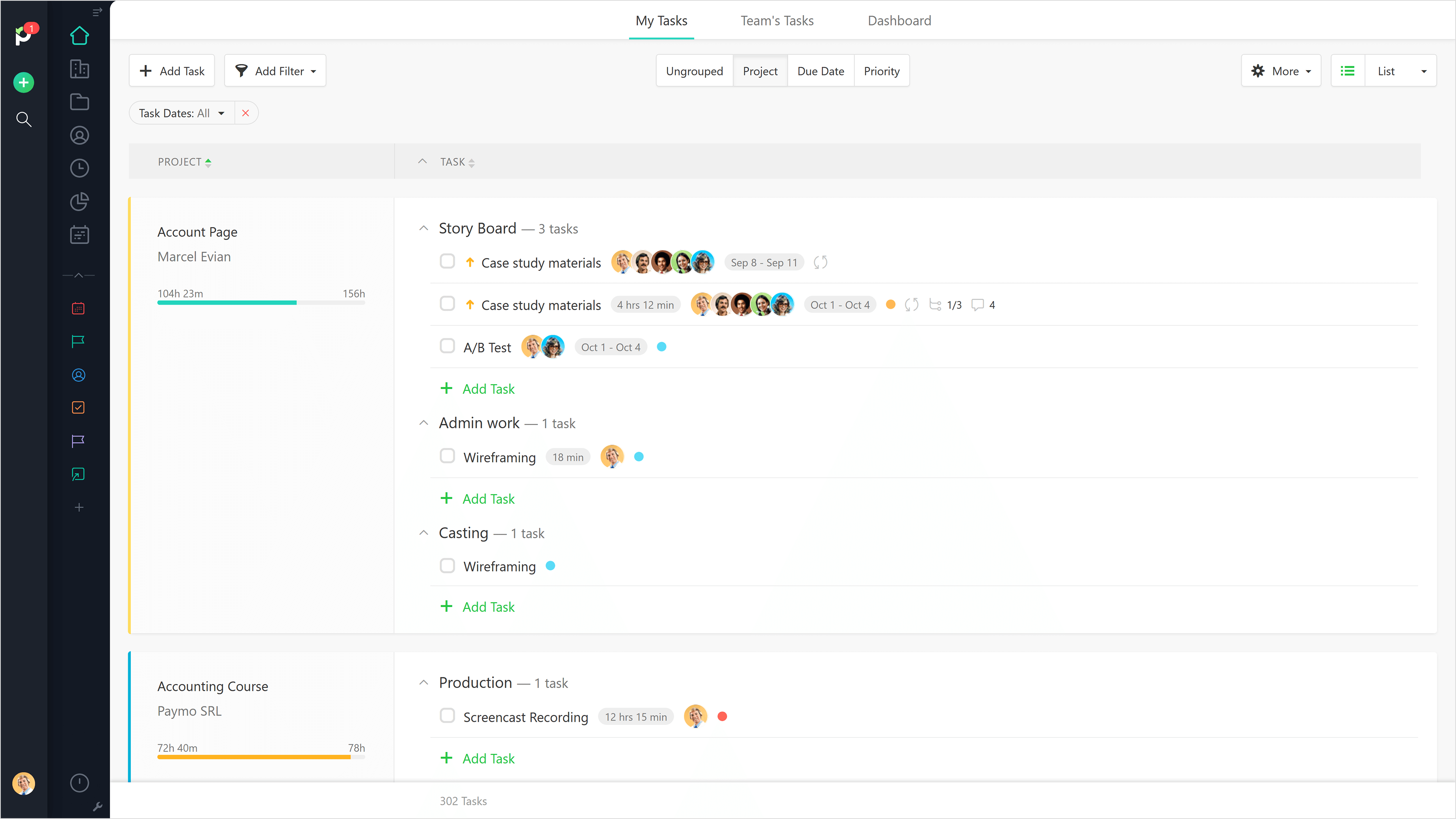
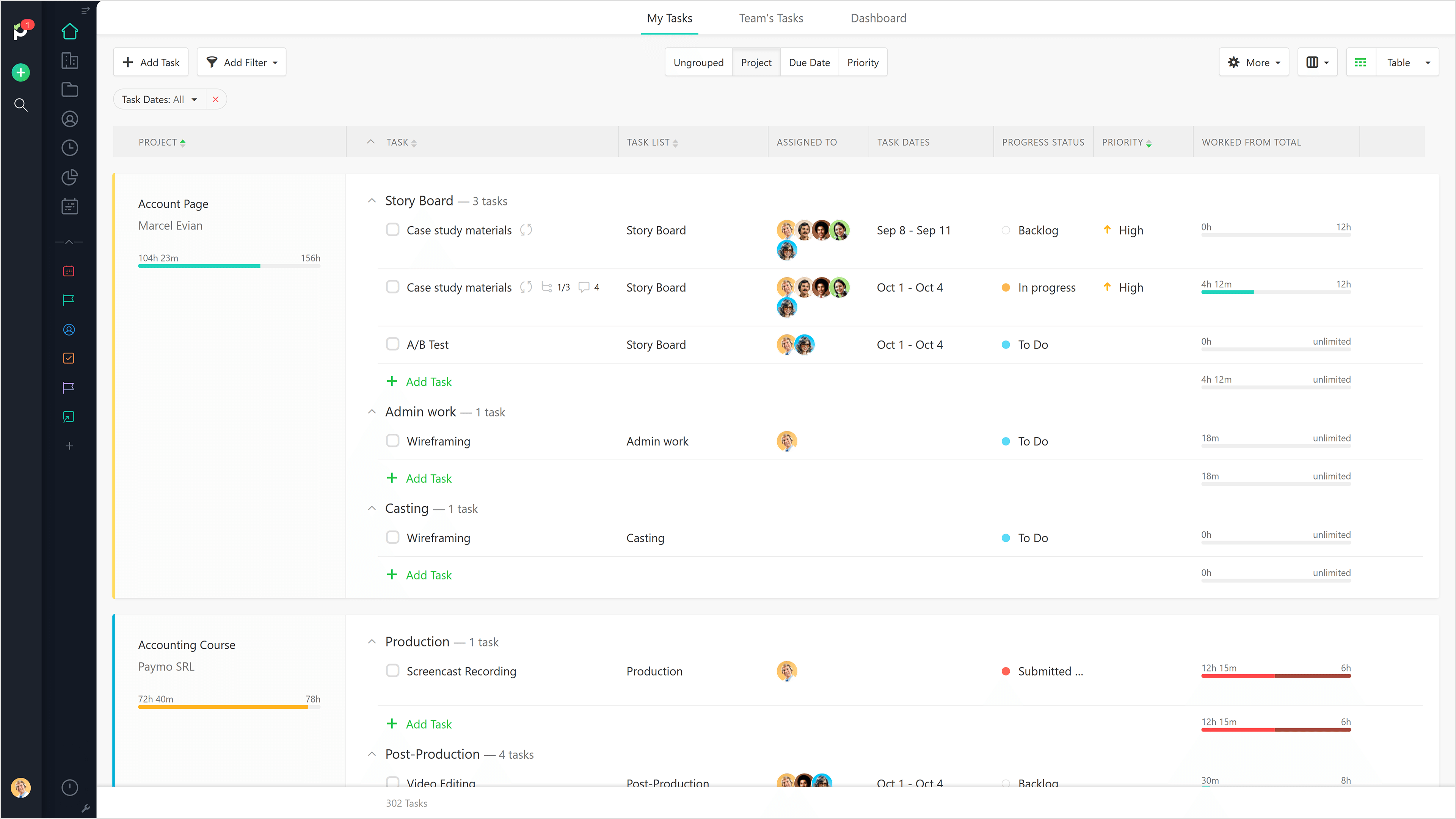
Paymo is a collaborative work management platform that helps track team progress, collaborate in context, and make smarter decisions. It acts as a single source of truth, where project planning, resource scheduling, file proofing, time tracking, and billing feed into each other to co-exist under the same roof.
$0
Up to 10 users
Pricing
Coda by Grammarly
Paymo
Editions & Modules
Free
$0.00
per month
Pro
$10.00
per month per doc maker; unlimited editors (paid annually)
Team
$30.00
per month per doc maker; unlimited editors (paid annually)
Enterprise
Custom Pricing
Free
$0
Up to 10 users
Small Office
$11.95
per user/per month
Business
$18.95
per user/per month
Offerings
Pricing Offerings
Coda by Grammarly
Paymo
Free Trial
Yes
Yes
Free/Freemium Version
Yes
Yes
Premium Consulting/Integration Services
Yes
No
Entry-level Setup Fee
No setup fee
No setup fee
Additional Details
With Coda, you only pay for Doc Makers.
Often one person creates a doc, others edit it, and some simply observe from afar. Instead of charging for everyone, we only charge for the people who create docs.
Interested in enterprise pricing? Visit coda.io/enterprise
Free version available for freelancers.
More Pricing Information
Community Pulse
Coda by Grammarly
Paymo
Features
Coda by Grammarly
Paymo
Project Management
Comparison of Project Management features of Product A and Product B
Coda by Grammarly
-
Ratings
Paymo
5.9
9 Ratings
27% below category average
Task Management
00 Ratings
3.59 Ratings
Resource Management
00 Ratings
5.36 Ratings
Gantt Charts
00 Ratings
4.43 Ratings
Scheduling
00 Ratings
7.06 Ratings
Team Collaboration
00 Ratings
4.16 Ratings
Support for Waterfall Methodology
00 Ratings
7.82 Ratings
Document Management
00 Ratings
5.06 Ratings
Email integration
00 Ratings
5.04 Ratings
Mobile Access
00 Ratings
5.37 Ratings
Timesheet Tracking
00 Ratings
9.09 Ratings
Budget and Expense Management
00 Ratings
8.88 Ratings
Professional Services Automation
Comparison of Professional Services Automation features of Product A and Product B
Coda is great to build a place for your users to go to and see information. It is easy to navigate through and the variety of content creation is great. However, it is not always easy to create what you want and there is a lot of playing around and learning. Coda also sometimes misses some functionality which is expected. For example, downloading a list of users that have access to the platform. Being able to send push notifications when a new page has been created etc. Overall it is a good tool to use just be prepared to invest time!
Beautiful interface throughout, easy setup, most natural progressions are fluid and easy to use. Browser functionality allows us to use it cross-platform. Very reasonable pricing model as well. We have had a little trouble using Paymo for the entire creative process to have proofs reviewed and approved. Also, have to use external forms to have work submitted from campus.
The ability to code exactly what time I worked on a project enables me to bill clients more accurately and within different minimums, which besides more accurately tracking time, this has been extremely helpful as I negotiate contracts for services and offer different deals with potential clients. Some are billed to the minute, some in 15-minute minimums, and some in 20-minute blocks.
The live reports are great, showing time spent in the minimums that I've set, while also including as much detail as I wish to share.
I've now started just writing my notes into the tracker, which are then carried into the live reports - this eases my needing to send logs to clients, as well as helping me to keep projects on track.
It takes getting used to in terms of how the formulas per column is implemented, in contrast to how we build tables in Excel. For organization/team purchase, it would be worth considering having a training for the core team of users. Right now, we do a lot of self-learning.
Inability to email charts or image without these objects being hosted on a third party. The community has been great in providing workarounds but it would be much more convenient to be able to have such ability natively.
APAC Support. I'm based in Malaysia, due to timezone differences, even with a livechat implemented, the support for each step and conversation takes up to 24 hours per response. Having some hours covered in our timezone would greatly improve customer support experience.
It would be really helpful if on the timer tool, they asked you to switch projects when you stop the timer, so it could fill that time in right away for you.
I never use the 'My Tasks' because I don't fully understand how to integrate it to be useful to what our purposes are in Paymo. Some Youtube tutorials might be helpful
Coda is definitely something that has been proven to drive positive impact in our organization. We have many divisions that can benefit from this that we have yet to explore. It would definitely be worth renewing.
There is a little bit of a learning curve on where to point and click to add in different elements and make edits. But it is still very manageable once you get the hang of it. I do still have some issues with some of my connected pages updating each other when I don't want them to sync. So I'll end up editing one page, and it will make the same edits on another page.
It is a complete, a bit overambitious app but with many features that are needed. I didn't need most of the features but managed to make the most of the two I was using. Also, I think it is a well-rounded app and I am considering moving some team collab there.
We haven't done any integrations - the initial part of our experience we found that for docs with complex formulas, the page tends to load slowly but in recent months, Coda has improved and optimized the loading times in general and we generally don't find any problems in terms of speed anymore.
Mainly due to timezone differences. I think Coda's support in general is well implemented and executed. They know their stuff and are helpful. But since I'm not in the same timezone, solution rates are slower for me, and that's not something I prefer. I work in customer service, too, and more often than not, time is important. Shortening the solution time would be a much greater experience.
Good! Fast, excellent, speedy responses. They always wanted to know why and how they could improve on something (good on receiving feedback, too). Not that they were much needed, but my limited experience with them is good; they were really keen to understand what the problem was really about and how they could help with it.
I'm relatively inexperienced but this experience is meaningful. It would have been nice to have some guidance from Coda so that we understood more on Coda's purpose and potential.
While all of the products listed have great features and platforms, there was always one thing missing from them that I would need to get from another application. Coda was the first one we used that really combined some of the best parts of those products and allowed us to use it in one place. I also appreciate the flexibility of creating your own framework and workflow, unlike in other tools where you have to follow how they capture data and organize projects.
We still use Trello and Slack, but Basecamp and HubSpot are too much for our operation to manage or integrate. Paymo is missing some of the tracking features of HubSpot and isn't as universally used as Basecamp but we've been with them for 8 years and they seem to know what matters most to their user base
I think scalability is definitely good here since it's based on number of doc makers. Implementation into each dept becomes simpler. That being said, due to the nature of our work, we find it easier that we have a "super user" and then a team of other doc makers. This would make the doc creation and management more efficient.
Gives me more accurate time that I've spent on projects compared to older methods I've used.
Has data that I can pull together, for example my boss wanted to know the percentage of time I'd spent working on projects for one client compared to everything else - I was able to give them an accurate percentage.
Forces you to stay on top of jobs, which can lengthen the time to complete something