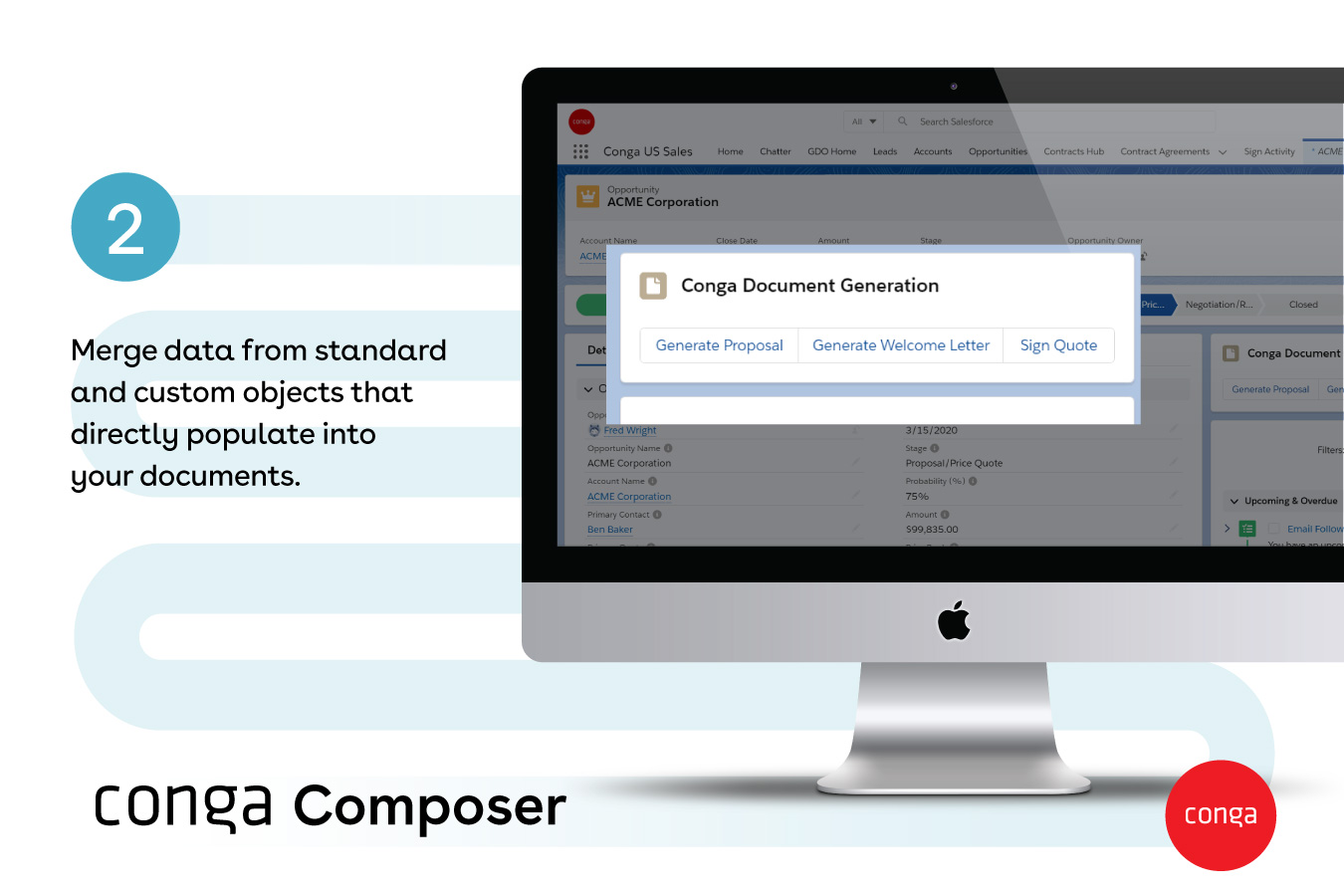
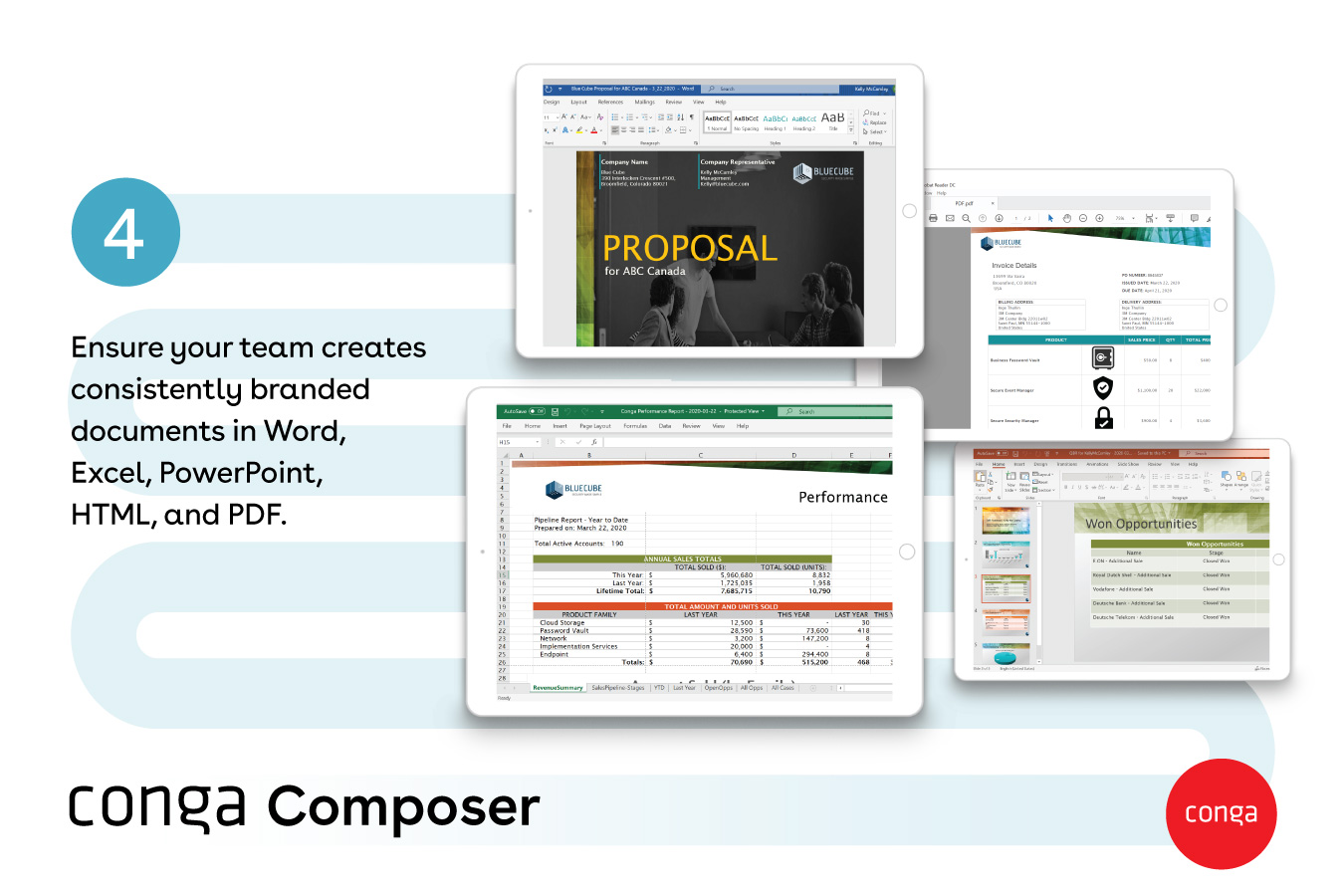
Conga Composer is a document generation and automation tool designed to simplify and streamline the process of creating and distributing customized documents, presentations, and reports.
Senior Engineer in Customer Service at Bounteous Accolite (Information Technology & Services, 5001-10,000 employees)
Chose Conga Composer
It stacks up against its competitors by integrating e-signature tools which makes the flow cycle work smoother and faster.Template flexibility is also very good and solid ,conga helps pulling the right data into each without needing seperate setups for every single one.The best …
A de minimis incentive was given to thank the reviewer for their time. The incentive was not used to bias or drive a particular response, nor was the incentive contingent on a positive endorsement. More Info
Verified User
Chose Conga Composer
NA - We did not evaluate other programs like Conga.
A de minimis incentive was given to thank the reviewer for their time. The incentive was not used to bias or drive a particular response, nor was the incentive contingent on a positive endorsement. More Info
A de minimis incentive was given to thank the reviewer for their time. The incentive was not used to bias or drive a particular response, nor was the incentive contingent on a positive endorsement. More Info
Verified User
Chose Conga Composer
Firstly, we used Conga Composer to generate documents and DocuSign as the e-signature tool. However, Conga Sign proved to be much more cost-effective for our user base, as users didn’t need to switch to another system like DocuSign to send contracts to customers. With both …
A de minimis incentive was given to thank the reviewer for their time. The incentive was not used to bias or drive a particular response, nor was the incentive contingent on a positive endorsement. More Info
Architect in Information Technology at Salesforce (Information Technology & Services, 10,001+ employees)
Chose Conga Composer
Yeah, Conga is something that the client has selected. We asked them the same question — they believe they’re a long-time user of Conga and they have trust in that product. So that’s the reason.
A de minimis incentive was given to thank the reviewer for their time. The incentive was not used to bias or drive a particular response, nor was the incentive contingent on a positive endorsement. More Info
Support Analyst at Shipbob (Logistics & Supply Chain, 501-1000 employees)
Chose Conga Composer
Only reason was its integration with salesforce. In those apps, we had to manually copy paste the data to generate document and get signed but with conga composer’s salesforce integration, it fetches all the data from salesforce and generate the document for us and once …
A de minimis incentive was given to thank the reviewer for their time. The incentive was not used to bias or drive a particular response, nor was the incentive contingent on a positive endorsement. More Info
Logistics Coordinator in Product Management at Unify Logistic Solutions (Logistics & Supply Chain, 201-500 employees)
Chose Conga Composer
We have used PandaDoc and with our personal experience, we can say that Composer is way better as it lets us pull data from multiple Salesforce objects, apply conditional logic, and generate highly customized documents.
A de minimis incentive was given to thank the reviewer for their time. The incentive was not used to bias or drive a particular response, nor was the incentive contingent on a positive endorsement. TR verified that a representative sample of customers was invited. More Info
Verified User
Chose Conga Composer
Conga Composer helps us in document generation part and once the document has been generated from Conga Composer it can be sent out to the customers. Here we can also use Conga Email Template to send out the message and the attachments. DocuSign here works so well and we can …
A de minimis incentive was given to thank the reviewer for their time. The incentive was not used to bias or drive a particular response, nor was the incentive contingent on a positive endorsement. More Info
Project Manager in Product Management at Lenovo (Computer Hardware, 201-500 employees)
Chose Conga Composer
S-Docs is also great with Salesforce; however, it offers broader integration, scalable automation, and a deeper support ecosystem. Conga Composer delivers more powerful and flexible document generation.
A de minimis incentive was given to thank the reviewer for their time. The incentive was not used to bias or drive a particular response, nor was the incentive contingent on a positive endorsement. More Info
Supervisor in Product Management at Alorica (Outsourcing/Offshoring, 201-500 employees)
Chose Conga Composer
I've used PandaDoc before; it is nowhere near as good as Conga Composer in terms of usability and end-user experience. Conga is much more valuable and business-oriented.
A de minimis incentive was given to thank the reviewer for their time. The incentive was not used to bias or drive a particular response, nor was the incentive contingent on a positive endorsement. More Info
A de minimis incentive was given to thank the reviewer for their time. The incentive was not used to bias or drive a particular response, nor was the incentive contingent on a positive endorsement. More Info
Verified User
Chose Conga Composer
Easily the best In the market. Still needs massive improvements in my opinion. Alot of use cases look legacy today!
A de minimis incentive was given to thank the reviewer for their time. The incentive was not used to bias or drive a particular response, nor was the incentive contingent on a positive endorsement. More Info
A de minimis incentive was given to thank the reviewer for their time. The incentive was not used to bias or drive a particular response, nor was the incentive contingent on a positive endorsement. More Info
A de minimis incentive was given to thank the reviewer for their time. The incentive was not used to bias or drive a particular response, nor was the incentive contingent on a positive endorsement. More Info
A de minimis incentive was given to thank the reviewer for their time. The incentive was not used to bias or drive a particular response, nor was the incentive contingent on a positive endorsement. More Info
A de minimis incentive was given to thank the reviewer for their time. The incentive was not used to bias or drive a particular response, nor was the incentive contingent on a positive endorsement. More Info
A de minimis incentive was given to thank the reviewer for their time. The incentive was not used to bias or drive a particular response, nor was the incentive contingent on a positive endorsement. More Info
A de minimis incentive was given to thank the reviewer for their time. The incentive was not used to bias or drive a particular response, nor was the incentive contingent on a positive endorsement. More Info
Verified User
Chose Conga Composer
We used the out of the box Salesforce functionality but realized when our order forms used multiple currencies and had some customization we realized we needed a tool like Conga Composer
A de minimis incentive was given to thank the reviewer for their time. The incentive was not used to bias or drive a particular response, nor was the incentive contingent on a positive endorsement. More Info
Verified User
Chose Conga Composer
We did not try any other products with our Salesforce instance.
A de minimis incentive was given to thank the reviewer for their time. The incentive was not used to bias or drive a particular response, nor was the incentive contingent on a positive endorsement. TR verified that a representative sample of customers was invited. More Info
Verified User
Chose Conga Composer
Benchmarking is upcoming. Conga Composer was already implemented when I joined the company
A de minimis incentive was given to thank the reviewer for their time. The incentive was not used to bias or drive a particular response, nor was the incentive contingent on a positive endorsement. More Info
From my experience, Conga Composer is particularly well-suited for generating documents, such as quotes and contracts, directly from Salesforce. It saves us a great deal of time, which is remarkably beneficial for companies with sales teams. Not suitable for companies lacking significant Salesforce expertise or administrative support.
A de minimis incentive was given to thank the reviewer for their time. The incentive was not used to bias or drive a particular response, nor was the incentive contingent on a positive endorsement. More Info
A de minimis incentive was given to thank the reviewer for their time. The incentive was not used to bias or drive a particular response, nor was the incentive contingent on a positive endorsement. More Info
A de minimis incentive was given to thank the reviewer for their time. The incentive was not used to bias or drive a particular response, nor was the incentive contingent on a positive endorsement. More Info
Though I love how easily Conga Composer ties into Salesforce and its given analytics, it takes a lot of data entry to get up and running. I don't love that sometimes queries can take a long time to pull. I like keeping our marketing templates consistent via templates in the system. Pulling multiple objects into one report is fantastic too.
A de minimis incentive was given to thank the reviewer for their time. The incentive was not used to bias or drive a particular response, nor was the incentive contingent on a positive endorsement. More Info
It's a fairly simple tool to integrate into your current business structure. When we've had issues, we were able to resolve them extremely quickly. The users click a button and it can bring in all the quote lines, and our credit application seamlessly into our tool. I'd definitely recommend it to other colleagues
A de minimis incentive was given to thank the reviewer for their time. The incentive was not used to bias or drive a particular response, nor was the incentive contingent on a positive endorsement. More Info
A de minimis incentive was given to thank the reviewer for their time. The incentive was not used to bias or drive a particular response, nor was the incentive contingent on a positive endorsement. More Info
It's been hit and miss depending on the issue. We use javascript to generate the urls which has confused many techs even though it generates a clean url - they are overwhelmed by the concept of code and can't understand that the url is all that matters.
A de minimis incentive was given to thank the reviewer for their time. The incentive was not used to bias or drive a particular response, nor was the incentive contingent on a positive endorsement. More Info
A de minimis incentive was given to thank the reviewer for their time. The incentive was not used to bias or drive a particular response, nor was the incentive contingent on a positive endorsement. More Info
I think Nintex is the primary competitor for Conga Composer, but I have not personally used it. I was not present for the decision to purchase Conga but I would recommend it in future document automation vendor selection processes because I have seen how well it works! We are especially fond of complementary features in Conga Composer, including Conga Email Templates and Conga Global Merge.
A de minimis incentive was given to thank the reviewer for their time. The incentive was not used to bias or drive a particular response, nor was the incentive contingent on a positive endorsement. More Info
A de minimis incentive was given to thank the reviewer for their time. The incentive was not used to bias or drive a particular response, nor was the incentive contingent on a positive endorsement. More Info
A de minimis incentive was given to thank the reviewer for their time. The incentive was not used to bias or drive a particular response, nor was the incentive contingent on a positive endorsement. More Info
A de minimis incentive was given to thank the reviewer for their time. The incentive was not used to bias or drive a particular response, nor was the incentive contingent on a positive endorsement. More Info
Could really use better error handling on the product when the document doesn't generate. Zero notifications are provided right now and have no idea where in a 20 page template the error is. Need to keep cutting the template into pieces to find the error.
The report generates 90% of the time so far.
Getting easier to generate templates when knowing how the JSON will be structured to add to merged fields.
Use Work Plan Template Entries and Work Steps to dynamically generate many deliverables.
A de minimis incentive was given to thank the reviewer for their time. The incentive was not used to bias or drive a particular response, nor was the incentive contingent on a positive endorsement. More Info