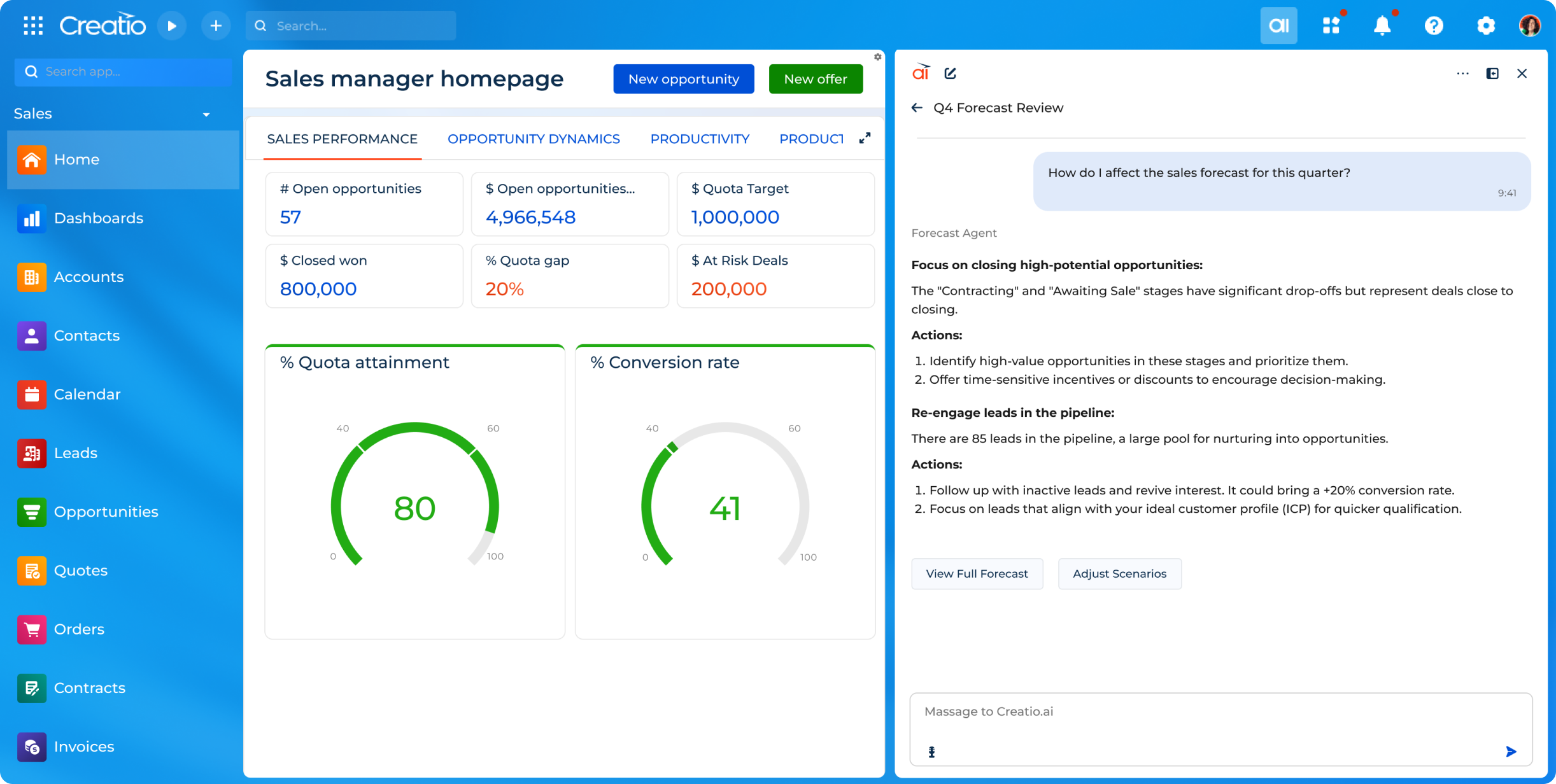
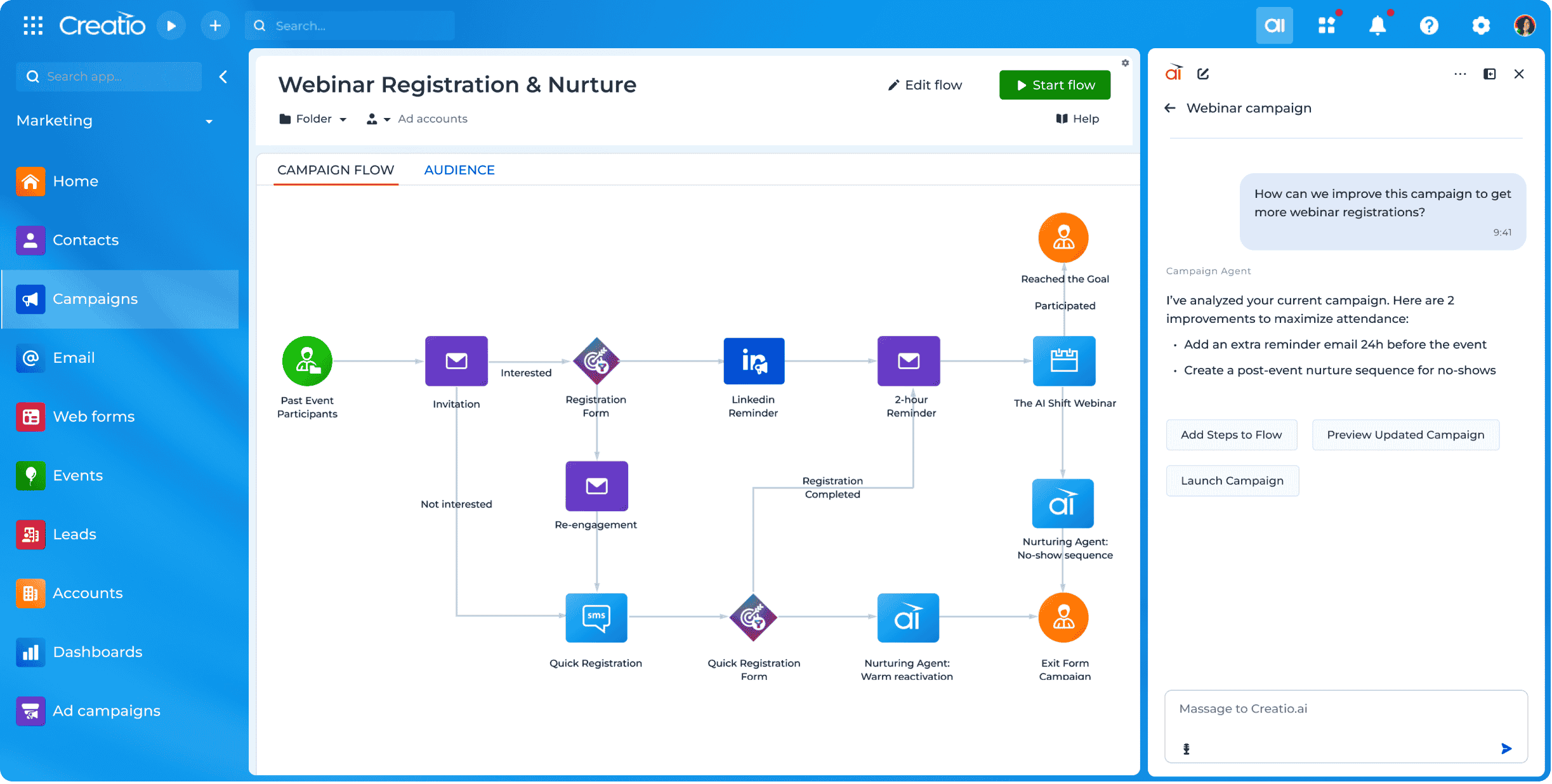
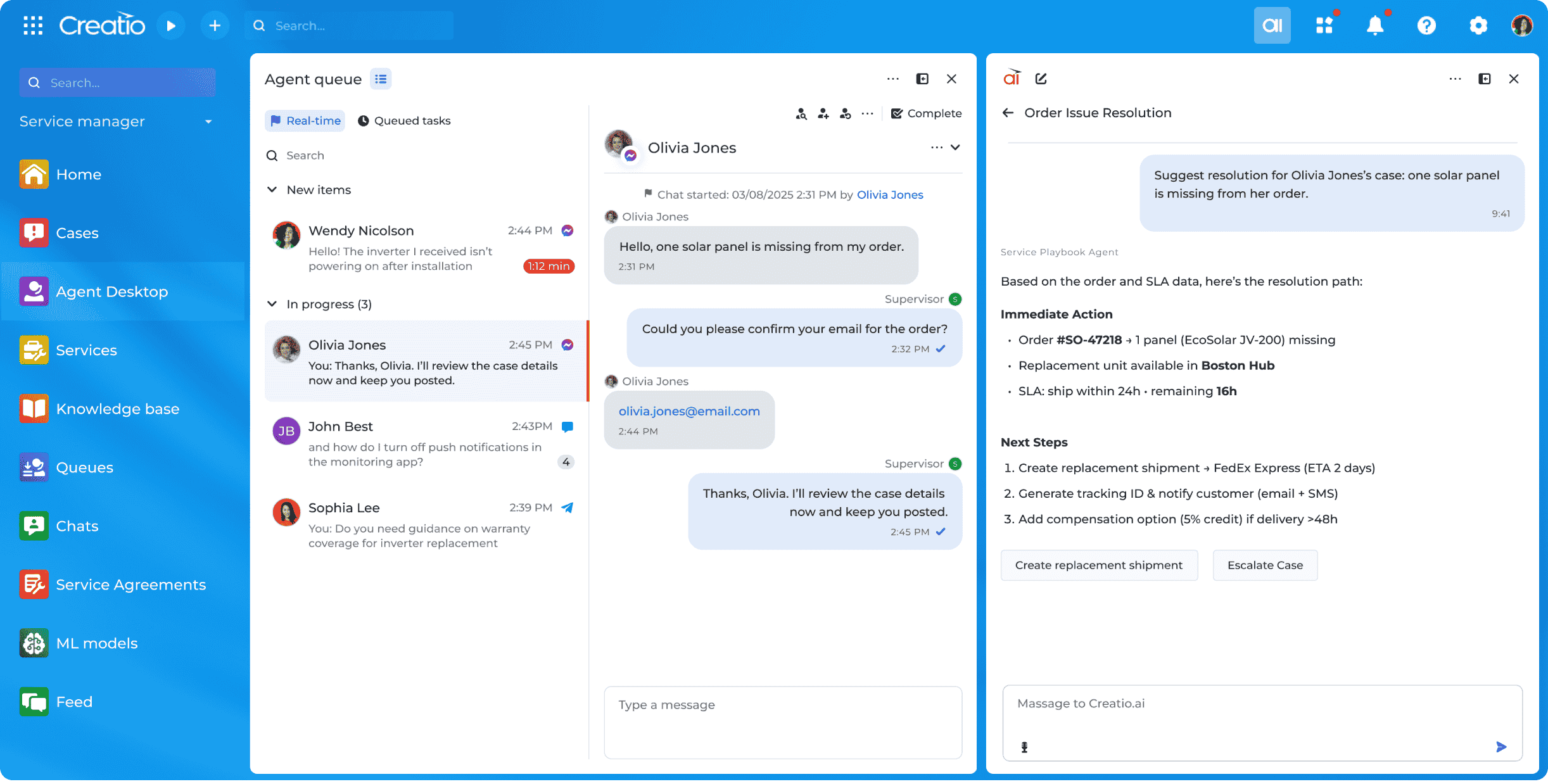
Creatio offers an agentic CRM and workflow platform. Its offerings include Creatio Studio, a no-code agentic platform to build applications and AI agents with natural language and visual designers, and a CRM suite with embedded AI agents across Creatio Marketing, Sales, and Service. The platform also includes industry workflows across 19 verticals and a range of marketplace add-ons. Creatio products can be purchased separately or as a unified CRM solution to…
$10,000
per year (minimum price for new users)
Pipedrive
Score8.6 out of 10
N/A
Pipedrive is a customer relationship management (CRM) software built to help small teams to drive sales.
$24
per month per seat
Pricing
Creatio
Pipedrive
Editions & Modules
Growth
$25
per month per user
Enterprise
$55
per month per user
Unlimited
$85
per month per user
Essential
$24
per month per seat
Advanced
$49
per month per seat
Professional
$69
per month per seat
Power
$79
per month per seat
Enterprise
$129
per month per seat
Offerings
Pricing Offerings
Creatio
Pipedrive
Free Trial
Yes
Yes
Free/Freemium Version
No
No
Premium Consulting/Integration Services
Yes
No
Entry-level Setup Fee
No setup fee
No setup fee
Additional Details
Creatio Sales, Creatio Marketing, and Creatio Service are available as add-ons for $15 per month, per user. Creatio AI is included in every tier of the Creatio platform (Growth, Enterprise, and Unlimited). Creatio AI starts at $5,000 per year
Monthly plans are available. The Essentials monthly plan at $24 per month.
Creatio is well suited in following scenarios: Complex Business process modelling and automation, Low code No code development which is best for efficient timelines, customized reporting and dashboarding, seamless integration with other technologies. Scenarios where Creatio is less appropriate: Solutions which require high cutomizations on the frontend side as this can be done by javascript modifications but it increases the load on the page and slows it down.
A de minimis incentive was given to thank the reviewer for their time. The incentive was not used to bias or drive a particular response, nor was the incentive contingent on a positive endorsement. More Info
Pipedrive is a fantastic tool to help monitor and track lead generation and referral sources. It helps maintain accountability with the sales team and helps ensure that we are doing appropriate marketing to maintain a steady influx of cases. The weekly and quarterly sales reports that it can generate are incredibly helpful and insightful. They help inform us of what we need to focus on each quarter/year.
A de minimis incentive was given to thank the reviewer for their time. The incentive was not used to bias or drive a particular response, nor was the incentive contingent on a positive endorsement. More Info
Creatio's client success team is super. The team is collaborative, solution-oriented, and client-driven. We have weekly meetings with the team. They show up prepared with solutions/ideas to business requests and they are clearly engaged.
Creatio's infrastructure team has been critical to our ability to execute our cloud strategy. They have worked with us to set up our testing and production environments within Azure, assisted in testing, and are responsive and flexible to our unique requirements.
Creatio has been very flexible to requests for customization. We have taken their low-code out-of-the-box solution and "Ringlerized" it. The benefit for us is an application that meets our niche business needs.
Great visual visibility of the funnel plus easy to drag the deals across the stages
The email integration that collects all relevant communication (also through the possibility of adding a deal-specific Pipedrive address on BCC)
The integration with Pandadoc, which we use a lot, so that Pipedrive keeps a really handy overview of the documents we have sent out / which have been signed
When we started using Creatio in 2022 the new user interface had just been released and did not include all the features we needed; however, we used a more classic user interface and were still satisfied with the results.
The ability to capture a digital signature directly within the application was missing in the base system; however, Creatio connected us with a partner that provided a solution for this specific situation.
Showing the customers name on the pipeline page. Right now I can only get it to show the brand name twice. I wish it would replace the second brand name with the main point of contact.
Better reporting tools. Their reporting tools are not easy to pick up. I've spent time trying to figure it out and it isn't something I can pick up on quickly.
Better training options. I wish I had a personal trainer to walk me through the best way to use Pipedrive so I can get the most out of it.
A de minimis incentive was given to thank the reviewer for their time. The incentive was not used to bias or drive a particular response, nor was the incentive contingent on a positive endorsement. More Info
We have always used a CRM and Creatio has proven to be much more effective in meeting our needs than our previous provider. Its customizability will allow us to adapt this product as our business may change in the future.
A de minimis incentive was given to thank the reviewer for their time. The incentive was not used to bias or drive a particular response, nor was the incentive contingent on a positive endorsement. More Info
A de minimis incentive was given to thank the reviewer for their time. The incentive was not used to bias or drive a particular response, nor was the incentive contingent on a positive endorsement. More Info
Because it is so easy to use and navigate through - even the most technophobic people in our company are using it on a regular basis. It is easy to change around and switch through different sections and keep neat and tidy.
Pipedrive is easy to use and has a clean interface so we can follow up accurately. Its custom features help manage leads and evaluate team performance. It saves time and improves efficiency. Pipedrive is stable and supports integrations and automation.
A de minimis incentive was given to thank the reviewer for their time. The incentive was not used to bias or drive a particular response, nor was the incentive contingent on a positive endorsement. More Info
Other than the daily maintenance window where the server may be inaccessible for a few minutes, there have been no issues with accessing our Creatio site. The daily maintenance window is outside normal business hours so it does not affect our Users - just myself when I am looking to implement changes.
A de minimis incentive was given to thank the reviewer for their time. The incentive was not used to bias or drive a particular response, nor was the incentive contingent on a positive endorsement. More Info
Some Users have reported slow responses from the server at times which seems to be localized. Users are based across four different time zones and the issue is intermittent.
A de minimis incentive was given to thank the reviewer for their time. The incentive was not used to bias or drive a particular response, nor was the incentive contingent on a positive endorsement. More Info
The people at the Creatio offices world wide are very friendly, patience and always happy to help. I have a huge respect for them, especially the people that were based in the Ukraine. Still in these strange times they always keep the focus on the customer, where we would have totaly understanded it if it was any different. So huge compliments to the whole team, keep up the energy and the good work
Between quick video tutorials and having very quick feedback from their support teams, it is one of the main reasons I would recommend Pipedrive. It is critical, especially when setting up the platform to meet your companies needs, that a solid support team like Pipedrive has is there to make the transition easier.
A de minimis incentive was given to thank the reviewer for their time. The incentive was not used to bias or drive a particular response, nor was the incentive contingent on a positive endorsement. More Info
Most of the roadblocks to learning were not discovered until the users were actually in the system using it on a day to day basis. Our Customer Success Manager has offered to setup additional training sessions as needed to close the gaps in our learning. Some areas which required some additional training are setting up filters, dashboards, and generating reports.
A de minimis incentive was given to thank the reviewer for their time. The incentive was not used to bias or drive a particular response, nor was the incentive contingent on a positive endorsement. More Info
The project manager for our implementation was great to work with and took the time to understand our business. We felt very comfortable going into the project with a reasonable scope of work to provide us with a functional version of Creatio to meet our needs. Unfortunately, we came across multiple challenges with this partner in their deliverables and timelines. Thankfully Creatio was able to provide support resources to ensure we were able to launch. We have since changed partners for our third-party support.
A de minimis incentive was given to thank the reviewer for their time. The incentive was not used to bias or drive a particular response, nor was the incentive contingent on a positive endorsement. More Info
The user-friendliness of Creatio was a big selling point along with the low-code initiatives, both of which were important to our business. With Salesforce, unlimited wasn't really unlimited. You couldn't deploy an on-site instance and the overall cost of the system far outweighed the ROI. These are all things Creatio offers, out-of-the-box.
I much prefer the interface of Pipedive when compared to Zoho. Much more user friendly and the team is always readily available when we need them. Pipedrive allowed for many custom integrations to be added, as Zoho was a tad more complicated to manipulate. We would not go back to Zoho in any case.
A de minimis incentive was given to thank the reviewer for their time. The incentive was not used to bias or drive a particular response, nor was the incentive contingent on a positive endorsement. More Info
A de minimis incentive was given to thank the reviewer for their time. The incentive was not used to bias or drive a particular response, nor was the incentive contingent on a positive endorsement. More Info
We went from manually processing Work Orders into Invoices once a day - representing significant impact to turn around speeds - to submitting automatically in real time, eliminating a great deal of human transcription errors and freeing up a great deal of operations time
Custom Implementation automation in Creatio has eliminated 4-6 hours of configuration work per sale in comparison to our old manual methods
Great on setup which made our work easier and less technically equipped people can manage a lot of things(compared to SalesForce where you need to hire a developer to set it up)
We were able to integrate our calling system easily and get things going on the lead calling aspect.
Great multipipeline option where we were able to manage both organisations under one roof.
A de minimis incentive was given to thank the reviewer for their time. The incentive was not used to bias or drive a particular response, nor was the incentive contingent on a positive endorsement. More Info