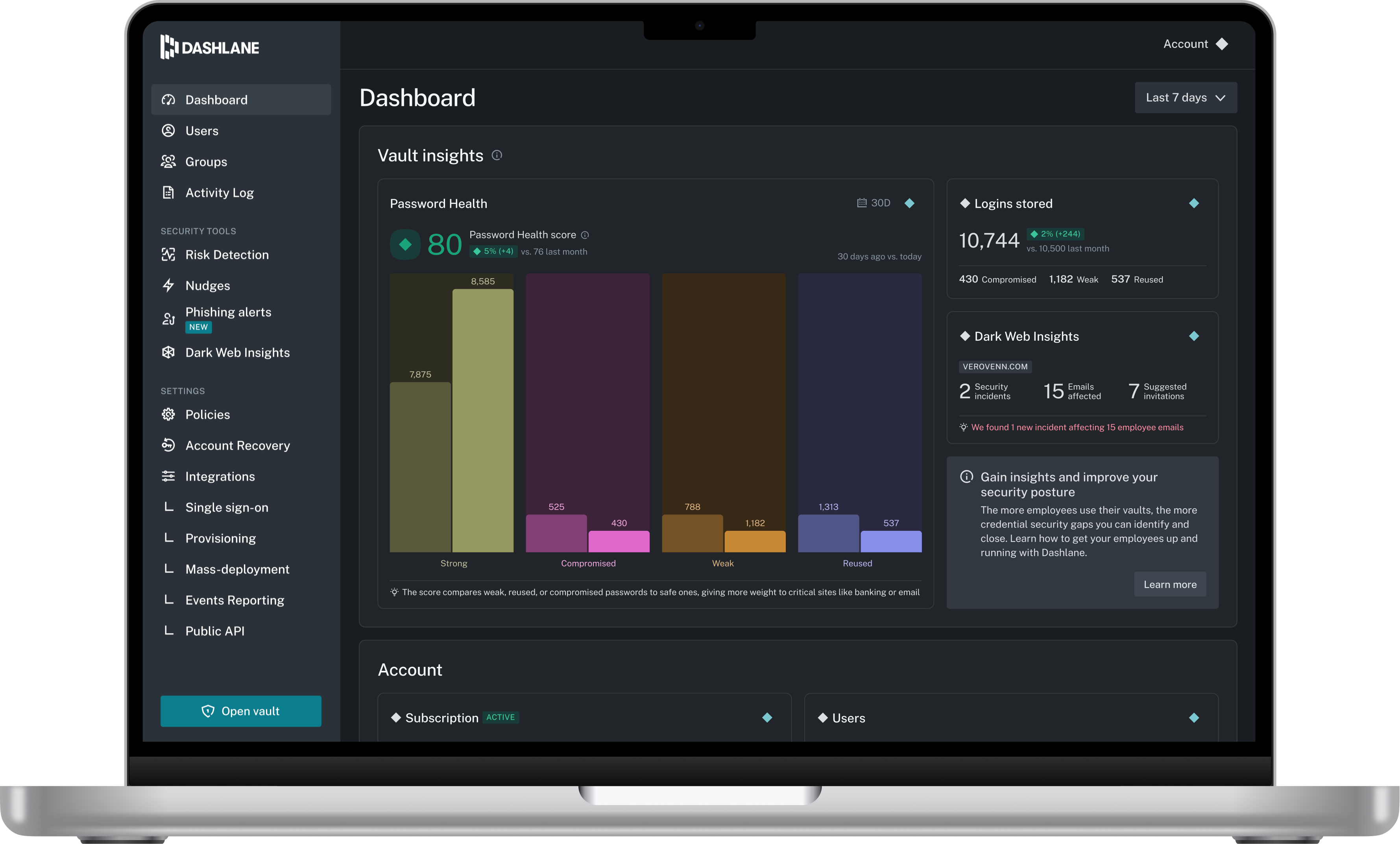
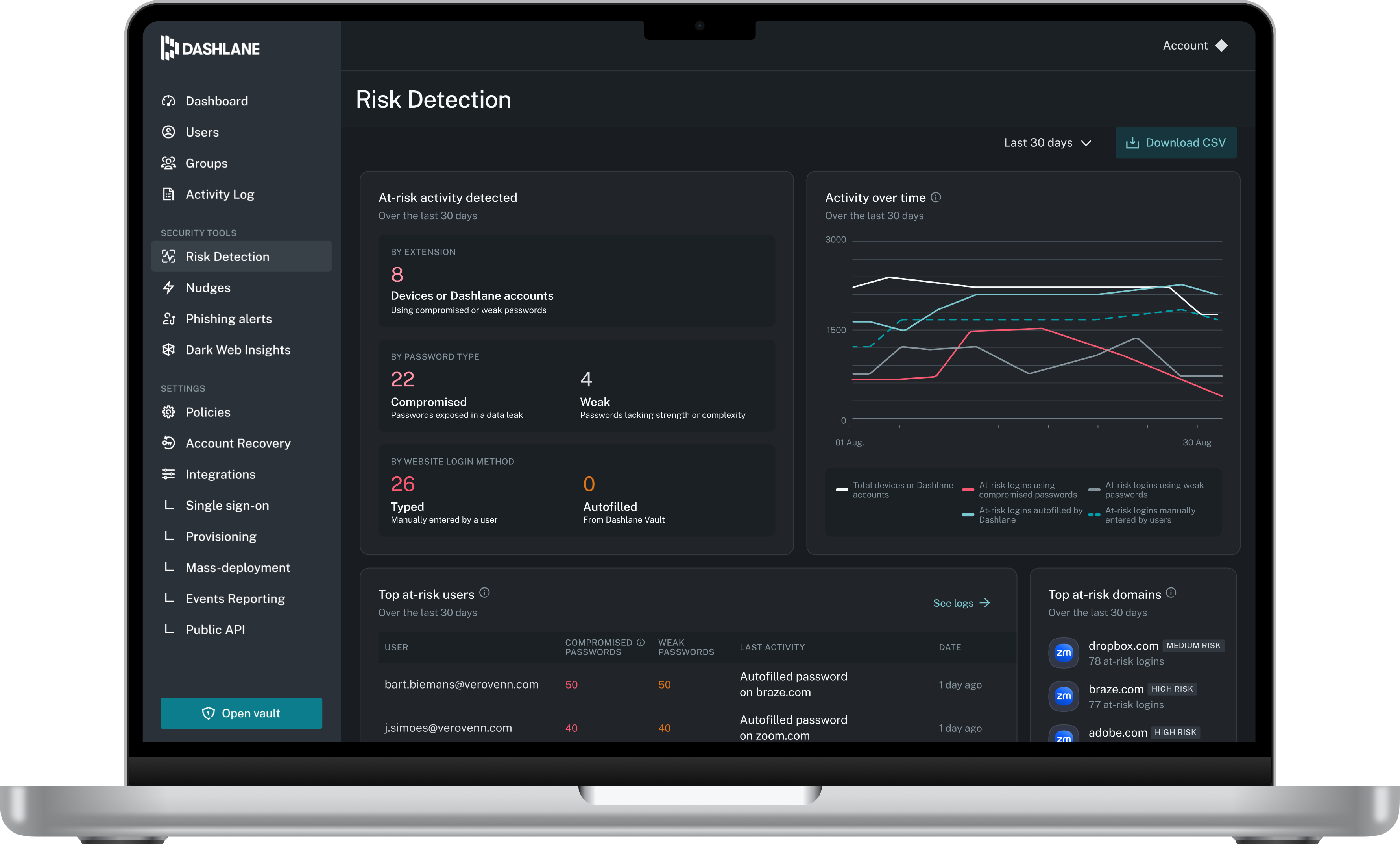
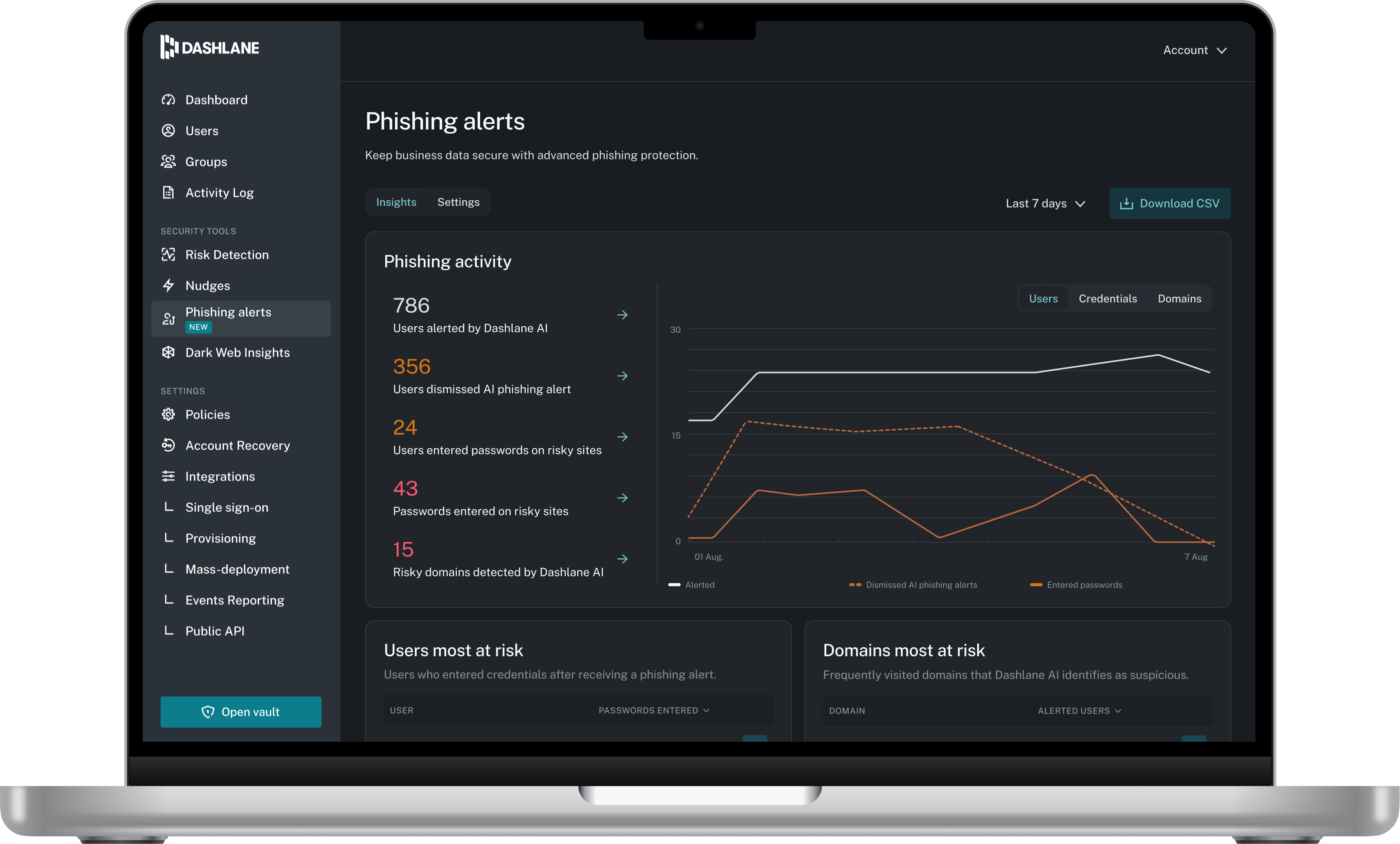
Dashlane is a credential manager that secures every credential, every user, and every employee device to proactively protect against breaches. Brands worldwide can use Dashlane to stay ahead of evolving threats.
$8
per month (billed annually) per seat
KeePass
Score 8.9 out of 10
N/A
KeePass is an open source password manager which secures passwords in a database locked with a master password or key file.
N/A
Specops Key Recovery
Score 0.0 out of 10
N/A
Specops Key Recovery is a self-service solution for unlocking computers encrypted by Microsoft Bitlocker and Symantec Endpoint Encryption. A user who is locked out at the pre-boot authentication
screen can use Specops Key Recovery to unlock their computer, without calling the helpdesk. For added security, users are verified with multi-factor authentication. The solution supports a number of
authentication factors, including Symantec VIP, and Mobile Code. - Unlocks computers encrypted by…
By far, Dashlane offers better security protocols and has a better interface that combines ease of use with security. We found the price and security to be the deciding factors in our choice to explore Dashlane beyond the trial usage. My CEO speaks highly of your product and …
Dashlane was a stronger product than Passportal, and it had the sharing capabilities that Passportal didn't. LastPass is better software, in my opinion, and I use it for my personal password storage. I like that Lastpass organizes logins based on the type of website (ex. …
Better useability, ability to share notes and codes, easy to toggle between organisation and personal logins, ability to share to other users and revoke that access as needed, able to get updates on password health and how many passwords other people are storing, user friendly …
It has been quite some time since we selected Dashlane, but it was a combination of features and price - it offered the greatest value with user sharing and cross-platform capabilities.
It's been a long time, so I don't remember. Secure safe seemed to focus a bit more on storing documents... Dashlane Password Manager is much more powerful as to securely collaborating credentials.
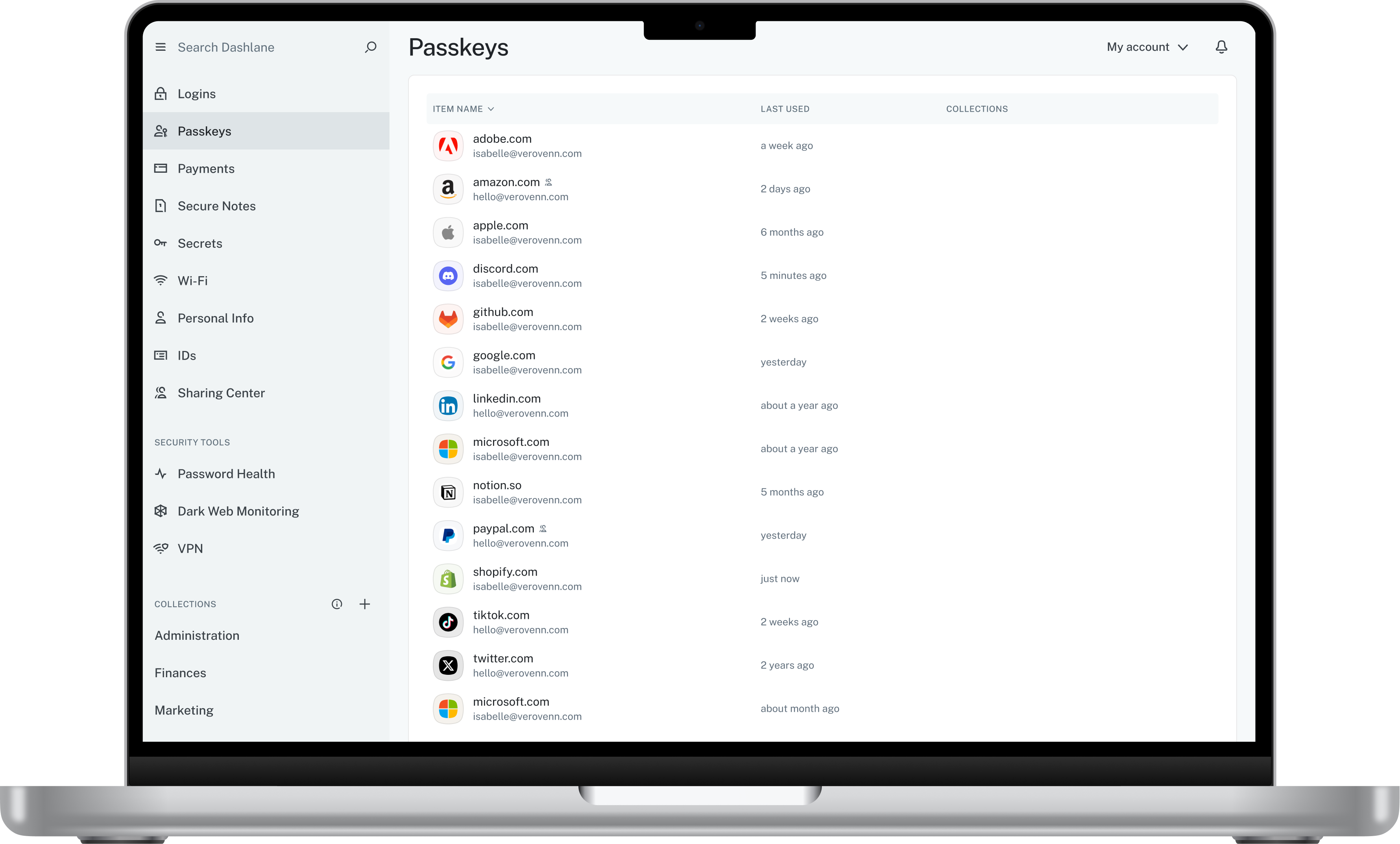
Dashlane supports full business-/enterprise-level credential management: Admin dashboards, group/team management, policy enforcement, SSO/identity-provider integration, etc. Dashlane offers features such as dark-web monitoring, secure digital wallet, built-in VPN (in some …
The usability for Dashlane was better than the other options we tested before making our decision. Specifically, Dashlane makes sharing passwords and updating shared passwords very simple.
As previously mentioned, NetworkChuck on YouTube played a big part in my final decision. The security concerns of what I used at previous employers (LastPass) left a really bad taste in my mouth.
I use Proton Pass in my personal life as part of the Proton suite of products, and it's a fantastic, lightweight, and robust service. I personally prefer supporting a solid, privacy, freedom focused company with my personal money, but as far as comparing goes, I'd say Dashlane …
I chose Dashlane Password Manager over Lastpass due to cost and their prior history of data breaches. I felt more comfortable with Dashlane Password Manager hoping I wouldn't have to deal with downtime or stolen credentials. Dashlane Password Manager to me felt more compact and …
We can get a discount on Dashlane Password Manager through TechSoup, so cost was the deciding factor, as all other elements were about equal for us in our evaluation.
Delinea Secret Server is a similar product, but I feel it is not as easy to use. I am not sure if it has a mobile app. Its autofill and browser extension is nice to have. It seems like a more robust application than what I am doing which is primarily just password storage.
We considered several packages, but we focused on what best suited our organization. Security was the most important factor, along with flexibility and how we could customize the package to maximize its effectiveness. Then, of course, we considered the cost of the package. And …
Dashlane was less intuitive and the feature to automatically fill forms with username and password wasn’t working as good as KeePass. Also managing it, creating new passwords etc. took more time.
KeePass is free and compatible with all the devices you or your customers and it has a lot of different uses. Is not only a password manager like Norton safe password or the avast's one. Like the password managers of the browsers, no, with KeePass every customer can find a …
We didn't use other products. Before Keepass, Our Users were using the password saving in Google Chrome or Microsoft Edge. In our opinion, this is not really safe. There you also cant save any other applications and passwords. So people were writing down some passwords on …
We have tried Last Pass, while it's very nice to use, there are times where it was down and we couldn't access our passwords. There were troubles with the website or plug-in at times when it was updated. It wasn't as trusted due to these factors being out of our control due to …
I cannot remember how and why I selected KeePass. But I think it was the possibility to try it as a shareware product first. In the past, there were only the most important features realized in the software (and some stuff I never needed). To see how the software has been …
All mentioned passwords in the Subject are good if you have a Budget for it. If not, KeePass is ideal as it is free and regularly updated. End users can learn it fast with no additional resources.
KeePass is the most simple of the password managers, but it also means it doesn't scale as well and doesn't have all the features some of the other options have. IT Glue is a much better choice for company-wide management of passwords but it has high costs and is much more than …
Better UI, and we felt that was imperative for our user base to get a high adoption rate of a new application. The features were very similar, but KeePass seems like a better fit for the organization and grouping of credentials, and the search feature.
I have only used browser-based password storage; these are more convenient if you are working in many different places, but for any password storage within a given company, KeePass would be superior.
I have used LastPass, 1Password, Chrome Password Management, and several others. Most either are not secure enough for the need, require an internet connection/external service, are not portable, or not open-sourced/require subscription/purchase. Keepass is simple to manage, …
It isn't in the same league as the others. KeePass is great for a quick and free password manager, but it doesn't have the autofill capabilities as the others.
We did not look at other solutions since this solution accomplishes everything we expect it to. I cannot offer any comparison (other than comparing to NOT using anything). KeePass has been around for quite some time and is a trusted name in the world of password security and …
Even though KeePass keeps your files encrypted locally on your hard drive, I felt like I would be a small target to get hacked. Putting all of your passwords in the cloud with everyone else like LastPass does seems like a bigger target to hackers. If LastPass was ever hacked, …
Dashlane Password Manager works really well for situations where we need to share access to client portals or government filing sites, since multiple people can log in without ever seeing the actual password and we can cut off access right away when it’s no longer needed. It is also great for onboarding and offboarding since new hires or interns can get the logins they need quickly and we don’t have to pass around spreadsheets. Another strong use case is meeting compliance expectations because it shows clients we are serious about security and password hygiene. Where it’s less useful is in environments that already use single sign-on since that already centralizes access and makes Dashlane Password Manager feel redundant. It can also be a little frustrating if you rely heavily on mobile since the autofill doesn’t always work smoothly across different apps.
KeePass is a perfect tool for use as a password manager and for storing similar sensitive data. This is especially true if you work from a fixed workstation, supporting your clients. KeePass is incredibly valuable. If you're often on the road and need to log in to KeePass occasionally to look up passwords or data, this can be inconvenient. And quickly and securely sharing data across other media isn't really an option with KeePass. Security is more important in this situation.
I don't believe that this is so much a negative, but be sure that you keep your password database saved in a location that is accessible (even during an outage). Failure to do so will make it hard/impossible to recover passwords in the event that your database is unreachable (such as if a network drive failure).
My very good experience in the past 15 years of usage of KeePass makes it easy to decide for a renewal of this friendship. I was never disappointed and KeePass always meets my expectations. The software runs stable and if there should be a software error, it will be fixed in no time. This is customer satisfaction.
Dashlane Password Manager is great for the price. Some feature sets of competitors are lacking, but I'm happy with what we get for the spend. We are a small enough company that I can walk people through the steps, and it isn't something that comes up enough to complain about. Password generation, storage and use are all great.
KeePass is easy to use and requires no prior training using it. I would rate KeePass a score 9 out of 10. It stands out in managing credentials securely and efficiently. No other similar app performs its core function as well, making KeePass an essential tool for password management and security.
We've had no issues with Dashlane. I can't speak to their customer service because I have not personally needed to contact them. I guess that speaks about their product if we've not had any issues to reach out about. Great for supporting data/information on multiple platforms that are shared among team members.
I have almost never had to contact support. This product has a wide community, a very expansive documentation/forum site where generally any question/issue already has an answer/fix or explanation/workaround, or plans for improvement in a future version. On the occasions that I have reached out, answers were fairly quick, useful, and respectful.
Dashlane was a stronger product than Passportal, and it had the sharing capabilities that Passportal didn't. LastPass is better software, in my opinion, and I use it for my personal password storage. I like that Lastpass organizes logins based on the type of website (ex. shopping, banking, etc. ), and it also has an authentication app, so it has you verify logins from your phone for an extra layer of security, which Dashlane does not
KeePass is the most simple of the password managers, but it also means it doesn't scale as well and doesn't have all the features some of the other options have. IT Glue is a much better choice for company-wide management of passwords but it has high costs and is much more than just a password manager. LastPass is probably closer to what KeePass can do, but offers the ability to access passwords from all devices such as computers and phones. KeePass is better for being free and is best for use on a single computer.
Our cybersecurity posture has drastically been improved since the adoption of Dashlane. Cybersecurity insurance looks very favorably on those that utilize password managers
Hundreds of hours of IT Admin time has been saved by not needing to reset passwords nearly as much at the user level.
User productivity is substantially improved when time is spent working and not resetting passwords over and over.