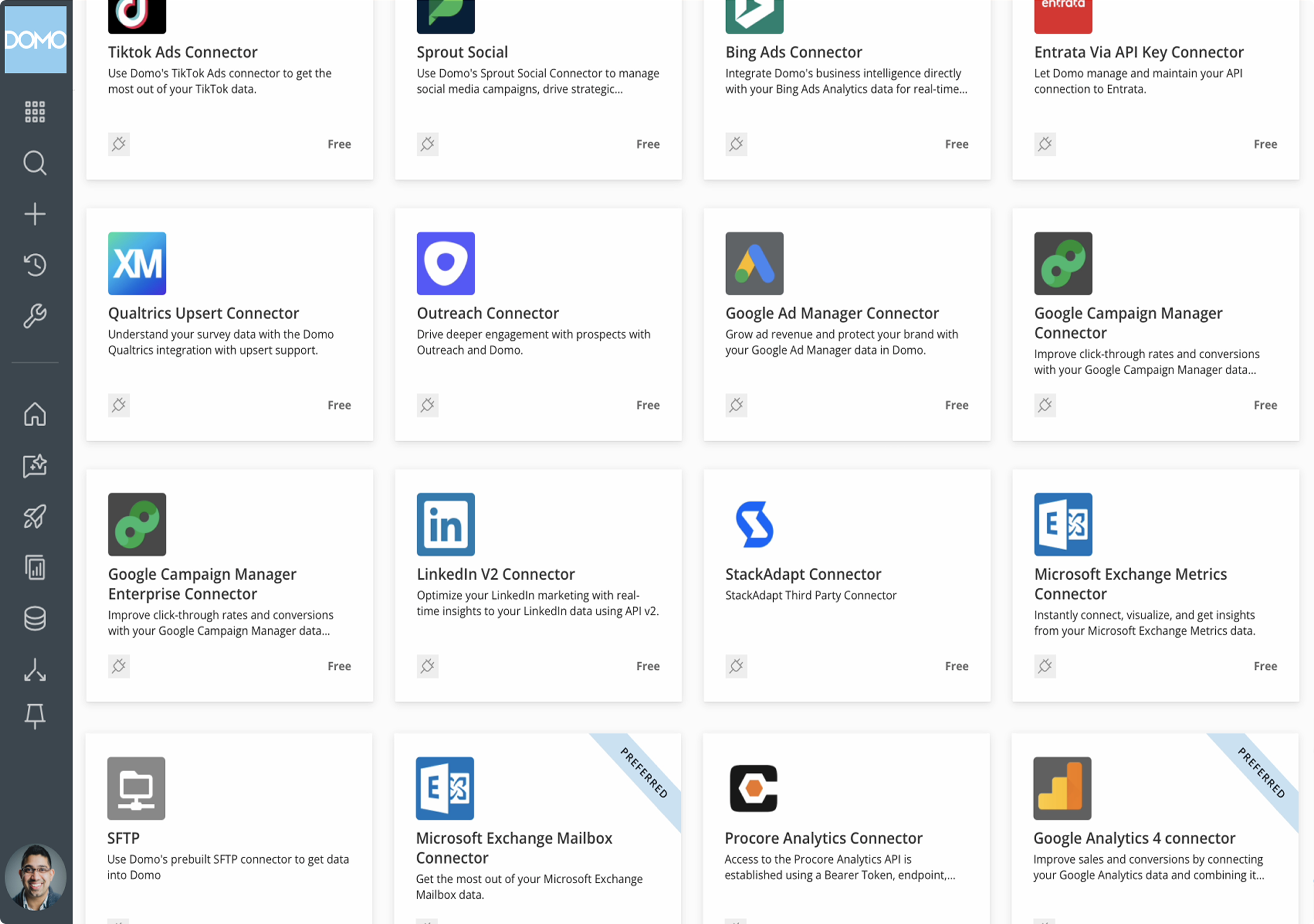
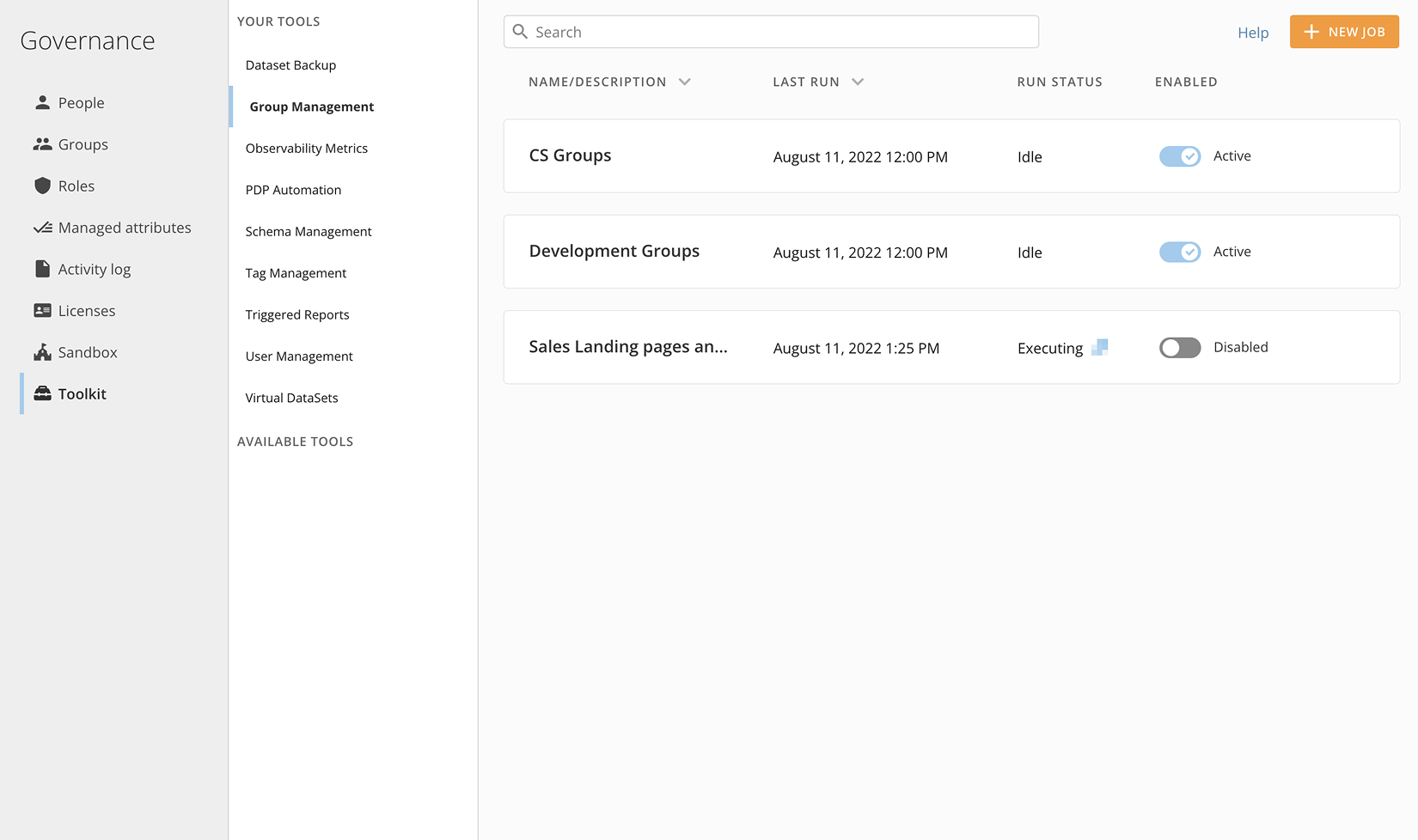
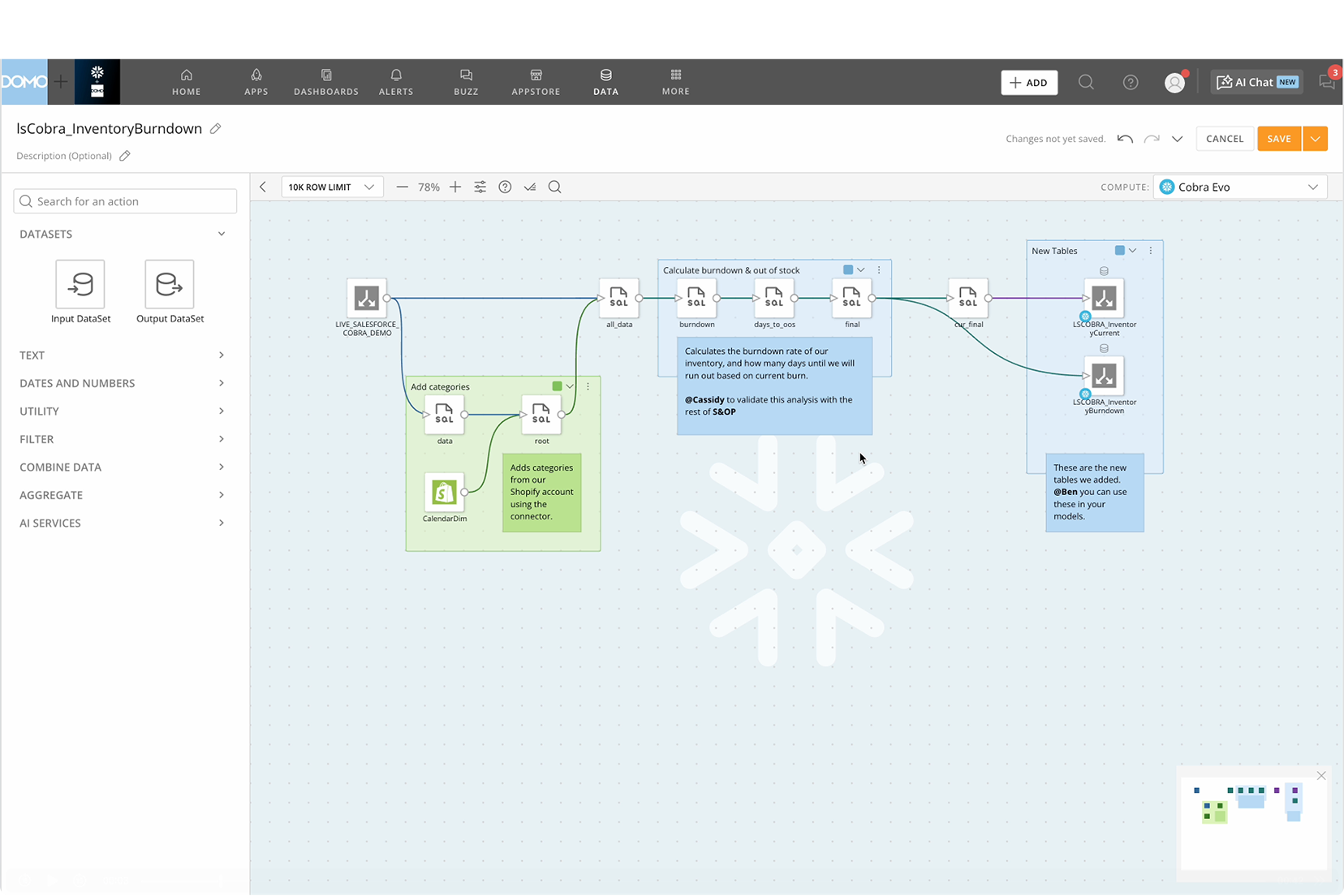
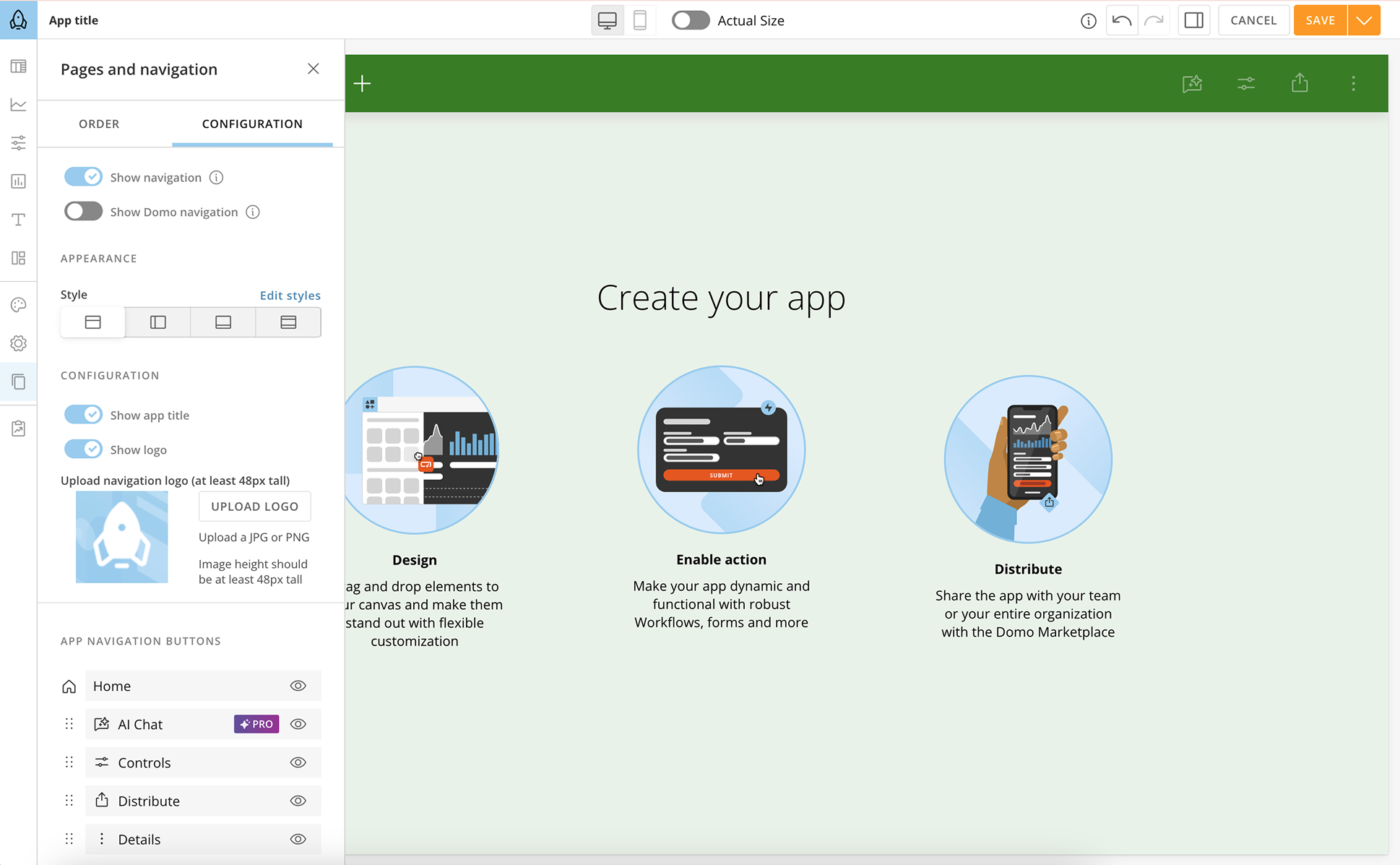
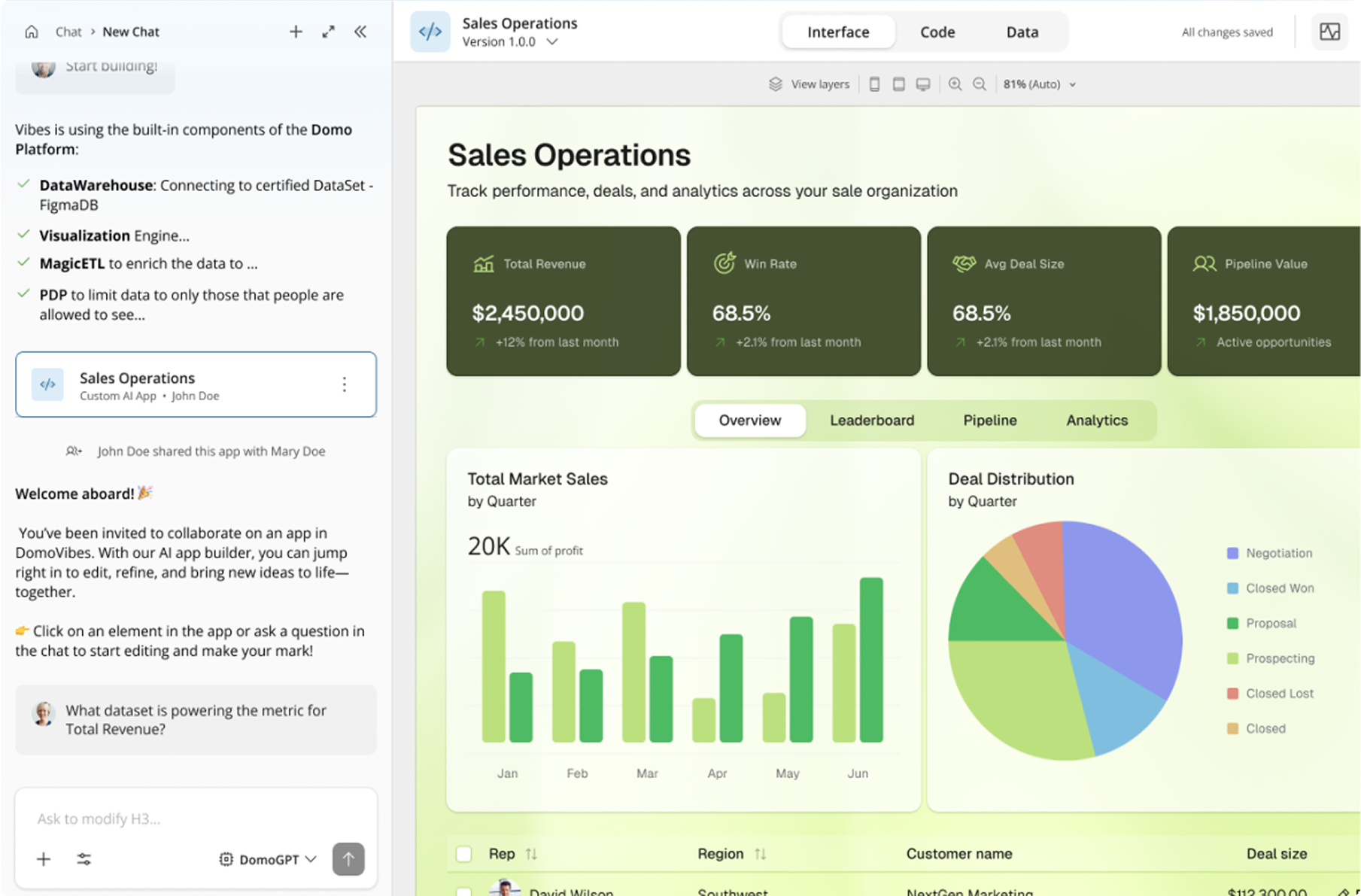
Domo is a full self-service business intelligence software that combines several data analysis and reporting tools into one platform. It helps users connect to multiple data sources, create robust visual reports, manage their data, send messages in real-time, manage projects, and develop new apps.
N/A
Klipfolio Klips
Score6 out of 10
Small Businesses (1-50 employees)
Klipfolio is a customizable dashboard and reporting platform that provides real-time business insights. It is used by small to mid-sized businesses and agencies to track performance metrics and create tailored reports, and to consolidate, transform, and visualize data.
$90
per month
Salesforce CRM Analytics
Score8.5 out of 10
N/A
Salesforce CRM Analytics (formerly Tableau CRM) is a cloud-based business intelligence solutions and analytics software. It provides users with automated data discovery, CRM-connected analytics, top-down views of data, augmented analytics, predictive insights, and customizable data visualization tools.
$125
per month
Pricing
Domo
Klipfolio Klips
Salesforce CRM Analytics
Editions & Modules
No answers on this topic
Base
$90
per month
Grow
$190
per month
Team
$350
per month
No answers on this topic
Offerings
Pricing Offerings
Domo
Klipfolio Klips
Salesforce CRM Analytics
Free Trial
Yes
Yes
No
Free/Freemium Version
No
No
No
Premium Consulting/Integration Services
Yes
Yes
No
Entry-level Setup Fee
No setup fee
Optional
No setup fee
Additional Details
Domo uses a credit-based pricing model designed to align costs with usage. Credits are consumed when performing specific actions—such as storing data, updating tables, running workflows, or leveraging advanced capabilities like ML inference in the data pipeline. Domo does not currently publish pricing.
Discount available for annual pricing. There are various implementation and training options available, from a 60 Day Proof of Concept, to Onboarding & Training, or ongoing dedicated Data Hero support.
—
More Pricing Information
Community Pulse
Domo
Klipfolio Klips
Salesforce CRM Analytics
Considered Multiple Products
Domo
Verified User
Chose Domo
Domo is on the higher side when it comes to price against the competition but it warrants it. It has all the features and capabilities you will need to execute an exceptional BI program across your organization. I'm not sure I'd recommend this if this is your first BI tool just …
A de minimis incentive was given to thank the reviewer for their time. The incentive was not used to bias or drive a particular response, nor was the incentive contingent on a positive endorsement. More Info
Klipfolio
Verified User
Chose Klipfolio Klips
Klipfolio had by the far most user-friendly interface with the best visualization I found. The price was below average on the software I compared to when I first purchased Klipfolio back in 2018. Today I primarily use Microsoft Power BI, because it is part of the Microsoft …
A de minimis incentive was given to thank the reviewer for their time. The incentive was not used to bias or drive a particular response, nor was the incentive contingent on a positive endorsement. More Info
VP, Digital Strategy in Marketing at Trajectory (Marketing & Advertising, 11-50 employees)
Chose Klipfolio Klips
Over the years, I have been required to work with other platforms to collect and analyze data for a variety of ad agencies and clients that I have worked with. It really came down to a Goldilocks comparison where we consistently found that dashboard platforms were bloated with …
A de minimis incentive was given to thank the reviewer for their time. The incentive was not used to bias or drive a particular response, nor was the incentive contingent on a positive endorsement. More Info
Manager of Marketing Operations in Marketing at Impartner Software (Computer Software, 51-200 employees)
Chose Klipfolio Klips
These and many other BI tools are the most direct competitors. I only have experience with Klipfolio and Tableau. Tableau is definitely more capable, but much more difficult to learn and use. Klipfolio is simple and really packs a punch for its simplicity. I have yet to run …
A de minimis incentive was given to thank the reviewer for their time. The incentive was not used to bias or drive a particular response, nor was the incentive contingent on a positive endorsement. More Info
Director of Sales and Marketing in Marketing at Home Instead Senior Care (Individual & Family Services, 201-500 employees)
Chose Klipfolio Klips
They are all based on a similar methodology (Excel) but I felt Klipfolio had better integrations and their support team has been the difference maker. For a company that needs some hand-holding and guidance, Klipfolio is the right choice.
A de minimis incentive was given to thank the reviewer for their time. The incentive was not used to bias or drive a particular response, nor was the incentive contingent on a positive endorsement. More Info
Salesforce
Verified User
Chose Salesforce CRM Analytics
I haven't used comparable tools, other than Domo. And Domo as a BI tool is more geared at making high level inferences off raw data. Salesforce Analytics pulls in data from an existing Salesforce suite to make the inferences. But then you can make iterative changes, and track …
A de minimis incentive was given to thank the reviewer for their time. The incentive was not used to bias or drive a particular response, nor was the incentive contingent on a positive endorsement. More Info
Verified User
Chose Salesforce CRM Analytics
Salesforce needs fully baked data for its architecture and design to give you the best results you deserve. Teams not having used Salesforce previously take some time getting used to EA. But its ability to give the data points for KPIs to the sales team in real time and to the …
A de minimis incentive was given to thank the reviewer for their time. The incentive was not used to bias or drive a particular response, nor was the incentive contingent on a positive endorsement. More Info
Verified User
Chose Salesforce CRM Analytics
Salesforce Analytics Cloud is in its infancy, but the fact that it is built on the Salesforce.com platform is a big plus for any institution/organization using Salesforce as its primary CRM. The ability to natively report and build analytics components on top of existing SFDC …
A de minimis incentive was given to thank the reviewer for their time. The incentive was not used to bias or drive a particular response, nor was the incentive contingent on a positive endorsement. More Info
I believe that companies that record large amounts of data about their product, service employers KPIs, etc, can make the best out of Domo for reporting and data analysis, but if a company handles little data and is not recording this consistently, it will not be of much use.
Using Klipfolio is one of the finest ways we can expand our business because it is so simple to use and always has new features that make it better. We also appreciate the excellent customer service they offer. There are several benefits to making this investment in your company's efficiency and profitability. We think it's worth the money.
A de minimis incentive was given to thank the reviewer for their time. The incentive was not used to bias or drive a particular response, nor was the incentive contingent on a positive endorsement. More Info
For us it really comes down to that book management and next best contact for our advisors. When we're thinking about a book of business that may range, depending on the advisor, from 400 clients to a thousand clients, how do they really optimize their time? Who do they call next? Who do they work with to make sure not only they're keeping those clients engaged, they're not leaving the firm going to other advisors who they haven't talked to in a while who might need their attention. That's really where that CRM analytics is really proven pretty powerful for us.
A de minimis incentive was given to thank the reviewer for their time. The incentive was not used to bias or drive a particular response, nor was the incentive contingent on a positive endorsement. More Info
Exceptional Transform area of the platform - any/all raw data can be manipulated and combined to create datasources that are very useful for our departments.
Visualization layer is clean and is very business presentable. Its simple but includes depth. Visuals can be created/used by all roles throughout our firm, its not limited to analysts.
Ability to communicate and talk about insights in the data - the communication tool is exceptional. I can @ mention specific users to bring attention to a discovery. I can start a private chat. I can annotate and communicate what I am seeing. I love it.
Mobile experience is excellent. When I am on the road i can actively monitor and engage with my team due to my Domo dashboard on my mobile device. Its amazing to run the business and not worry while away from the office.
A de minimis incentive was given to thank the reviewer for their time. The incentive was not used to bias or drive a particular response, nor was the incentive contingent on a positive endorsement. More Info
A de minimis incentive was given to thank the reviewer for their time. The incentive was not used to bias or drive a particular response, nor was the incentive contingent on a positive endorsement. More Info
A de minimis incentive was given to thank the reviewer for their time. The incentive was not used to bias or drive a particular response, nor was the incentive contingent on a positive endorsement. More Info
Copying Reports - In Excel or Google Sheets, I like to make copies of similar reports and modify them as necessary for users. In Domo, makes copies of reports (called cards) but all copies are connected. So if you adjust the copy, it changes the original. This means a user has to recreate the report from scratch and then adjust it.
Unforgiving SQL - Domo does allow users to write their own SQL codes, which is great. However, Domo's SQL code is pickier than the other SQL database I've used (Metabase).
Text Alerts - Domo's alerts aren't always the smartest. Some of my dashboards are about the sales teams monthly performance and I get notified when there is a change of more than 20%. I always get notified at the start of the month that reports have changed from 'x' number to zero. This is expected because it's a monthly report and I hate getting texts about it. The only reason I don't term them off so I can be aware if something breaks in the middle of the month.
A de minimis incentive was given to thank the reviewer for their time. The incentive was not used to bias or drive a particular response, nor was the incentive contingent on a positive endorsement. More Info
While Klipfolio covers so many of the bases, one area where I would like to see expansion would be offering additional design and graphics themes for even more customization.
Klipfolio has an extensive offering but might be even better if there were a way that we could integrate with some small to mid-sized CRM solutions for audience list segmentation and marketing integrations.
It would be interesting if Klipfolio could enable us to overlay the data learnings for cross-referencing of multiple client campaigns for comparative insights.
A de minimis incentive was given to thank the reviewer for their time. The incentive was not used to bias or drive a particular response, nor was the incentive contingent on a positive endorsement. More Info
Implementation takes time and resources. It is a heavy lift to implement and at first, it can take a little bit of time to understand what you are looking at. But once it's implemented it's easy to get started.
Without any BI expertise or resources available to your organization, the implementation of this is difficult. If you aren't used to BI tools and don't have an expert in house, the terminology can be difficult to understand at first.
Their support is not on hand to help you if you encounter any issues, at least not on all the plans or the basic plans. Real-time support service is an add-on, so you'll need to be patient if you require help or pay extra money.
More functionality for the tool is needed to compete with other heavyweights in the arena like Tableau, Qlik, and Microstrategy. Still lacks the robustness, functionality, and flexibility other competing products possess.
A de minimis incentive was given to thank the reviewer for their time. The incentive was not used to bias or drive a particular response, nor was the incentive contingent on a positive endorsement. More Info
Domo is a great up-and-coming product. There are many fantastic features that are extremely compelling to our end users, which makes Domo a great fit for our organization. As with many BI tools, there are items on the wish list that could make implementation, administration and usage easier, but I believe these will be addressed over time as the product matures and evolves. The overall concept and approach of this solution has definitely raised the bar in this area of expertise and I would like to see things advance in giving the enterprise tools that will make decision making easier and more robust in the future.
The built-in user support and intuitive design of Domo makes it simple to learn and use. I find I can spend hours drilling deep, or else quickly gain an overview in just a few minutes. This is a great advantage since the flexibility fits well with the demands of my role. I enjoy using Domo since I know it will give me comparative data across almost every variable I might want to explore - I look forward to it!
A de minimis incentive was given to thank the reviewer for their time. The incentive was not used to bias or drive a particular response, nor was the incentive contingent on a positive endorsement. More Info
My initial impressions of the software have been extremely positive. There are YouTube tutorials that explain how to make klips. The intuitive design of the UI It appears that everything in this software has been thoroughly tested to create all the visualizations that can be imagined as well as the user input controls that allow users to have exactly the data they want to be displayed in seconds, considering the various functions and formulas available in the Excel integrations and the extensive list of other services that can be integrated.
A de minimis incentive was given to thank the reviewer for their time. The incentive was not used to bias or drive a particular response, nor was the incentive contingent on a positive endorsement. More Info
For someone who don't have coding background, this could be a useful tool and fairly easy to learn and use given the good support. However, if you know other open source tools, it would be much easier to use the other tools and the knowledge is more transferable in the future.
A de minimis incentive was given to thank the reviewer for their time. The incentive was not used to bias or drive a particular response, nor was the incentive contingent on a positive endorsement. More Info
Pretty responsive. It took a while to get a response in selecting data points for our particular cards. Might have taken about a month? I am not sure if this was something on our end or Domo's end. But haven't had any other issues yet that required additional support from Domo.
A de minimis incentive was given to thank the reviewer for their time. The incentive was not used to bias or drive a particular response, nor was the incentive contingent on a positive endorsement. More Info
It provides all the necessary information to be able to carry out the analysis of any type of business, to know how money is managed virtually, what to do to have greater visibility, in addition to being a platform that is always accessible and allows continuous and efficient work.
A de minimis incentive was given to thank the reviewer for their time. The incentive was not used to bias or drive a particular response, nor was the incentive contingent on a positive endorsement. More Info
I was not able to be in interaction much with Salesforce support team since every feature works the way it should be working. So far I have not experienced any bug or major glitches that would delay the result of my work and performance. There is also a hotline in our company for Salesforce issue but so far I have not used it.
A de minimis incentive was given to thank the reviewer for their time. The incentive was not used to bias or drive a particular response, nor was the incentive contingent on a positive endorsement. More Info
It is a true web-based application so implementation is much easier and smoother compared to other non-web based BI solutions. Also, they offered consulting services during the implementation process, which was helpful. Also, they provided lots of on-demand training courses and videos, which I liked.
A de minimis incentive was given to thank the reviewer for their time. The incentive was not used to bias or drive a particular response, nor was the incentive contingent on a positive endorsement. More Info
An implementation partner would certainly result in greater output in a more efficient amount of time. However, I have found implementation partners to be extremely expensive for the output received (at least working for a non-profit company they are frequently unaffordable). Internal implementation does help with usable output though since internal knowledge would better know the data architecture and business processes
A de minimis incentive was given to thank the reviewer for their time. The incentive was not used to bias or drive a particular response, nor was the incentive contingent on a positive endorsement. More Info
At the end of the day, end-user adoption and taking the burden of IT to build reports was my goal. Demoing and testing many BI tools, DOMO is the one that allowed both to happen.
A de minimis incentive was given to thank the reviewer for their time. The incentive was not used to bias or drive a particular response, nor was the incentive contingent on a positive endorsement. More Info
These and many other BI tools are the most direct competitors. I only have experience with Klipfolio and Tableau. Tableau is definitely more capable, but much more difficult to learn and use. Klipfolio is simple and really packs a punch for its simplicity. I have yet to run into a major problem with it lacking a needed functionality.
A de minimis incentive was given to thank the reviewer for their time. The incentive was not used to bias or drive a particular response, nor was the incentive contingent on a positive endorsement. More Info
Tableau is the absolute top of the class when it comes to business intelligence, but it doesn't make sense for every business case. In our case, we needed a simple data visualization platform for our CRM platform and sales pipeline. Salesforce Analytics, while nowhere near as robust, did the job we needed it to do perfectly in a significantly more cost-effective manner.
A de minimis incentive was given to thank the reviewer for their time. The incentive was not used to bias or drive a particular response, nor was the incentive contingent on a positive endorsement. More Info
I mentioned a "previously un-analyzable" dataset that we were able to visualize in Domo - the result was business re-alignment for increased productivity, cost savings and ROI.
It's tough to quantify the ability to provide insights that have been desired for years but not possible - we continue to amaze our executives and product managers with the analysis we can provide.
A de minimis incentive was given to thank the reviewer for their time. The incentive was not used to bias or drive a particular response, nor was the incentive contingent on a positive endorsement. More Info
I would say it's been positive just because as a company, anyone that has access to it can go in there and pull any company information and we're very up to date then on all of our client base. So I would say it's been a very positive impact.
A de minimis incentive was given to thank the reviewer for their time. The incentive was not used to bias or drive a particular response, nor was the incentive contingent on a positive endorsement. More Info