Droplr is a tool for capturing and sharing screen images.
N/A
GoTo Meeting
Score8.5 out of 10
N/A
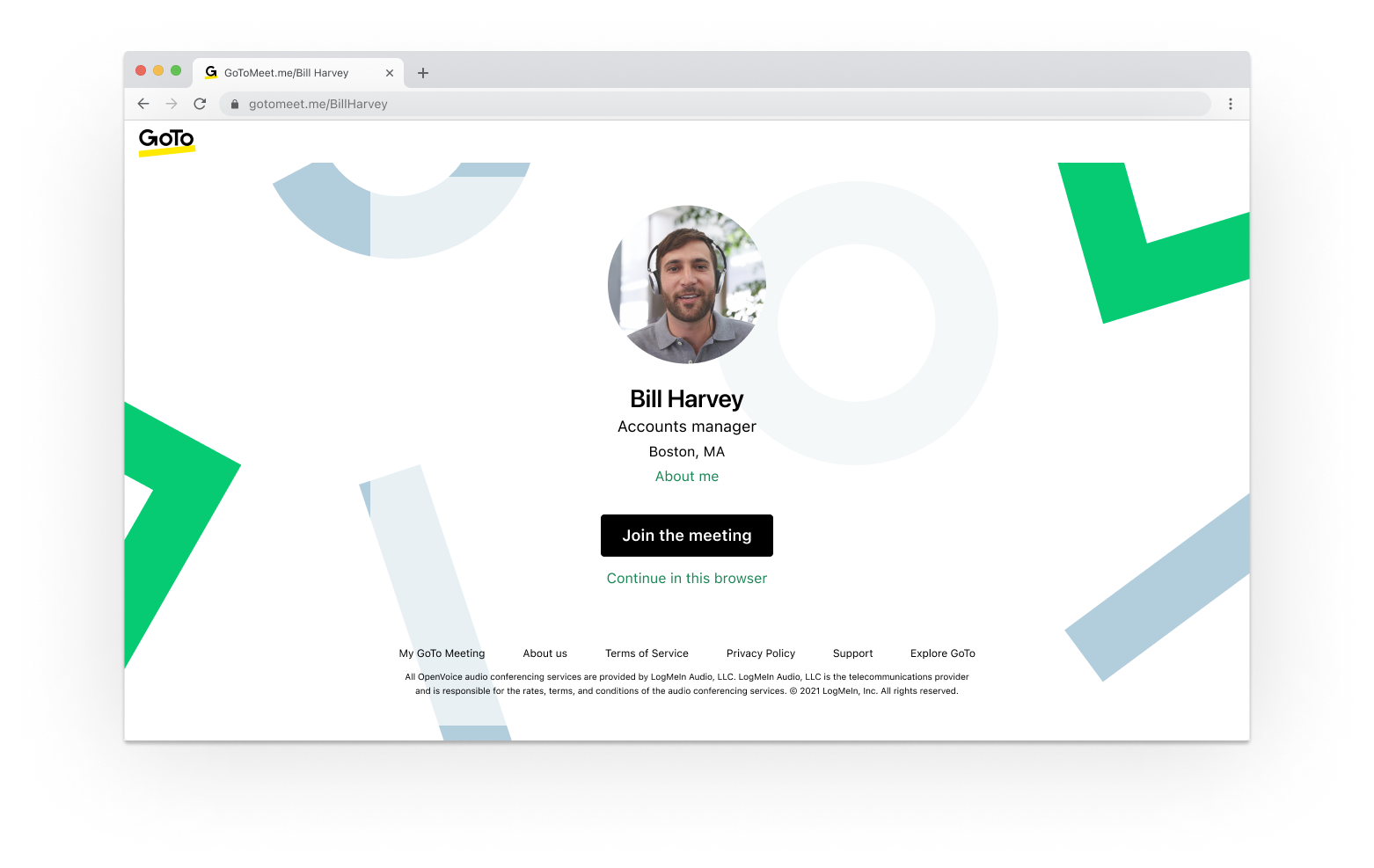
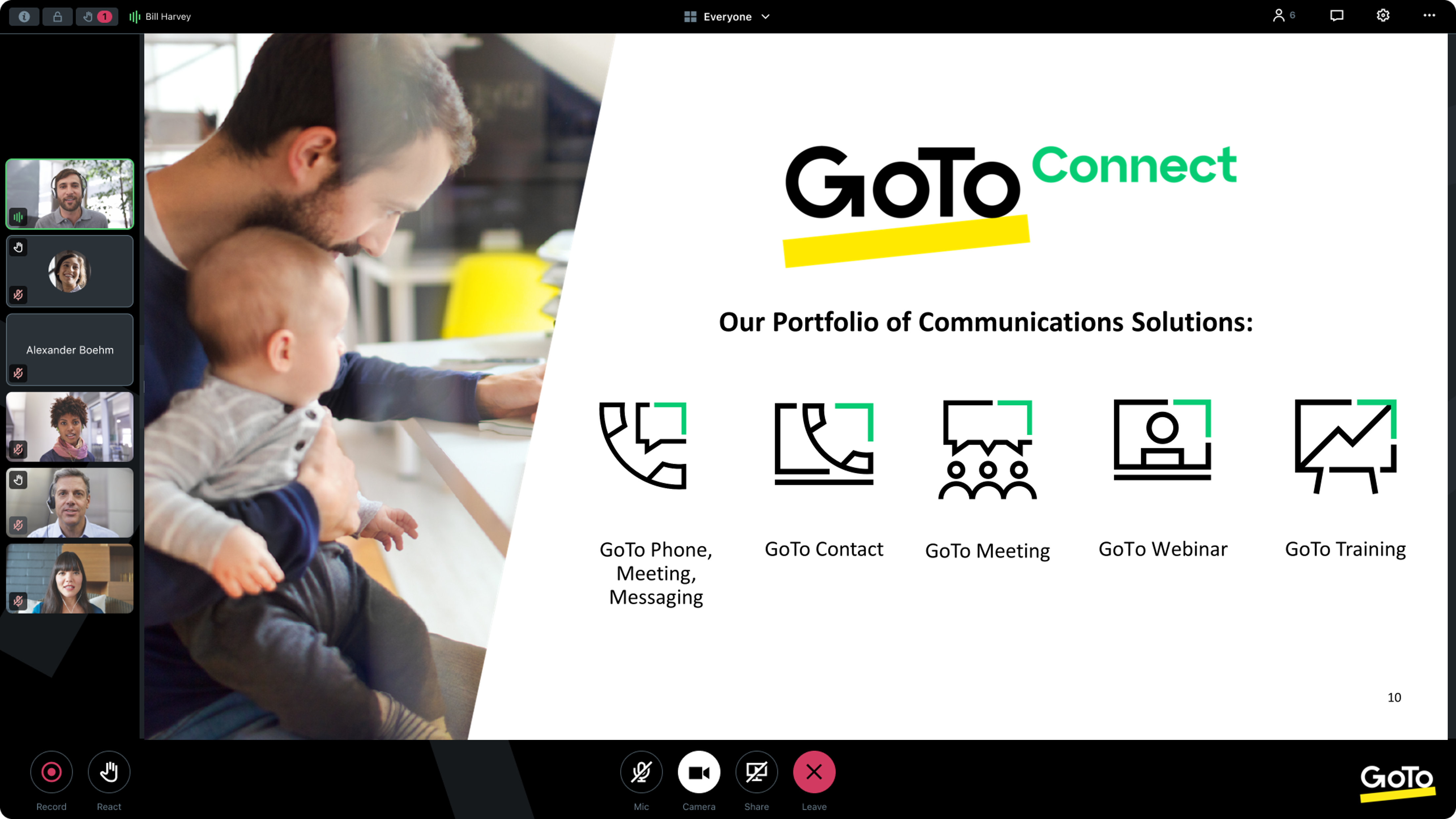
From GoTo (formerly LogMeIn), GoToMeeting is an online meeting, desktop sharing, and video conferencing software that enables users to connect via the internet. It hosts a suite of online meeting tools, including real-time screen sharing and integrated audio.
$12
per month
Pricing
Droplr
GoTo Meeting
Editions & Modules
No answers on this topic
Professional
$12.00
Per Organizer / Per Month for 150 Participants [billed annually]
Business
$16.00
Per Organizer / Per Month for 250 Participants [billed annually]
Enterprise
Custom Pricing
3,000 Participants
Offerings
Pricing Offerings
Droplr
GoTo Meeting
Free Trial
No
Yes
Free/Freemium Version
No
No
Premium Consulting/Integration Services
No
Yes
Entry-level Setup Fee
No setup fee
No setup fee
Additional Details
—
Pricing available by monthly or annual subscription, with discounts for annual commitments.
Droplr is very useful in any kind of visual work, particularly if there are more people involved and they need to follow the creation process. It allows the team to be on the same page. It is also very useful when dealing with clients without design training since we can show visually what we intend to do. Teachers, instructors, and even technical support people can make good use of Droplr since it makes easier to share screencasts, to capture screens for tutorials and to solve clients' doubts.
A de minimis incentive was given to thank the reviewer for their time. The incentive was not used to bias or drive a particular response, nor was the incentive contingent on a positive endorsement. More Info
I provide regular training as a big portion of my job. There is weekly training with an infinite number of users in attendance on any given date—GoTo Meeting is not the best option for this because I would have to mute users as they join the meeting. However, I also provide frequent training sessions to a small number of users that feature more individualized content, and having them able to mute/unmute at will is a better fit for a smaller group with in-depth materials.
A de minimis incentive was given to thank the reviewer for their time. The incentive was not used to bias or drive a particular response, nor was the incentive contingent on a positive endorsement. More Info
A de minimis incentive was given to thank the reviewer for their time. The incentive was not used to bias or drive a particular response, nor was the incentive contingent on a positive endorsement. More Info
A de minimis incentive was given to thank the reviewer for their time. The incentive was not used to bias or drive a particular response, nor was the incentive contingent on a positive endorsement. More Info
Startup bug (Mac) - Even though I select Droplr not to start up with the computer, it still does. It's been months and they still haven't fixed this. It's very frustrating.
The Windows version doesn't allow me to select an area of my screen to record - one has to record the entire screen.
Though it may look like it in their settings, setting up SSL isn't as easy as clicking the button. I still don't quite understand how to do it.
A de minimis incentive was given to thank the reviewer for their time. The incentive was not used to bias or drive a particular response, nor was the incentive contingent on a positive endorsement. More Info
A de minimis incentive was given to thank the reviewer for their time. The incentive was not used to bias or drive a particular response, nor was the incentive contingent on a positive endorsement. More Info
A de minimis incentive was given to thank the reviewer for their time. The incentive was not used to bias or drive a particular response, nor was the incentive contingent on a positive endorsement. More Info
We used other software like goto meetings but found it best because of its user friendly interface and easy interfacing. It helped us in COVID and now we can say we are depending on it and love it. We recommend it to our friends company and they are also using it. It is very affordable and easy to integrate with system
A de minimis incentive was given to thank the reviewer for their time. The incentive was not used to bias or drive a particular response, nor was the incentive contingent on a positive endorsement. More Info
A de minimis incentive was given to thank the reviewer for their time. The incentive was not used to bias or drive a particular response, nor was the incentive contingent on a positive endorsement. More Info
The simplicity of GoToMeetings desktop, mobile, and web-based applications make it a very robust and user-friendly meeting solution. At times, it may be more complex than needed, but it is nice to have so many features that can be used if needed. Once installed, it is very easy to use and navigate.
A de minimis incentive was given to thank the reviewer for their time. The incentive was not used to bias or drive a particular response, nor was the incentive contingent on a positive endorsement. More Info
A de minimis incentive was given to thank the reviewer for their time. The incentive was not used to bias or drive a particular response, nor was the incentive contingent on a positive endorsement. More Info
A de minimis incentive was given to thank the reviewer for their time. The incentive was not used to bias or drive a particular response, nor was the incentive contingent on a positive endorsement. More Info
A de minimis incentive was given to thank the reviewer for their time. The incentive was not used to bias or drive a particular response, nor was the incentive contingent on a positive endorsement. More Info
When we have issues, they seem to respond quickly and do everything they can to help us. They have even tried to find other ways we could get more use out of their product, or improve the way we are currently using it. Overall, their support has been fairly good for us.
A de minimis incentive was given to thank the reviewer for their time. The incentive was not used to bias or drive a particular response, nor was the incentive contingent on a positive endorsement. More Info
A de minimis incentive was given to thank the reviewer for their time. The incentive was not used to bias or drive a particular response, nor was the incentive contingent on a positive endorsement. More Info
Lightshot Screenshot provides the same screenshot functionality as Droplr, but with no cost. Lightshot Screenshot also allows you to edit a photo and can upload your photo either to the cloud or just paste it in an email/Slack/anything else to your client. There are very little go-betweens and a lot more flexibility.
Droplr was chosen by my company, not me. If I had chosen a screenshot software, in retrospect, I would have chosen Lightshot Screenshot. Droplr was fine. Lightshot Screenshot is killer, though.
A de minimis incentive was given to thank the reviewer for their time. The incentive was not used to bias or drive a particular response, nor was the incentive contingent on a positive endorsement. More Info
Many times, it seems like GoTo Meeting requires less bandwidth to run. We noticed with a few test machines that if you have over twenty video streams, this product could handle the load better than if we used Microsoft Teams and had many video streams.
A de minimis incentive was given to thank the reviewer for their time. The incentive was not used to bias or drive a particular response, nor was the incentive contingent on a positive endorsement. More Info
I use Droplr every day and it's been a huge boost for productivity since I never need to think about how a screenshot will be shared. It's just built in and so easy.
A de minimis incentive was given to thank the reviewer for their time. The incentive was not used to bias or drive a particular response, nor was the incentive contingent on a positive endorsement. More Info
Any collaboration app these days are now a great addition for those organizations which have more than one office and they need to collaborate with each other.
GoTo Meeting can contribute to cost savings by reducing the need for extensive travel, accommodation, and related expenses associated with in-person meetings especially in case like us as we have multiple branches.
A de minimis incentive was given to thank the reviewer for their time. The incentive was not used to bias or drive a particular response, nor was the incentive contingent on a positive endorsement. More Info