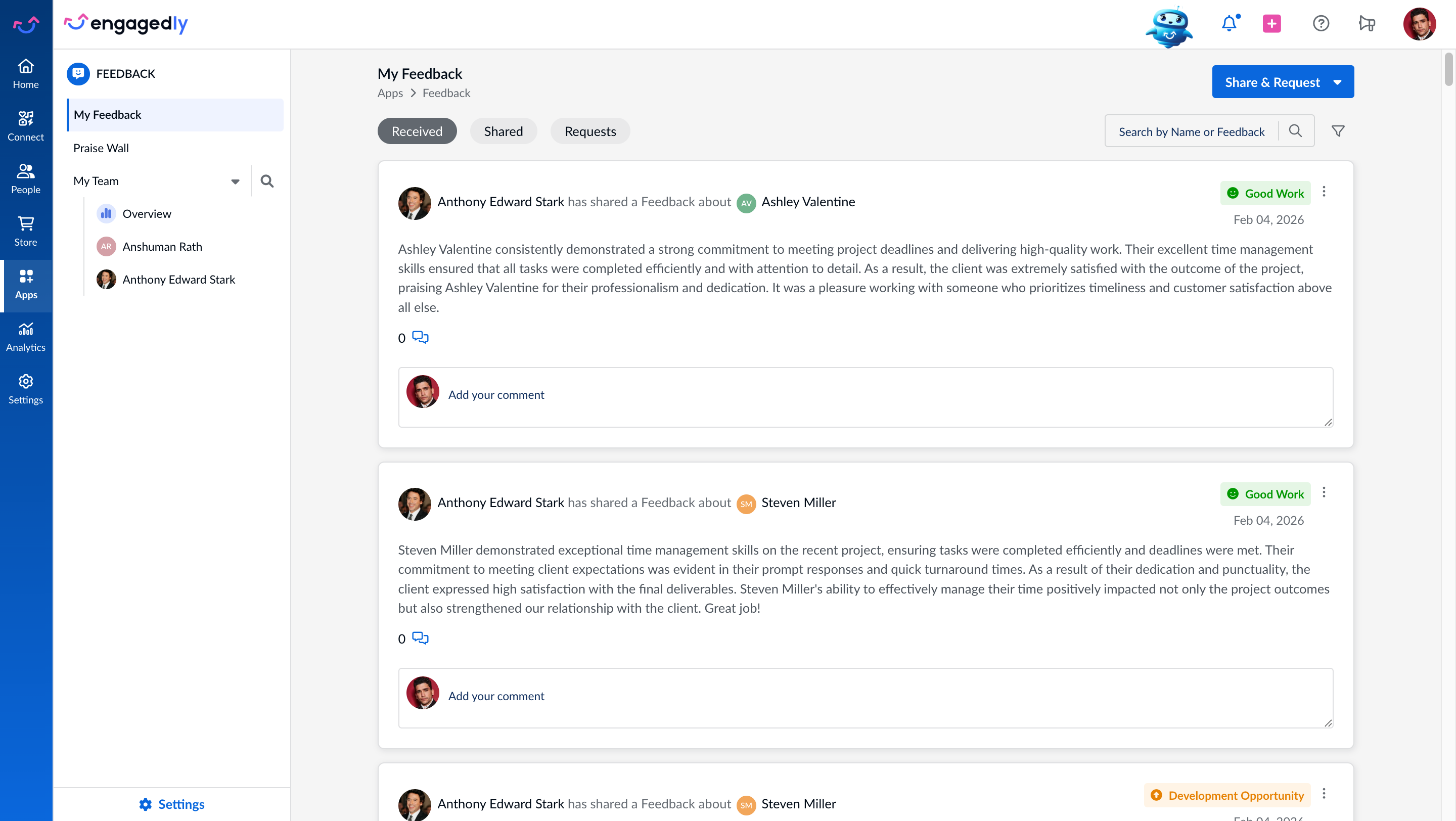
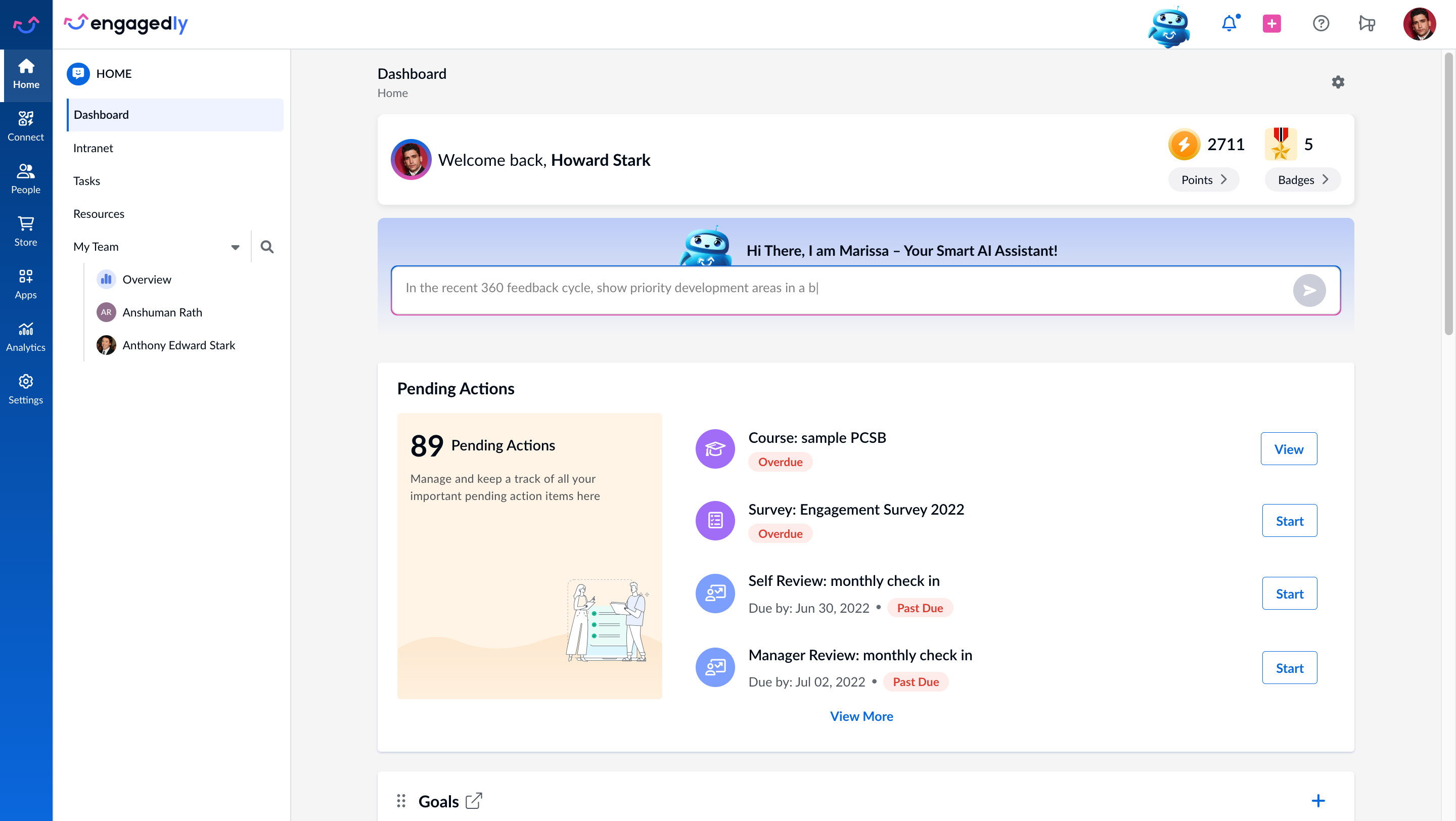
Engagedly is a talent management platform that combines employee performance management, learning and development, engagement measurement, recognition, career growth, and workforce analytics. The platform supports desk-based and frontline employees through configurable modules, workflow automation, integrations, and a mobile application. Engagedly product overview Key Capabilities Performance management: Organizations can set goals and…
$8,500
per year per installation
Microsoft Powerpoint
Score7.9 out of 10
N/A
Microsoft PowerPoint is a presentation software designed to allow users to create slide-based presentations including video and images, as well as slide transitions and animations.
$139.99
Pricing
Engagedly
Microsoft Powerpoint
Editions & Modules
No answers on this topic
One Time Purchase
$139.99
Offerings
Pricing Offerings
Engagedly
Microsoft Powerpoint
Free Trial
Yes
No
Free/Freemium Version
Yes
No
Premium Consulting/Integration Services
Yes
No
Entry-level Setup Fee
$1,000 one-time fee per installation (starting cost)
No setup fee
Additional Details
Pricing is customized based on the suite/modules implemented and the size of the organization
Engagedly has a huge range of possibilities and we chose it because of all the functionalities it offers. I'm not marking my rating a 9 or 10 because of the UI. If you're an active user (e.g. in the people department) then you get used to the UI fast enough. However, if you only use it twice per year (like all our other users) it can be difficult to find what you need. That being said, Engagedly offers a truly broad range of HR-related functionalities and we're very happy about that!
A de minimis incentive was given to thank the reviewer for their time. The incentive was not used to bias or drive a particular response, nor was the incentive contingent on a positive endorsement. More Info
The learning curve with Microsoft Powerpoint is not too steep, and most everyone can create really nice-looking presentations. The thing I like most about the new advancements in Microsoft Powerpoint comes to formatting. If you are creating a newsletter, don't get bogged down by all of the annoying formatting rules and issues you would have if creating in Publisher or Word. Microsoft Powerpoint makes it very simple. You can add text boxes and move them anywhere on the page. The templates are a nice touch, but they could use more, as most of these are outdated. I believe there are many free websites for downloading more templates.
A de minimis incentive was given to thank the reviewer for their time. The incentive was not used to bias or drive a particular response, nor was the incentive contingent on a positive endorsement. More Info
A de minimis incentive was given to thank the reviewer for their time. The incentive was not used to bias or drive a particular response, nor was the incentive contingent on a positive endorsement. More Info
A de minimis incentive was given to thank the reviewer for their time. The incentive was not used to bias or drive a particular response, nor was the incentive contingent on a positive endorsement. More Info
A de minimis incentive was given to thank the reviewer for their time. The incentive was not used to bias or drive a particular response, nor was the incentive contingent on a positive endorsement. More Info
A de minimis incentive was given to thank the reviewer for their time. The incentive was not used to bias or drive a particular response, nor was the incentive contingent on a positive endorsement. More Info
The amount of features available is a lot, but they are hard to navigate due to the UI not being on par with them. Still if used properly, Engagedly is useful to keep track of multiple individuals and their personal goals.
A de minimis incentive was given to thank the reviewer for their time. The incentive was not used to bias or drive a particular response, nor was the incentive contingent on a positive endorsement. More Info
It’s great overall! I can think of a few improvements that would make it a 10, for example: better Smart Art graphs, automatic distribution of columns and rows in tables, and being able to more easily save templates for graphs. For example, if I could determine that a same brand name in all graphs would have a specific color, it would be great
A de minimis incentive was given to thank the reviewer for their time. The incentive was not used to bias or drive a particular response, nor was the incentive contingent on a positive endorsement. More Info
I've never had any issues with its availability. As it is installed on my machine, it's ready when I need it, online or offline. Creating large slide decks with complex elements like video and audio doesn't affect its stability. The only limitation would be the capability of your own computer, as far as I can tell.
A de minimis incentive was given to thank the reviewer for their time. The incentive was not used to bias or drive a particular response, nor was the incentive contingent on a positive endorsement. More Info
The performance is very strong. It loads reasonably quickly. Large presentations load relatively quickly too, given their complexity, and once loaded each slide is readily available. It's easy to scroll up and down through your slide deck and go to the slide you want. Videos, pictures and music all load on demand, controllable by clicks.
A de minimis incentive was given to thank the reviewer for their time. The incentive was not used to bias or drive a particular response, nor was the incentive contingent on a positive endorsement. More Info
Absolutely! We love engagedly because we haven't faced any kind of lagging or such issues in website. It also has a convenient app through which you can access everything. They are very polite and address to each and every query relating to software which may cause hinderence in the process.
A de minimis incentive was given to thank the reviewer for their time. The incentive was not used to bias or drive a particular response, nor was the incentive contingent on a positive endorsement. More Info
I have never had to use the actual support. Most of my questions are "how to" questions and there is a rich internet full of users sharing their tips and tricks with this application. Sometimes I find the answers on Microsoft support site but often I don't
A de minimis incentive was given to thank the reviewer for their time. The incentive was not used to bias or drive a particular response, nor was the incentive contingent on a positive endorsement. More Info
We used SharePoint Forms to make customized forms for ourselves but it did not work well. Our IT needed to build a system from scratch with a help of an external developer team and they were simply not capable of creating something that complicated. Engagedly already has a great platform and it was a life saver for us that we can just start using after the streamlined implementation period for a brief period of time. With SharePoint, we kept having weekly meetings for over 1.5 years to fix bugs, add necessary functions, etc. after the implementation.
A de minimis incentive was given to thank the reviewer for their time. The incentive was not used to bias or drive a particular response, nor was the incentive contingent on a positive endorsement. TR verified that a representative sample of customers was invited. More Info
Adobe Illustrator is an excellent software but it's not easy to use for [everyone without] having any training or previous experience in working with illustrator. Microsoft Powerpoint is very easy to use and it's fantastic as it saves time more than illustrator. Another thing is it takes small space while illustrator takes a significant amount of space in the business machine
A de minimis incentive was given to thank the reviewer for their time. The incentive was not used to bias or drive a particular response, nor was the incentive contingent on a positive endorsement. More Info
Scaling up use of Microsoft Powerpoint would be a simple case of buying further licences. The software is intuitive and therefore training demands from scaling it to more departments or more individuals would be relatively straightforward. Google Slides may be easier to share among those organisations that use Google's suite of apps, however.
A de minimis incentive was given to thank the reviewer for their time. The incentive was not used to bias or drive a particular response, nor was the incentive contingent on a positive endorsement. More Info
We haven't used it long enough to calculate ROI (YET), but - we've had EEs who never engaged with performance management before who are excited to use the program
It has already provided a better framework to set up goals for our teams
Neg impact - limited feed of info from HRIS - requires some manual data to uploaded.
A de minimis incentive was given to thank the reviewer for their time. The incentive was not used to bias or drive a particular response, nor was the incentive contingent on a positive endorsement. More Info
A de minimis incentive was given to thank the reviewer for their time. The incentive was not used to bias or drive a particular response, nor was the incentive contingent on a positive endorsement. More Info