
erwin Data Modeler vs. Jaspersoft vs. Mode Analytics
erwin Data Modeler vs. Jaspersoft vs. Mode Analytics
| Product | Rating | Most Used By | Product Summary | Starting Price |
|---|---|---|---|---|
 erwin Data Modeler | N/A | erwin Data Modeler by Quest is a data modeling tool used to find, visualize, design, deploy and standardize high-quality enterprise data assets. It can discover and document any data from anywhere for consistency, clarity and artifact reuse across large-scale data integration, master data management, metadata management, Big Data, business intelligence and analytics initiatives, accomplishing this whil esupporting data governance and intelligence efforts. | N/A | |
 Jaspersoft | N/A | Jaspersoft commercial edition is an embedded business intelligence suite designed to be built-into SaaS products as an integrated reporting engine. It provides reports and dashboards for customer-facing applications without requiring app developers to build their own reporting engine. | N/A | |
 Mode | N/A | Mode, or Mode Analytics, from ThoughtSpot since the June 2023 acquisition, is a business intelligence platform that unifies company analytics by bringing data teams and business teams together, so analysts can provide rapid answers to strategic, ad hoc questions. And, business stakeholder can access relevant data to answer their own questions which can often detract more impactful work. | N/A |
| erwin Data Modeler | Jaspersoft | Mode Analytics | ||||||||||||||||||||||
|---|---|---|---|---|---|---|---|---|---|---|---|---|---|---|---|---|---|---|---|---|---|---|---|---|
| Editions & Modules | No answers on this topic | No answers on this topic | No answers on this topic | |||||||||||||||||||||
| Offerings |
| |||||||||||||||||||||||
| Entry-level Setup Fee | Optional | No setup fee | No setup fee | |||||||||||||||||||||
| Additional Details | — | Jaspersoft offers flexible pricing for ISVs and SaaS per customer or by CPU core. | — | |||||||||||||||||||||
| More Pricing Information | ||||||||||||||||||||||||
| erwin Data Modeler | Jaspersoft | Mode Analytics |
|---|
| erwin Data Modeler | Jaspersoft | Mode Analytics | |||||||||||||||||||||||||||
|---|---|---|---|---|---|---|---|---|---|---|---|---|---|---|---|---|---|---|---|---|---|---|---|---|---|---|---|---|---|
| BI Standard Reporting |
| ||||||||||||||||||||||||||||
| Ad-hoc Reporting |
| ||||||||||||||||||||||||||||
| Report Output and Scheduling |
| ||||||||||||||||||||||||||||
| Data Discovery and Visualization |
| ||||||||||||||||||||||||||||
| Access Control and Security |
| ||||||||||||||||||||||||||||
| Mobile Capabilities |
| ||||||||||||||||||||||||||||
| Application Program Interfaces (APIs) / Embedding |
|
| erwin Data Modeler | Jaspersoft | Mode Analytics | |
|---|---|---|---|
| Small Businesses |  Egnyte Score 9.4 out of 10 |  Yellowfin Score 8.7 out of 10 | Yellowfin Score 8.7 out of 10 |
| Medium-sized Companies |  IBM InfoSphere Information Server Score 8.0 out of 10 |  Reveal Score 10.0 out of 10 | Reveal Score 10.0 out of 10 |
| Enterprises | IBM InfoSphere Information Server Score 8.0 out of 10 |  Kyvos Semantic Layer Score 9.5 out of 10 | Kyvos Semantic Layer Score 9.5 out of 10 |
| All Alternatives | View all alternatives | View all alternatives | View all alternatives |
| erwin Data Modeler | Jaspersoft | Mode Analytics | |
|---|---|---|---|
| Likelihood to Recommend | 6.1 (7 ratings) | 7.3 (119 ratings) | 8.1 (9 ratings) |
| Likelihood to Renew | - (0 ratings) | 8.0 (23 ratings) | - (0 ratings) |
| Usability | 9.0 (2 ratings) | 7.9 (16 ratings) | 8.1 (4 ratings) |
| Availability | - (0 ratings) | 8.0 (3 ratings) | - (0 ratings) |
| Performance | - (0 ratings) | 7.0 (3 ratings) | - (0 ratings) |
| Support Rating | 9.0 (3 ratings) | 7.0 (26 ratings) | 7.4 (5 ratings) |
| In-Person Training | - (0 ratings) | 8.0 (4 ratings) | - (0 ratings) |
| Online Training | - (0 ratings) | 6.5 (7 ratings) | - (0 ratings) |
| Implementation Rating | - (0 ratings) | 7.8 (15 ratings) | - (0 ratings) |
| Configurability | - (0 ratings) | 7.0 (2 ratings) | - (0 ratings) |
| Ease of integration | - (0 ratings) | 7.0 (2 ratings) | - (0 ratings) |
| Product Scalability | - (0 ratings) | 8.0 (3 ratings) | - (0 ratings) |
| Vendor post-sale | - (0 ratings) | 8.0 (2 ratings) | - (0 ratings) |
| Vendor pre-sale | - (0 ratings) | 8.0 (2 ratings) | - (0 ratings) |
| erwin Data Modeler | Jaspersoft | Mode Analytics | |
|---|---|---|---|
| Likelihood to Recommend |  Quest Software
|  Jaspersoft
 Himanshu Bhardwaj Senior Quality Assurance Analyst | ThoughtSpot
|
| Pros | Quest Software
 Ravinder Gupta Senior Oracle Database Administrator | Jaspersoft
| ThoughtSpot
 Kofi Obo Wood Head of Operations |
| Cons | Quest Software
| Jaspersoft
| ThoughtSpot
 Jacob Rossi Help Systems Analyst |
| Likelihood to Renew | Quest Software No answers on this topic | Jaspersoft
 Craig LaValle Director of Data Services | ThoughtSpot No answers on this topic |
| Usability | Quest Software
| Jaspersoft
 Gerald Meachem Senior Software Analyst | ThoughtSpot
|
| Reliability and Availability | Quest Software No answers on this topic | Jaspersoft
| ThoughtSpot No answers on this topic |
| Performance | Quest Software No answers on this topic | Jaspersoft
| ThoughtSpot No answers on this topic |
| Support Rating | Quest Software
| Jaspersoft
 Ashley Lee CSR/Project Management for Software Development | ThoughtSpot
|
| In-Person Training | Quest Software No answers on this topic | Jaspersoft
Ashley Lee CSR/Project Management for Software Development | ThoughtSpot No answers on this topic |
| Online Training | Quest Software No answers on this topic | Jaspersoft
 Davide Marzucco Post Provisioning & Deployment Manager | ThoughtSpot No answers on this topic |
| Implementation Rating | Quest Software No answers on this topic | Jaspersoft
| ThoughtSpot No answers on this topic |
| Alternatives Considered | Quest Software
| Jaspersoft
| ThoughtSpot
|
| Scalability | Quest Software No answers on this topic | Jaspersoft
| ThoughtSpot No answers on this topic |
| Return on Investment | Quest Software
 Rina Falkovich Data Architect | Jaspersoft
 Robert Mills Sr. Software Architect | ThoughtSpot
|
| ScreenShots | erwin Data Modeler Screenshots  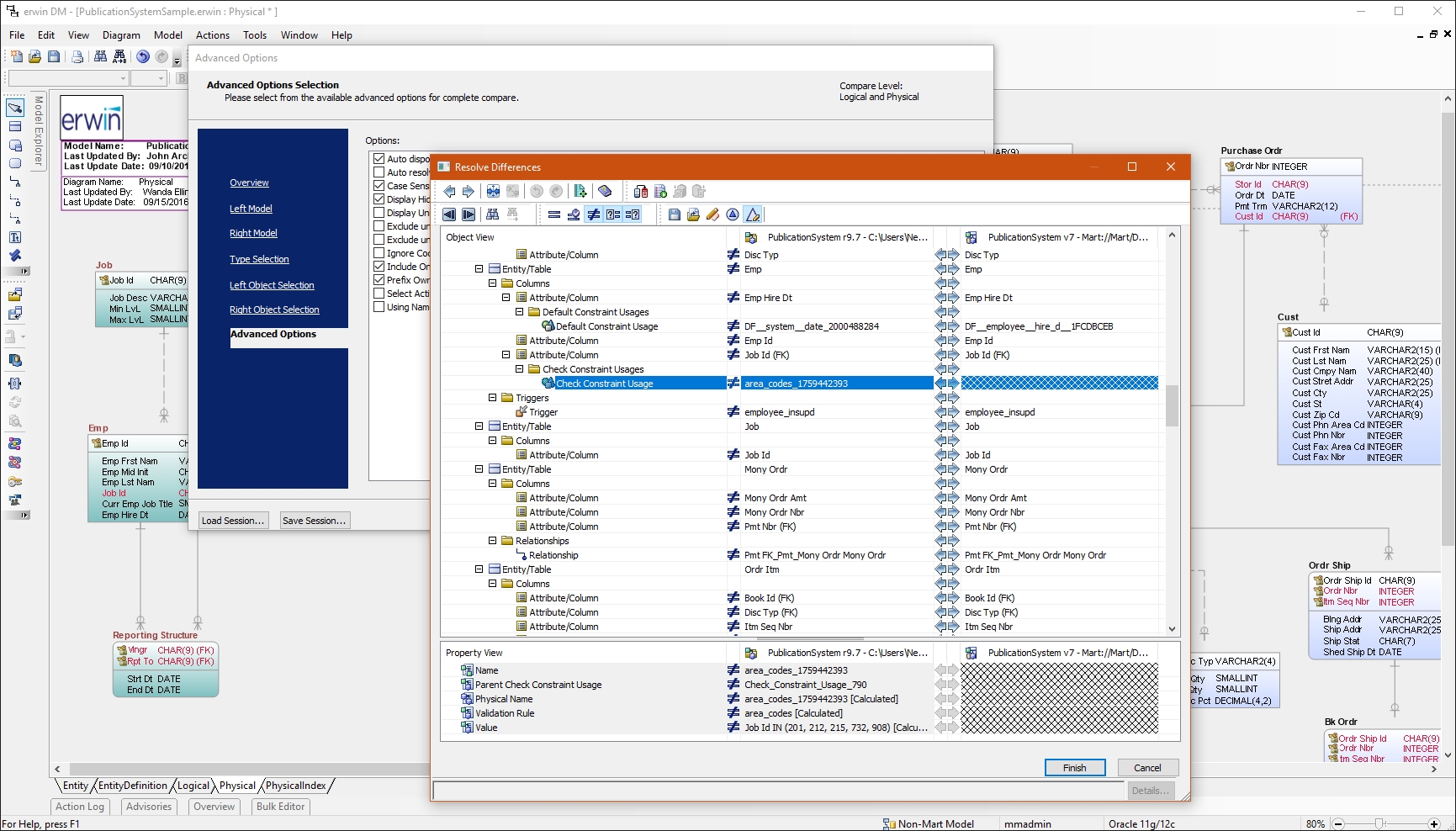 | Jaspersoft Screenshots   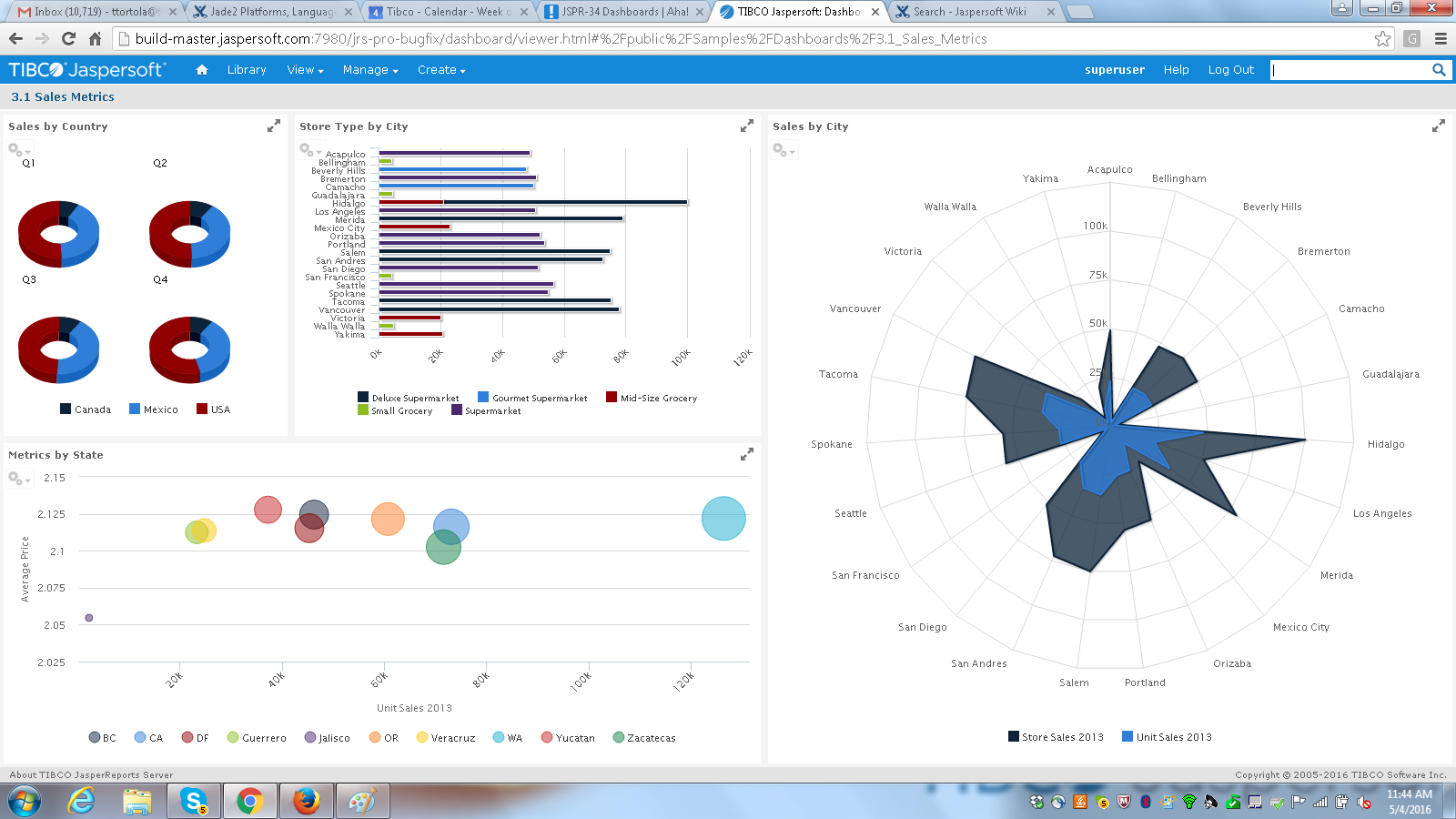 |