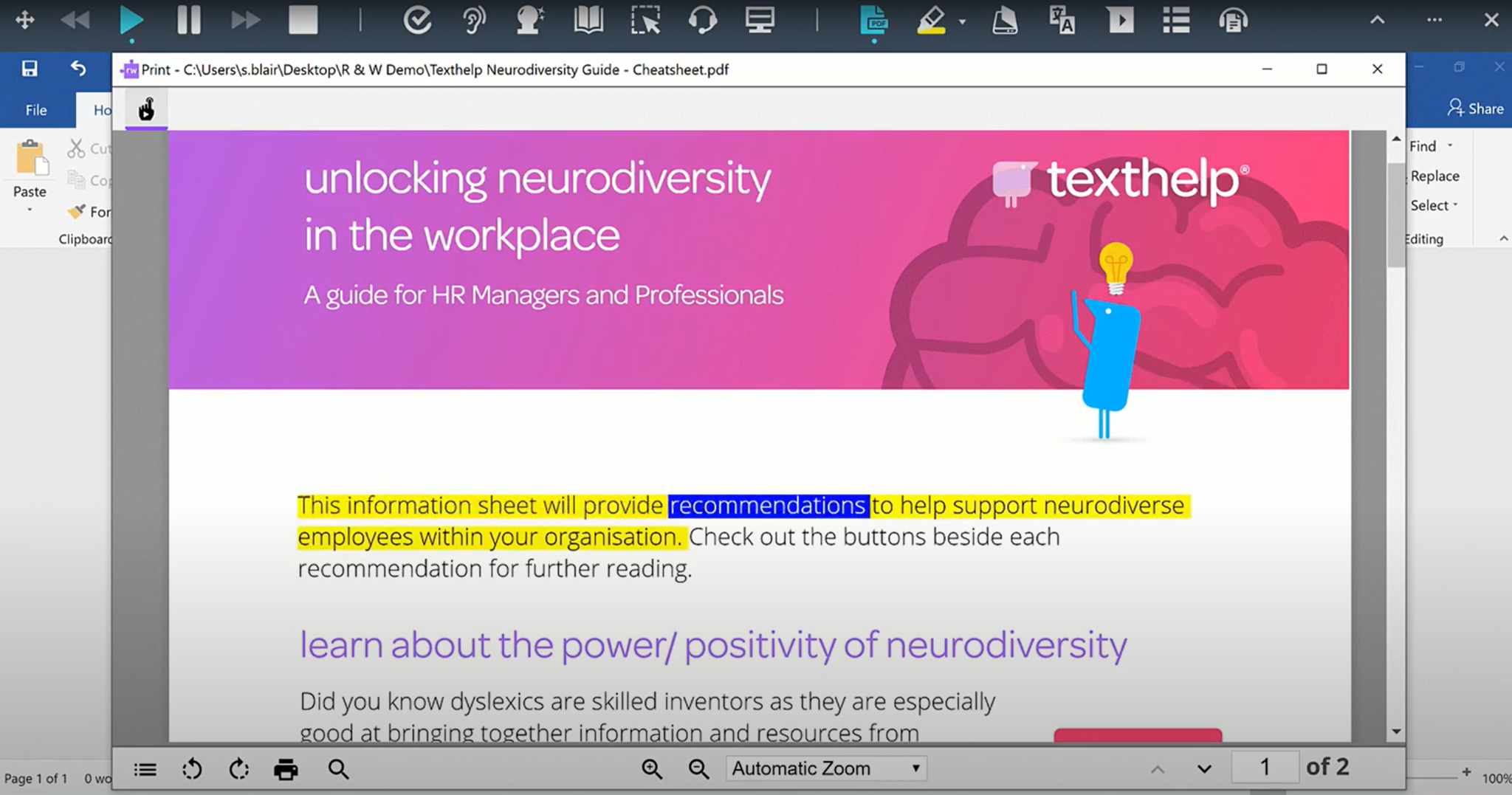
Read&Write is a literacy support tool that helps individuals of all abilities read, write, and express themselves with confidence. For education and the workplace, its assistive features include text-to-speech, word prediction, and research tools for users with diverse learning needs.
N/A
Phrase
Score8.6 out of 10
Small Businesses (1-50 employees)
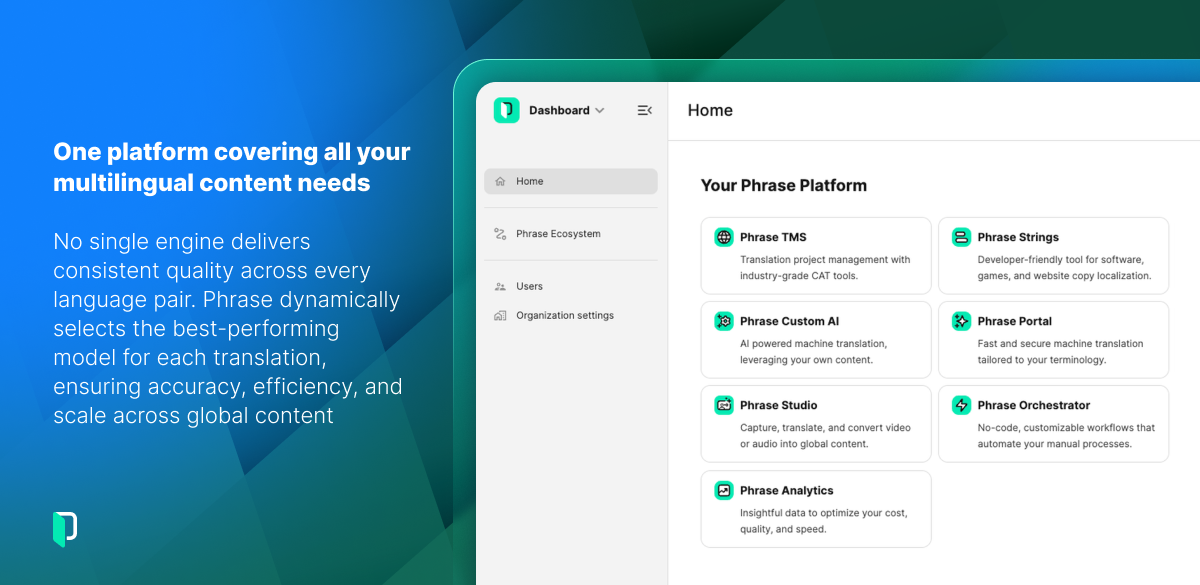
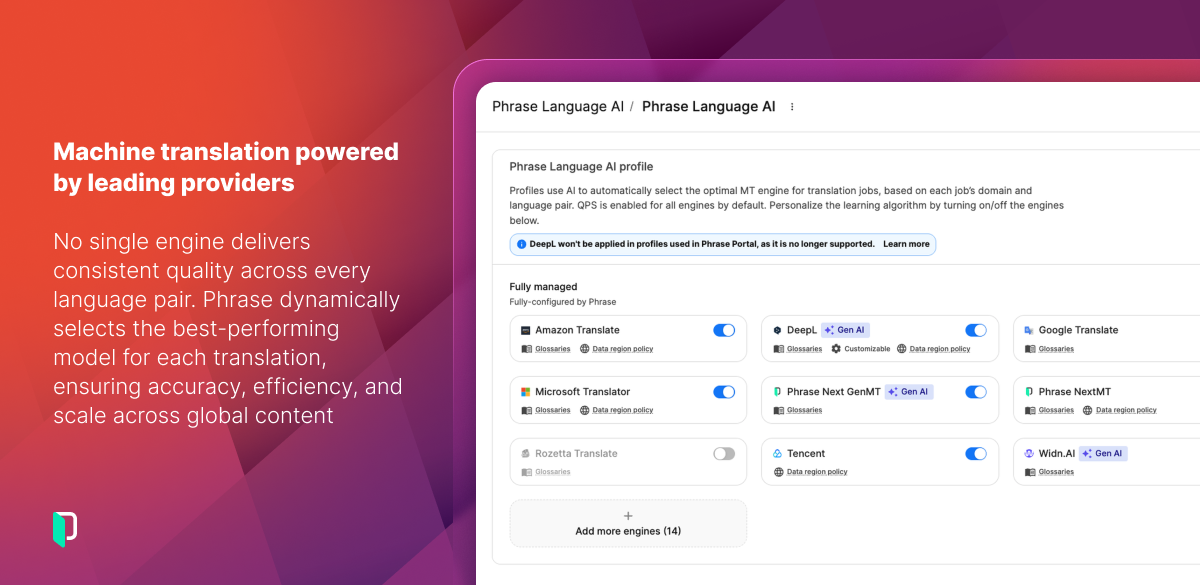
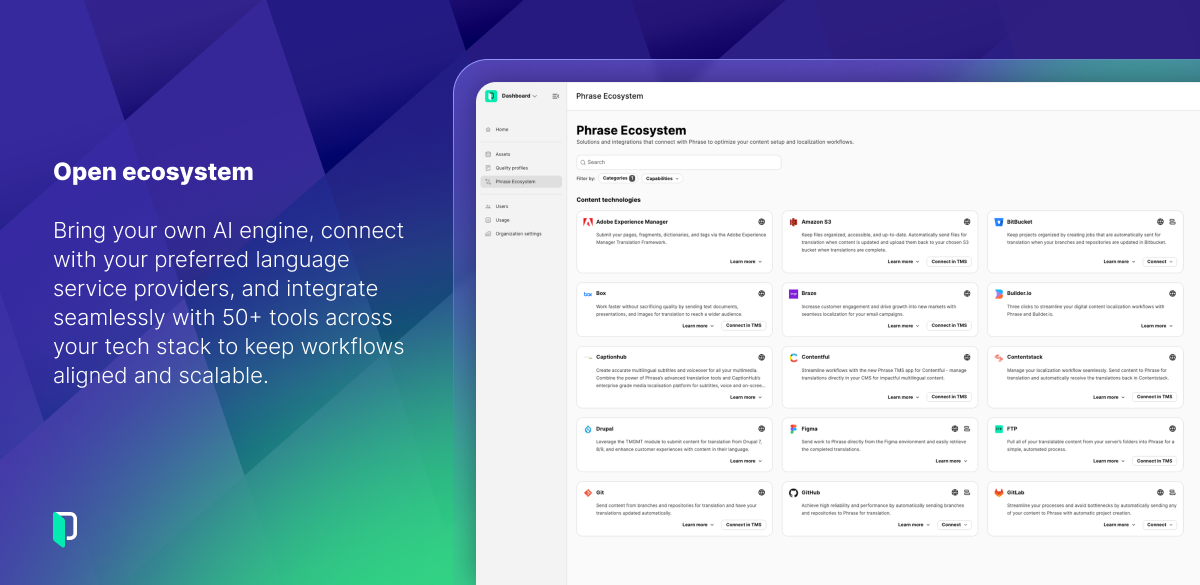
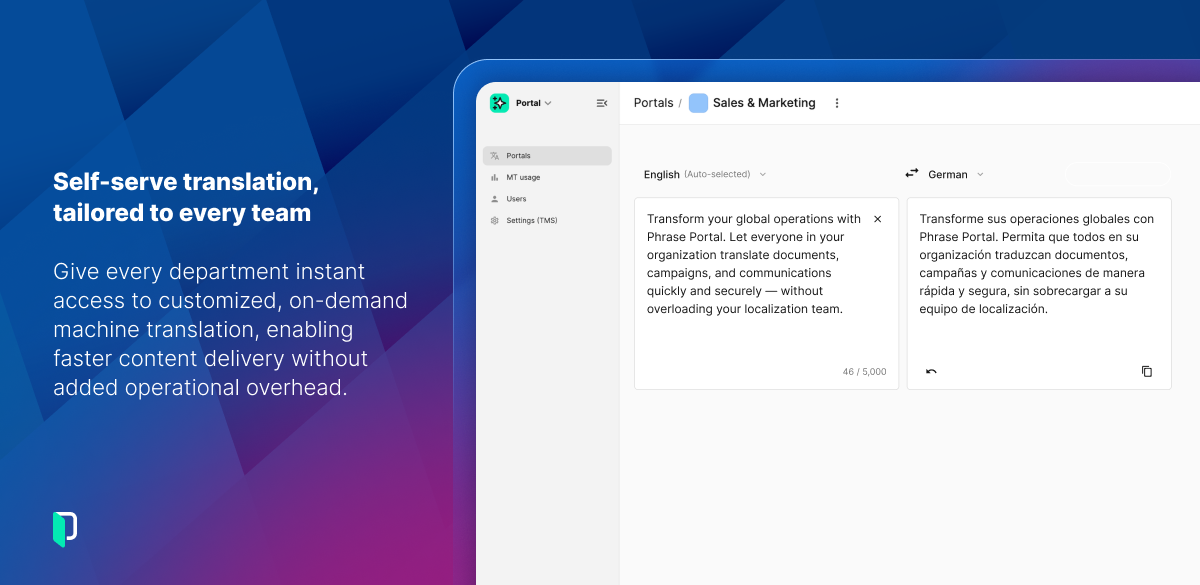
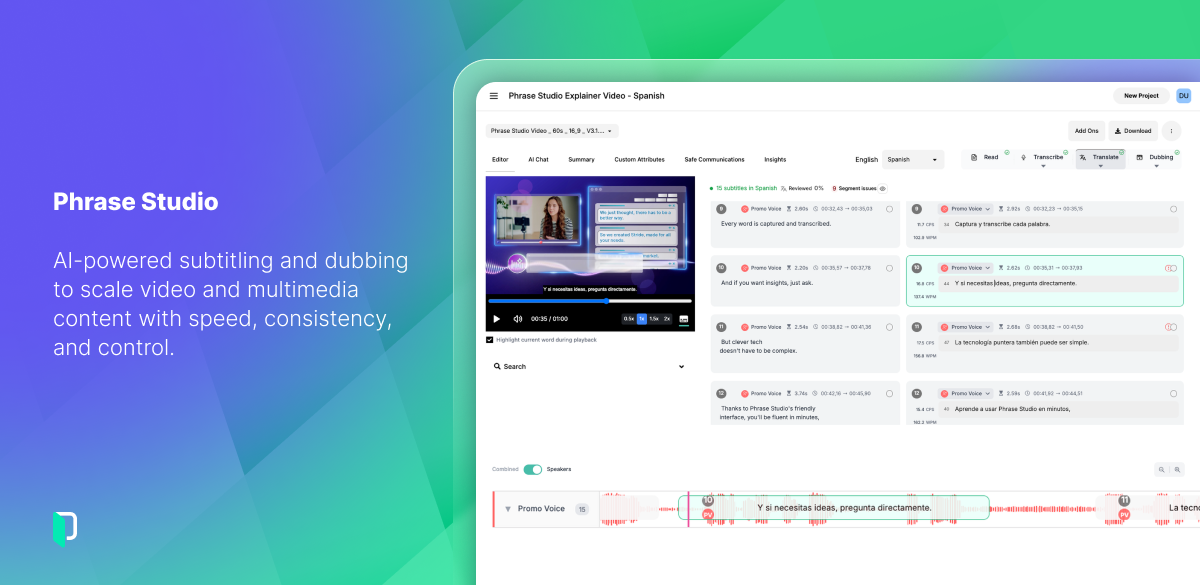
Phrase is a Language Intelligence provider. Its enterprise platform automates, manages, and delivers multilingual content. Global brands use Phrase across hundreds of languages to reduce time to market and deliver consistent brand experiences worldwide. The Phrase Platform brings together translation management, software localization, multimedia localization, machine translation, workflow automation, and language AI in a single integrated environment. From marketing…
Read&Write is especially well-suited to supporting students with reading accommodations during independent work, content-area instruction, and written-response tasks. In my 5th-grade classroom, one of the most effective scenarios is during science and social studies lessons, where students are expected to read complex informational texts independently. There can also be occasional challenges when websites, PDFs, or testing platforms are not fully compatible with all Read&Write features.
A de minimis incentive was given to thank the reviewer for their time. The incentive was not used to bias or drive a particular response, nor was the incentive contingent on a positive endorsement. More Info
The system is well suited if you also run Trados or any second system. As the system is very expensive and the use of MTUs is rather complicated to understand the best thing is to run most larger projects through Trados or any other CAT tool and then to import it. Large projects are expensive in Phrase Localization Platform so I would recommend it if you have small projects and have enough capacity to carefully check the terminology as the data pulled from the term base is inconsistent. The same applies to the find replace feature which can work great.
A de minimis incentive was given to thank the reviewer for their time. The incentive was not used to bias or drive a particular response, nor was the incentive contingent on a positive endorsement. More Info
I would like to use the practice reading aloud tool more, but the kids that I work with have a hard time understanding the concept. I think that, while there are a lot of tools available, sometimes they are hard for younger students to understand.
The hover to read function is nice as well, but my students struggle with the fact that if you move the mouse once it starts reading it will start all over in a new area. It's not as smooth as I would like it to be.
A de minimis incentive was given to thank the reviewer for their time. The incentive was not used to bias or drive a particular response, nor was the incentive contingent on a positive endorsement. More Info
In the case of EN to JA translation, we enter text and then convert it to get the correct final text (word or phrase) which uses correct Chinese character(s), as there are often multiple Chinese characters with the same reading but different meanings. When those conversion options are displayed, it is usually possible to change our selection among them by hitting the Tab key, but in Phrase, hitting the Tab key makes us leave the text conversion and move to the source segment, so we must make sure to use arrow keys to choose the right conversion option when using Phrase.
When there are tag elements used in the source text, the tags must exist in the target text of course, but the tag order also must be the same. The tags cannot be moved around in the segment, which causes problems in the case of the Japanese language, because the word order differs between EN and JA.
In the Japanese language, Italics are basically not used, so there must be no texts between the tags which specify Italic font. But then the segment cannot be confirmed and the job status cannot be changed to "Complete".
I'm just really impressed with the software and the access it gives to learners who are used to coming up against barriers in education. It's a quick-fix for a learner - something they can access usefully and productively with very little training. I also love that learners can access Read&Write on their devices at home - that really is a game changer.
A de minimis incentive was given to thank the reviewer for their time. The incentive was not used to bias or drive a particular response, nor was the incentive contingent on a positive endorsement. More Info
I use and manage an Academic edition (approx. 15 students) and the corporate license (10 users). In both cases, the features are easy to find, set and use. My students and my translators understand the dynamics of the platform easily and get used to them quickly.
I am giving this an 9. Not a perfect score because working on PDFs is better but not yet as easy as I need for it to be. Working with many students who have executive function challenges, I need a smooth simplistic access method. We are not quite there yet for writing on PDFs. Overall the toolbar on Read&Write is super easy to access and I love that the suite includes several tools on the toolbar providing a solution to many accessibility challenges.
A de minimis incentive was given to thank the reviewer for their time. The incentive was not used to bias or drive a particular response, nor was the incentive contingent on a positive endorsement. More Info
It is designed to be a lean system, but that means that things are clustered in weird groups and a lot of trial and error is involved getting the settings right. If something goes wrong first level support is very quick and has very fast answers which are quite typical of first level support and essentially equate to asking you if you have switched it off and on yet. Anything more involved is challenging for support to address.
A de minimis incentive was given to thank the reviewer for their time. The incentive was not used to bias or drive a particular response, nor was the incentive contingent on a positive endorsement. More Info
A de minimis incentive was given to thank the reviewer for their time. The incentive was not used to bias or drive a particular response, nor was the incentive contingent on a positive endorsement. More Info
The support team at Texthelp is excellent. They're all super helpful and open to feedback and new ideas. Still, more importantly, they are ultimately fully committed to aligning with us and ensuring they help us provide the best education possible. Furthermore, they're open to new features and always communicate this incredibly well.
A de minimis incentive was given to thank the reviewer for their time. The incentive was not used to bias or drive a particular response, nor was the incentive contingent on a positive endorsement. More Info
We rarely use support, but most questions were answered in a timely fashion, although we didn't exactly find them satisfactory. That's mostly the fault of the software and not the Support team because we asked for things that Phrase couldn't do.
A de minimis incentive was given to thank the reviewer for their time. The incentive was not used to bias or drive a particular response, nor was the incentive contingent on a positive endorsement. More Info
A de minimis incentive was given to thank the reviewer for their time. The incentive was not used to bias or drive a particular response, nor was the incentive contingent on a positive endorsement. More Info
It took a solid 2 weeks for R&W to work on our students chromebooks even after reaching out to tech support. The toolbar was greyed out and not accessible to students. Took a long time before tech support helped us solve this problem.
A de minimis incentive was given to thank the reviewer for their time. The incentive was not used to bias or drive a particular response, nor was the incentive contingent on a positive endorsement. More Info
We are still learning how to use Equatio. I am not a mathematician and therefore I am finding understanding it a bit more difficult. Once I understand how to use it I will be able to cascade it down. My hope is that it will be as useful as Read & Write
A de minimis incentive was given to thank the reviewer for their time. The incentive was not used to bias or drive a particular response, nor was the incentive contingent on a positive endorsement. More Info
Phrase has a very good user interface that people can quickly learn and start using. Also, its analysis features are top class which helps me provide a detailed estimate to my client based on the file particulars. It has a QA feature that helps me do a very high-quality check before I send out my translation to the client.
A de minimis incentive was given to thank the reviewer for their time. The incentive was not used to bias or drive a particular response, nor was the incentive contingent on a positive endorsement. More Info
A de minimis incentive was given to thank the reviewer for their time. The incentive was not used to bias or drive a particular response, nor was the incentive contingent on a positive endorsement. More Info
A de minimis incentive was given to thank the reviewer for their time. The incentive was not used to bias or drive a particular response, nor was the incentive contingent on a positive endorsement. More Info