Chose Expensify
They have better support and better pricing. Fewer glitches

| Product | Rating | Most Used By | Product Summary | Starting Price |
|---|---|---|---|---|
 Expensify | N/A | Expensify automates the entire spend management process. Scan receipts, track mileage, submit and approve expenses, manage corporate cards, reimburse employees, pay bills, send invoices, and book travel. Built for individuals and companies of all sizes, anywhere in the world. | $5 per month per user | |
 Sage Expense Management | N/A | Sage Expense Management (formerly Fyle) is a platform for finance teams who want real-time expense control without the disruption of switching corporate cards. Its direct integration with existing Visa, Mastercard, and American Express delivers transactions instantly upon swipe. Finance teams get instant visibility into spending, and employees can upload receipts through Outlook, Gmail, text message, or the mobile app. Its | $74.95 per month for 5 users (minimum) | |
 Harvest | N/A | Harvest is used to track time, gain insights from past projects, and get paid for work. Dedicated apps and integrations with popular tools like Asana and Slack allow Harvest to fit into a team’s workflow. A selection of visual reports are offered to keep projects running smoothly and an organization's team supported. Harvest also helps to turn a team’s tracked time and expenses into professional nvoices and collect payment quickly with integrated online payments. | $13.75 per month per seat |
| Expensify | Sage Expense Management | Harvest | ||||||||||||||||||||||
|---|---|---|---|---|---|---|---|---|---|---|---|---|---|---|---|---|---|---|---|---|---|---|---|---|
| Editions & Modules |
|
|
| |||||||||||||||||||||
| Offerings |
| |||||||||||||||||||||||
| Entry-level Setup Fee | No setup fee | Optional | No setup fee | |||||||||||||||||||||
| Additional Details | — | Discount available for annual pricing. | 20% discount for annual billing on Pro and Premium plans. | |||||||||||||||||||||
| More Pricing Information | ||||||||||||||||||||||||
| Expensify | Sage Expense Management | Harvest | |
|---|---|---|---|
| Considered Multiple Products | Expensify | Sage Expense Management No answer on this topic | Harvest  Tegan Jenner Senior Data Analyst Chose Harvest Harvest is significantly better than Jira. I think Jira's is not originally intended to be used as a time logging/management system, but we had been previously using it as that. It was much clunkier, and many employees had a difficult time using it as a user interface goes. Harve… |
| Expensify | Sage Expense Management | Harvest | |||||||||||||||||||||||||||||||
|---|---|---|---|---|---|---|---|---|---|---|---|---|---|---|---|---|---|---|---|---|---|---|---|---|---|---|---|---|---|---|---|---|---|
| Expense Management |
| ||||||||||||||||||||||||||||||||
| Payment Management |
|
| Expensify | Sage Expense Management | Harvest | |
|---|---|---|---|
| Small Businesses |  Dext Score 9.6 out of 10 | Dext Score 9.6 out of 10 |  Traqq Score 9.1 out of 10 |
| Medium-sized Companies |  BILL Spend & Expense Score 8.9 out of 10 | BILL Spend & Expense Score 8.9 out of 10 |  TimeClock Plus Score 9.5 out of 10 |
| Enterprises |  Emburse Chrome River Score 7.8 out of 10 | Emburse Chrome River Score 7.8 out of 10 |  Zoho People Score 8.9 out of 10 |
| All Alternatives | View all alternatives | View all alternatives | View all alternatives |
| Expensify | Sage Expense Management | Harvest | |
|---|---|---|---|
| Likelihood to Recommend | 9.6 (262 ratings) | 8.6 (3 ratings) | 9.5 (52 ratings) |
| Likelihood to Renew | 10.0 (15 ratings) | - (0 ratings) | - (0 ratings) |
| Usability | 9.6 (163 ratings) | - (0 ratings) | 9.1 (5 ratings) |
| Support Rating | 8.5 (45 ratings) | - (0 ratings) | 8.4 (18 ratings) |
| Implementation Rating | 9.5 (2 ratings) | - (0 ratings) | - (0 ratings) |
| Expensify | Sage Expense Management | Harvest | |
|---|---|---|---|
| Likelihood to Recommend | Expensify
 Rebecca Cat Johnston Office Manager | Sage Expense Management
| Harvest
 Alex Greenwood Principal and Owner |
| Pros | Expensify
| Sage Expense Management
 Praburam Srinivasan Customer Marketing Specialist | Harvest
 Sarah Porter Digital Marketing Manager |
| Cons | Expensify
| Sage Expense Management
| Harvest
|
| Likelihood to Renew | Expensify
 Vlad Merson Staff Accountant | Sage Expense Management No answers on this topic | Harvest No answers on this topic |
| Usability | Expensify
 Erez Storch CFO (Chief Financial Officer) | Sage Expense Management No answers on this topic | Harvest
 James Roy Office Manager |
| Support Rating | Expensify
 Lisa Shapiro Payroll Manager | Sage Expense Management No answers on this topic | Harvest
 Laura Cain Director, Business Operations |
| Implementation Rating | Expensify
| Sage Expense Management No answers on this topic | Harvest No answers on this topic |
| Alternatives Considered | Expensify
| Sage Expense Management
| Harvest
Tegan Jenner Senior Data Analyst |
| Return on Investment | Expensify
 Ron Riley Executive Director | Sage Expense Management
Praburam Srinivasan Customer Marketing Specialist | Harvest
 Brian Alonzo Owner - Web Designer & Developer |
| ScreenShots | Expensify Screenshots  | Sage Expense Management Screenshots 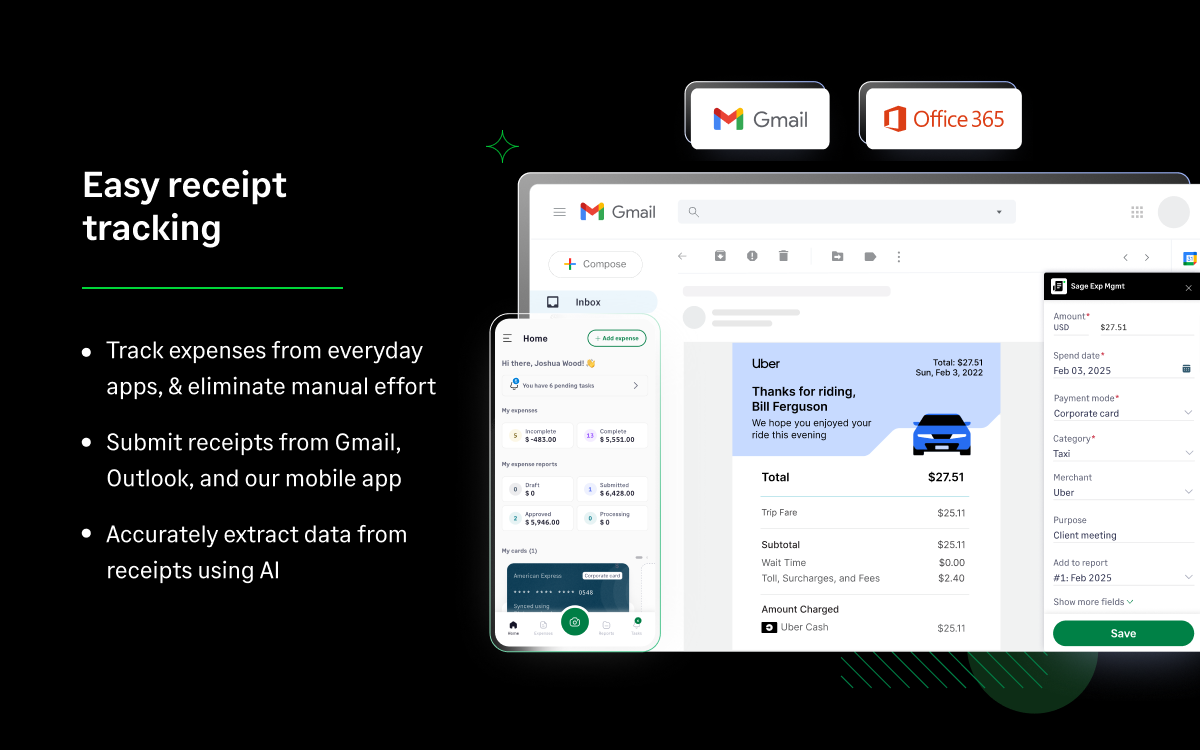 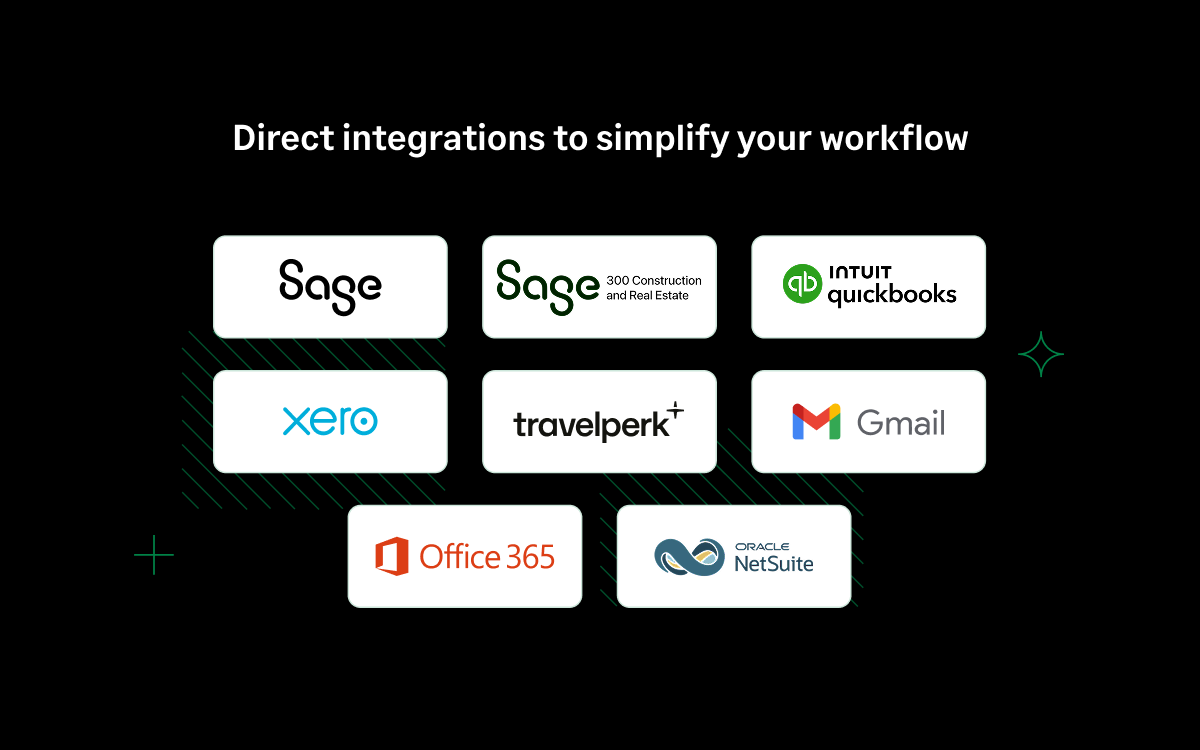 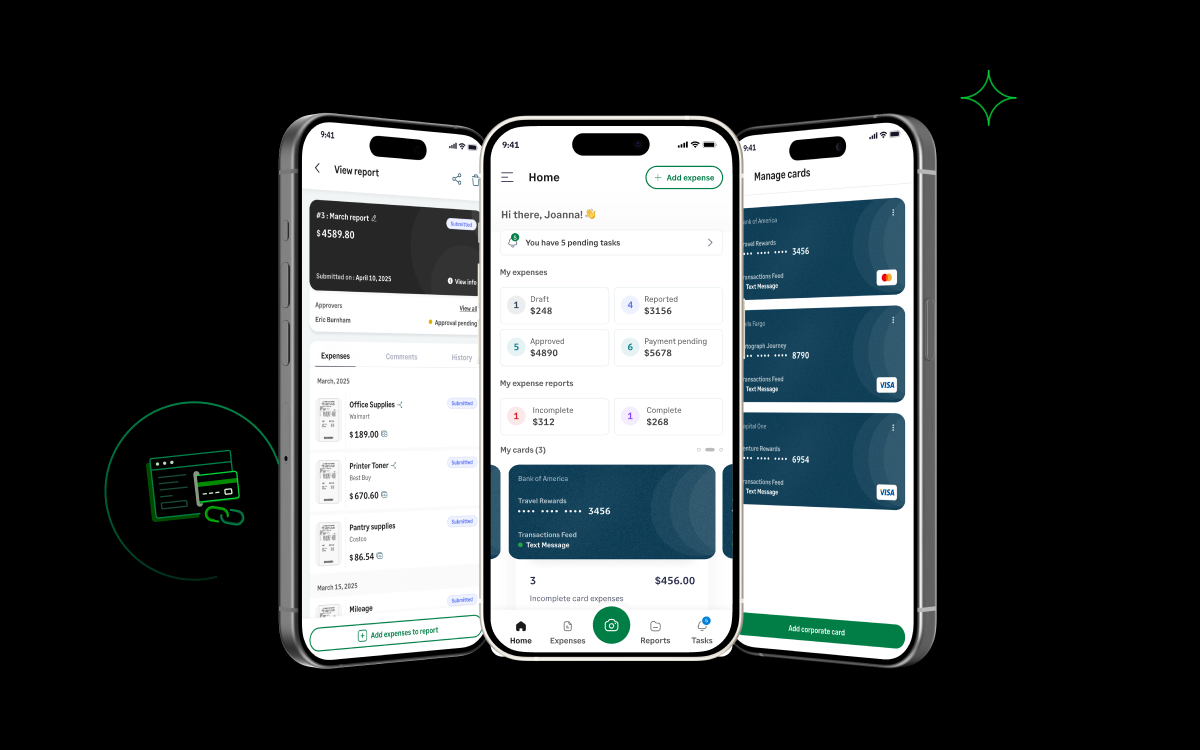  | Harvest Screenshots     |