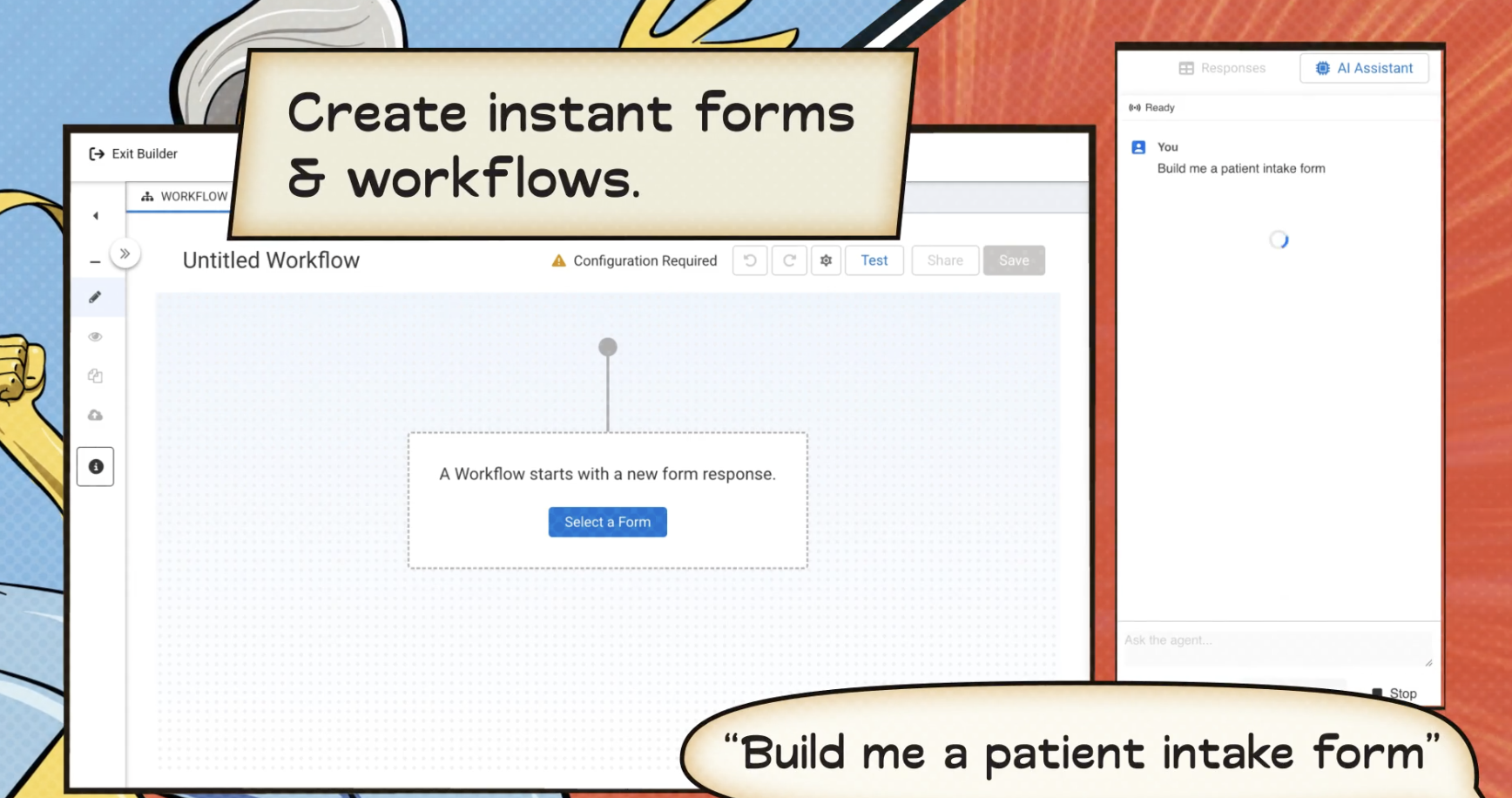
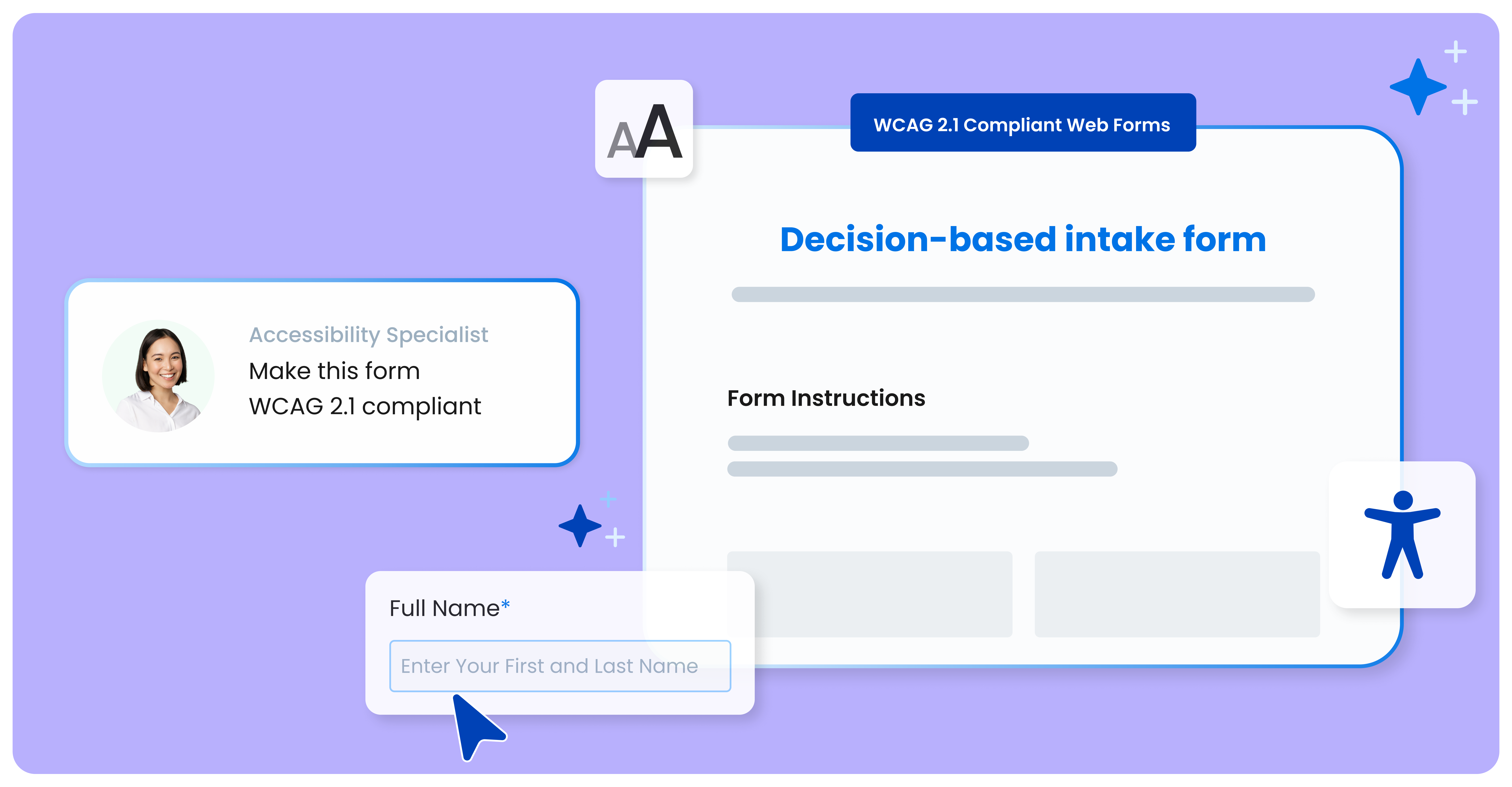
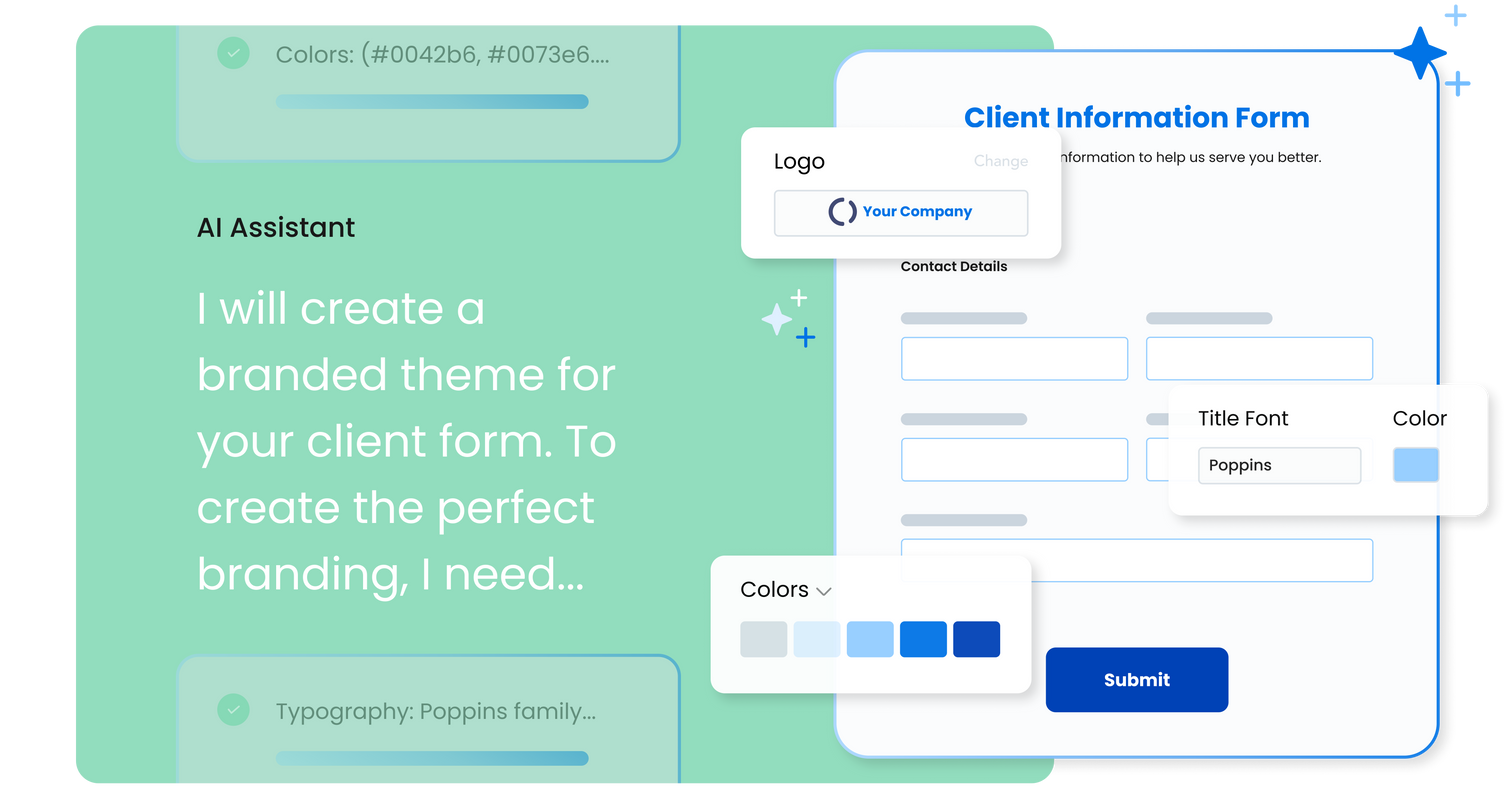
FormAssembly is an enterprise data collection and automation platform designed to enable organizations to capture clean, compliant data from the start. With the latest edition of the platform, FormAssembly Atlas, and its built-in AI assistant, Fai, forms and workflows build themselves, connect to Salesforce and other systems in just a few clicks, and ensure every record is structured, secure, and ready for automation or AI. In short, FormAssembly is designed to…
N/A
Jitterbit
Score9.4 out of 10
N/A
Jitterbit is a cloud integration technology for cloud, social or mobile apps. It provides accessibility for
non-technical users, including easily creating API’s and data transformation scripts within the
integrations.
Well suited to get information into Salesforce. For the pricepoint you have to pay and the workflow you have to set up it is less appropriate when using Microsoft 365. The Google connector is very simple and you can use it with forms, it hinders us that is not an option unless a workflow is used.
A de minimis incentive was given to thank the reviewer for their time. The incentive was not used to bias or drive a particular response, nor was the incentive contingent on a positive endorsement. More Info
This is a great tool for bringing data out of your locked, internal systems and getting it into the cloud. It meshes well with Salesforce and is fairly easy to use, helping the transition from other older, more complex tools into a more modern environment. It has lots of competition in this space and some are better than others, but if your data is straight forward and you know it well, Jitterbit will get the job done. If you are not as close or comfortable with your data and need to do some wildly complex migrations, there might be better packages out there for you.
A de minimis incentive was given to thank the reviewer for their time. The incentive was not used to bias or drive a particular response, nor was the incentive contingent on a positive endorsement. More Info
Integrating with Salesforce - mapping fields is straightforward, and custom formulas allow for some increased complexity in processing.
Scalability - we leverage the URL pre-fill and dynamic picklist features to use a single form for multiple different programs.
Simple form building via point-and-click is relatively easy. Hidden fields, conditionals, and repeat sections are useful features for more complex form needs.
Custom CSS option is useful - has allowed us to visually integrate FormAssembly forms onto our website via iframe.
A de minimis incentive was given to thank the reviewer for their time. The incentive was not used to bias or drive a particular response, nor was the incentive contingent on a positive endorsement. More Info
A de minimis incentive was given to thank the reviewer for their time. The incentive was not used to bias or drive a particular response, nor was the incentive contingent on a positive endorsement. More Info
FormAssembly could do a much better job supporting customers. As I mentioned, FormAssembly is critical to our day-to-day operations, so it is very important to us that support is prompt and reliable when we reach out. Unfortunately, this has not been our experience. For example, on more than one occasion, I had a support case open for months without hearing back, despite repeatedly following up.
FormAssembly could make troubleshooting and configuration updates easier by improving their user interface. Salesforce, for example, has a feature called "Where is this used?" for fields, which makes it easy to address bugs and make changes efficiently and effectively.
FormAssembly could benefit from improving training and support resources.
A de minimis incentive was given to thank the reviewer for their time. The incentive was not used to bias or drive a particular response, nor was the incentive contingent on a positive endorsement. TR verified that a representative sample of customers was invited. More Info
Migrating operations from QA to Production work well for initial deployment, however, when migrating an update to an existing job to production, sometimes certain project items are duplicated. This is not the end of the world... the duplicates can be removed, but would be nice if it was not required.
I have not found a way to trap under-the-covers SOAP errors (for example, when a query you are running against Salesforce takes too long). You get a warning error in the operation log that the job only pulled a "partial" file, but it does not fail.
A de minimis incentive was given to thank the reviewer for their time. The incentive was not used to bias or drive a particular response, nor was the incentive contingent on a positive endorsement. More Info
FormAssembly continues to meet our needs, and the product functionality continues to grow, providing us with new opportunities to utilize the software. We've built many forms and associated processes on FormAssembly. It would require a large effort to migrate to another platform. We have invested a lot of time in learning FormAssembly.
A de minimis incentive was given to thank the reviewer for their time. The incentive was not used to bias or drive a particular response, nor was the incentive contingent on a positive endorsement. More Info
I have been evaluating other tools as a continuous improvement practice. I would like something that would be easier to use for a non-technical user. I work for a small organization and have no back-up for Jitterbit if something happens to me. We don't have the technically savvy employees to understand it.
The UI is very intuitive and easy to use, even if you've never used a form building platform before. There is plenty of easy-to-find documentation so if you're unsure on anything, you can sense-check it. I also love the drag-and-drop form building. It is a breeze to use, especially compared to other form builders which are quite clunky, or where the functionality takes a lot of clicks to reach. Everything is easily accessible and ready to use with FormAssembly.
A de minimis incentive was given to thank the reviewer for their time. The incentive was not used to bias or drive a particular response, nor was the incentive contingent on a positive endorsement. More Info
While it's not a true development package and misses some features like ingestion of external data for lists, etc... the product is fast, stable, easy to use, and will suit the needs of anyone needing online form functionality with SalesForce and other connectors available for your marketing needs.
A de minimis incentive was given to thank the reviewer for their time. The incentive was not used to bias or drive a particular response, nor was the incentive contingent on a positive endorsement. More Info
A de minimis incentive was given to thank the reviewer for their time. The incentive was not used to bias or drive a particular response, nor was the incentive contingent on a positive endorsement. More Info
FormAssembly's features were more expansive than SurveyMonkey, in my opinion. When doing a comparison, we really liked that we could set up formulas to calculate expenses for us and that they would be easy to update as needed for rates that change from year to year.
A de minimis incentive was given to thank the reviewer for their time. The incentive was not used to bias or drive a particular response, nor was the incentive contingent on a positive endorsement. More Info
Evaluated Dell Boomi and Celigo as alternatives prior to purchasing Jitterbit. We went with Jitterbit at that time because we could handle all changes ourselves without any assistance from Jitterbit, and we liked their size and nimbleness. Dell Boomi was too big for us, and Celigo at that time did not have a self-service model. Every change had to go through them (although that has since changed). We were not in a position to be able to wait for someone to make changes for us given the rate of change within the business.
A de minimis incentive was given to thank the reviewer for their time. The incentive was not used to bias or drive a particular response, nor was the incentive contingent on a positive endorsement. More Info
A de minimis incentive was given to thank the reviewer for their time. The incentive was not used to bias or drive a particular response, nor was the incentive contingent on a positive endorsement. More Info
The time it takes to connect systems has reduced by orders of magnitude. Previously, we would custom-develop connectors between various systems and they would all be managed by different vendors. With Jitterbit speed-to-deploy and the efficiency gained by managing all connections in one dashboard has been the greatest piece of the ROI.
A de minimis incentive was given to thank the reviewer for their time. The incentive was not used to bias or drive a particular response, nor was the incentive contingent on a positive endorsement. More Info