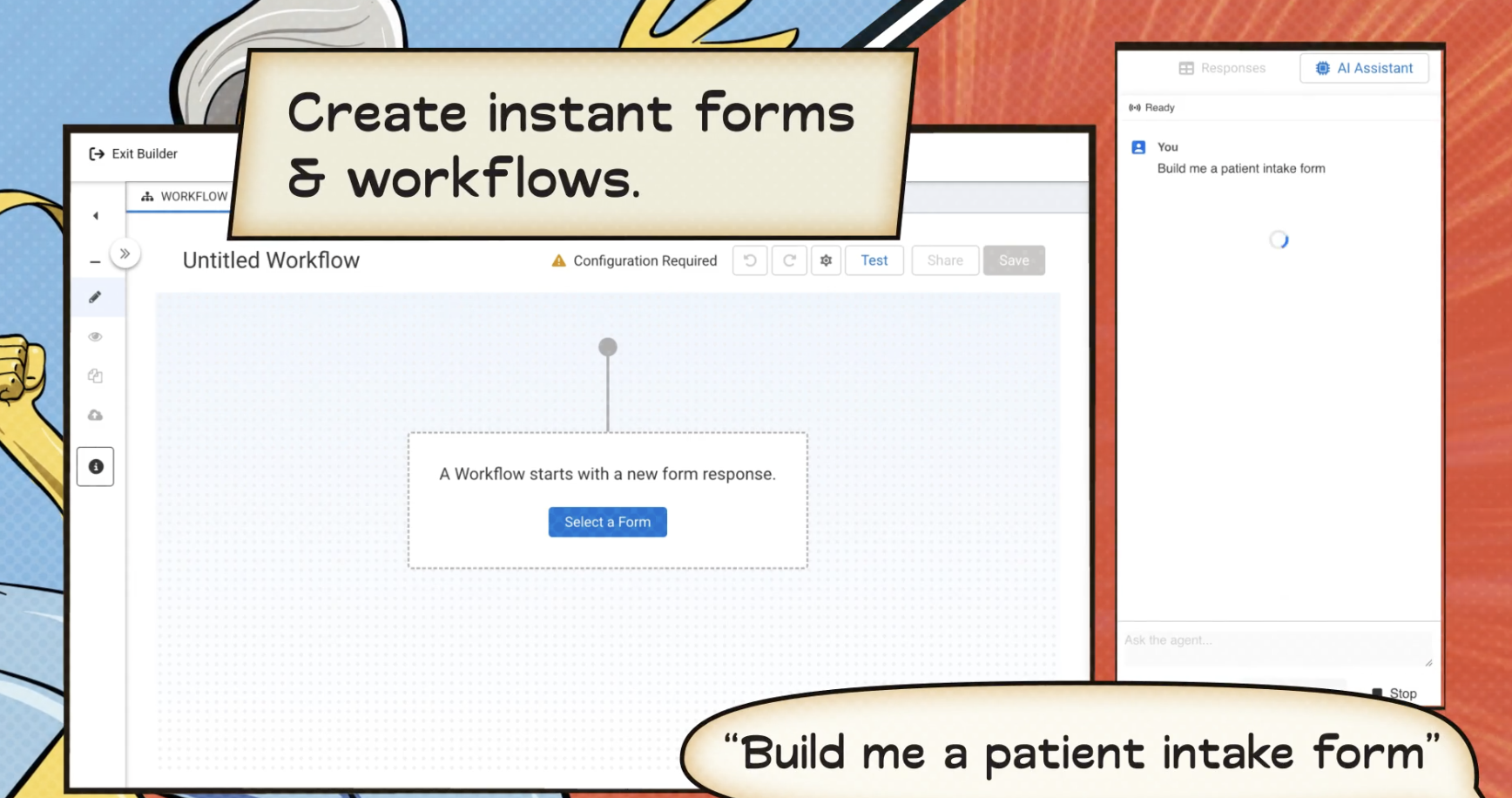
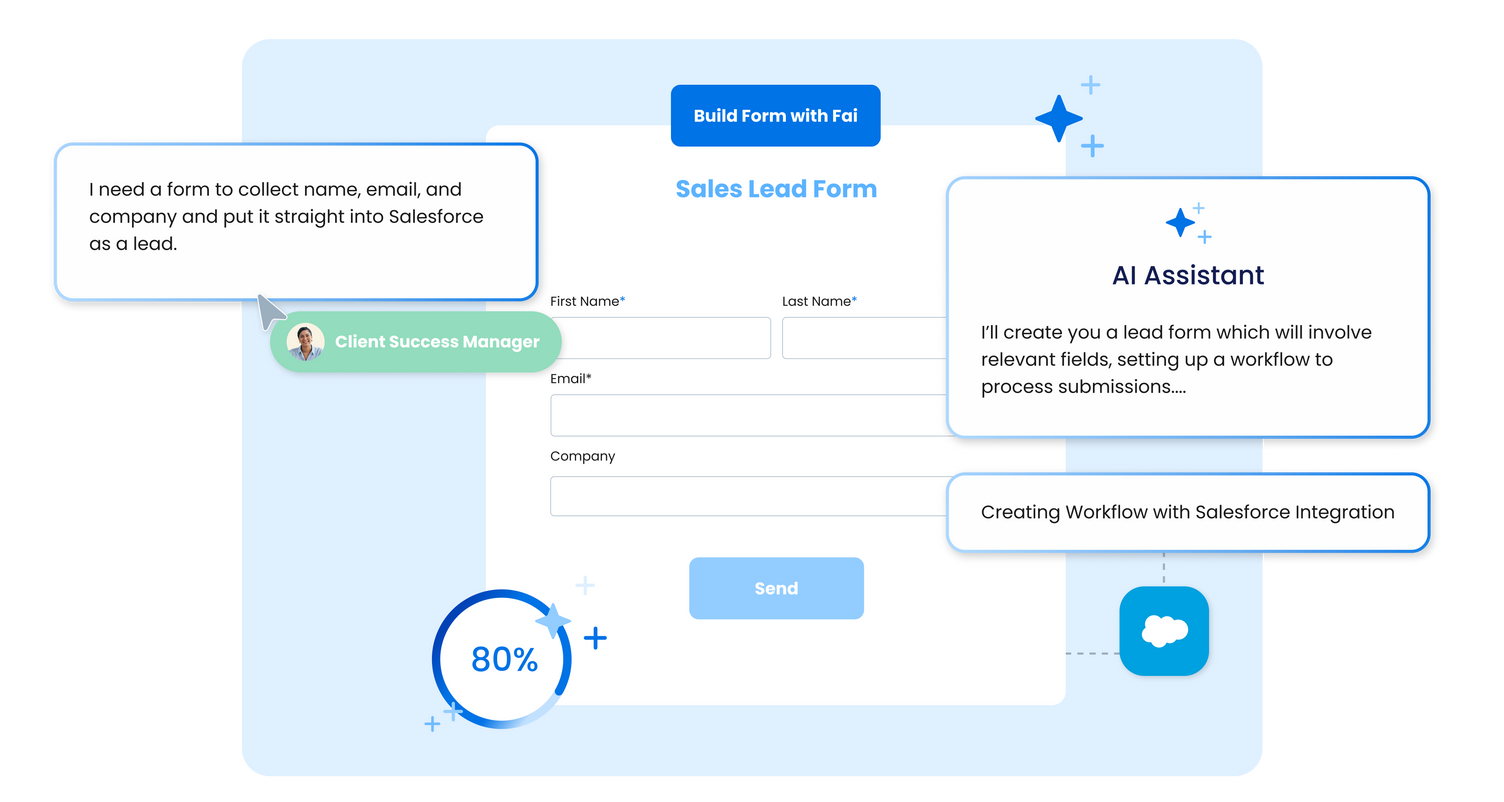
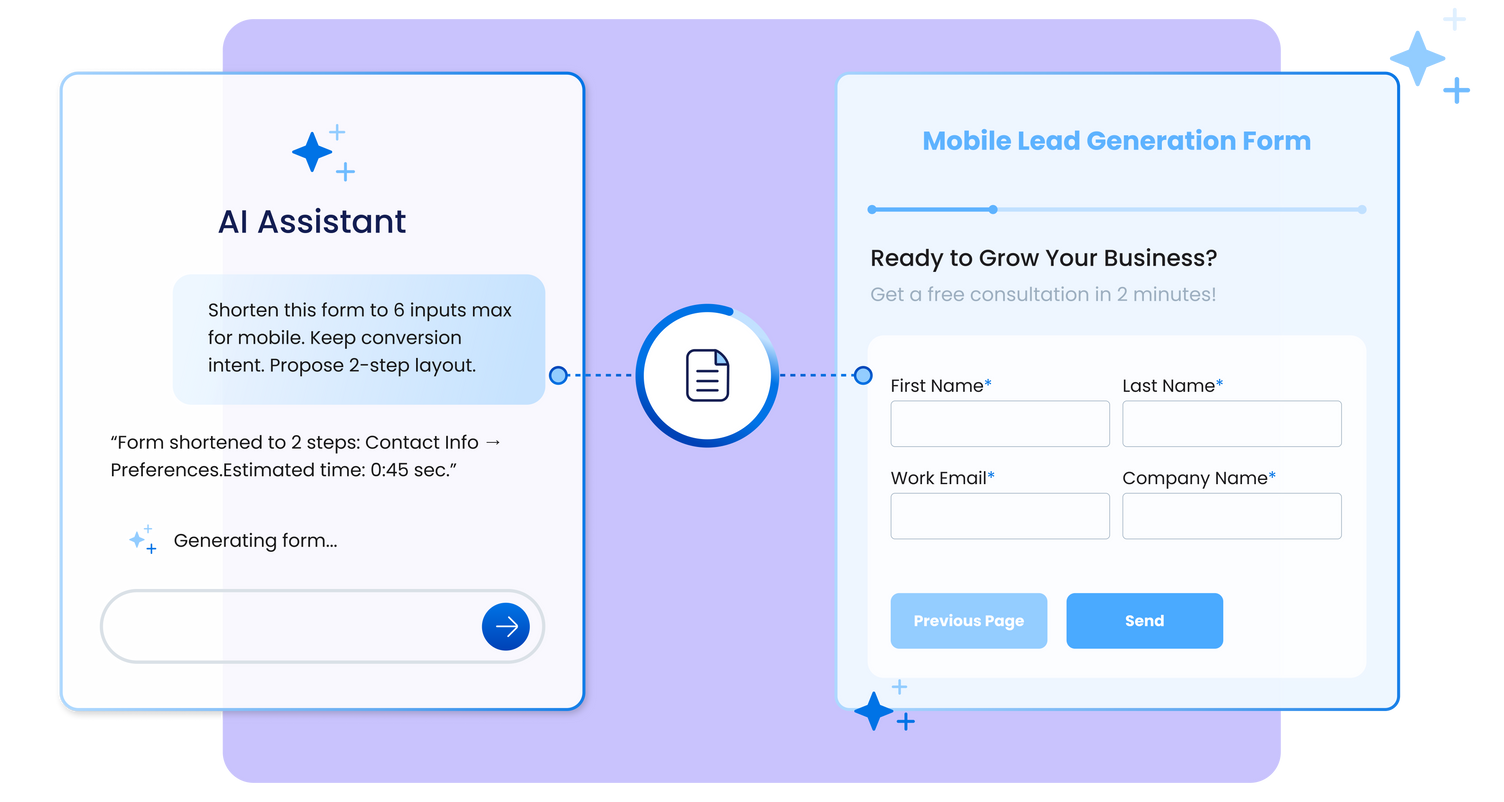
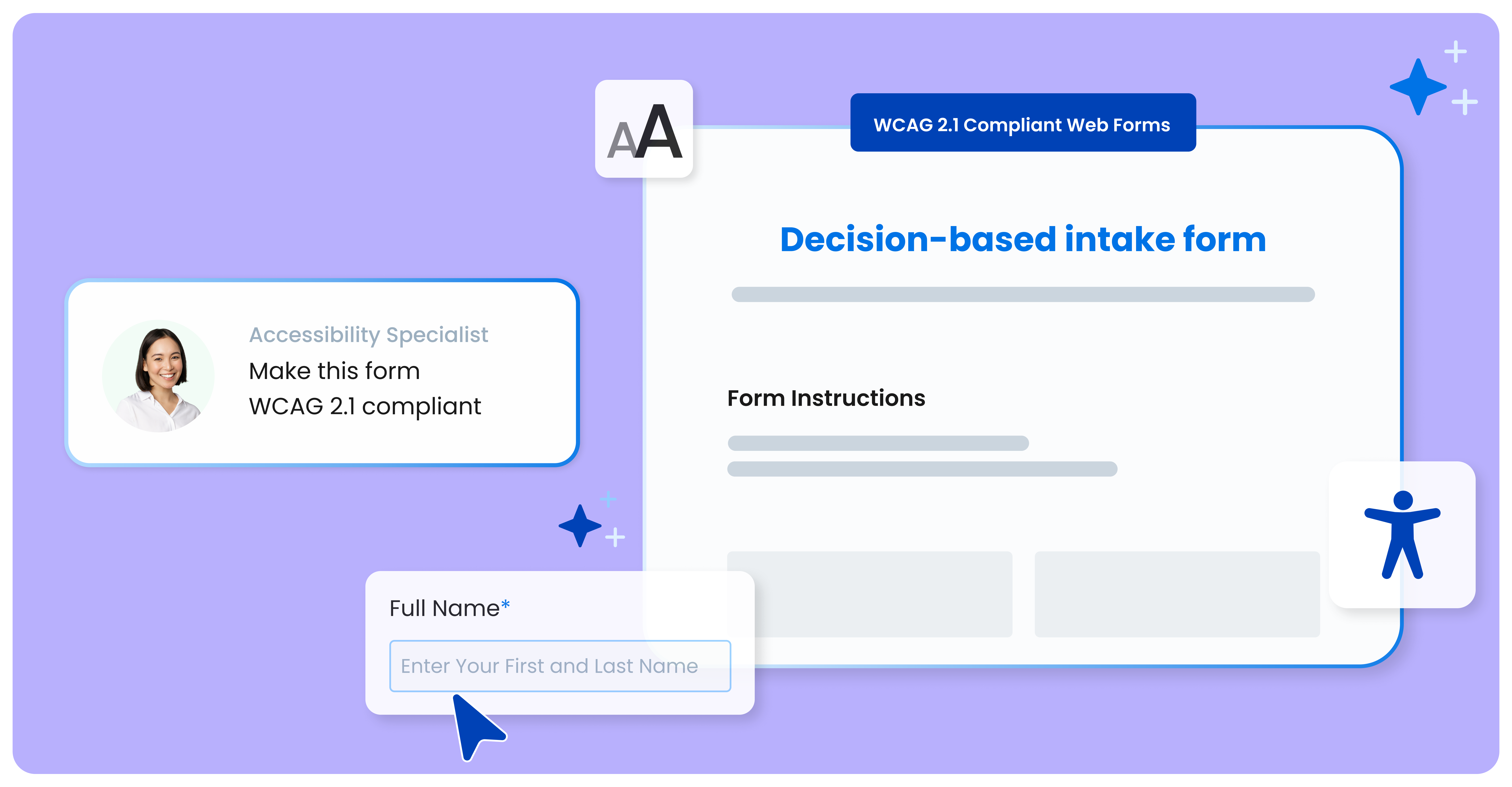
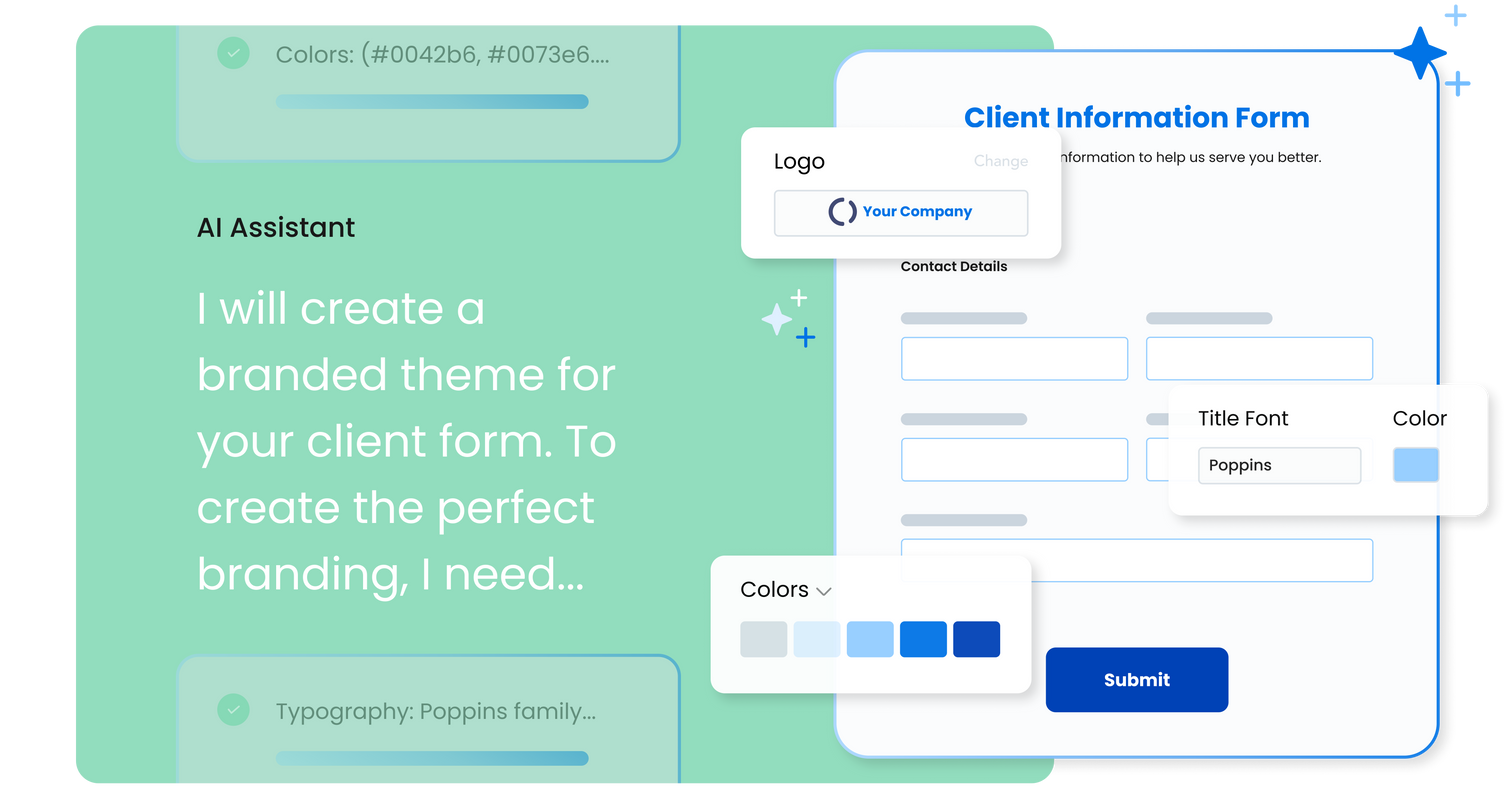
FormAssembly is an enterprise data collection and automation platform designed to enable organizations to capture clean, compliant data from the start. With the latest edition of the platform, FormAssembly Atlas, and its built-in AI assistant, Fai, forms and workflows build themselves, connect to Salesforce and other systems in just a few clicks, and ensure every record is structured, secure, and ready for automation or AI. In short, FormAssembly is designed to…
N/A
Zoho Forms
Score9.2 out of 10
N/A
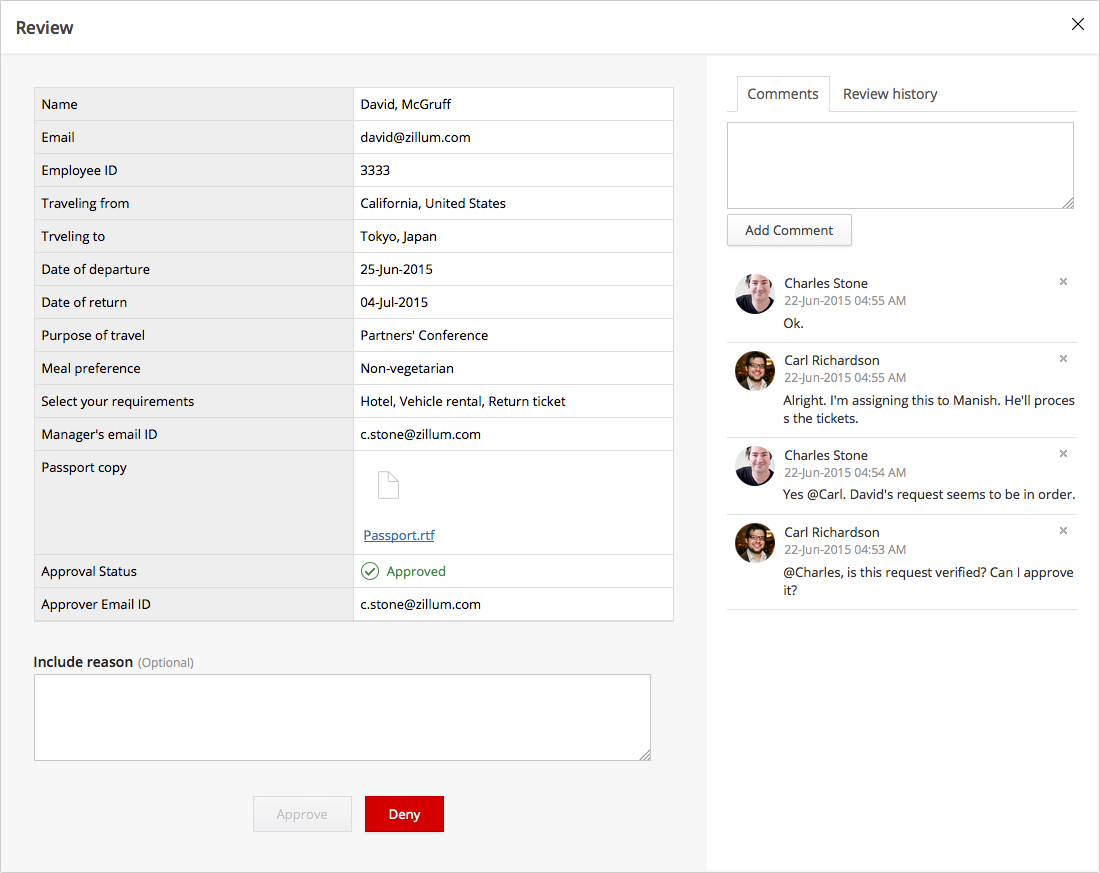
Zoho Forms is an online form builder that lets users create mobile-ready online forms. Forms can be shared with select users via email, or via a public link. This solution includes a drag-and-drop form builder that is responsive on all mobile devices. Zoho Forms also offers native mobile applications for iOS and Android devices.
According to the vendor, key benefits include: A web and mobile form builder. Drag and drop fields to add them to…
$0
per month
Pricing
FormAssembly
Zoho Forms
Editions & Modules
Atlas Explorer
Contact Sales
per month
Atlas Team
Contact sales
Gov Cloud
Contact sales
Atlas Enterprise
Contact Sales
Free
$0
per month
Basic
$10
per month
Standard
$25
per month
Professional
$50`
per month
Premium
$100
per month
Offerings
Pricing Offerings
FormAssembly
Zoho Forms
Free Trial
Yes
Yes
Free/Freemium Version
No
Yes
Premium Consulting/Integration Services
Yes
No
Entry-level Setup Fee
Optional
$10 per month
Additional Details
—
Contact support@zohoforms.com to try out our paid plans.
Well suited to get information into Salesforce. For the pricepoint you have to pay and the workflow you have to set up it is less appropriate when using Microsoft 365. The Google connector is very simple and you can use it with forms, it hinders us that is not an option unless a workflow is used.
A de minimis incentive was given to thank the reviewer for their time. The incentive was not used to bias or drive a particular response, nor was the incentive contingent on a positive endorsement. More Info
Zoho Forms is great for customer surveys, collection of data, onboarding clients, instances where you need a signature. Might be less appropriate for some businesses depending upon branding messages. Zoho Forms has some disclaimers that appear on forms i.e. not to enter personal information, credit cards, passwords, etc. so depends upon the intent & purposes of the form data collection, whether it would be a solution that would fit every business model.
A de minimis incentive was given to thank the reviewer for their time. The incentive was not used to bias or drive a particular response, nor was the incentive contingent on a positive endorsement. More Info
Integrating with Salesforce - mapping fields is straightforward, and custom formulas allow for some increased complexity in processing.
Scalability - we leverage the URL pre-fill and dynamic picklist features to use a single form for multiple different programs.
Simple form building via point-and-click is relatively easy. Hidden fields, conditionals, and repeat sections are useful features for more complex form needs.
Custom CSS option is useful - has allowed us to visually integrate FormAssembly forms onto our website via iframe.
A de minimis incentive was given to thank the reviewer for their time. The incentive was not used to bias or drive a particular response, nor was the incentive contingent on a positive endorsement. More Info
Its feature of sending alerts in real time is my favorite feature. Whenever someone fills an inquiry form, I get alert immediately.
It has a mobile app also which makes this software usable at anytime and anywhere.
It's a cloud based application so users don't need so save anything on their system and they don't need to be dependent on their system. They can access their forms from any system.
A de minimis incentive was given to thank the reviewer for their time. The incentive was not used to bias or drive a particular response, nor was the incentive contingent on a positive endorsement. More Info
FormAssembly could do a much better job supporting customers. As I mentioned, FormAssembly is critical to our day-to-day operations, so it is very important to us that support is prompt and reliable when we reach out. Unfortunately, this has not been our experience. For example, on more than one occasion, I had a support case open for months without hearing back, despite repeatedly following up.
FormAssembly could make troubleshooting and configuration updates easier by improving their user interface. Salesforce, for example, has a feature called "Where is this used?" for fields, which makes it easy to address bugs and make changes efficiently and effectively.
FormAssembly could benefit from improving training and support resources.
A de minimis incentive was given to thank the reviewer for their time. The incentive was not used to bias or drive a particular response, nor was the incentive contingent on a positive endorsement. TR verified that a representative sample of customers was invited. More Info
A de minimis incentive was given to thank the reviewer for their time. The incentive was not used to bias or drive a particular response, nor was the incentive contingent on a positive endorsement. More Info
FormAssembly continues to meet our needs, and the product functionality continues to grow, providing us with new opportunities to utilize the software. We've built many forms and associated processes on FormAssembly. It would require a large effort to migrate to another platform. We have invested a lot of time in learning FormAssembly.
A de minimis incentive was given to thank the reviewer for their time. The incentive was not used to bias or drive a particular response, nor was the incentive contingent on a positive endorsement. More Info
The UI is very intuitive and easy to use, even if you've never used a form building platform before. There is plenty of easy-to-find documentation so if you're unsure on anything, you can sense-check it. I also love the drag-and-drop form building. It is a breeze to use, especially compared to other form builders which are quite clunky, or where the functionality takes a lot of clicks to reach. Everything is easily accessible and ready to use with FormAssembly.
A de minimis incentive was given to thank the reviewer for their time. The incentive was not used to bias or drive a particular response, nor was the incentive contingent on a positive endorsement. More Info
The user interface and user experience is outstanding, seems like a lot of hard work has been put into it by the design, development and product teams. The fonts used are optimal, the icons and menu bars are well placed, the colors are very friendly to the eye and the standard white background is beautifully adjusted to the user expectations. The sliders are well designed and you can easily find whatever menu/option/feature you are looking for without much hassle.
A de minimis incentive was given to thank the reviewer for their time. The incentive was not used to bias or drive a particular response, nor was the incentive contingent on a positive endorsement. More Info
While it's not a true development package and misses some features like ingestion of external data for lists, etc... the product is fast, stable, easy to use, and will suit the needs of anyone needing online form functionality with SalesForce and other connectors available for your marketing needs.
A de minimis incentive was given to thank the reviewer for their time. The incentive was not used to bias or drive a particular response, nor was the incentive contingent on a positive endorsement. More Info
So far we have not faced any issue while using the software but our customer journey has been breathtaking so far, which obviously i am expecting, should be the case of the support of Zoho Forms as well. However we have explored their support channels; you can easily find the contact us form in the profile slider and there are other resources available with a single click like Help Menu, What's New Menu, Blogs and Forums. However i could not find any live chat or support with the Free version.
A de minimis incentive was given to thank the reviewer for their time. The incentive was not used to bias or drive a particular response, nor was the incentive contingent on a positive endorsement. More Info
A de minimis incentive was given to thank the reviewer for their time. The incentive was not used to bias or drive a particular response, nor was the incentive contingent on a positive endorsement. More Info
FormAssembly's features were more expansive than SurveyMonkey, in my opinion. When doing a comparison, we really liked that we could set up formulas to calculate expenses for us and that they would be easy to update as needed for rates that change from year to year.
A de minimis incentive was given to thank the reviewer for their time. The incentive was not used to bias or drive a particular response, nor was the incentive contingent on a positive endorsement. More Info
Zoho Forms is just as good as Google Forms. I believe that ZF is easier to use. I have not used GF as extensively as ZF. I will be evaluating GF in the very near future. I selected ZF mainly because it easily integrates with its own Zoho applications quickly and with very little difficulty.
A de minimis incentive was given to thank the reviewer for their time. The incentive was not used to bias or drive a particular response, nor was the incentive contingent on a positive endorsement. More Info
A de minimis incentive was given to thank the reviewer for their time. The incentive was not used to bias or drive a particular response, nor was the incentive contingent on a positive endorsement. More Info
All positive. Zoho Forms is just another tool from the Zoho toolbox that adds value for us.
ROI is hard to say since we are a Zoho One user. Providing an amazing customer experience is what we strive for and this tool is part of that customer experience. It may have a small effect within our internal process but it is a customer facing and customer interaction point/application so it is crucial that it performs optimally.
A de minimis incentive was given to thank the reviewer for their time. The incentive was not used to bias or drive a particular response, nor was the incentive contingent on a positive endorsement. More Info