
Fortra’s Automate vs. Laserfiche vs. SolarWinds Database Performance Analyzer
Fortra’s Automate vs. Laserfiche vs. SolarWinds Database Performance Analyzer
| Product | Rating | Most Used By | Product Summary | Starting Price |
|---|---|---|---|---|
 Fortra’s Automate | N/A | Fortra's Automate (formerly HelpSystems Automate) is a robotic process automation platform for desktop applications. According to the vendor, it offers the ability to automate almost any business process, and no technical expertise is required—IT and business users alike can understand the drag-and-drop interface. | N/A | |
 Laserfiche | N/A | Laserfiche has two main editions: Rio and Avante: Laserfiche Rio is designed to meet the needs of large organizations that have more than 100 users. It combines content management functionality with business process management (BPM), security and auditing, unlimited servers and a thin-client interface. Add-ons include records management functionality, public Web portals and production-level document capture and processing. Laserfiche Avante is an ECM suite for small to medium organizations with… | $540 per year per user | |
 SolarWinds Database Performance Analyzer | N/A | SolarWinds Database Performance Analyzer (DPA) enables deep visibility into database performance and expert advice for performance optimization and tuning. What can you monitor with DPA? Oracle Oracle Exadata Oracle EBS Microsoft SQL Server Azure SQL Database Azure SQL Database Managed Instance MySQL DB2 SAP ASE Aurora MariaDB DPA monitors physical, virtual,… | N/A |
| Fortra’s Automate | Laserfiche | SolarWinds Database Performance Analyzer | ||||||||||||||||||||||
|---|---|---|---|---|---|---|---|---|---|---|---|---|---|---|---|---|---|---|---|---|---|---|---|---|
| Editions & Modules | No answers on this topic |
| No answers on this topic | |||||||||||||||||||||
| Offerings |
| |||||||||||||||||||||||
| Entry-level Setup Fee | Optional | No setup fee | Optional | |||||||||||||||||||||
| Additional Details | — | — | — | |||||||||||||||||||||
| More Pricing Information | ||||||||||||||||||||||||
| Fortra’s Automate | Laserfiche | SolarWinds Database Performance Analyzer |
|---|
| Fortra’s Automate | Laserfiche | SolarWinds Database Performance Analyzer | |||||||||||||||||||||||||||||||||||||||||||||||||||
|---|---|---|---|---|---|---|---|---|---|---|---|---|---|---|---|---|---|---|---|---|---|---|---|---|---|---|---|---|---|---|---|---|---|---|---|---|---|---|---|---|---|---|---|---|---|---|---|---|---|---|---|---|---|
| Enterprise Content Management |
|
| Fortra’s Automate | Laserfiche | SolarWinds Database Performance Analyzer | |
|---|---|---|---|
| Small Businesses |  airSlate WorkFlow Score 10.0 out of 10 |  Square 9 Softworks Score 9.3 out of 10 | No answers on this topic |
| Medium-sized Companies |  IBM Robotic Process Automation Score 8.5 out of 10 |  Epicor ECM Score 7.7 out of 10 |  Icinga Score 8.9 out of 10 |
| Enterprises | IBM Robotic Process Automation Score 8.5 out of 10 |  M‑Files Score 8.9 out of 10 |  LogicMonitor Score 8.9 out of 10 |
| All Alternatives | View all alternatives | View all alternatives | View all alternatives |
| Fortra’s Automate | Laserfiche | SolarWinds Database Performance Analyzer | |
|---|---|---|---|
| Likelihood to Recommend | 10.0 (4 ratings) | 9.0 (48 ratings) | 9.1 (114 ratings) |
| Likelihood to Renew | - (0 ratings) | 8.6 (16 ratings) | 8.6 (4 ratings) |
| Usability | 10.0 (1 ratings) | 9.0 (9 ratings) | 8.2 (7 ratings) |
| Availability | - (0 ratings) | 10.0 (2 ratings) | 9.1 (1 ratings) |
| Performance | - (0 ratings) | 9.0 (1 ratings) | 9.1 (1 ratings) |
| Support Rating | 10.0 (1 ratings) | 9.4 (9 ratings) | 9.3 (6 ratings) |
| Online Training | - (0 ratings) | 10.0 (1 ratings) | - (0 ratings) |
| Implementation Rating | - (0 ratings) | - (0 ratings) | 7.3 (2 ratings) |
| Configurability | - (0 ratings) | - (0 ratings) | 7.3 (1 ratings) |
| Ease of integration | - (0 ratings) | 8.0 (1 ratings) | 8.2 (1 ratings) |
| Product Scalability | - (0 ratings) | - (0 ratings) | 8.2 (1 ratings) |
| Vendor post-sale | - (0 ratings) | - (0 ratings) | 9.1 (1 ratings) |
| Vendor pre-sale | - (0 ratings) | - (0 ratings) | 9.1 (1 ratings) |
| Fortra’s Automate | Laserfiche | SolarWinds Database Performance Analyzer | |
|---|---|---|---|
| Likelihood to Recommend |  Fortra
 Kwame H. Baptiste IT Dept. Manager |  Laserfiche
 Stephen Green Accreditation Manager |  SolarWinds
 Stan York VP of Development |
| Pros | Fortra
| Laserfiche
 Angela Jordan Dept. Head Secretary for Building & Planning | SolarWinds
|
| Cons | Fortra
 David Croney Operations Analyst Senior | Laserfiche
| SolarWinds
|
| Likelihood to Renew | Fortra No answers on this topic | Laserfiche
 Judy Nie Finance Clerk | SolarWinds
|
| Usability | Fortra
Kwame H. Baptiste IT Dept. Manager | Laserfiche
 Ramsey Oklah Lead Solutions Architect | SolarWinds
 Joseph Dixon Database Engineer |
| Reliability and Availability | Fortra No answers on this topic | Laserfiche
 Tim Nolan Sr Application Manager | SolarWinds No answers on this topic |
| Performance | Fortra No answers on this topic | Laserfiche
| SolarWinds No answers on this topic |
| Support Rating | Fortra
Kwame H. Baptiste IT Dept. Manager | Laserfiche
 Alexa Siebert Records Management Technician, Public Works and Utilities | SolarWinds
|
| Online Training | Fortra No answers on this topic | Laserfiche
 Sheree Montgomery Facilities Plans Coordinator/Laserfiche Administrator | SolarWinds No answers on this topic |
| Implementation Rating | Fortra No answers on this topic | Laserfiche No answers on this topic | SolarWinds
|
| Alternatives Considered | Fortra  Farjad Habib Senior Software Engineer | Laserfiche
 Glen Murie Laserfiche Application Specialist | SolarWinds
|
| Return on Investment | Fortra
| Laserfiche
 Mark Ellickson Senior Account Manager | SolarWinds
|
| ScreenShots | Fortra’s Automate Screenshots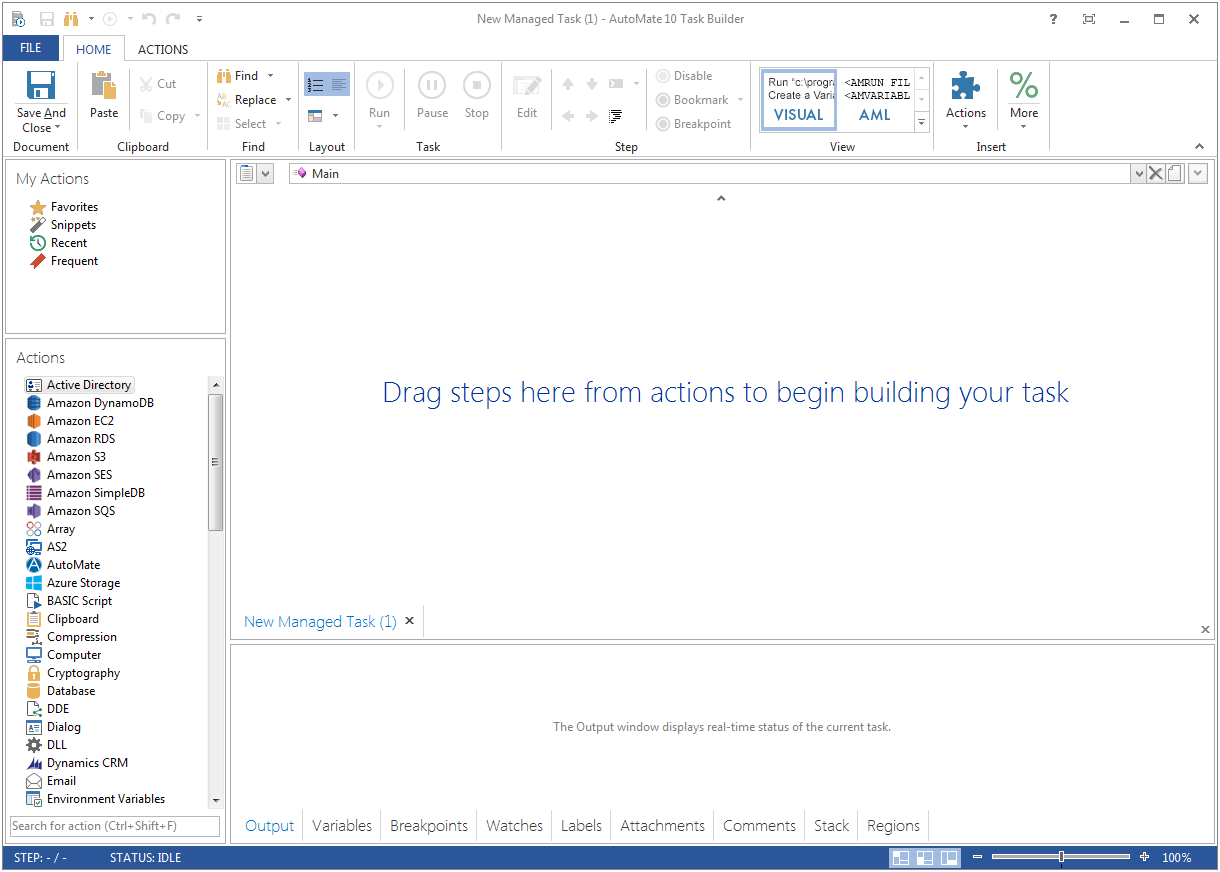  | Laserfiche Screenshots   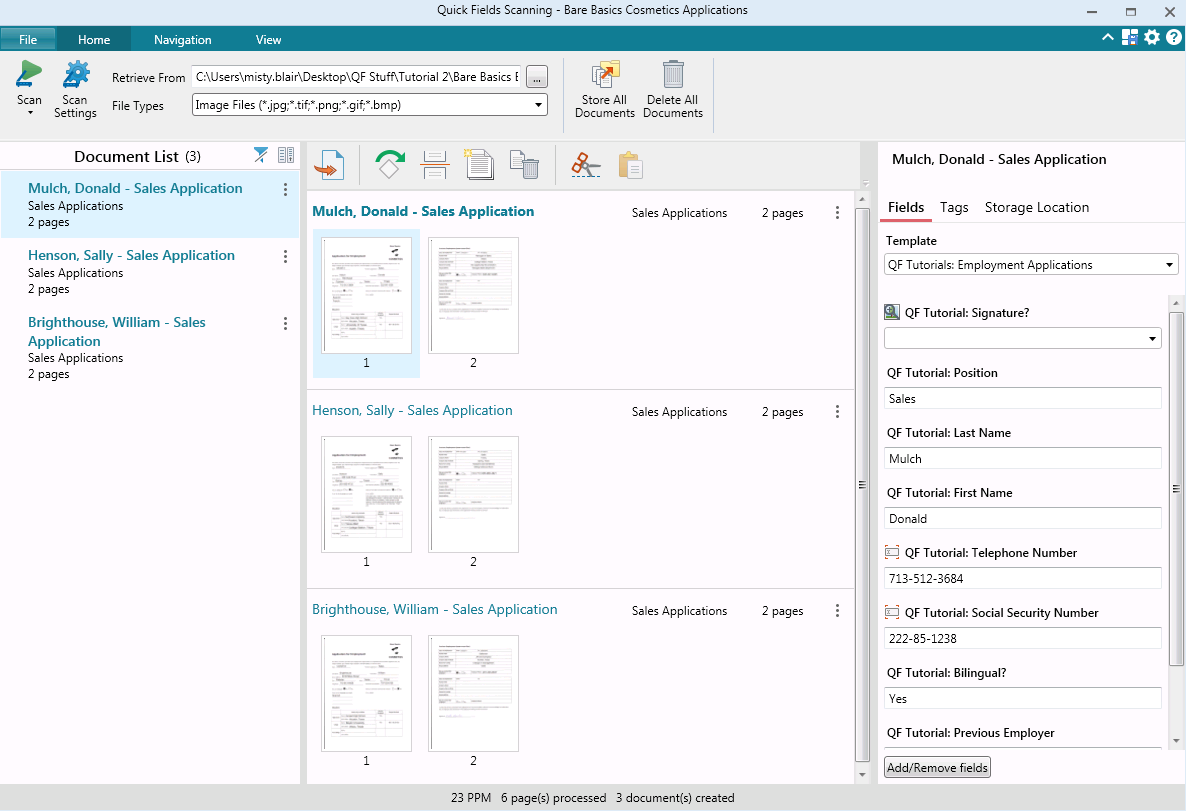  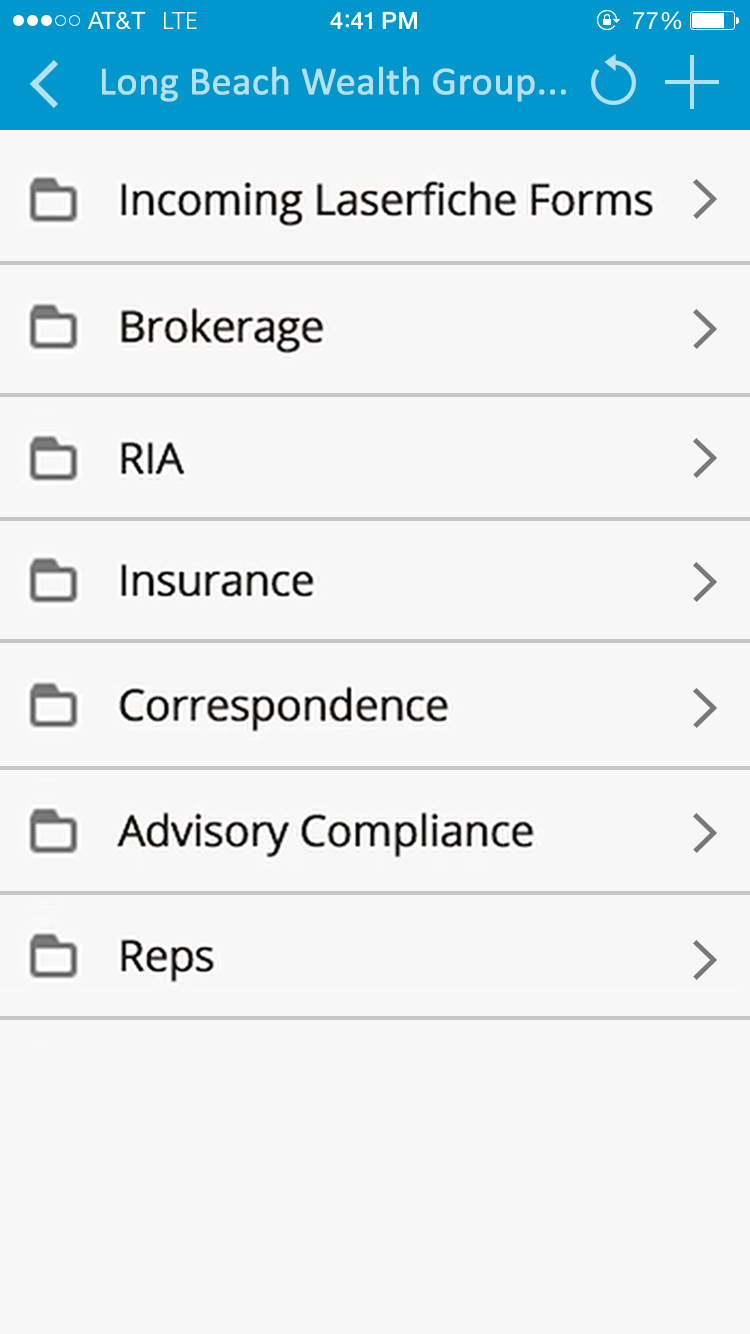 | SolarWinds Database Performance Analyzer Screenshots      |