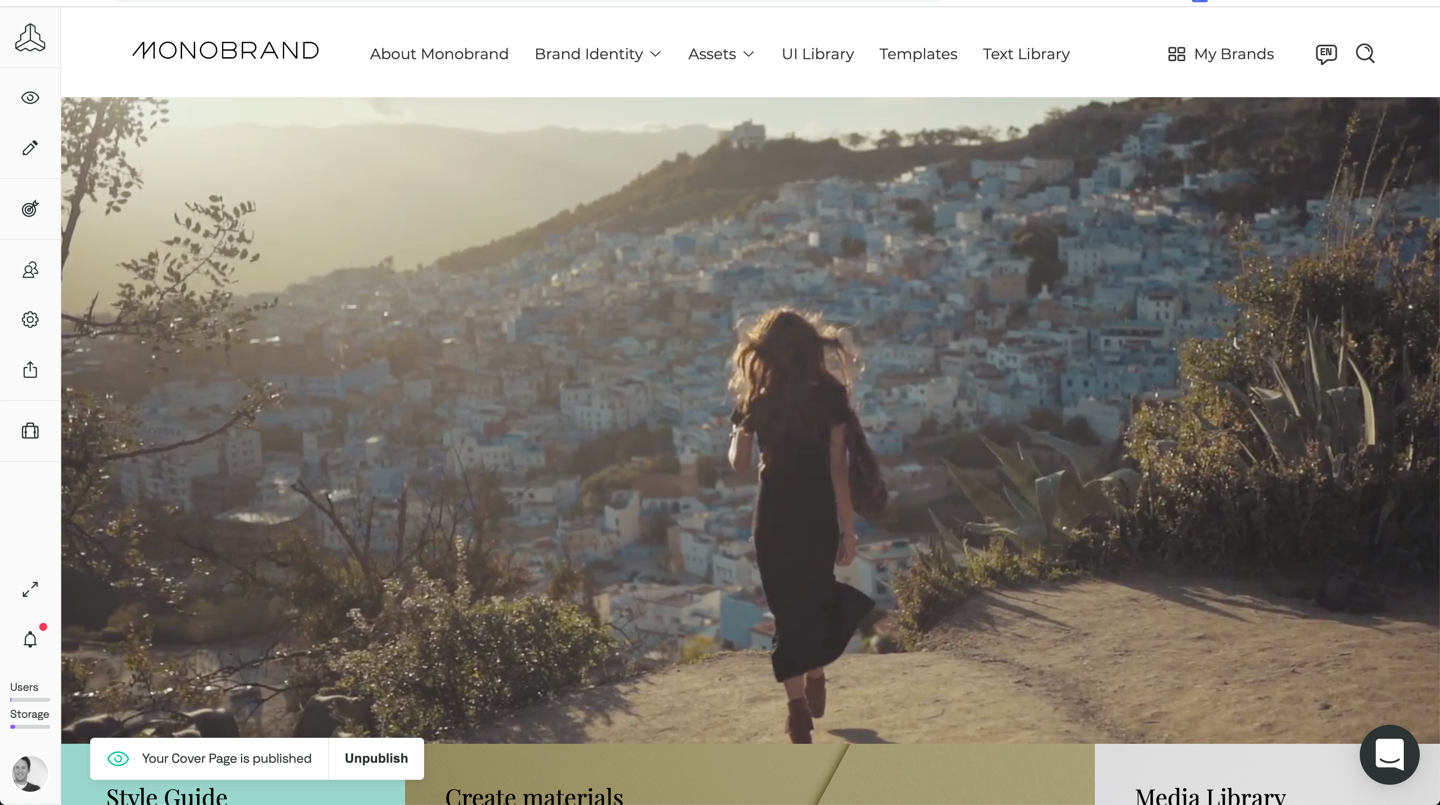
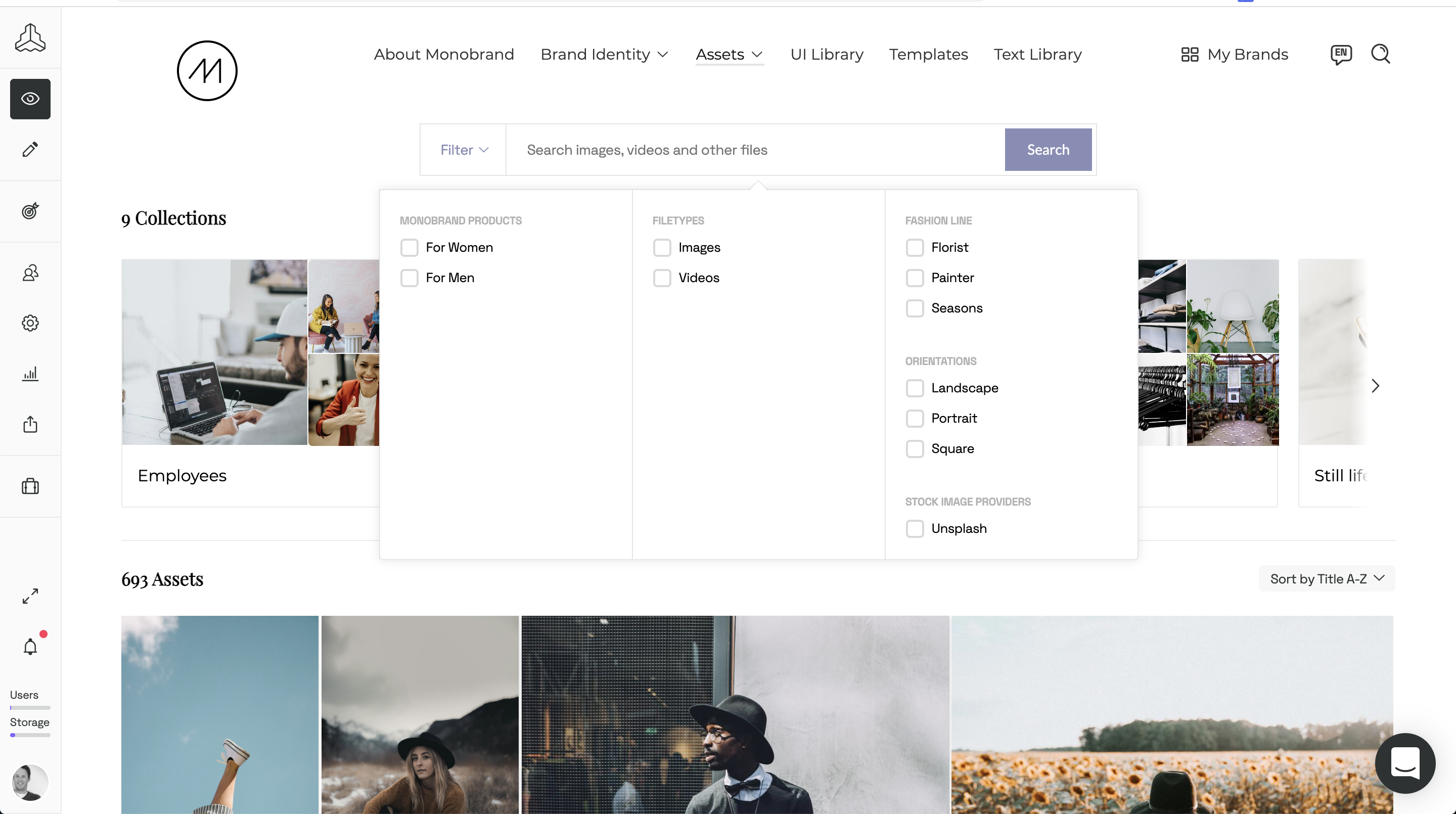
Frontify aims to simplify brand management with a platform that connects everything (and everyone) important to the growth of a brand. Offering plans for all company sizes, the vendor states Frontify is used by 4,000 brands globally. Frontify features: Cloud-based brand guidelines to ensure consistency across every touchpoint Digital asset management for centralizing all brand assets and essentials Creative collaboration to accelerate project…
N/A
Nuclino
Score 7.1 out of 10
N/A
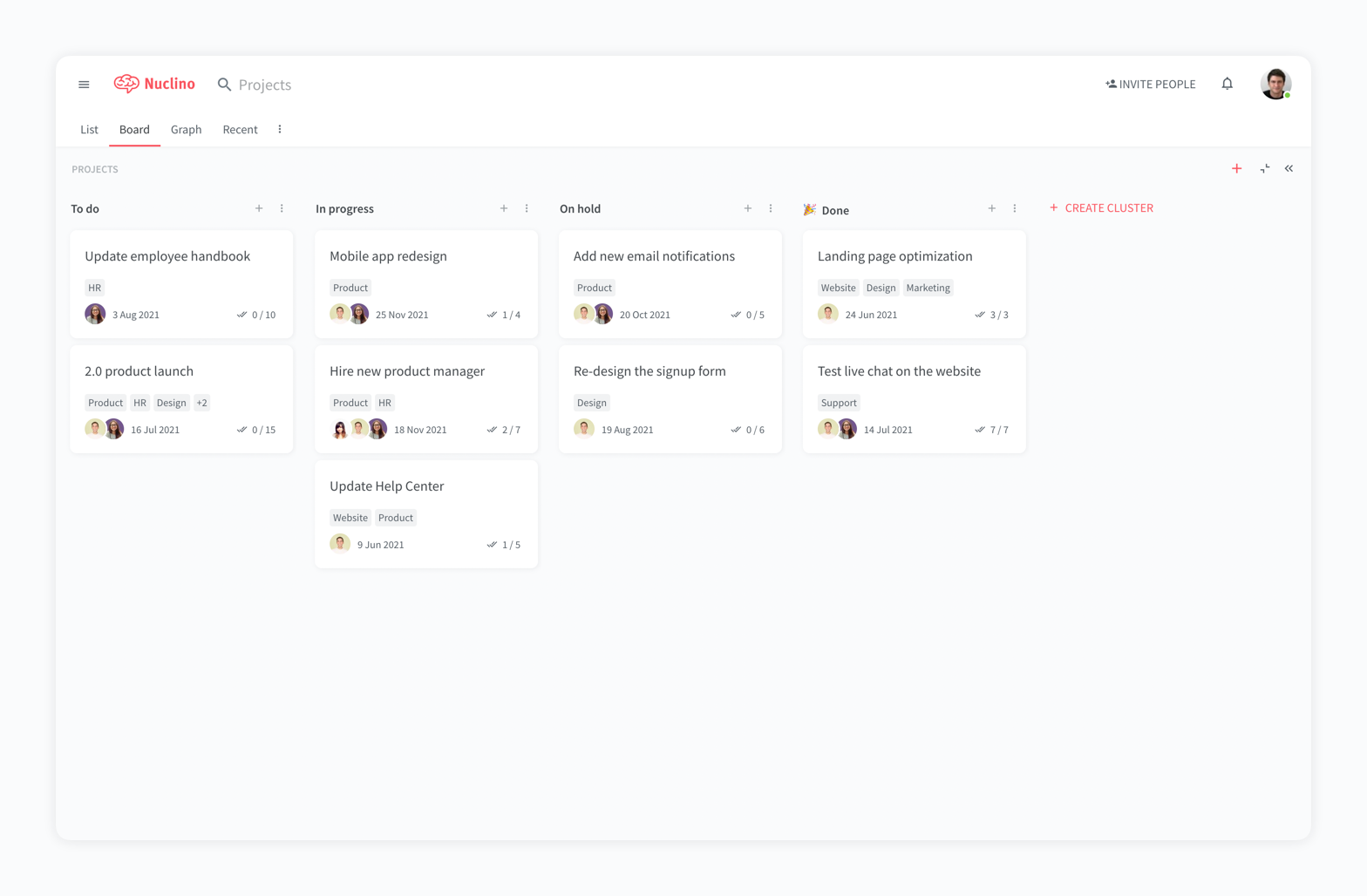
Nuclino is a unified workspace where teams can organize knowledge, manage projects, and share ideas. Progress can be tracked in a Kanban board, work structured in a hierarchical list, or data organized in a visual graph — Nuclino adapts to a team's workflow. Presented as simple and lightweight by design, Nuclino focuses on the essentials, doing away with clunky menus and rarely-used settings, to minimize the learning curve for new users. Teams from across the globe can use Nuclino…
$0
Zeplin
Score 7.6 out of 10
N/A
Zeplin, from the company of the same name, is a platform supporting collaboration in application development by engineers and designers by providing an API with popular collaboration, development and prototyping tools and creating a space where productions can be shared and reviewed.
$15
per month
Pricing
Frontify
Nuclino
Zeplin
Editions & Modules
No answers on this topic
Free
$0
per month per user
Starter
$8
per month per user
Business
$12
per month per user
Free
$0
up to 1 project
Advanced
$15
per month per seat (up to 50 projects)
Basic
$15
per month per project
Enterprise
Contact sales team
Offerings
Pricing Offerings
Frontify
Nuclino
Zeplin
Free Trial
Yes
Yes
Yes
Free/Freemium Version
No
Yes
Yes
Premium Consulting/Integration Services
No
No
No
Entry-level Setup Fee
Optional
No setup fee
No setup fee
Additional Details
—
Nuclino offers a free plan for up to 50 items and 2GB total storage. Commercial plans support unlimited items, advanced features, and 10GB storage per user. 25% discount for annual pricing.
—
More Pricing Information
Community Pulse
Frontify
Nuclino
Zeplin
Features
Frontify
Nuclino
Zeplin
Project Management
Comparison of Project Management features of Product A and Product B
Frontify
-
Ratings
Nuclino
8.3
13 Ratings
6% above category average
Zeplin
4.6
4 Ratings
51% below category average
Task Management
00 Ratings
7.49 Ratings
4.92 Ratings
Gantt Charts
00 Ratings
8.01 Ratings
00 Ratings
Scheduling
00 Ratings
9.01 Ratings
00 Ratings
Workflow Automation
00 Ratings
10.01 Ratings
3.01 Ratings
Mobile Access
00 Ratings
8.010 Ratings
4.42 Ratings
Search
00 Ratings
8.012 Ratings
6.24 Ratings
Visual planning tools
00 Ratings
7.411 Ratings
00 Ratings
Communication
Comparison of Communication features of Product A and Product B
Frontify
-
Ratings
Nuclino
8.3
12 Ratings
4% above category average
Zeplin
7.1
4 Ratings
12% below category average
Chat
00 Ratings
8.01 Ratings
00 Ratings
Notifications
00 Ratings
7.49 Ratings
7.14 Ratings
Discussions
00 Ratings
7.98 Ratings
00 Ratings
Surveys
00 Ratings
9.01 Ratings
00 Ratings
Internal knowledgebase
00 Ratings
8.412 Ratings
00 Ratings
Integrates with GoToMeeting
00 Ratings
9.01 Ratings
00 Ratings
Integrates with Gmail and Google Hangouts
00 Ratings
9.01 Ratings
00 Ratings
Integrates with Outlook
00 Ratings
8.01 Ratings
00 Ratings
File Sharing & Management
Comparison of File Sharing & Management features of Product A and Product B
Well suited to organization starting their journey of design system creation. It provides a ready to go foundation that requires minimum effort to set up and get going. It may be limited if scaling into thousands of design elements and multiple users - we have not tried at scale of more that 10's of users.
For game design - Perfect for personal notes, recipes, snippets - Perfect for storing some organized data (for example, links to resources) - Perfect for a content playground powered by AI - Very good for diagrams - Very good. Don't know any bad examples. Tool really great. Rich functionality. Especially love different views (table, graph).
I still have some issues, especially with color integration between the style guide and also project. When we update the colors, it's not automatically sync to every project. Aside from that, zeplin solves my problem for hand-off design from design to developer. I set zeplin is source of truth design file
The system is extremely fast. The application loads and displays data in milliseconds. This makes the system easy to work with.
It's also easy to edit documentation and information, as information can be editing directly without the use of an "edit" button.
Pricing: Loading speed, ease of use and quick editing are its main advantage that makes it stand out from competitors. Having said that, the pricing is very good as well.
Ease in automatically building design style guides, saving time that might be spent on building style guides in another tool (such as InDesign).
Users can use Mac, PC, or web versions of this app to collaborate on a single project, enabling us to work with a wider pool of contractors.
Accelerates the design-to-development workflow, as it’s very easy to import Sketch or Photoshop files through plug-ins, and HTML/CSS codes are automatically created based on designs.
Provides cross-platform specifications for web, iOS, and Android, which can save developers time in figuring out specifications beyond the “main platform" on their own.
Frontify is very easy to use and makes updating information a breeze. Frontify acts a central location to house assets and information for easy sharing. You can plug and play information and even white label the guide if desired
It has a very clean UI for me, the multiple views are so so useful, we can collaborate freely, and fast. This app helped us to grow because now we are giving our time more on generating ideas and of course getting more projects and clients giving real ROI instead of focusing on organizing files. But just like all apps out there, it has some room for improvement
Zeplin's component management and style guide help us to be consistent across whole product and it so easy to use for non-technical person. It is now easy to collaboration for designes between different teams like stackholders, product owner, UI/UX, developers and testers. Now there is only one point of reference is Zeplin so it is so easy to get details without asking designer or developer again and again.
My team has an individual dedicated to content management and Nuclino is one of her job descriptions. It's nice knowing she is able to handle any issues that arise before we even realize they exist. We haven't had any technical issues since implementation so that's been a very pleasant experience.
Zeplin has classic support with a chat from the website. It's working fine, and we're also getting the support needed when needed. However, Zeplin is very good at closing the incidents and moving on. It was a while ago we had a case with their support so that it might have improved since then.
We've invested time building our own hosted interface, and recently begun exploring Figma for design system management too. The benefit of Frontify is it's easy public access. The downfall is integration with other systems required in the UX, Design, Product Management, and Development processes - something Figma supports well.
Nuclino is the clear winner when it comes to ease of use for both the administrator and user. Less setup time and less "training" time. The streamlined interface is quick and intuitive to learn and is not cluttered as compared to Confluence. Every tool you need to use to create a page or administer the workspace is available immediately on screen or by right-clicking. In contrast, Confluence buries many tools in administrative interfaces and only allows use of some features once you make several clicks to include a "macro" or "plug-in". We use both tools and I get complaints constantly from my team about how complicated Confluence can get just to author a quick page.
Zeplin is great to inspect and share user interfaces, specifications and assets, perfect for developers. Tools like InVision and Marvel are much better to create prototypes for both developers, coworkers and even stakeholders, but they don't have this kind of feature (inspection) as Zeplin does. So each of them can be used for different purposes, offering different approaches to share and interact with layouts for apps and websites.
Development time has reduced as the design updates are communicated in real time to developers and they don't have to write the boilerplate code as it's already generated.
Employee engagement has improved as every stakeholder is aware about the design changes from the beginning and can give their inputs.
Designers save a lot of time as they don't to explicitly communicate when the update or publish their designs and also it just takes a couple of clicks to publish their designs. Also, lot of rework is saved as every stakeholder is involved right from the beginning.