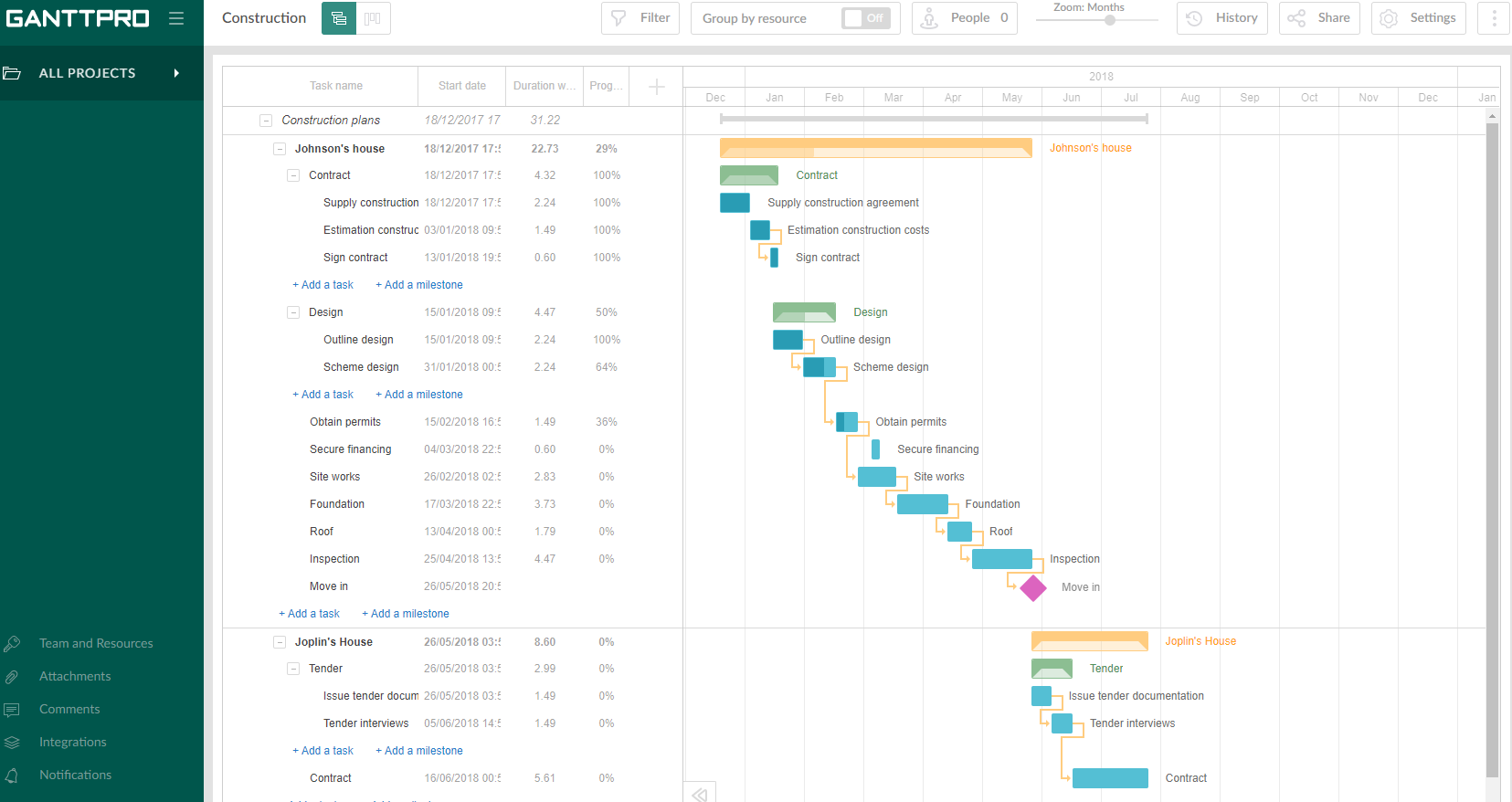
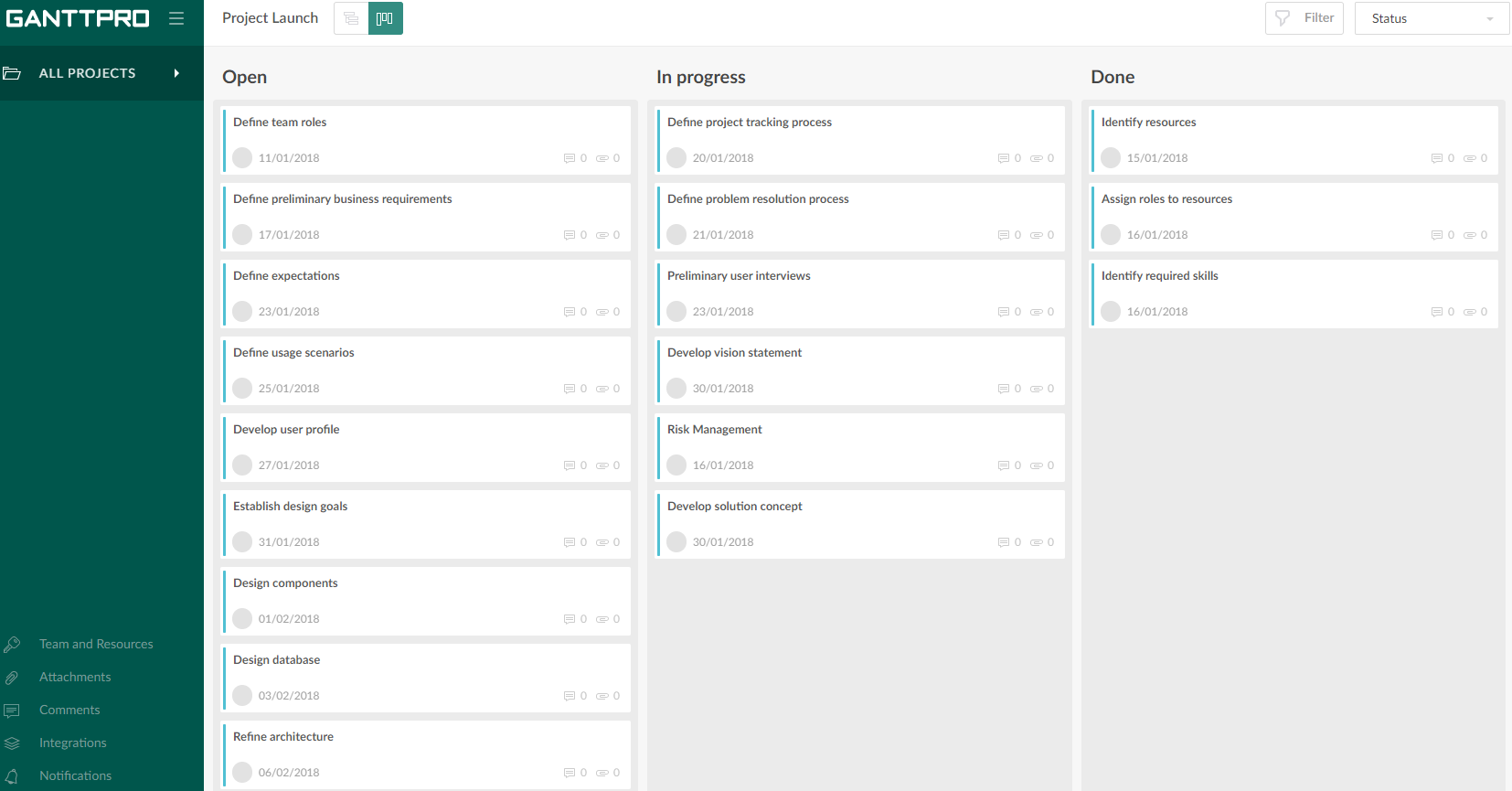
GanttPRO is a project planning tool based on a Gantt chart approach. It visualizes all tasks along a timeline, and it supports resource management, collaboration within teams, and importing and exporting projects onto 3rd party programs.
$8.90
per user per month
Notion
Score 8.7 out of 10
N/A
Notion aims to present users with an all-in-one workspace — for notes, tasks, wikis, and databases, from Notion Labs in San Francisco.
$5
per month per user
Pricing
GanttPRO
Notion
Editions & Modules
Team 5
$8.90
per user per month
Team 10
$8.90
per user per month
Team 15
$8.90
per user per month
Individual for personal needs
$15.00
per user per month
Free
$0
Plus
$12
per month per user
Business
$24
per month per user
Enterprise
Custom Pricing
Offerings
Pricing Offerings
GanttPRO
Notion
Free Trial
Yes
Yes
Free/Freemium Version
No
Yes
Premium Consulting/Integration Services
No
No
Entry-level Setup Fee
No setup fee
No setup fee
Additional Details
—
A discount is offered for annual billing.
More Pricing Information
Community Pulse
GanttPRO
Notion
Features
GanttPRO
Notion
Project Management
Comparison of Project Management features of Product A and Product B
GanttPRO
6.9
50 Ratings
11% below category average
Notion
7.3
79 Ratings
6% below category average
Task Management
4.749 Ratings
8.174 Ratings
Resource Management
8.444 Ratings
00 Ratings
Gantt Charts
9.449 Ratings
6.846 Ratings
Scheduling
8.447 Ratings
6.957 Ratings
Workflow Automation
1.542 Ratings
6.355 Ratings
Team Collaboration
7.543 Ratings
00 Ratings
Support for Agile Methodology
5.739 Ratings
00 Ratings
Support for Waterfall Methodology
9.435 Ratings
00 Ratings
Budget and Expense Management
7.534 Ratings
00 Ratings
Mobile Access
00 Ratings
7.272 Ratings
Search
00 Ratings
7.975 Ratings
Visual planning tools
00 Ratings
7.868 Ratings
Communication
Comparison of Communication features of Product A and Product B
GanttPRO
-
Ratings
Notion
7.7
76 Ratings
4% below category average
Chat
00 Ratings
6.129 Ratings
Notifications
00 Ratings
7.568 Ratings
Discussions
00 Ratings
7.249 Ratings
Surveys
00 Ratings
6.820 Ratings
Internal knowledgebase
00 Ratings
8.769 Ratings
Integrates with Gmail and Google Hangouts
00 Ratings
8.98 Ratings
Integrates with Outlook
00 Ratings
9.02 Ratings
File Sharing & Management
Comparison of File Sharing & Management features of Product A and Product B
Projects are a lot easier to set up with GanttPRO than most tools that support a WBS, so although I've used GanttPRO for very simple projects, it's great for projects with complex WBS' and/or dynamic backlogs (using Agile methodologies). I've used it for long-running projects with multiple phases, where I needed to set up high-level plans for downstream phases (for budgeting) that got updated and modified based on outcomes from upstream phases.
If you want a customizable solution that can be adapted for just about any scenario, I recommend using Notion. If you need a solution that's easy to share with people outside your organization, Notion is great and allows individual or team permission-setting. If you want a turnkey solution, Notion might not be the best since it requires a fair bit of set-up. There are templates that can be purchased to handle this, but I haven't found them very helpful.
I use Notion on my personal tablet, and unlike on the computer, I have a lot of difficulty editing backgrounds, GIFs, and page dividers. It's not as user-friendly, and often the elements end up cut off or misaligned, which is frustrating.
While the current calendar feature is helpful, I'd love to see more customization options. The Google Calendar style isn't always ideal, especially for tasks without specific times or for ongoing projects that require daily maintenance.
It would be fantastic to have more flexibility in customizing Notion pages. For example, I'd love to create planners with the freedom to add illustration boxes, stickers, or GIFs without being restricted to a fixed layout.
Intuitive interface, clean, and nice design. As an online app, the data can be viewed on Windows PCs, Macs, and tablets. It saves the data very quickly (depending on the Internet speed) as if it is a locally installed application. Training is minimal, plus there is an extensive range of learning videos and topics in the GanttPRO learning center.
Very easy to use (I learned how to use everything on my own) and I was able to set up an entire ecosystem without any courses or other tools. I often say that Notion is like Lego for adults, because there we can use all the available tools to create a multitude of things, from funnels to projects with calculated deadlines and tags.
The support for GanttPro is very good. I have no troubles reaching out for their customer support whenever I have questions, they respond almost instantly. I just hope that they will have live chat support for a real-time support experience on the user-end and can answer the questions in real-time.
GanttPRO is easy to use and just works. If you need to do something quickly or do a small project then GanttPro is a great tool to use. If you are managing a large project then I would consider using Microsoft Project even though it is a more substantial investment overtime.
The company uses both Notion and Trello within the company. Notion is more for North America employees while Trello is used between Operation team overseas and in North America. Sometimes it's a preference of how the tools look like for project management. I would say both Notion and Trello are nice tools and serves our needs.