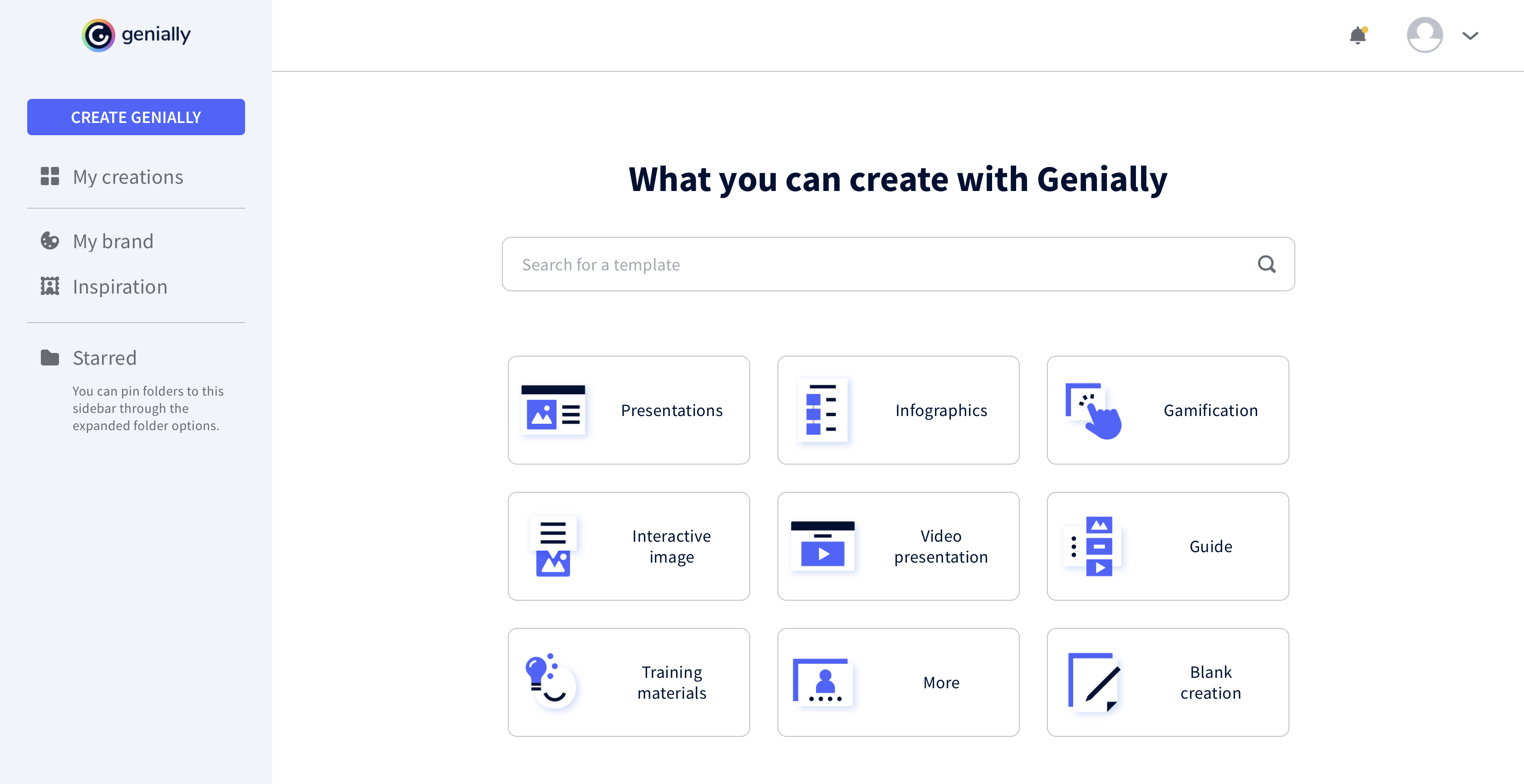
Genially is a provider of interactive visual communication and an online tool to create presentations, interactive images, infographics, dossiers, quizzes, resumes, etc. and enrich them with interactivity and animation effects. Without needing a team of designers and programmers, Genially is designed to allow enterprises to make an impact with striking, visual communication in a flash. It includes interactive and animated effects to distribute…
$7.49
per month (billed annually)
Instapage
Score 9.7 out of 10
Mid-Size Companies (51-1,000 employees)
Instapage is a growth marketing platform that includes a builder for PPC, SEO, demand generation, A/B testing, personalization, and email automation. It is used to convert visitors into customers, engage them at every touchpoint, and optimize performance across the marketing funnel.
$99
per month per user
Prezi
Score 7.5 out of 10
N/A
Prezi’s advantage over static slides is that its interactive, zoomable canvas shows the relationship between the big picture and the fine details. The vendor’s value proposition is that this puts ideas in context, and makes them more likely to resonate, motivate, and be remembered.
$3
per month
Pricing
Genially
Instapage
Prezi
Editions & Modules
Pro
$7.49
per month (billed annually)
Master
$20.82
per month (billed annually) 5 members
Team
$70.79
per month (billed annually)
Create
$99
per month 15,000 unique monthly visitors
Optimize
starting at $199
per month starting with 30,000 unique monthly visitors
I prefer Genially if I need to make it interactive but use Canva when I'm more in a rush and need a nice design. Also, if I know I need to use different images I usually prefer to use Canva because you can save them there and it has more templates for me to choose from. Having …
This web tool is designed to be broad and wide-reaching because it can be used in several ways such as attracting customers, circulating news, and teaching skills. You don't have to be a programmer to create stunning digital projects that are both unique and stunning.
Genially is well suited for important presentations and when you want the reader to interact with the document you are creating. The smart blocks are also very useful and well thought out. Genially is not your best tool if you need to put something together fast or if you need to customize a lot because editing could be time-consuming.
Well-suited for simple landing pages which don't have any complex functionality. Great for creating landing pages for lead generation campaigns - as it comes with tons of excellent templates and a variety of forms. Not great for pages that contain a lot of information and can potentially be very long. We found that Instapage is not a great fit for building pages that need to be updated frequently, like a blog page.
When you have to present complex hierarchical structures, and if your audience would require navigation in and out of the hierarchy, then Prezi is a good candidate for you. But be prepared, Prezi is not as intuitive as a standard presentation tool, and it may take some time to get used to.
Instapage makes it easy to frame out a landing page really quickly. They provide template blocks for various components of a landing page (header, features, testimonials, etc.) that you can easily modify for your own needs. Other tools provide whole-page templates, but I much prefer the section-level templating. It's more convenient to assemble a page this way and add the details on top of that versus taking a finished template and peeling away design and functional elements to get what I want.
Instapage's mobile auto-resizer works better than other platforms I've used. I found that I had many fewer adjustments on their auto-resizing of the full page than I've experienced with other tools. I still had to work with text size a bit, but they generally did a better job of ordering elements for mobile the way I would want and maintain proportionality of page elements better.
Instapage has a lot of integrations that marketers will love. I don't know if they particularly stand out in this respect, but this is a particularly important aspect of their tool that most marketers will care about.
There are only a couple of minor issues that I dislike. One is offering a Drupal community-approved update to their module. We are using a slightly older version of Drupal and it appears they don't have plans to offer a Drupal-approved update to their module for that version.
There are also random bugs when trying to format text. For example, sometimes a sans serif font appears as a serif and doesn't seem to want to change.
If you work with a template and some code, it can be challenging to edit the default coding.
The built-in forms can be a bit limiting.
The program will try to automatically reformat for mobile, but it may not always be exactly the way you want it to look, so there is a bit of redesigning required when going to mobile.
Linux support is non-existent. With Android/Chrome OS being based on the linux kernel but also with lots of tech-savvy and influencers using non-Windows and non iOS platforms, I feel a pariah.
As far as I know for Android phones and tablets you can only present but not edit prezis in its native app. Again an Android users, it is a sub-par experience the app in general is lacking functionality.
Using the browser version (because I have no other alternative) uploading multiple images is very buggy
Having a version history would be great when you are editing a large presentation over several days
I've tried all of the other landing page services on the market, and this is literally the easiest to use. I am not a designer or software developer, just a simple guy and if I can learn how to use it, anyone can. That's what won me over. Their support and pre-made templates are awesome, but the usability is what I love!
Learning to use Prezi and create new presentations is very simple and easy to do. It does not require new skills or a long training process, since in general the use is quite intuitive (and if you have any questions there are many videos on how to use it). Its operation in both the browser version and the app is very good and fluid, managing to perform all the tasks you want properly.
It is a modern and easy-to-use tool (after a while) that allows you to make dynamic and trained presentations without the need to be an expert user. It has allowed me to improve the attention and motivational processes of my students. In addition, it has many [community users] who make videos and teach the many uses that you can use Prezi. And because, despite the restrictions of the free version, everyone can access and make use of Prezi and thus improve their boring ppt and inject some vitality into them.
This web tool is designed to be broad and wide-reaching because it can be used in several ways such as attracting customers, circulating news, and teaching skills. You don't have to be a programmer to create stunning digital projects that are both unique and stunning.
HubSpot was terrible because it required a lot of coding experience if you wanted to work outside the given 4-5 templates. If you wanted a new template built, or to rebrand existing templates, they charged you. Very inflexible program and was very challenged by it. Our main website was built using WordPress, which is great for building webpages, but more difficult to build a landing page without the distraction of the top navigation menu. Instapage literally answered all the problems we were seeking to address: simplicity, customization, ease of use.
Other solutions for presentations all fall on the typical slideshow paradigm. So far, only Prezi walked away from this path. Its expanding canvas and freeform path are refreshing in this scenario. In this sense, Prezi is unique in its style of presentation, which makes difficult to establish comparisons based on costs. The still ongoing migration to Prezi Next has been a bit troubled, according to some old users, but it seems the company is working to give Prezi Next the same flexibility that Prezi Classic. And Prezi already has a huge user base that do not want to go back working with the limits of slides.
We've not had much of a conversion rate on some of our landing pages -- but this could be because we are relatively green with the marketing side of things and forget to send people to it. It's not easy for people to find on their own -- so I highly recommend you use some of the "hidden" SEO tools to increase the ROI. Without it, you're not going to be happy with your investment.
Prezi provided us with a unique selling factor when it came to pitching our services to new prospects.
While creating a presentation from scratch might be time-consuming, Prezi allows you to easily reuse and utilize old designs to create new presentations with a different vibe and content.
An easy way to impress upper management and stakeholders, especially when presenting to the management of our clients.