Global Shop Solutions ERP software provides applications that help manufacturers to deliver quality parts on time, with applications that include Shop Management, Planning & Scheduling, Inventory, Accounting, Quality Control, and CRM.
N/A
QuickBooks Online
Score 8.1 out of 10
N/A
QuickBooks Online is a SaaS version of the QuickBooks product. It contains all of the features found in the local version. Higher-priced plans include greater automation, payment management, inventory and time tracking, and analytics features.
We've run Global Shop Solutions ERP in several different business models and all of them have worked well. Repair: this is primarily customer supplied material, always new situations that are assessed AFTER the product arrives. Job Shop: These jobs are less guesswork, but still different every time. Engineering BOM's: These are a lot of assembly, less machining, but a huge amount of work in setting up the BOM's. Repeat Jobs: There are slight variations, but the overall process remains the same for all parts. In all 4 business situations Global Shop Solutions ERP has been able to meet the need, albeit differently. This is the strongest indicator that Global Shop Solutions ERP will work in MOST situations. Their flexibility makes everything possible.
I appreciate the ability to auto-generate invoices for recurring transactions, which saves time, as well as the option to set up auto-generated transactions. The report option is super helpful when reviewing information, as you can click to view the details in the report without having to go back and forth.
The fact that it is always live and updating constantly is very helpful to our processes.
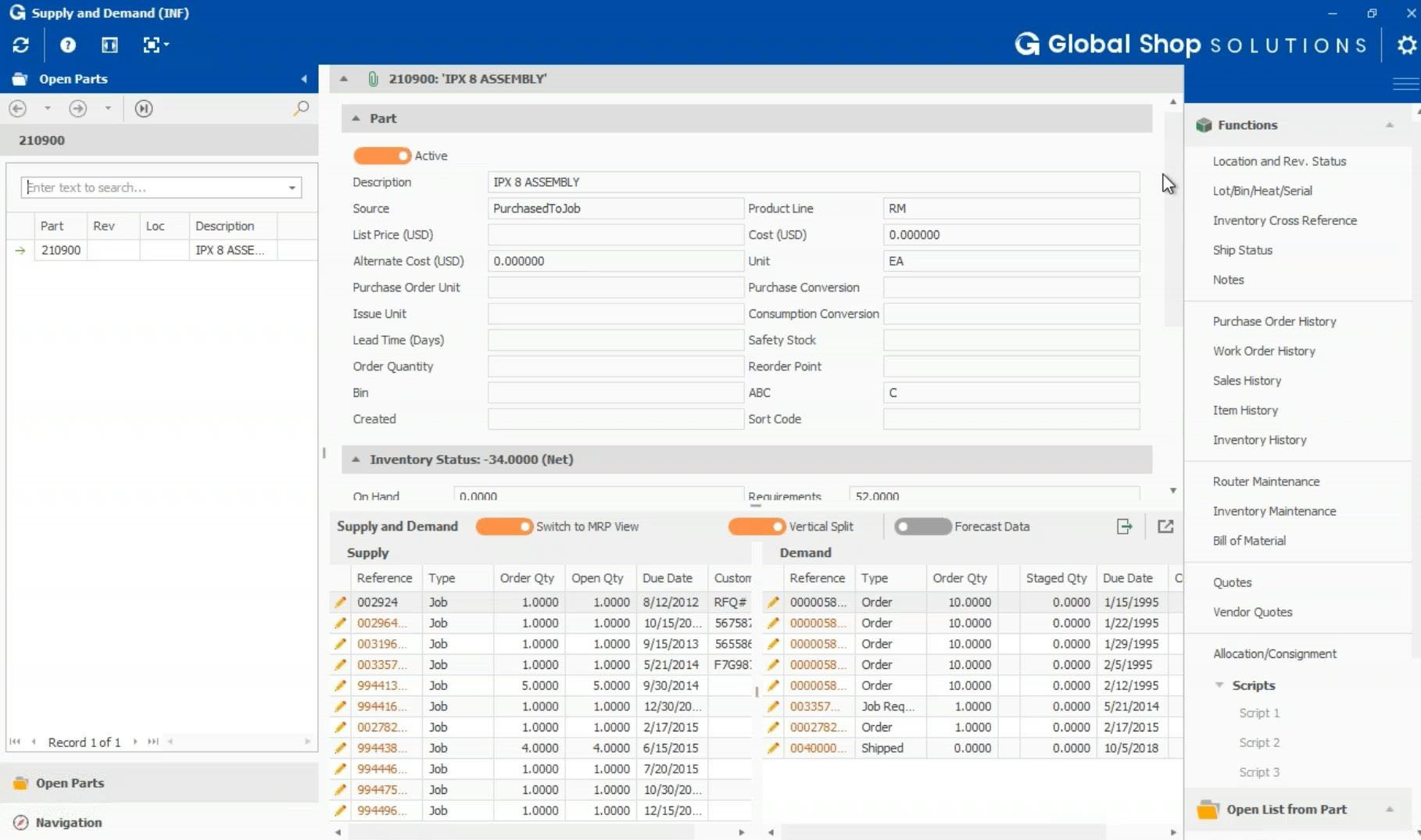
The cross-module integration is seamless, allowing for what has been done in one department to populate into the fields of another screen quickly.
I cannot say enough about the support team both through the 800 number and through our CI Manager, and the weekly "Friday Features" learning opportunities. If you don't learn the system it is because you have not put forth any effort whatsoever.
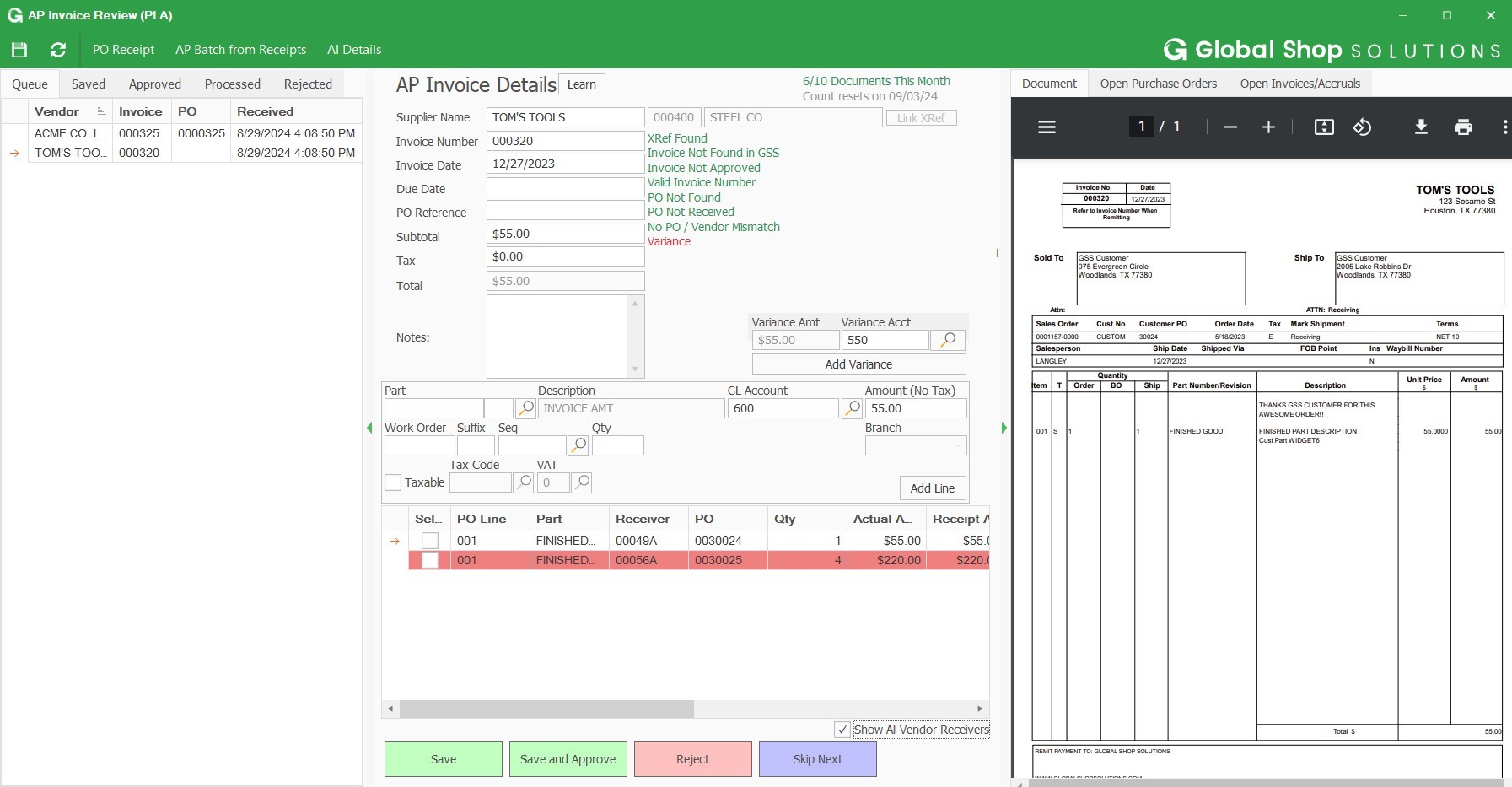
Workflows for accounts payable invoice review are terrific.
Bill payment allows you to pay vendors online via ACH or check without having to write a physical check, which reduces admin time.
The cloud based login lends well to a remote or hybrid work environment for staff.
QuickBooks Online allows you to pre-configure vendors' general ledger expense accounts. This helps with general ledger coding accuracy and consistency.
QuickBooks Online integrates with Rippling HRIS, Coast, Capital One, JPMorgan Chase, etc., which lends well to an efficient month-end closing and reduced administrative time.
The upsells have gotten worse over time and are on every screen in the most awkward positions. I don't need a constant reminder to upgrade, especially on a very old account that's paid thousands over the years.
The interface has never been especially intuitive, but I was an old Quicken user and it was somewhat familiar. Over time, it's gotten worse, and in the last 2 years, the program seems to move things more often than I would expect.
The software constantly adds features that I don't want and want to turn off, but the interface is so difficult to use that I find myself skipping it. Imagine seeing a message that the system recognized invoices that hadn't been paid so it prepared reminder notices for you that can be sent at the click of a button. Who thinks using canned reminders that you've never seen is a good thing?
A lot of functionality seems to derive from connecting your bank accounts to QBO. I don't want Intuit to have an always-on connection to any bank accounts, even checking.
It like the product 'right out of the box' and I trust Intuit will continually improve it over the years based on my experience with their desktop products. The large providers of Apps makes customizing the entire package relatively easy and seamless for a wide variety of business types.
I would rate Global Shop Solutions ERP’s overall usability an 8 out of 10. The system is very capable and flexible once properly configured, but it does have a learning curve and some parts of the interface and navigation can feel a bit dated or complex for new users. Overall, after initial training and setup, it supports daily work efficiently and reliably, which is why it deserves a high score
I had very little trouble setting up the program and migrating from our old accounting system. The daily usage is also very intuitive and easy. Anytime we run into minor trouble with the program, there are always tons of help available on YouTube, so we don't even look up the online manual anymore.
While I'm able to handle most service questions from my users, if I'm not available, calling GSS is typically a 10-15 minute call and the problem is solved for them. I am a super user of GSS because I'm the ERP manager and I have been using it for over 10 years. With that said, if I reach out to service, it's a BIG problem. I appreciate that even in those instances GSS is quick to grab data and get me off the phone to research it on their own. If it's a problem stopping work, they're all hands on deck to get us back running, but in most instances, I don't need that. I need them to investigate, find a fix, and get back to me while I'm able to keep working on other things. They are very good at not wasting my time and for that, I really appreciate them.
In my experience, most representatives keep me on the phone for hours, literally, for a single issue and then usually cannot resolve it satisfactorily. I have 10 open cases that need resolution and, in my experience, there has been NO follow-up communication on any of them.
The person in charge of QB needs to be very accurate with record keeping and is recommended to stay on top of tasks. The biggest issue we have is reconciliation, and those issues occur only when too much time has occurred between reconciliations
We moved to Global Shop Solutions ERP from Visual. Even though the table structure in Visual was easier to learn, we gained a lot more visibility into things with Global Shop Solutions ERP. Visual was difficult to customize, you were required to use the consultant they assigned you, and anything not done by that contractor was not warrantied. With Global Shop Solutions ERP you have a ton of consultants to choose from, the pricing for them is very reasonable, and they are available readily. In our experience, Oracle was...horrible. I think if you have the need to take control of your ERP and be able to make changes on your own, Global Shop Solutions ERP is the only choice.
As a freelance bookkeeper, the Desktop version of QuickBooks Online doesn't allow for ease of access from any device. Having to be on a computer with the software downloaded creates additional work to gain access to all required filings etc. Also, I personally find the linking functionality on the Online version to be much more streamlined and user friendly.
As we have grown along our professional path, we have also expanded our use of QB. The scalability is easy and features seem to be waiting for you until you need them. We have increased profits by over 10x from our first year in business to the current and have yet to find a reason to look elsewhere
See instantly all information for part number, sales history, customer info, makes phone calls easy instead of having to say, let me look into that and get back to you
Save money on purchasing goods, see history, now inventory levels, helps make sure we don't run out of items
QuickBooks has given us a useful portal by which to get an overview of our financials.
QuickBooks has given us a relatively easy way to send out invoices quickly and efficiently.
Due to the customization limitations on QuickBooks, we've had to get creative in third-party implementations to better represent our brand and to track financials.