
Chose HeyOrca
Google Drive vs. HeyOrca
Google Drive vs. HeyOrca
| Product | Rating | Most Used By | Product Summary | Starting Price |
|---|---|---|---|---|
 Google Drive | N/A | Google Drive is a cloud file storage, synchronization, and collaboration platform and service, that features Google Docs, Sheets, and Slides for document editing and presentation. | $6 per month | |
 HeyOrca | Small Businesses (1-50 employees) | HeyOrca is a solution that allows an agency’s clients to review and approve upcoming social media content. The vendor aims to help agencies save time by moving away from using spreadsheets and docs to communicate and obtain approvals from their clients. With this solution, no logins or spreadsheets are needed. Agencies can invite clients into a visual stakeholder-friendly view where they can approve and provide feedback without needing to sign up. Agencies can also record every change made to… | $59 per month per calendar |
| Google Drive | HeyOrca | |||||||||||||||
|---|---|---|---|---|---|---|---|---|---|---|---|---|---|---|---|---|
| Editions & Modules |
|
| ||||||||||||||
| Offerings |
| |||||||||||||||
| Entry-level Setup Fee | No setup fee | No setup fee | ||||||||||||||
| Additional Details | Discounts are available for students, educators, and non profit organizations. | Plans start at: $99 USD Per Month. From there, the price scales according to your needs, up to a maximum of $499 USD per month. | ||||||||||||||
| More Pricing Information | ||||||||||||||||
| Google Drive | HeyOrca | |
|---|---|---|
| Considered Both Products | Google Drive No answer on this topic | HeyOrca |
| Google Drive | HeyOrca | ||||||||||||||||||||||||
|---|---|---|---|---|---|---|---|---|---|---|---|---|---|---|---|---|---|---|---|---|---|---|---|---|---|
| File Sharing & Management |
| ||||||||||||||||||||||||
| Cloud Storage Security & Administration |
| ||||||||||||||||||||||||
| Cloud Storage Platform |
| ||||||||||||||||||||||||
| Publishing |
| ||||||||||||||||||||||||
| Engagement |
| ||||||||||||||||||||||||
| Channel coverage/integration |
| ||||||||||||||||||||||||
| Account management |
|
| Google Drive | HeyOrca | |
|---|---|---|
| Small Businesses |  SugarSync Score 4.1 out of 10 |  CoSchedule Marketing Suite Score 10.0 out of 10 |
| Medium-sized Companies |  Druva Security Cloud Score 9.4 out of 10 | CoSchedule Marketing Suite Score 10.0 out of 10 |
| Enterprises | Druva Security Cloud Score 9.4 out of 10 |  Social Suite by Reputation.com Score 9.4 out of 10 |
| All Alternatives | View all alternatives | View all alternatives |
| Google Drive | HeyOrca | |
|---|---|---|
| Likelihood to Recommend | 8.4 (222 ratings) | 10.0 (6 ratings) |
| Likelihood to Renew | 10.0 (6 ratings) | 10.0 (1 ratings) |
| Usability | 8.5 (52 ratings) | 10.0 (2 ratings) |
| Availability | 10.0 (1 ratings) | - (0 ratings) |
| Performance | 9.0 (7 ratings) | - (0 ratings) |
| Support Rating | 1.2 (49 ratings) | 10.0 (1 ratings) |
| In-Person Training | 9.0 (1 ratings) | - (0 ratings) |
| Implementation Rating | 8.0 (3 ratings) | - (0 ratings) |
| Configurability | 6.0 (1 ratings) | - (0 ratings) |
| Ease of integration | 5.0 (1 ratings) | - (0 ratings) |
| Product Scalability | 10.0 (1 ratings) | - (0 ratings) |
| Google Drive | HeyOrca | |
|---|---|---|
| Likelihood to Recommend | Google
 Abhinav Bajpai Graphics Artist | HeyOrca
 Alia Miller Marketing Manager |
| Pros | Google
 Humayun Farooqi Customer Success Manager | HeyOrca
 Lydia Tissandier Assistant Art Director |
| Cons | Google
| HeyOrca
 Morgan Alverson Content Strategist |
| Likelihood to Renew | Google
| HeyOrca
Lydia Tissandier Assistant Art Director |
| Usability | Google
 Mandy Cramer Accounting Department | HeyOrca
Lydia Tissandier Assistant Art Director |
| Reliability and Availability | Google
| HeyOrca No answers on this topic |
| Performance | Google
| HeyOrca No answers on this topic |
| Support Rating | Google
| HeyOrca
 Hüseyin Dal Head of Enterprise Systems |
| In-Person Training | Google
| HeyOrca No answers on this topic |
| Implementation Rating | Google
 Elizabeth Sullivan-Hasson Research Assistant | HeyOrca No answers on this topic |
| Alternatives Considered | Google
| HeyOrca
|
| Scalability | Google
| HeyOrca No answers on this topic |
| Return on Investment | Google
 Juan Miguel Rojas Cofundador - CEO | HeyOrca
 Michael Neubert New Sales Consultant |
| ScreenShots | Google Drive Screenshots   | HeyOrca Screenshots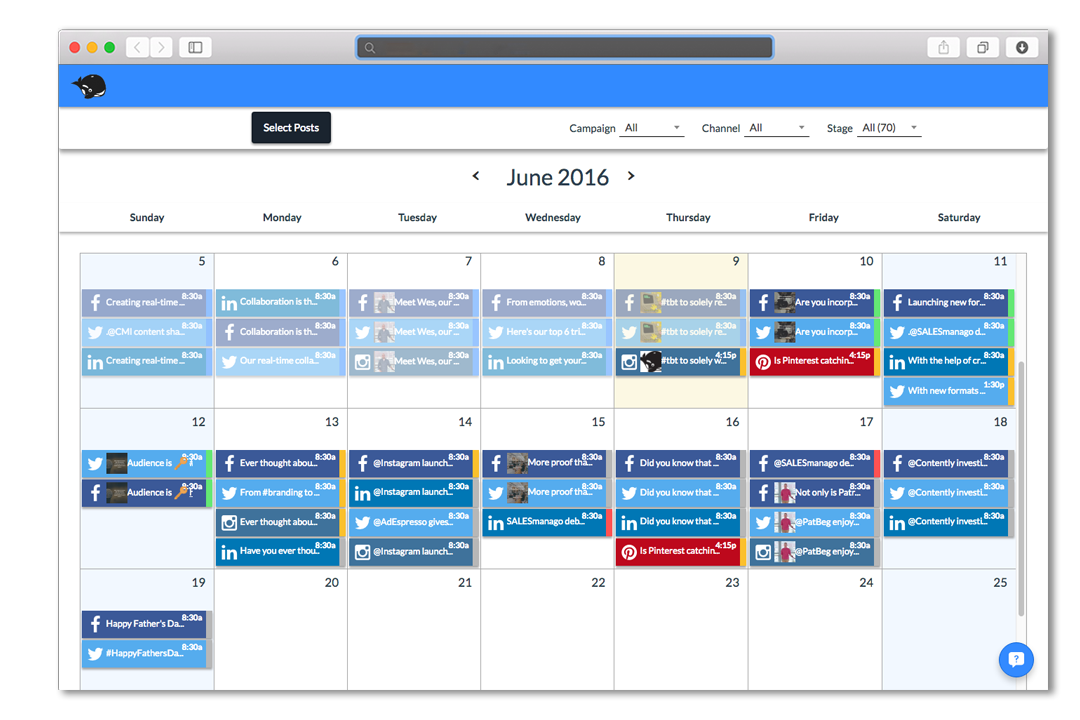 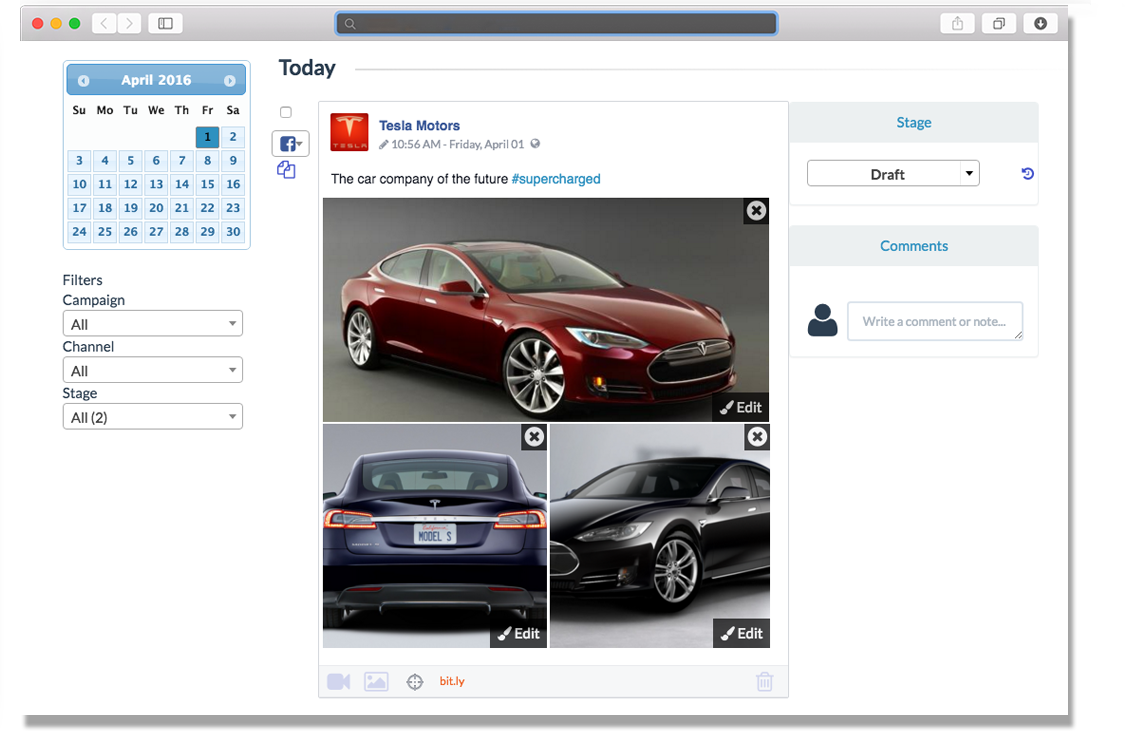 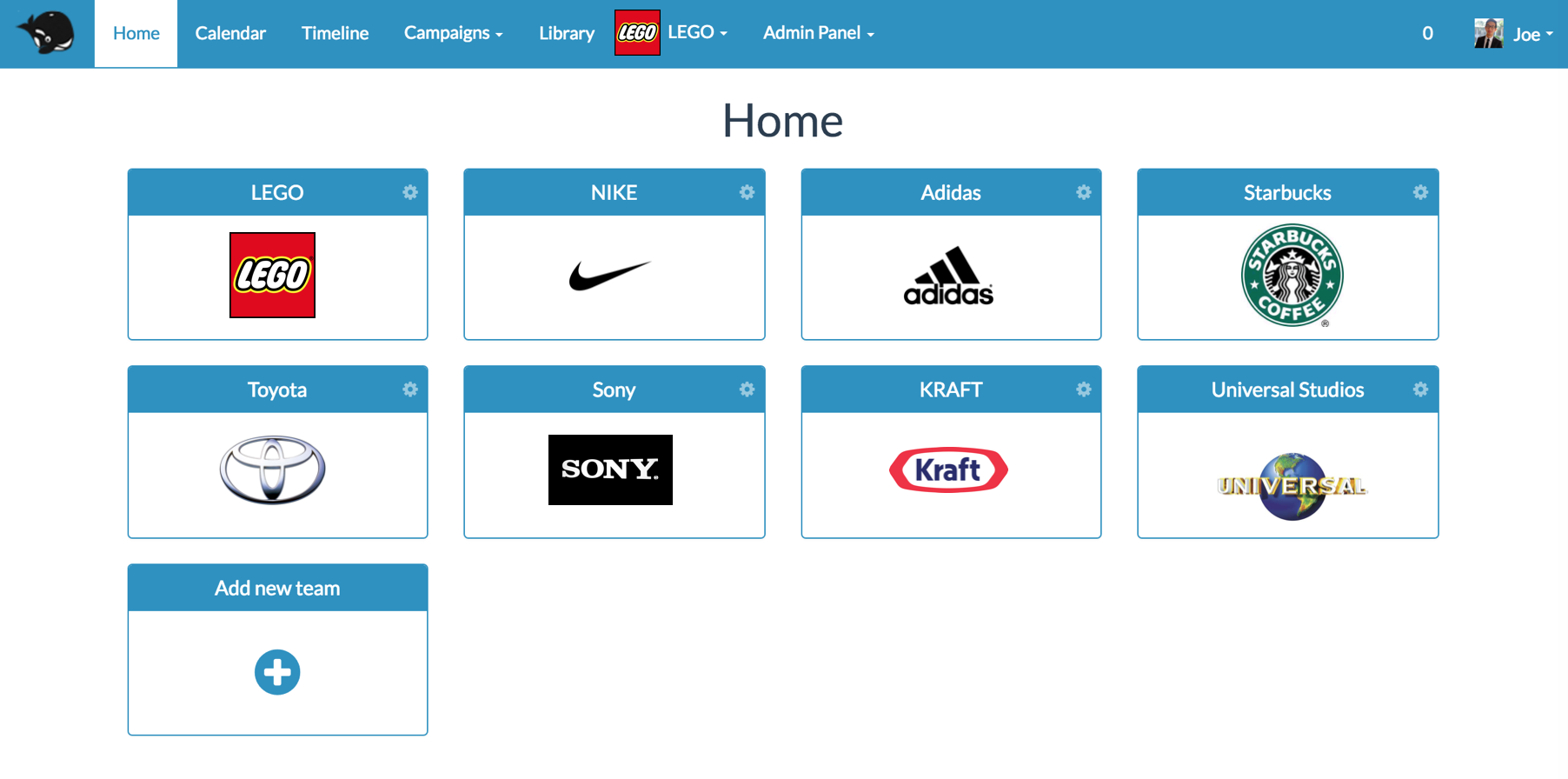  |