Google Drive is a cloud file storage, synchronization, and collaboration platform and service, that features Google Docs, Sheets, and Slides for document editing and presentation.
$6
per month
SAP Crystal
Score7.1 out of 10
N/A
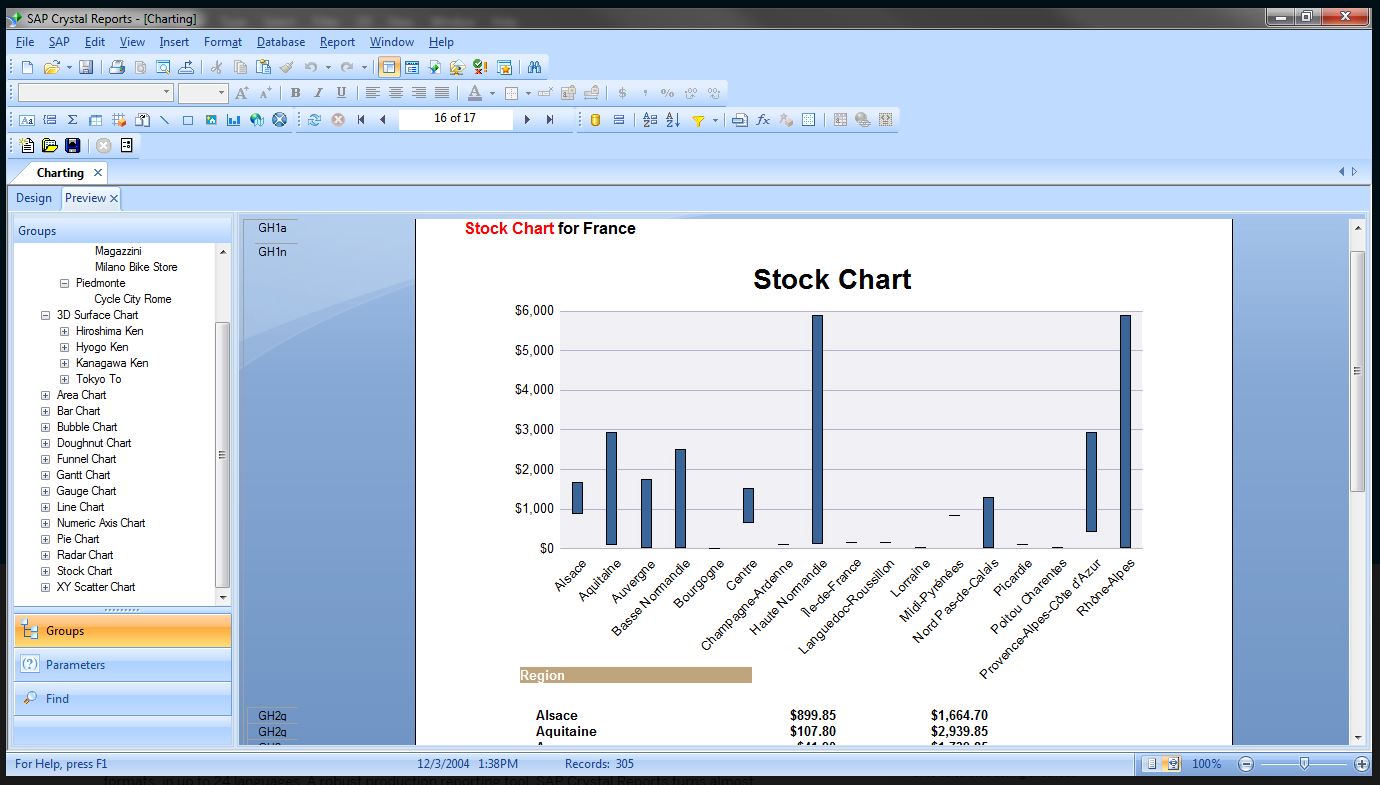
SAP Crystal is an analytics and reporting software solution for SMBs. SAP Crystal comprises Crystal Reports for pixel-perfect reporting, and SAP Crystal Server for automated distribution and self-service access to reports, dashboards and data exploration.
$295
per single user license
Pricing
Google Drive
SAP Crystal
Editions & Modules
Basic
$6.00
per month
Business
$12.00
per month
Enterprise
Contact Vendor for Quote
per month
Upgrade Version to SAP Crystal Reports 2020
$295
per single user license
SAP Crystal Reports 2020 64-Bit
$495
per single user license
SAP Crystal Reports 2016 32-Bit
$495
per single user license
SAP Crystal Server 2020 1 NUL
$869
per user license + first year maintenance to be added
SAP Crystal Server 2020 5 CAL
$8,744
5 concurrent users + first year maintenance to be added
Offerings
Pricing Offerings
Google Drive
SAP Crystal
Free Trial
Yes
Yes
Free/Freemium Version
Yes
Yes
Premium Consulting/Integration Services
No
Yes
Entry-level Setup Fee
No setup fee
Optional
Additional Details
Discounts are available for students, educators, and non profit organizations.
* SAP Crystal Reports 2020 Viewer allows you to view static data within a SAP Crystal Reports file.
* SAP Crystal Reports 2020 - Full version allows you to create powerful, richly formatted, and dynamic reports from virtually any data source, delivered in dozens of formats, in up to 28 languages. If you already have an older version of Crystal Reports, buy a license for SAP Crystal Reports 2020 - Upgrade at a discounted, upgrade price.
* SAP Crystal Server 2020, 1 NUL includes 1 license of: SAP Crystal Reports 2020 - SAP Crystal Server 2020.
* As an add-on to SAP Crystal Server 2020 1 NUL, SAP Crystal Server 2020 5 CAL allows you to support a wider, intermittent audience of end users, up to five logged on at the same time.
IS Department Manager in Information Technology at Eau Claire Press Company (Publishing, 201-500 employees)
Chose SAP Crystal
SAP Crystal reports was not a choice we made but was mandated by one of our vendors. All their reports in their CRM are built with Crystal Reports so in order to access their reports and modify any within the system already, we had to start using the SAP Crystal Reports …
A de minimis incentive was given to thank the reviewer for their time. The incentive was not used to bias or drive a particular response, nor was the incentive contingent on a positive endorsement. TR verified that a representative sample of customers was invited. More Info
Systems Analyst in Corporate at Frederick Primary Care Associates, P.A. (Medical Practice, 201-500 employees)
Chose SAP Crystal
Crystal Reports is much more robust when looking for details and drill down data. PowerBI is geared more towards the visuals and does not give you as many options for creating basic data reports. Crystal allows you the flexibility to create a simple report or to add in …
A de minimis incentive was given to thank the reviewer for their time. The incentive was not used to bias or drive a particular response, nor was the incentive contingent on a positive endorsement. More Info
It is possible to share files and folders with up to 200 email addresses, as well as with persons outside the company.Use the drop-down arrow to select who may see, comment on, or change the file or folder before sending out an invitation.I am very much impressed with this feature
Generation of templated reports is the strong suit of SAP Crystal. Allows users to change formats in templates bases on requirement with minimal effort. Automated report delivery requires the user to be aware of sql which cannot be expected from all users. Should support more document export formats and improve the UI for SAP B1 Users
A de minimis incentive was given to thank the reviewer for their time. The incentive was not used to bias or drive a particular response, nor was the incentive contingent on a positive endorsement. More Info
Any user with access can store a file using different platforms like Android, IOS, Windows, or Ubuntu (Desktop version)
You can share files with any number of different users with different access rights or you can even keep it public by providing the access link and assign different rights for public access
You can open Excel/Word files using google software Sheets/Docs in the browser environment without having to install software like Microsoft Office etc on your Windows OS
A de minimis incentive was given to thank the reviewer for their time. The incentive was not used to bias or drive a particular response, nor was the incentive contingent on a positive endorsement. More Info
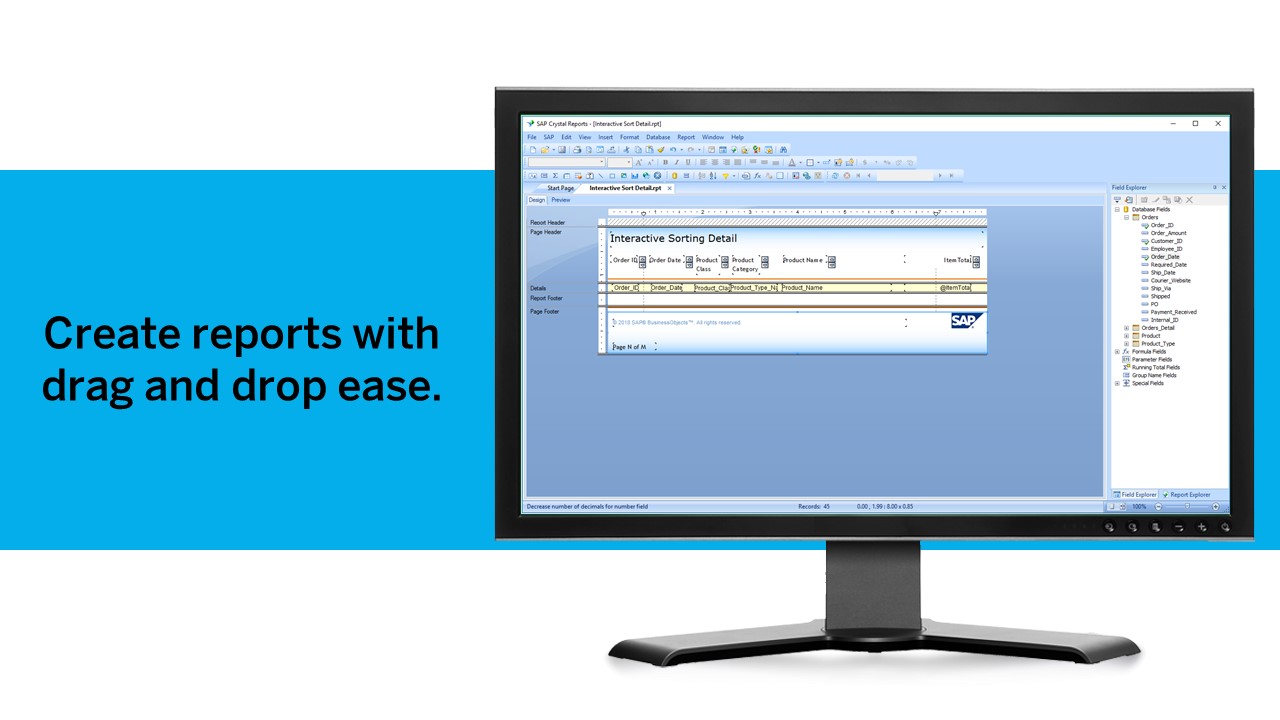
Crystal Reports allows us to create a consistent template for all of our reports.
Crystal Reports and Server allows us to house a repository for all of our reports to make them easy to find and update when necessary.
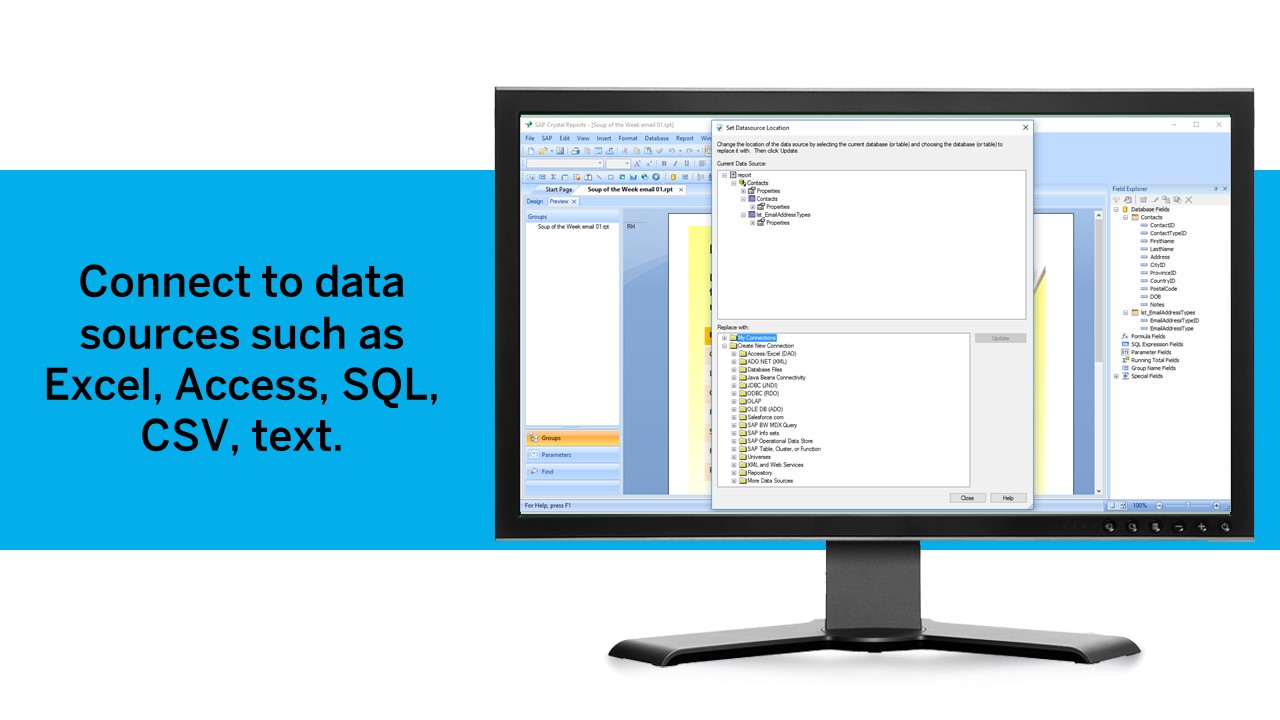
Crystal Reports can connect to a wide variety of data sources.
Crystal Reports can be a little daunting when first implementing. There are a lot of nuances in learning how to truly master this software and it can be frustrating at times.
A de minimis incentive was given to thank the reviewer for their time. The incentive was not used to bias or drive a particular response, nor was the incentive contingent on a positive endorsement. TR verified that a representative sample of customers was invited. More Info
Having a little bit more control and clarity over what is shared and how it is shared would be a useful improvement.
Could be more robust and flexible as far as assigning restrictions.
Google Sheets could be enhanced because Excel really is not there yet as a product with equal capabilities as there are still quite a few limitations to the functionality.
A de minimis incentive was given to thank the reviewer for their time. The incentive was not used to bias or drive a particular response, nor was the incentive contingent on a positive endorsement. More Info
A de minimis incentive was given to thank the reviewer for their time. The incentive was not used to bias or drive a particular response, nor was the incentive contingent on a positive endorsement. TR verified that a representative sample of customers was invited. More Info
It's perfect for me. It keeps things saved and is easy to remove items if needed. Also, I very much enjoy the formatting options. Along with the integrations it has for SSO. Overall, this is the most user friendly system I have ever come across.
We have been using this product for so many years and it has truly become a cornerstone to our business processes when it comes to developing and distributing information via reports. We currently have over 500 reports developed to date over about 30 systems and that will continue to grow as user needs change.
It's easy enough to use for computer users of all ages and skill levels. I am an advanced user, and I think the hardest part might be showing someone how to download and set up the app on their device if they weren't too familiar with computers, but overall it is very easy to understand.
A de minimis incentive was given to thank the reviewer for their time. The incentive was not used to bias or drive a particular response, nor was the incentive contingent on a positive endorsement. More Info
Crystal is very robust, but not always easy to use. It create wonderful looking reports, and so deserves a high rating. However, I have to take a couple of points off for the simple fact that I cannot hand it to a user and expect them to be able to do development with it.
A de minimis incentive was given to thank the reviewer for their time. The incentive was not used to bias or drive a particular response, nor was the incentive contingent on a positive endorsement. TR verified that a representative sample of customers was invited. More Info
A de minimis incentive was given to thank the reviewer for their time. The incentive was not used to bias or drive a particular response, nor was the incentive contingent on a positive endorsement. More Info
The documents load fairly quickly and also update in real time, especially given the fact that multiple people can be using it at once. The "Offline" feature works great to allow the user to make edits and access the document without access to the internet, and then sync changes later once they're back.
A de minimis incentive was given to thank the reviewer for their time. The incentive was not used to bias or drive a particular response, nor was the incentive contingent on a positive endorsement. More Info
It takes a few days for customer support to get back to you. Although, I have not had to use support too often. Once you get an email back, they are very thorough and work hard to fix the problem quickly. It is a really great resource and a great way to get the help you need if you're stuck. A phone call also works quickly but you have to call during specific times.
The support community can be difficult to navigate. I've also run into issues with my login. The SAP system has a bizarre mechanism for validating users that requires users to have what is called an S-ID. A basic ID may not give you access to all the features in the portal. The limitation may include not being able to perform a simple task like downloading patches and updates. This isn't a big deal for single user license but for teams it can be a pain.
A de minimis incentive was given to thank the reviewer for their time. The incentive was not used to bias or drive a particular response, nor was the incentive contingent on a positive endorsement. TR verified that a representative sample of customers was invited. More Info
The effective google workspace using training that my organization received and was conducted by me (as a team lead of the ICT team) was mind-blowing and as a result, our staff is performing well in terms of using the application for their daily jobs than before. Now, in my institution, all teachers and all the administrative personnel are very much interested in cloud storage facilities, in previous my institution was afraid of losing all important documents in the cloud storage. But, after having received the training they are now realized that if anyone has only one google account then he or she can use 15GB of cloud storage freely and they are now happy because now it is not necessary for anyone to carry the traditional pen drive.
A de minimis incentive was given to thank the reviewer for their time. The incentive was not used to bias or drive a particular response, nor was the incentive contingent on a positive endorsement. More Info
A de minimis incentive was given to thank the reviewer for their time. The incentive was not used to bias or drive a particular response, nor was the incentive contingent on a positive endorsement. TR verified that a representative sample of customers was invited. More Info
It's an extremely easy software to implement, once you sign up for a google account you automatically have access to google drive with a set amount of storage space. The business or Google Suite accounts have more storage space than a regular free account, but setting up and accessing google drive is very easy in both cases
Just like any other implementation: When designing the differing reports, get end users' input, make sure to design the reports so that they display the information that the company requires, in the best and clearest way possible.
Test, test, test, revise when needed, and, particularly, do sufficient training so users are comfortable using Crystal Reports!
A de minimis incentive was given to thank the reviewer for their time. The incentive was not used to bias or drive a particular response, nor was the incentive contingent on a positive endorsement. TR verified that a representative sample of customers was invited. More Info
In short, Google Drive is better for independent users who store a normal amount of stuff. OneDrive makes more sense for businesses and teams that are doing heavy-duty storage or large-scale syncing. Realistically, though, most users will fall somewhere in between the two, where either platform would meet their needs.
Crystal reports is useful in case we want to import data from data base . We can write queries in it but Google Charts require to be implemented in our application using code so crystal reports is better than Google Charts.
A de minimis incentive was given to thank the reviewer for their time. The incentive was not used to bias or drive a particular response, nor was the incentive contingent on a positive endorsement. TR verified that a representative sample of customers was invited. More Info
A de minimis incentive was given to thank the reviewer for their time. The incentive was not used to bias or drive a particular response, nor was the incentive contingent on a positive endorsement. More Info
It is a decent buy for specific departments in terms of reporting capabilities but updates and cost (frequent) demands are higher with the benefits offered.
So long as the requirements are not ever changing, with scheduling functionality, it's a handsome tool.
A de minimis incentive was given to thank the reviewer for their time. The incentive was not used to bias or drive a particular response, nor was the incentive contingent on a positive endorsement. TR verified that a representative sample of customers was invited. More Info