iContact is an email marketing solution that was acquired by Vocus in 2012. The product is integrated with Facebook and Twitter and is aimed at SMBs with unlimited sending as a key feature.
$14
per month
InVision
Score7.9 out of 10
N/A
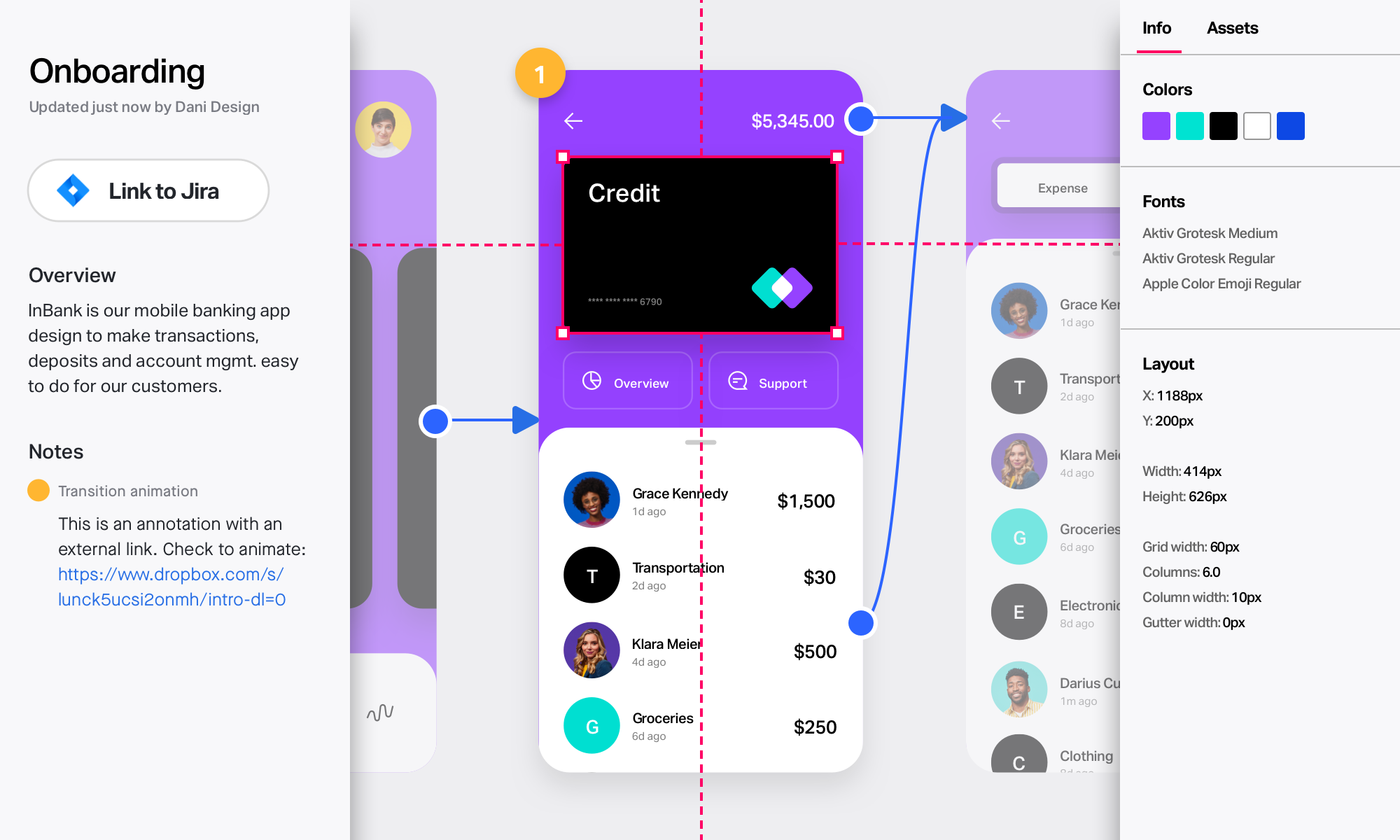
InVision is a collaborative design and prototyping platform with features such as freehand drafting mode and interactive mockups, collaboration, idea management, user testing, and integration with Slack and other collaboration tools. According to the vendor, 1 million designers are using the free version.
I would only recommend it if someone was a small business. I think they are the best suited for companies who will send out a coupon or offer here and there. The most recent updates made it more complicated to use for more complicated processes. It is easy to train someone on the program, and so quick to learn. But I would also only stick to the simpler things. I also think the colorful templates are great, and show great creativity. But again, it is hard to justify recommending the program when it isn't WYSIWYG.
A de minimis incentive was given to thank the reviewer for their time. The incentive was not used to bias or drive a particular response, nor was the incentive contingent on a positive endorsement. More Info
InVision is well suited for design reviews and immersing yourself in the experience of an app-to-be. As a Product Manager, it's difficult to take abstract concepts, user pain points, and business needs, and produce a vision for an app without a visual aid to communicate a vision. InVIsion offers PMs, designers, and developers the opportunity to sketch a vision, communicate about it with inline commenting, and shareable with other stakeholders.
A de minimis incentive was given to thank the reviewer for their time. The incentive was not used to bias or drive a particular response, nor was the incentive contingent on a positive endorsement. More Info
Contact management. iContact is really great for entering all your contact. You are able to put them onto different lists, and let them choose which lists they would like to be a part of as well. There are many data fields provided to fill in information.
Emailing. We use the email feature at least once a month. They are always improving and adding new features, which is very helpful in presenting content in a new and exciting way to our readers. There are many options with remade templates and themes, or you can add your own.
Insights. It is really helpful being able to have the data to see what is working and what isn't. It is nice to be able to go back and see how things went in the past compared to now. Opens, clicks, shares, etc.
A de minimis incentive was given to thank the reviewer for their time. The incentive was not used to bias or drive a particular response, nor was the incentive contingent on a positive endorsement. More Info
A de minimis incentive was given to thank the reviewer for their time. The incentive was not used to bias or drive a particular response, nor was the incentive contingent on a positive endorsement. More Info
A de minimis incentive was given to thank the reviewer for their time. The incentive was not used to bias or drive a particular response, nor was the incentive contingent on a positive endorsement. More Info
A de minimis incentive was given to thank the reviewer for their time. The incentive was not used to bias or drive a particular response, nor was the incentive contingent on a positive endorsement. TR verified that a representative sample of customers was invited. More Info
iContact has been a quick and easy way to send any announcements and news directly to email and social media subscribers. Its tracking and reporting capabilities turn a simple email into a marketing campaign that can be used as a tool to efficiently gauge reader response and customer satisfaction, and ultimately to reach potential customers. The consistency and excellent customer service is what makes this program a pleasant experience.
A de minimis incentive was given to thank the reviewer for their time. The incentive was not used to bias or drive a particular response, nor was the incentive contingent on a positive endorsement. More Info
I rate iContact as an easy to use program due to its user friendly dashboard and user interface. Most companies of small to medium size do not have a dedicated marketer, therefore it is someone multitasking who may or may not have this kind of experience. iContact makes it relatively simple and can actually expand one's knowledge in the area of business promotion.
A de minimis incentive was given to thank the reviewer for their time. The incentive was not used to bias or drive a particular response, nor was the incentive contingent on a positive endorsement. More Info
Easy for prototyping, sharing for comments and review changes with version. lags a bit when the design is heavy and large design models learning curve is shorter so saves time with new stakeholders responsiveness could be better and auto modeling can be introduced Not much advance features that can be used
A de minimis incentive was given to thank the reviewer for their time. The incentive was not used to bias or drive a particular response, nor was the incentive contingent on a positive endorsement. More Info
iContact is regularly up and running. Only once has it been unavailable for maintenance, which is to be expected and even desired for optimal performance when needed.
They have always been responsive to any issues or concerns that have arisen with our account. Our customer account manager participates in our monthly county-wide communicators meetings via telephone to ensure that we are getting the most from the service. He also analyzes our lists to help us weed out inactive contacts.
A de minimis incentive was given to thank the reviewer for their time. The incentive was not used to bias or drive a particular response, nor was the incentive contingent on a positive endorsement. More Info
I didn't need to contact InVision support, as I've never needed it. They have an intuitive UI, and most of the questions are answered in their help portal or in tutorials online. Since many people use it, there a great resources available on for example YouTube. No problems so far with InVision.
A de minimis incentive was given to thank the reviewer for their time. The incentive was not used to bias or drive a particular response, nor was the incentive contingent on a positive endorsement. More Info
I didn't have a say in the decision because I wasn't with the company at the time. I listed HubSpot here because I know we used it in conjunction with iContact for email automation, but HubSpot Email was only recently built-out to the point where it is today. Now, iContact and HubSpot are no longer integrated.
We only tested out using Adobe XD for similar uses and found it to be more challenging to fit within our processes. It didn't have as robust a set of capabilities as InVision and wasn't as easy to use enterprise wide. I recall also having issues with working with Sketch.
A de minimis incentive was given to thank the reviewer for their time. The incentive was not used to bias or drive a particular response, nor was the incentive contingent on a positive endorsement. More Info
iContact stays the same with the number of users added or taken away. It certainly remains reliable despite increased usage, and so, can be considered scaleable in that aspect.
A de minimis incentive was given to thank the reviewer for their time. The incentive was not used to bias or drive a particular response, nor was the incentive contingent on a positive endorsement. More Info
InVision helps our team better and more professionally portray the value and the work we do as designers, leading to more company buy-in in supporting and funding our work. In the past, we would create PowerPoints with screenshots to portray a user workflow that we would share out to stakeholders. Once we began to use this app, where stakeholders could click through and comment as though they were “real” users, stakeholders began to better understand our work, designs, and workflows. This has led to more productive conversations that, in turn, lead to more effective end products that have more consistently served our business goals in tangible ways.
InVision helps us save production time, effort, and cost, as we are able to solve design issues early in the process by having clickable prototypes to show to internal stakeholders and external users. It’s, understandably, difficult for people to provide effective feedback on screenshots. Using the clickable prototypes we created in InVision, we are able to get more effective feedback to solve user workflow issues before we spend time and money developing problematic designs (and later having to redesign them).
It’s easier to market designs to potential buyers with clickable prototypes than with screenshots. With these prototypes, we’ve been able to sell more digital products before product release dates, which has helped to secure many contracts and new business relationships that continue to this day.
A de minimis incentive was given to thank the reviewer for their time. The incentive was not used to bias or drive a particular response, nor was the incentive contingent on a positive endorsement. More Info