Upland Kapost helps you create and distribute meaningful content to support the buyer journey for B2B companies.
$1
per month
OnBase
Score9.5 out of 10
N/A
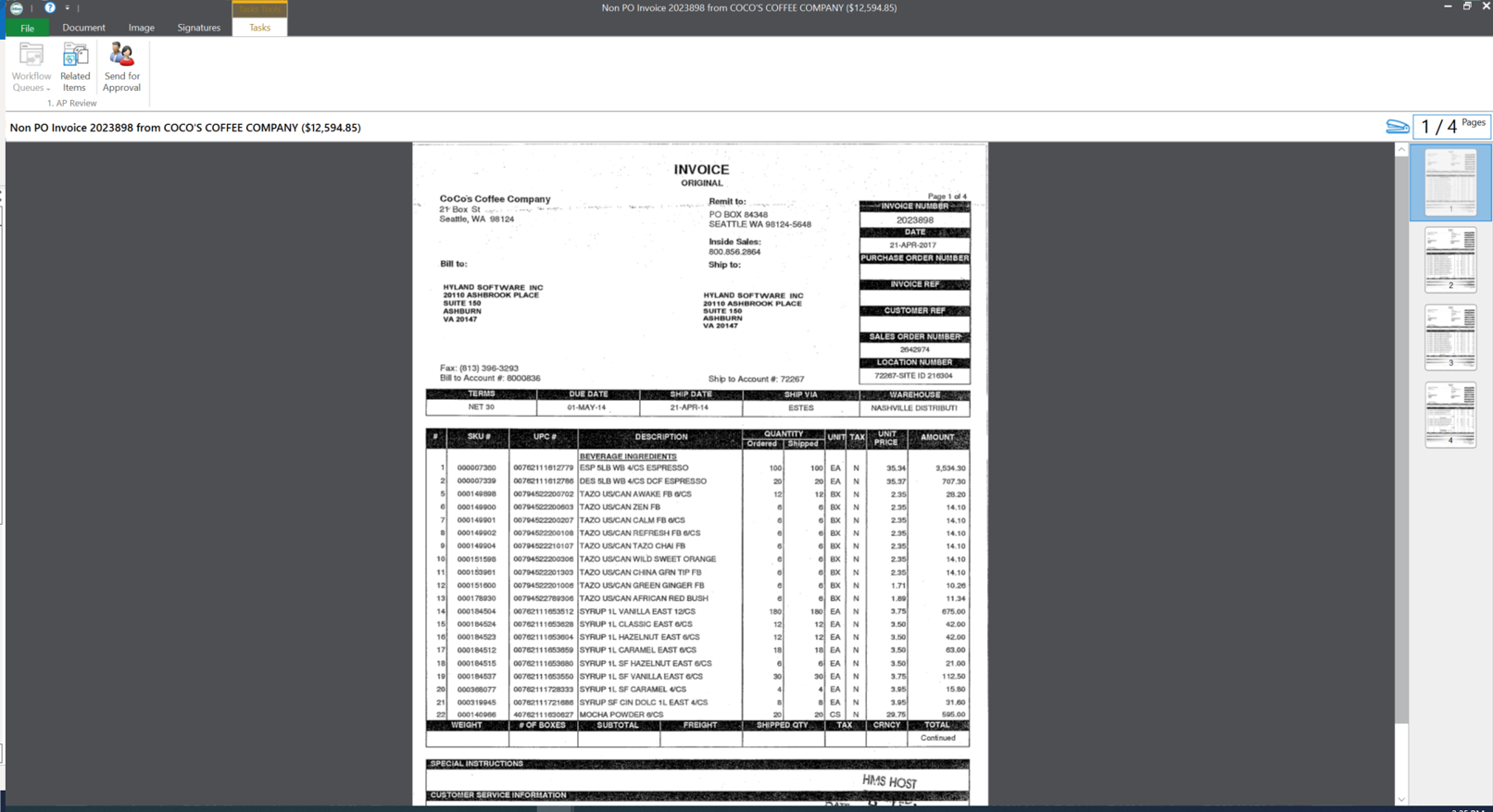
OnBase by Hyland is an enterprise content management platform with business process and case management capabilities. It is modular by design and allows users to tailor the solution to their specific requirements.
Kapost has potential to be a great asset in small and large orgs. If you're not producing a great deal of content, or coordinating across a large team, there's still tremendous value, but it scales as your org scales because it makes it easier to coordinate and manage large teams and large content archives.
A de minimis incentive was given to thank the reviewer for their time. The incentive was not used to bias or drive a particular response, nor was the incentive contingent on a positive endorsement. More Info
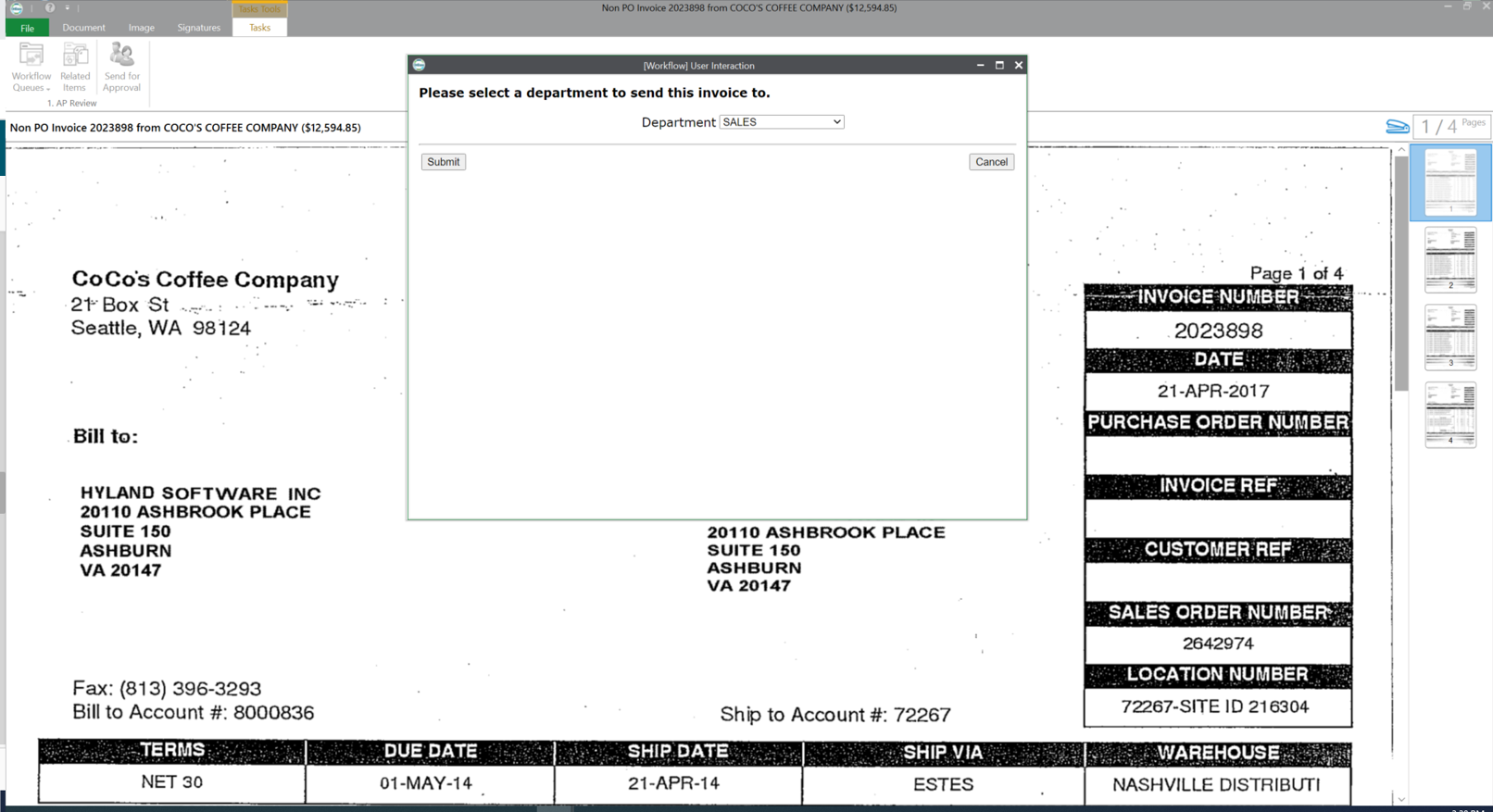
OnBase is a content services solution for organizations that need high visibility to documents or information across multiple teams or departments. It supports users' access control, workflow functionality with transaction history, electronic document retention, and destruction documentation. Hyland can support the organization for implementations or solutions, or the organization can utilize the education services and build out the solution themselves.
A de minimis incentive was given to thank the reviewer for their time. The incentive was not used to bias or drive a particular response, nor was the incentive contingent on a positive endorsement. More Info
Filtering: If you make the most out of your custom details and custom fields, you can gain newfound access to materials that may have long been lost in the ether. It's really easy for us, for instance, to see all of our videos at once. Or everything targeting a certain buying stage. Or you can keyword search to see everything on one topic.
Workflows: It's really nice to lay out "who sees what when" in a digital way, because everyone involved on an asset can easily see what stage things are at. You can also set deadlines to tasks, which seems a bit more firm than a casual email, because you can visually see how meeting your deadline fits within the whole timeline.
Calendars: The calendar feature is nice for us because we have a blog, so we can see when everything is (supposed) to go live. It's easy to see when I, as a copy editor, should be expecting work, so I can align my day accordingly. Way better than the old-fashioned "mental note" system.
A de minimis incentive was given to thank the reviewer for their time. The incentive was not used to bias or drive a particular response, nor was the incentive contingent on a positive endorsement. More Info
Social media distribution needs improvement. Specifically a calendar for planned Tweets and a better way to schedule multiple shares of the same content.
System performance is somewhat slow.
Should be an easier way to make changes, like adding custom fields or publication destinations, to all content types, rather than one at a time.
I personally find the user inferface to be obnoxious and obtuse.
When we have issues it is often hard to resolve the problem as there are many variables such as file types, DPI, and scanner setting that combine to make it hard to pinpoint trouble spots.
The upgrade process has always been a nightmare for our team. We are not on the latest version now due to this issue.
A de minimis incentive was given to thank the reviewer for their time. The incentive was not used to bias or drive a particular response, nor was the incentive contingent on a positive endorsement. More Info
We are using some other systems that might have replaced Kapost, but none of them had the workflow functionality we were looking for. So, we're sticking with Kapost for now.
OnBase has become a core part of our enterprise solutions toolkit due to its ever-growing integration capabilities. Any business process that produces or tracks documents or object entities can be modeled and managed within OnBase and used to supplement almost any line-of-business system that we use.
A de minimis incentive was given to thank the reviewer for their time. The incentive was not used to bias or drive a particular response, nor was the incentive contingent on a positive endorsement. More Info
The calendar view is a great feature and so are the custom views. It is relatively easy to see a clear view of what content the user is responsible for and then the due dates associated to it. The ability to create and update workflows for the team is easy to navigate and keeps us on track.
A de minimis incentive was given to thank the reviewer for their time. The incentive was not used to bias or drive a particular response, nor was the incentive contingent on a positive endorsement. More Info
You get out of something what you put into it. You reap what you sow! If an organization will spend time setting the solution up, dedicating staff to its development and ongoing support, and always keep the end-user in mind during development, you will have one of the most well-received solutions in your organization. So many organizations that I speak with stand up a solution but don't commit someone to its upkeep and development. It is vital that you have the staff to work within the solution on a daily basis.
A de minimis incentive was given to thank the reviewer for their time. The incentive was not used to bias or drive a particular response, nor was the incentive contingent on a positive endorsement. More Info
The reputation of the product matches up to its reputation as one of the leaders in the space. I love that you can share and access content at your fingertips from anywhere. The downside is that it does not have the prettiest interface but you can get over this with its functionality.
A de minimis incentive was given to thank the reviewer for their time. The incentive was not used to bias or drive a particular response, nor was the incentive contingent on a positive endorsement. More Info
This rating is a compromise because I technically have 2 tiers of support. I go through a re-seller that I give a (10). I send an email and receive acknowledgment within minutes. For the few times we need to contact Hyland for assistance, it sometimes takes a couple of days to receive a response - and then the first tier might go back and forth a dozen times through email instead of initiating a phone call. And for an advanced issue, they take too long before they forward to an evangelist or someone more knowledgeable that is able to assist. I give that process an (8).
A de minimis incentive was given to thank the reviewer for their time. The incentive was not used to bias or drive a particular response, nor was the incentive contingent on a positive endorsement. More Info
The trainer was very knowledgeable and was a Hyland employee. The training was at their corporate headquarters, so it allowed our team to become familiar with organization and culture.
A de minimis incentive was given to thank the reviewer for their time. The incentive was not used to bias or drive a particular response, nor was the incentive contingent on a positive endorsement. More Info
A de minimis incentive was given to thank the reviewer for their time. The incentive was not used to bias or drive a particular response, nor was the incentive contingent on a positive endorsement. More Info
Using Hyland professional services to assist with the implementation made things much easier. They have the knowledge and experience to get the system live as users are expecting
A de minimis incentive was given to thank the reviewer for their time. The incentive was not used to bias or drive a particular response, nor was the incentive contingent on a positive endorsement. More Info
Workfront has a lot of great features, but Kapost was the right tool for what we needed at the time. With a team of our size, we had to make sure we weren't biting off more than we could chew and the project never got off the ground. We had to be thoughtful with how we rolled it out.
A de minimis incentive was given to thank the reviewer for their time. The incentive was not used to bias or drive a particular response, nor was the incentive contingent on a positive endorsement. More Info
The version of SharePoint we were utilizing was not very practical. We oftentimes had issues with archived documents, where they could be found or opening them all together. It seemed the older the document the harder it was to access when logged into SharePoint. This is critical in our business as we need to behave full access to documentation sent and received for an owner's account.
A de minimis incentive was given to thank the reviewer for their time. The incentive was not used to bias or drive a particular response, nor was the incentive contingent on a positive endorsement. More Info
OnBase provides a very reliable ECM platform for the company.
OnBase helped to remove the dependency on paper files and file folders. This saved real estate cost as well as facilitated the ability to work from anywhere.
OnBase made same day processing of all incoming and outgoing documents a reality.
A de minimis incentive was given to thank the reviewer for their time. The incentive was not used to bias or drive a particular response, nor was the incentive contingent on a positive endorsement. More Info