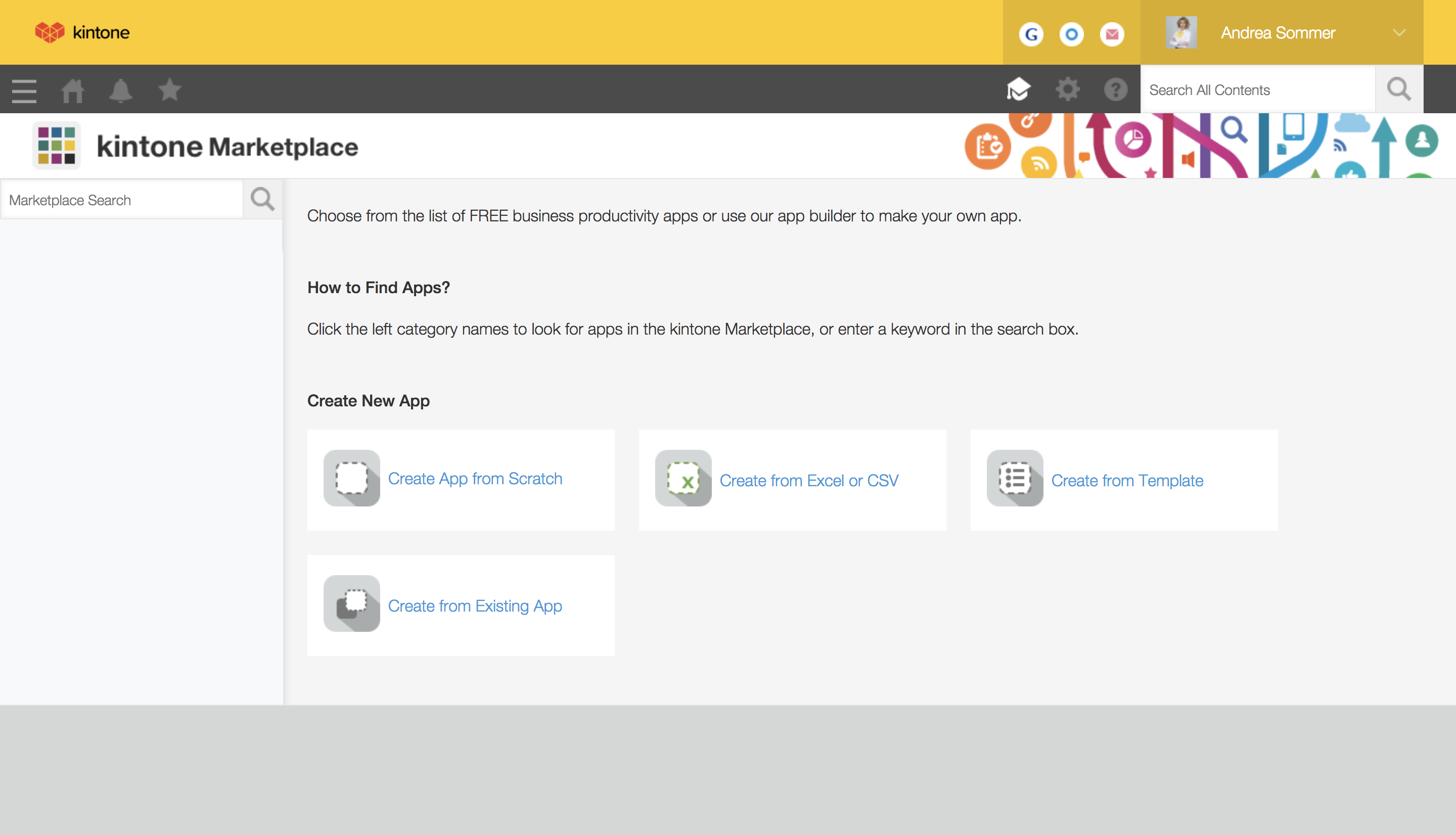
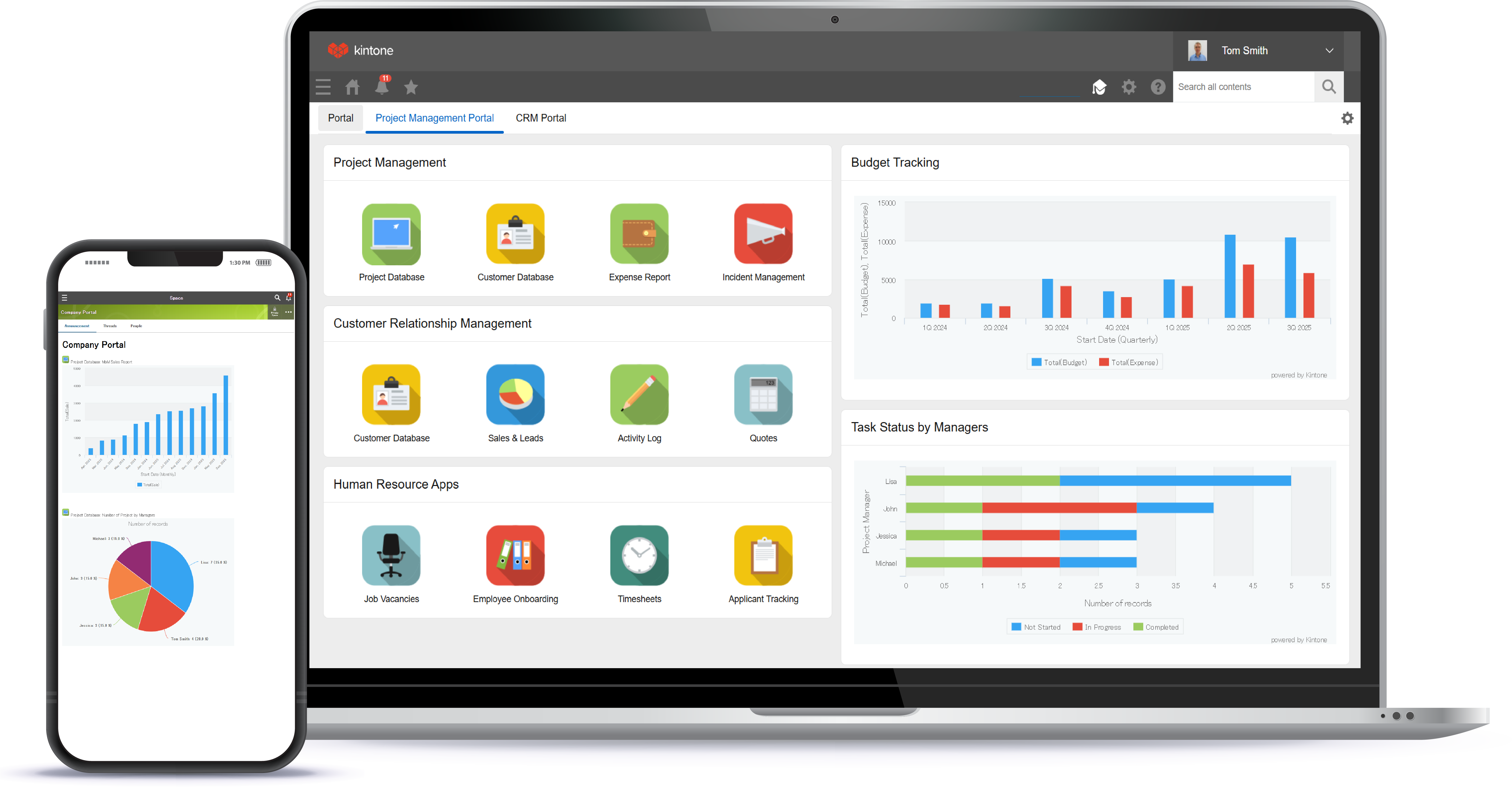
Kintone is a customizable digital workplace platform used to manage data, tasks, and communication. The no-code drag-and-drop interface can be used to create custom applications.
$120
per month for 5 users (minimum)
monday.com
Score 8.3 out of 10
Mid-Size Companies (51-1,000 employees)
monday.com Work OS is an open platform designed so that anyone can create the tools they need to run all aspects of their work. It includes ready-made templates or the ability to customize any work solution ranging from sales pipelines to marketing campaigns, CRMs, and project tracking.
$36
per month (3 seats)
SeaTable
Score 8.4 out of 10
N/A
With SeaTable, teams can organize tasks, assets, projects and ideas. It looks like a spreadsheet but structures any type of information, in the cloud or on the user's own server. SeaTable is a web solution to design business processeses and workflows. SeaTable is designed to give teams the information that is currently needed. Individual views provide the freedom to organize work as it is needed. SeaTable can be linked with other business applications and…
$0
up to 3 users
Pricing
Kintone
monday.com
SeaTable
Editions & Modules
Professional Subscription
$24
per month per user
Basic
$12
per month per user
Standard
$14
per month per user
Pro
$24
per month per user
Enterprise
Contact Sales
Contact us
Free Version
$0
up to 3 users
Free Version
$0
per user, per year
Plus - monthly
$11
per user, per month
Enterprise - monthly
$22
per user, per month
General license
$84
per user, per year
Plus - yearly
$101
per user, per year
Enterprise - yearly
$203
per user, per year
Small Business Package #1
$483
for 10 users. per year
Small Business Package #2
$1,811
for 25 users, per year
Offerings
Pricing Offerings
Kintone
monday.com
SeaTable
Free Trial
Yes
Yes
No
Free/Freemium Version
No
Yes
Yes
Premium Consulting/Integration Services
Yes
Yes
Yes
Entry-level Setup Fee
Optional
No setup fee
No setup fee
Additional Details
Minimum requirement of 5 users. Kintone offers a free prototype to build with using existing process.
monday.com — I used this in my previous job and loved it for tracking stages and tasks (and I color-code everything), but at the time it was more clunky on raw data. It may have improved in this since then? Kintone is strong on data and I still color-code everything! SharePoint…
We selected Kintone because it was the best combination of price and function. We needed something that could grow and scale with the organization, and that included looking at future prices. We didn't want to invest in something if we would be priced out five new users later. …
Kintone is great if you want a software that will help you in managing your data, and keep track of which tasks are assigned to whom. It also helps to streamline communication and information in one central place. However, it is not for you if you are looking for something complex that has to manage a lot of data.
The platform is very well suited for our nonprofit programs that serve low-income clients who need diapers, wipes, and period products. It has helped us run our programs, capturing information and allowing us to view the data for reporting purposes. The ability to filter data is very helpful by allowing us to categorize information to get a better picture of the progress of our programs.
It does well as a CRM for a company to see all of their candidates or clients or whatever they are tracking. The sorting and grouping ability as well as the inclusion of many formula integrations is also helpful to organize content more meaningfully. If you don't have a lot of information that you need to track, this might have more than you require but it is still a great software to use.
I like summary of subitems, especially with subitasks as subitems and add item tracking for each subtask it can show total tracked in parent item. Similar with other columns, like numbers, status, date.
Dashboard features, Many kinds of dashboard view available, we can utilize on the basis of requirements.
monday.com workform is very powerful, easily share form link when submitted it will create line item in board with provided data.
monday.com automation is very helpful in order to automate steps with specific rules and easy setup.
monday.com also provides integrations in order to automate processes if need to integrate multiple app together. or need to transfer data between multiple apps.
I feel that Kintone is not well enough known yet. This means that other apps/APIs are not necessarily easy to connect with Kintone. Yes, you can use Zapier though for interfacing with other apps.
It would be great if it could give more customized options to change the look and format of certain things. You can make price quote apps, for example, but have to rely on 3rd party apps or programming skills to customize the look and fields.
If you make a table as an input field, it cannot connect to other internal Kintone apps for lookups and such.
I think there is more potential to make more customized data graphs.
The desktop app for Mac seems to have a few issues with visual glitches appearing on screen, it only seems to go away when I close the tool and reopen it
Subtasks don't show on the individual users to-do list, only main level tasks
SeaTable is a young company, and I have nothing to criticise, for now. - No solution will fit all use cases, in any event. --- I have found this one to be the most adaptable and complex on the European market. Due to the data location, I am reassured on the subject of GDPR compliance.
I still think that there's a room for Kintone's future, and high expectations for them in additional features and innovative tools and supports. Truly hope that they will support email features, and standardized supports for various plug-ins with the 3rd party software and apps. In the meantime, we will have to consider our ways of doing our work in all aspects
Teams involved in content creation, such as marketing or editorial teams, could use monday.com to manage the entire content lifecycle. Boards might track content ideas, assignments, drafts, reviews, approvals, and publication schedules, helping teams collaborate and keep content production on track.
While, we have been quite happy with out choice to use Kintone, there are a couple of things (mentioned previously) that would make the experience better. Overall, it has been the best fit for our organisation. We are still in the process of building out a needed API and integrating that, so we have yet to reach full functionality with one of our apps in Kintone. Once we have that completed, I think we'll have a better idea of how well it truly works for us
I give monday.com a 10/10 because I almost never encounter any lag or connectivity issues despite all of the many templates, boards, and automations we have. As a matter of fact, I feel like the last issue I encountered was over a year ago... and I'm in monday.com every single work day. Not only is monday trustworthy, it is easy to find what I'm looking for... making the overall usability extremely hard to beat.
Everything performs fairly well. Every now and then there are user errors where an employee will not click "ok" on a note they've created and simply exit out (I do wish that something was in place to prevent this, such as a pop "are you finished?")
I have had very specific questions about different aspects of the software, and I have always been able to get a hold of someone who could help. If my sales rep didn’t know the answer, he would get me in touch with someone who did know the answer. The whole team is very ready to help. It definitely feels like they view my success as their success, which is so important with this type of software.
monday.com only really care about accounts that have 20 seats or more. While this is great for monday.com, it pushes smaller organisations to evaluate alternatives. We rate monday.com highly in our organisation because key staff have already got good experience with the application and we know we will get to 20+ seats one day. But, till then the billing model and lack of permanent enterprise features is a dread.
To have someone walk you thru the features and capabilities of Monday.com is priceless. Someone also coming along later in the contract to see if you are maximizing the program to suit your company needs is beyond helpful. The staff that have provided this training are fun, creative and very patient.
Everyone has their own tastes of things and way they want to work. Asking them to adapt to the changes with the new tools or apps is always difficult. We would want to start with a very small but best example within the organization, which in our case was that the employees will not be bothered by the bosses by being asked to find the documents, status of the progresses, or major things/requests/projects.
We signed up for the accounts. Created the accounts. Ran the trial version and tested it live while we were running multiple projects and found that it was fitting our needs perfectly. When the trial ended and we were asked to purchase the full version, we did. We have found other ways to use it and it's a breeze.
Kintone is the easiest product to create from and the cost is the lowest I believe. In addition, reconfigurability and extendability are great. If you look for a low code tool, you can try Kintone. But as same as another low code tool, don't expect too much.
monday.com is simpler and easier to grasp, apply and navigate than ClickUp, but the ClickUp free version has so much more functionality available than the monday.com free / low-cost options (sorry, but it's true!). Google Tasks is really simple and I shouldn't really compare them - it's just really nice to be able to see my tasks right next to my Google Calendar or Gmail (widget) - the "all on one" view on the screen is really nice ease of access, but the power of monday.com outweighs the nice-to-have of an all-in-one screen layout - it feels clumsy to bring in all my Calendar items from Google to monday.com, so an integration app to the Google screen where you can see monday.com tasks would be amazing.
For the value, you get much more with SeaTable including the statistics and the number of records that can be utilized on the free version. I also thoroughly enjoy the ease of adding formulas and having the reference right inside of the platform to ensure the selection of the correct formula to meet your needs.
For it to work across multiple departments and sites, I would like to see improvements made with integrations and automation. For this question, I am acknowledging not only the addition of internal triggers/automation, but also an expansion on external ones.
Positive: Savings in administrative staffing needs.
Positive: Customisation allows for real-life workflow management
Positive: Automation is a goal that SeaTable supports very well.
Negative: Not many people are familiar with solutions like SeaTable. They are used to working with inflexible (and often not-fit for purpose) administrative systems. They are adept at finding ways to circumvent the issues by using secondary tools, or they wait passively for web developers to deliver the functionality they need. - It is quite difficult to convey the opportunities that SeaTable offers to people who have not used it before. SeaTable cannot be blamed for this, but it creates work in needing to convey this to the organisation's stakeholders. --- I would recommend one person to be assigned the role of SeaTable specialist in an organisation, so that any issues can be quickly resolved.