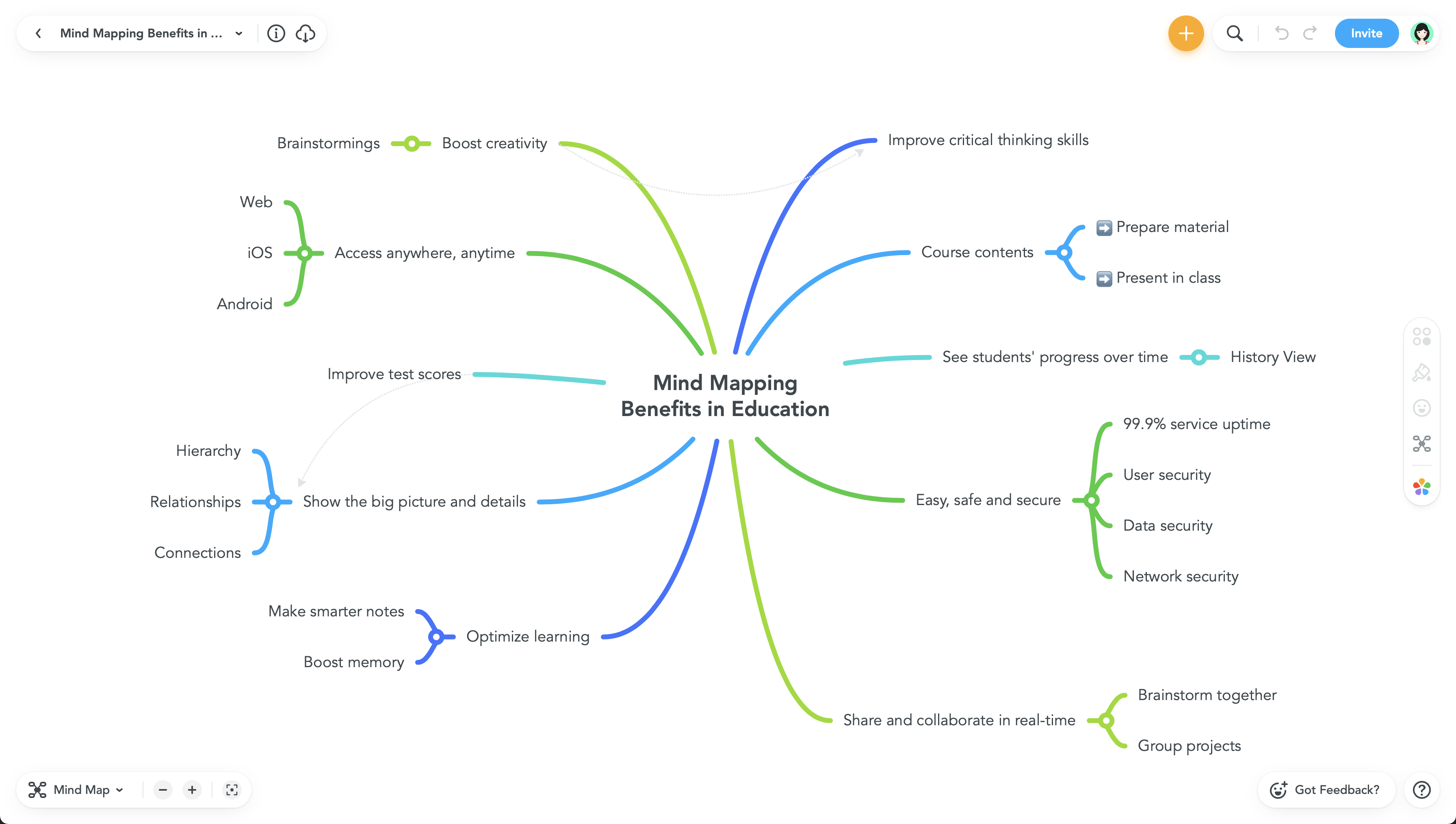
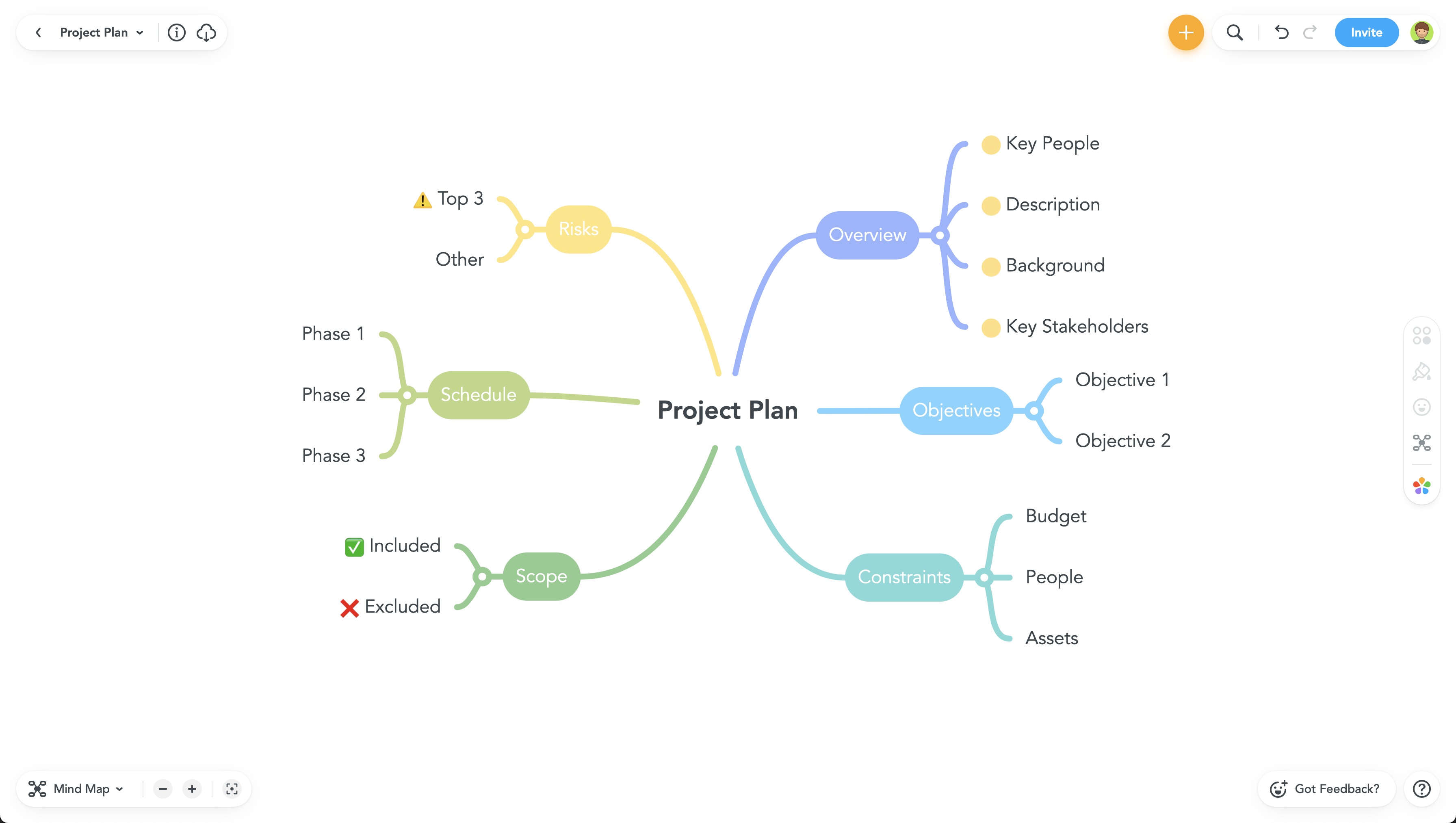
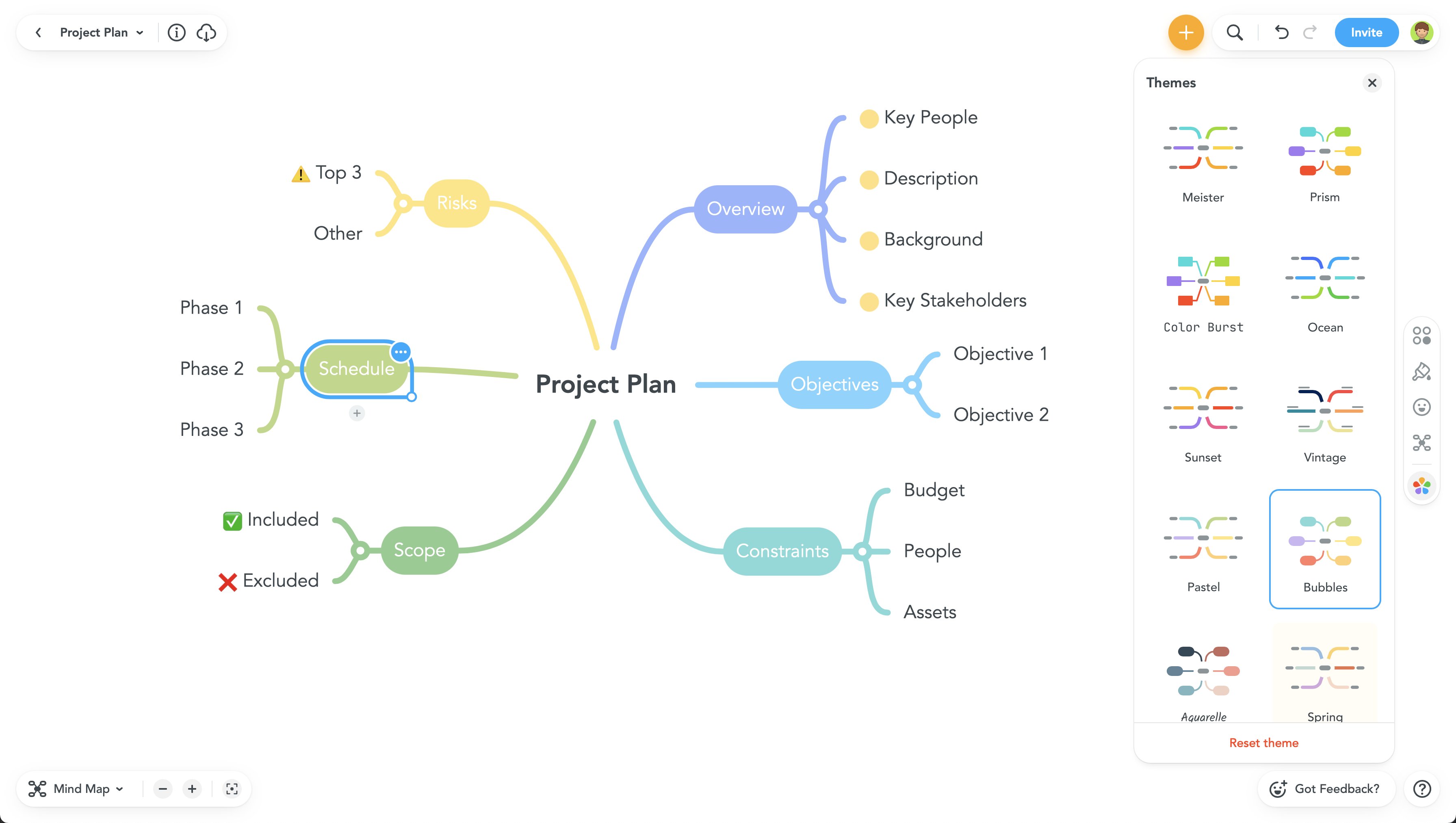
MindManager is a mind mapping and project management tool that aims to boost users’ productivity. It is designed to facilitate a wide range of project types, and includes cross-platform functionality and 3rd party integrations.
$105
per year
MindMeister
Score 3.2 out of 10
N/A
MindMeister is an online mind mapping tool that lets users share maps with an unlimited number of users and collaborate with them in real-time. MindMeister is used to brainstorm ideas, plan projects, take meeting minutes, develop business strategies, and create presentations. MindMeister runs in any standard web-browser as well as on iOS and Android devices, so users can access, edit and present their mind maps anytime, wherever they are. With MindMeister, users…
$45
every 6 months per user
Microsoft Visio
Score 7.7 out of 10
N/A
Microsoft offers Visio, a diagramming tool for building flowcharts, diagrams (e.g. network diagrams), org charts and floor plans, available online as a subscription and also in enterprise level packages (e.g. Visio Professional).
$5
per month per user
Pricing
MindManager
MindMeister
Microsoft Visio
Editions & Modules
MindManager for Microsoft Teams
$105
per year
Annual Subscription
$179
per year
Organizations
Contact sales team
Personal
$45
per 6 months per user
Pro
$75
per 6 months per user
Business
$114
per 6 months per user
Visio Plan 1
$5.00
per month per user
Visio Plan 2
$15.00
per month per user
Visio Standard 2024
$309.99
one-time fee On-premises diagramming solution, licensed for one PC
Visio Professional 2024
$579.99
one-time fee On-premises diagramming solution, licensed for one PC
Offerings
Pricing Offerings
MindManager
MindMeister
Microsoft Visio
Free Trial
Yes
No
No
Free/Freemium Version
No
Yes
Yes
Premium Consulting/Integration Services
Yes
No
No
Entry-level Setup Fee
No setup fee
No setup fee
No setup fee
Additional Details
—
MindMeister offers 6-monthly and yearly subscriptions. Discounts for educational users and non-profit organizations are also available. Up to 22% discount for yearly pricing.
MindMeister is easier to use than MindManager, but MindManager has more functionality -- and this is probably why MindManager is not as simple and straightforward to use as the other.
I hated MindMeister despite all the glory it gets online. The tool was not so user-friendly to me. I struggled a lot using the topic and subtopic boxes. Perhaps it was because I had been so accustomed to MindManager that my mind got used to expecting that the same tools and …
Previously we used and loved Microsoft Visio, but the product has not improved much. The subscription pricing also increased so Visio is only licensed to users who need it. Everybody else now uses MindManager.
The primary reason for the switch was that I needed a lighter, no-frills tool. I saved big time on the licensing cost. A major need was the cross-OS platform, and this tool works irrespective of MacOS and Windows. I could not have found a better tool. Lucidchart is the next …
MindManager covers all our needs (information management, brainstorming and planning, project management, sharing and collaboration) in one tool, and we do not have to jump back and forth between different applications. It's a very flexible tool that can be customized to your …
- the feature which are relevant for the majority of users are available in MindManager, and these feature can be learned easily and quickly; the alternative tools are more powerful (but have a lot of feature the standard user does not need) and are more expensive and difficult …
We opted for MindManager many years ago. The main reasons are the product's stability, continuous development, general range of functions, and export options, especially for Office.
MindManager excels in visualizing complex ideas and projects through interactive mind maps and flowcharts, making it superior to traditional list-based tools. Its intuitive interface, robust features like task management, and integration with various platforms streamline …
Word in Outline view creates outlines but it is not possible to add pictures nor keep it in a coherent tree presentation. Powerpoint are individual slides where the audience see only the current slides without looking at its relation with all other topics. When deploying a …
Did not use any. However, there are now some useful links to AI programs which create very interesting maps, really is just another way of outputting AI search results. These take the form of add ins so are not all that common now. Still it is easy to find them on line.
I think each of these have many positives, however from my perspective being a private business I do not want to invest in other solutions unless they have a major differentiator. My main temptation to move would be to a product that would allow me to share via Google or MS …
I've used a stack of other tools for Mind Maps but the one that pops into mind is Miro. Whilst MM doesn't look as pretty as Miro, the usability far outweights Miro and other tools alike. For example, Miro looks great but I find it cumbersome to join the dots or add or remove …
Each does very similar things. I like Miro because it is very easy to allow anyone to collaborate without having to have a file saved anywhere. Visio is great if you have spent a lot of time learning the ins and outs of it. I prefer Mind Manager for presentation and …
Our network is fluid. Previously, we had used software that allowed us to make changes to a fiber route, ring diagram, etc. immediately. It was easy to maintain and update. It allowed the Planner/Engineer to be creative and tell a story with their Market Assignments. When we …
MindManager is by far the most feature rich and capable solution in the market today. The key reasons for selecting MindManager as the tool of choice are:
Breadth of templates and document types (beyond the conventional mind map).
We actually use all of them. We chose MindManager as we wanted to try out some new software in case it would be a better fit than the others. So far, while better, we haven't been using it extensively. We will most likely look to purchase some other software since MindManager …
MindManager is a more mature product than most other products that we have reviewed or tried for mind mapping and project planning. It is very feature-rich, and since it has similar styles to the Microsoft suite of products, users are familiar with the interface and find it …
MindManager and Visio are similar however MindManager doesn’t give you the same customization. Visio is definitely preferred when it comes to mapping out processes and documenting future and current state.
Microsoft Visio is easier to use than MindManager from the user experience. Whilst MindManager is lightweight and supports the browser which make it great with sharing diagrams, its display with information is not always intuitive especially when it becomes too nested. For …
It is well suited for a quick prototype of product/development planning to show relationships amongst the APIs used. This helps developers understand the impact of the product changes and identifies the need to update integration components to avoid erroneous deployments. I have not personally experienced a less appropriate scenario at the moment.
MindMeister is ideally suited for building mind maps, site maps, or similar types of data maps in the cloud without needing to install extra software. I find that it isn't quite as ideal for other types of diagrams (ERDs, flowcharts, etc) as some other tools, though it definitely can handle those things as well.
Visio is by far and away the best tool that I have used to do Value Stream Mapping sessions with the warehouse I support. It has all of the shapes needed built in to be able to represent all areas of the processes. I also like how you are able to make the drawing as big as needed and when printing it out of Visio you have the ability to use the necessary paper size. The biggest complaint that I have with the software if how it can be cumbersome for non-Visio users (that is, people without a license in the orgnaization) to interact with the Visio Map. We normally have to dedicate one Visio SME to be able to make the changes that Process SME's find since they do not have access to the software.
The UI is well laid out and easy to use. The workflow makes perfect sense and makes creating tasks a breeze.
The collaboration features make brainstorming not only easy but fun! Everyone enjoys using the tool, which was not the case with other collaboration software we used.
I love being able to get all of my thoughts and ideas on the screen to see them and then be able to connect them in a logical way.
Microsoft Visio is excellent for organizing thought processes related to our more complex research.
The diagrams created with Microsoft Visio are ideal for graphically displaying the internal organization of work and research groups through flow diagrams.
Microsoft Visio is a great tool for managing our students' activities by creating flowcharts that help us graphically visualize the steps of their group work.
There should be some more functionality in the Notes window, such as a "Paste Special " Icon in the notes area to maintain format control.
Although I create many of my own Web export templates, an add-on for web export design would be great, as I regularly create Interactive Electronic Technical Publications (IETP) in HTML export format.
The ability to sync Map shortcuts between devices would also be welcome. I use MM on three devices, and I have to add or amend the Map list individually. My maps are on OneDrive, so using them should not be that hard if they are cloud-based.
When navigating through swim lanes, the user must be careful between switching from the point to the connection features as it can be difficult to remember which mode you’re in.
When drawing “decision points,” it can be difficult to type words like “yes” or “no” between the connection lines.
The exporting options aren’t ideal. They are hard to create in PDF format.
I feel the main issues of the old Mindjet seem to be gone with the Corel purchase. With the huge advance of sharing via browser HTML even 1 user can affect many. And, actually, using MM kind of forced my rigid brain to rethink how I categorize and classify information/projects.
The idea of paying $69USD for an annual cost is more than fair and a great model for Corel/Mindjet to keep rolling out improvements!
We use Microsoft Visio to keep our diagrams updated and to that end we will need the subscription to keep using the software. Otherwise we will be left with PDF versions of the diagrams.
MindManager is very intuitive. The user interface is not cluttered and the ribbon icons are easy to understand. Several excellent "how-to" videos are available on the MindManager site as well as on YouTube. MindManager starts quickly and the user interface is very responsive. Launching other programs from MindManager such as Excel is very fast and issue free. The browsing feature is lightning fast. The drag-and-drop capability is also very fast and reliable.
I have always struggled with some basics, such as connection points, object alignment, font consistency, arranging layers and their order (bring forward, send backward), and managing overlap. I usually need to create an initial rough draft and then do a separate cleanup pass to bring the diagram up to my quality standards. If I skip that step, the result generally does not look very good. And once a diagram becomes busy or the file gets large, Visio has been unstable for me in the past, including occasional crashes that caused non-recoverable edits.
The application is quick and responsive. We are able to produce mindmaps and reports with ease. The program is not complicated at all and integrates well with software and programs like Microsoft Outlook and Teams, which we truly appreciate.
I have called technical support a few times. During the COVID Crisis, I called a few times repeatedly due to a rush request. The technical support guy called me back in minutes. He somehow knew that I had called repeatedly and wanted to make sure my issue was resolved immediately
Never had an issue with customer support, though we never really needed anything major as far as technical help. I do not believe they offer 24 hour customer support but we don't need it as MindMeister is not the type of tool we need need 24 hour a day support for. Overall, very happy with the level of support.
Overall, I feel that Microsoft's support is weak. They are now such a behemoth that their model of putting documentation online for their users to sift through is totally outgrown. Given the amount of money you pay for these licenses, Microsoft should provide easy one-on-one support for their products via email or chat. The idea of paying their rates for support incidents is ridiculous. If you have an enormous amount of time on your hands, use their support websites and you will eventually find a solution most of the time.
There is a wide range of online training through webinars led by expert users. They are particularly useful for explaining how to use new features and using MindManager 'in the real world' for projects, tasks etc.
MindManager stands out for its wide range of export options, customization and how they have enriched the format over time. As a constantly evolving tool, and having tried others, I consider it superior for the abovementioned reasons. Its cross-platform nature has been decisive, and although there are many alternatives in the form of web applications or the like, MindManager presents itself as a more complete and robust option.
I have also used LucidChart and Google Draw to create mind maps and concept maps in the past. I think that MindMeister is by far the cleanest and most user friendly of the three. Google Draw does not have anywhere near the same functionality. LucidChart tends to be clunky and the options to create your map are not always clear and intuitive.
Even though it’s a more expensive solution, Vizio is built for the enterprise. Therefore, it integrates perfectly with our existing Microsoft stack, and quite frankly, because it’s such a more mature product, it provides exactly the functionality we need and expect.
For a single person business presentation it is a plus.
Project difficulty is well assessed using the map.
Giving away a paper version of a map is a positive gesture. People like the map, the look, and what it says, and it may also be a way to promote MindManager to them.
Keep the PDF or JPEG saving capabilities for small customers like me. It's important.
Reduces the amount of time I need to create process flow diagrams. In the past I would use Powerpoint or Word which required a lot more effort and time and never looked as good. Visio just takes that headache away.
Only negative is that I personally believe it should always have been part and parcel of the Office suite, thus giving more users the opportunity to use it rather than specifically having to justify its separate purchase within our organisation. Different now with Office 365 of course!