monday.com Work OS is an open platform designed so that anyone can create the tools they need to run all aspects of their work. It includes ready-made templates or the ability to customize any work solution ranging from sales pipelines to marketing campaigns, CRMs, and project tracking.
$36
per month (3 seats)
PowerDMS by NEOGOV
Score 7.0 out of 10
N/A
PowerDMS by NEOGOV is a software platform designed to recruit, train, equip, and protect employees across their careers, used for policy management, community engagement, and staff scheduling.
N/A
Resource Guru
Score 8.0 out of 10
N/A
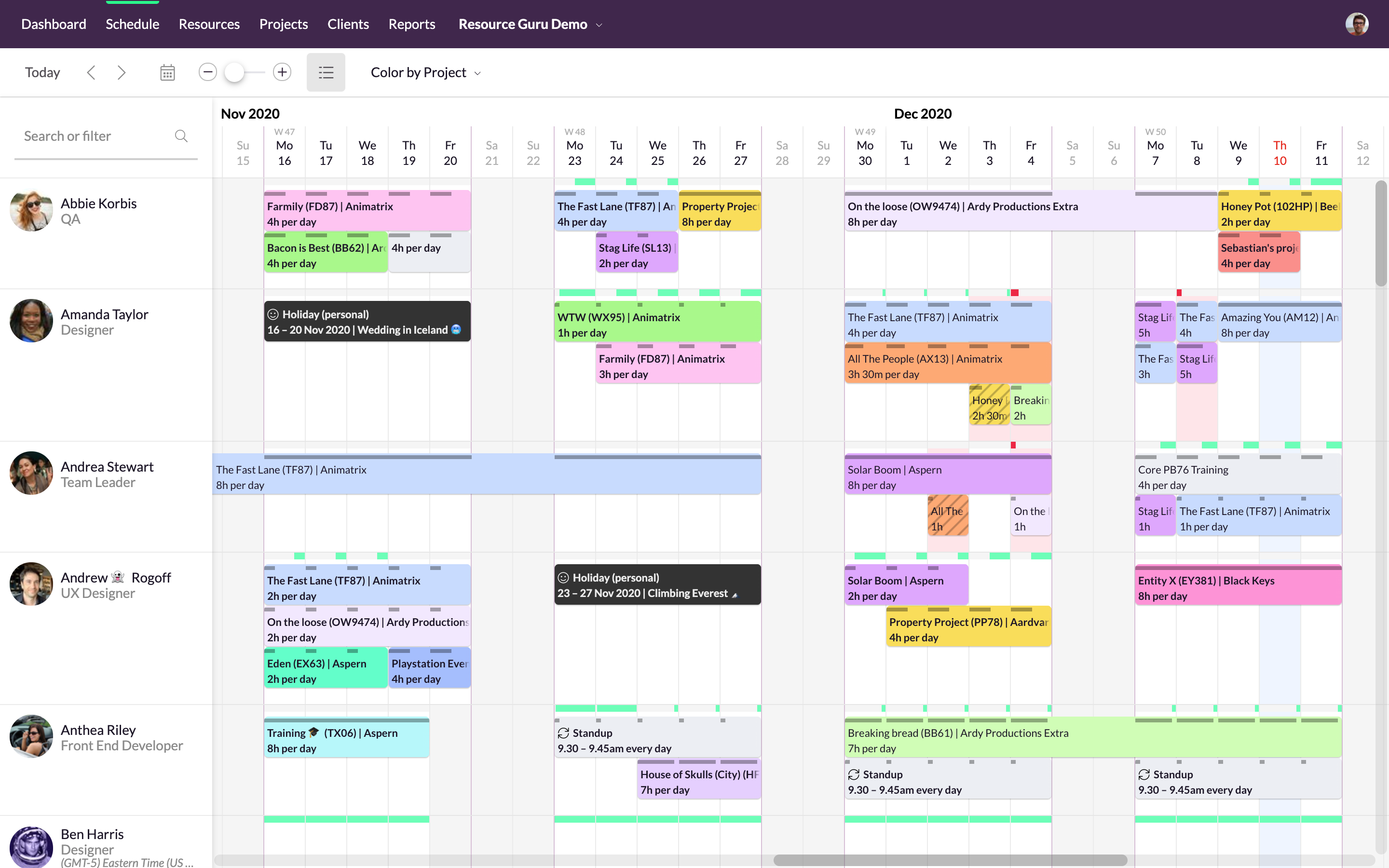
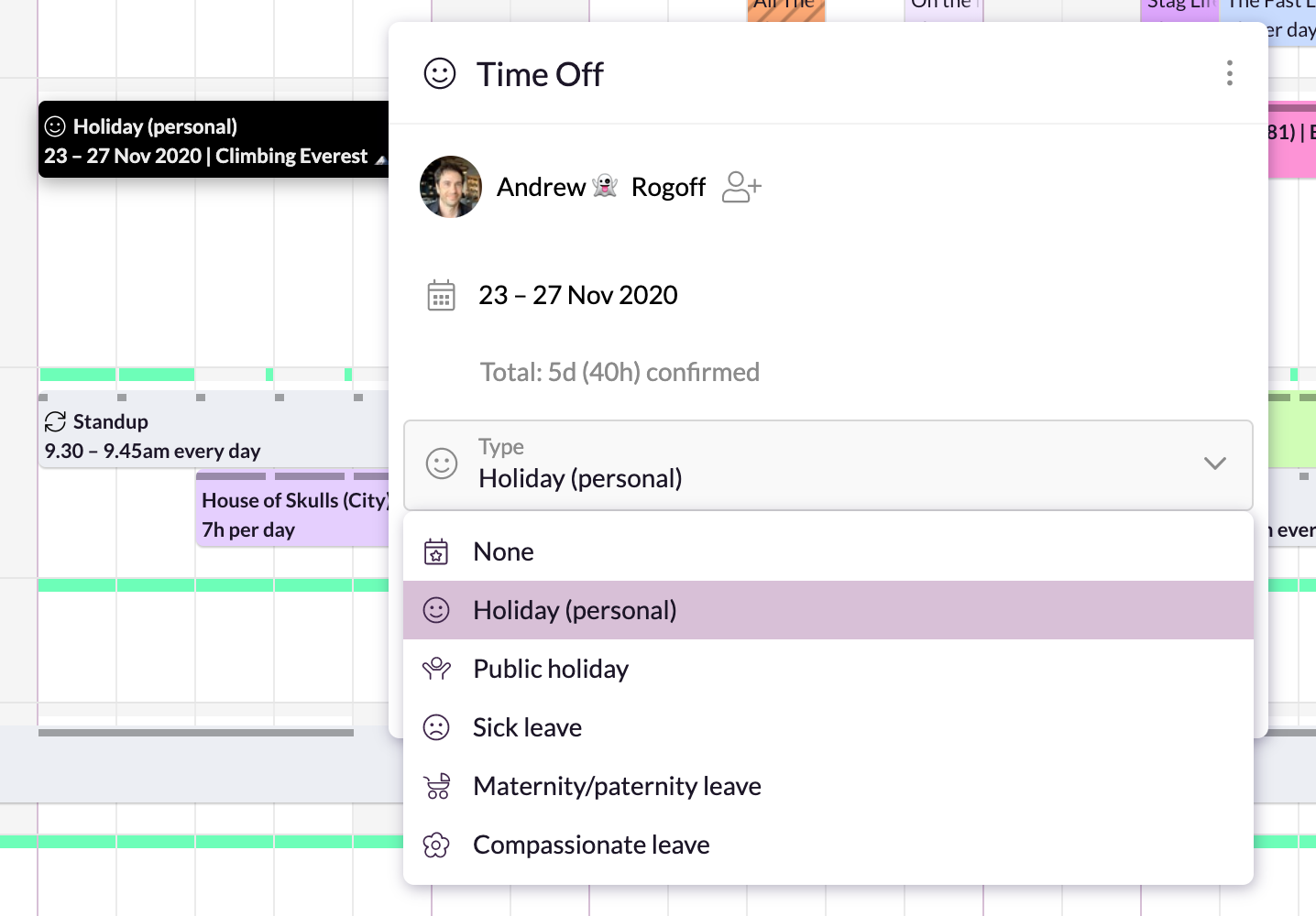
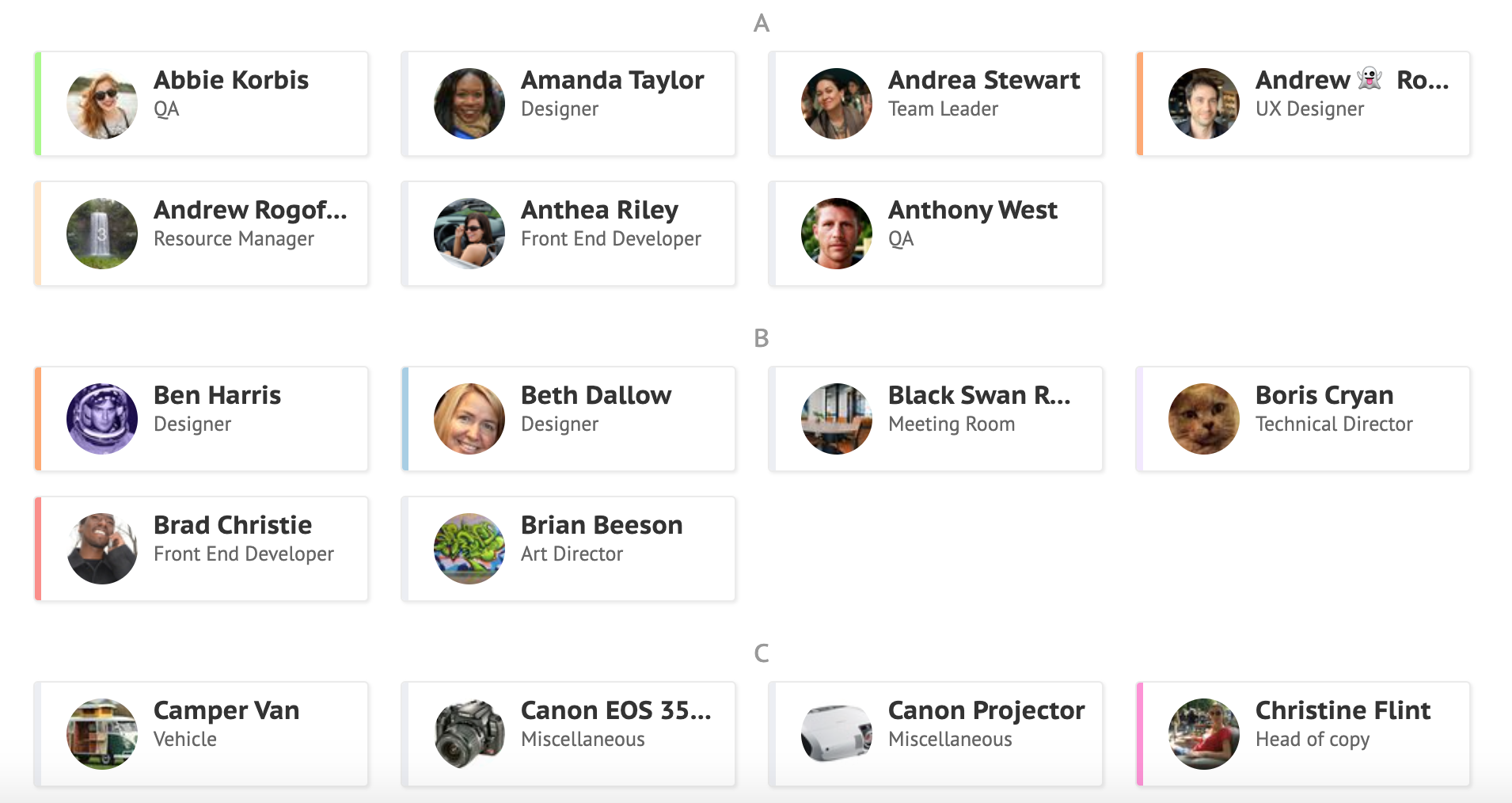
Resource Guru is presented as a fast, flexible way to schedule teams and projects. It enables users to: Manage people, equipment, and meeting rooms in one place Assign work, book time off, and edit schedules in seconds Track availability in real-time and avoid unrealistic workloads Keep a team up-to-date with personal dashboards and daily schedule emails Analyze utilization rates, clients, and projects for more accurate project forecasts and…
The platform has a good deal of versatility and extensibility, but I do not feel it is well suited for anything too complex. More complexity seems to bog down performance and increase maintenance to keep everything humming. As much as possible, avoid creating too many bespoke workarounds that will end up creating tech debt. The platform seems to work best for more straightforward scenarios and smaller to mid-size companies. Pricing can be reasonable for specific teams, but can feel a little too pricey for company-wide usage. It has served us well for the early stages of our company, but we find ourselves offloading the more complex use cases to other apps specifically developed for those, and reducing to just those teams that are more deeply embedded in the functionality.
This software is very well suited for law enforcement agencies of all sizes from 5 to 5000 officers. There is a mobile app that allows officers to quickly and easily search while out in the field or on a call. They can quickly review a policy, locate a form, pull up a map and much more using either the mobile app or the desktop application.
It is very well suited when different branches of the company reside in different countries or time zones. It allows the project manager to efficiently keep track of the progress of their team members. It reduces the need for intensive calls where the manager asks for an extensive check in and update from each individual person. It also allows the project manager to update tasks and timelines as needed.
I like summary of subitems, especially with subitasks as subitems and add item tracking for each subtask it can show total tracked in parent item. Similar with other columns, like numbers, status, date.
Dashboard features, Many kinds of dashboard view available, we can utilize on the basis of requirements.
monday.com workform is very powerful, easily share form link when submitted it will create line item in board with provided data.
monday.com automation is very helpful in order to automate steps with specific rules and easy setup.
monday.com also provides integrations in order to automate processes if need to integrate multiple app together. or need to transfer data between multiple apps.
Policy management- [Users] sign for, and can take [tests] to prove understanding of policy right in the application. As [the] policy is updated, old versions are retained, so that we not only know what a policy contains, we can track changes and provide information on what a policy was at any given time in the past.
Training- Users receive notifications when training is due and are guided to complete the training. If the training requires recertification, PowerDMS can be configured to alert the user that re-training is needed, without a supervisor needing to keep track. All documents used in training, including presentations and videos, can be contained in the PowerDMS course, so we can prove not only that an employee was trained, but exactly what curriculum was use din any given training.
Accreditation Assessment- [Our] accreditation standards manual is uploaded directly into PowerDMS. Proofs are accomplished using the actual policy and procedure, as well as the documents created during the workday. There is absolutely no duplication of effort.
Communications accountability- Email [can] be read and forgotten. With PowerDMS, a document can be distributed for user signatures, insuring that the user took affirmative action to read and understand the document.
I would like to see our company logo show up larger on the form feature.
I prefer the version of the form they have now instead of the new version for 2025. The current form shows the questions in bold font, and the new version does not. This may mean it could take our volunteers longer to get to the pertinent information on the form.
It would be nice if monday.com staff had monthly webinars showing how to use some features. such as, using formulas effectively.
The Workflow process in PowerDMS is not as easy to grasp as some of the other concepts and requires a little more explaination, especially for non-administrative background users.
Users are unable to view the steps in a Workflow template in order to determine which Workflow would work best for their needs when routing documents.
It would be great to have multiple message options for past due inbox notifications in addition to the options for past due tasks to encourage users to go to their inbox to review their messages.
Teams involved in content creation, such as marketing or editorial teams, could use monday.com to manage the entire content lifecycle. Boards might track content ideas, assignments, drafts, reviews, approvals, and publication schedules, helping teams collaborate and keep content production on track.
I have had nothing but positive experiences with PowerDMS from day one. If we ever run into a situation we are unsure of, PowerDMS support has ALWAYS been able to answer us basically immediately. I really love that they are constantly seeking to improve and expand.
I give monday.com a 10/10 because I almost never encounter any lag or connectivity issues despite all of the many templates, boards, and automations we have. As a matter of fact, I feel like the last issue I encountered was over a year ago... and I'm in monday.com every single work day. Not only is monday trustworthy, it is easy to find what I'm looking for... making the overall usability extremely hard to beat.
There is a learning curve as with any software system and I have found those users who consistently use the system more have a much higher success rate than those who only log in to sign off on documents. Now that most users have been in the system for over 2 years I consistently hear how much easier the processes are than they originally thought they would be
Everything performs fairly well. Every now and then there are user errors where an employee will not click "ok" on a note they've created and simply exit out (I do wish that something was in place to prevent this, such as a pop "are you finished?")
We use PowerDMS in the cloud so our performance might be different from other users who use on-premise. The program has always been up with very minimal downtime and always seems responsive and snappy when navigating the UI and searching documents. We don't currently have any integrations with other software.
monday.com only really care about accounts that have 20 seats or more. While this is great for monday.com, it pushes smaller organisations to evaluate alternatives. We rate monday.com highly in our organisation because key staff have already got good experience with the application and we know we will get to 20+ seats one day. But, till then the billing model and lack of permanent enterprise features is a dread.
I just wish we had some in-state support. The contacts I have had with customer support have been great. Awesome communication, problem-solving, and support. I have talked to and met Stephanie Williams (CSA for Power DMS) at the most recent Entrust conference. She was professional and devoted time to addressing our agency needs.
To have someone walk you thru the features and capabilities of Monday.com is priceless. Someone also coming along later in the contract to see if you are maximizing the program to suit your company needs is beyond helpful. The staff that have provided this training are fun, creative and very patient.
We signed up for the accounts. Created the accounts. Ran the trial version and tested it live while we were running multiple projects and found that it was fitting our needs perfectly. When the trial ended and we were asked to purchase the full version, we did. We have found other ways to use it and it's a breeze.
Implementation of PowerDMS was near seamless. The product was able to input existing policies and procedures within a few hours, which helped to lay the foundation for future use. Having PowerDMS on-boarding readily available was also a huge benefit.
monday.com is cleaner, offers more customization and is easier to design out with a team project focus in mind. With the ability to automate steps as well, it is super easy to move tasks along, have stages auto-update and to go through my personal to-do list of tasks to get things done.
PowerDMS is a lot different than Linkedin Learnings. In PowerDMS you have to create your own courses versus in Linkedin Learnings they provide extensive content on a wide variety of subject matter. Linkedin Learnings is what we have used in our organization for Bias Training and Ethics Training. PowerDMS is the repository for documents and Trainings, so the systems work very differently
Resource Guru is the only product of it's kind that I have used regularly. Slack is comparable in allowing communication between teams, but doesn't have nearly the functionality of Resource Guru. Resource Guru is the only product that I am aware of that manages tasks and deadlines between various team members, and can be accessed by all members.
For it to work across multiple departments and sites, I would like to see improvements made with integrations and automation. For this question, I am acknowledging not only the addition of internal triggers/automation, but also an expansion on external ones.
Much easier to review my prior month and report to clients on work completed; easy to extract the information and work done to Excel to add budget tracking etc - I see this is possible in monday.com and I will investigate how/if this is possible on our current plan.
Very fast and easy set-up of Boards.
Still lots to learn and grasp - many more opportunities to become more efficient using monday.com. I'm only just getting started.
The initial automations are quick and easy to set up, and if set up correctly.
My month-end client status and progress reports are now more accurate, and I can keep track of all the information in one place (inside monday.com).
Created efficient processes for approving document revision
Migrated what originally was a paper system to electronic
Accessible for any employee by logging in, employees do not have to seek out policy and procedure binders, and updated documents can be automatically sent to inboxes when updated.