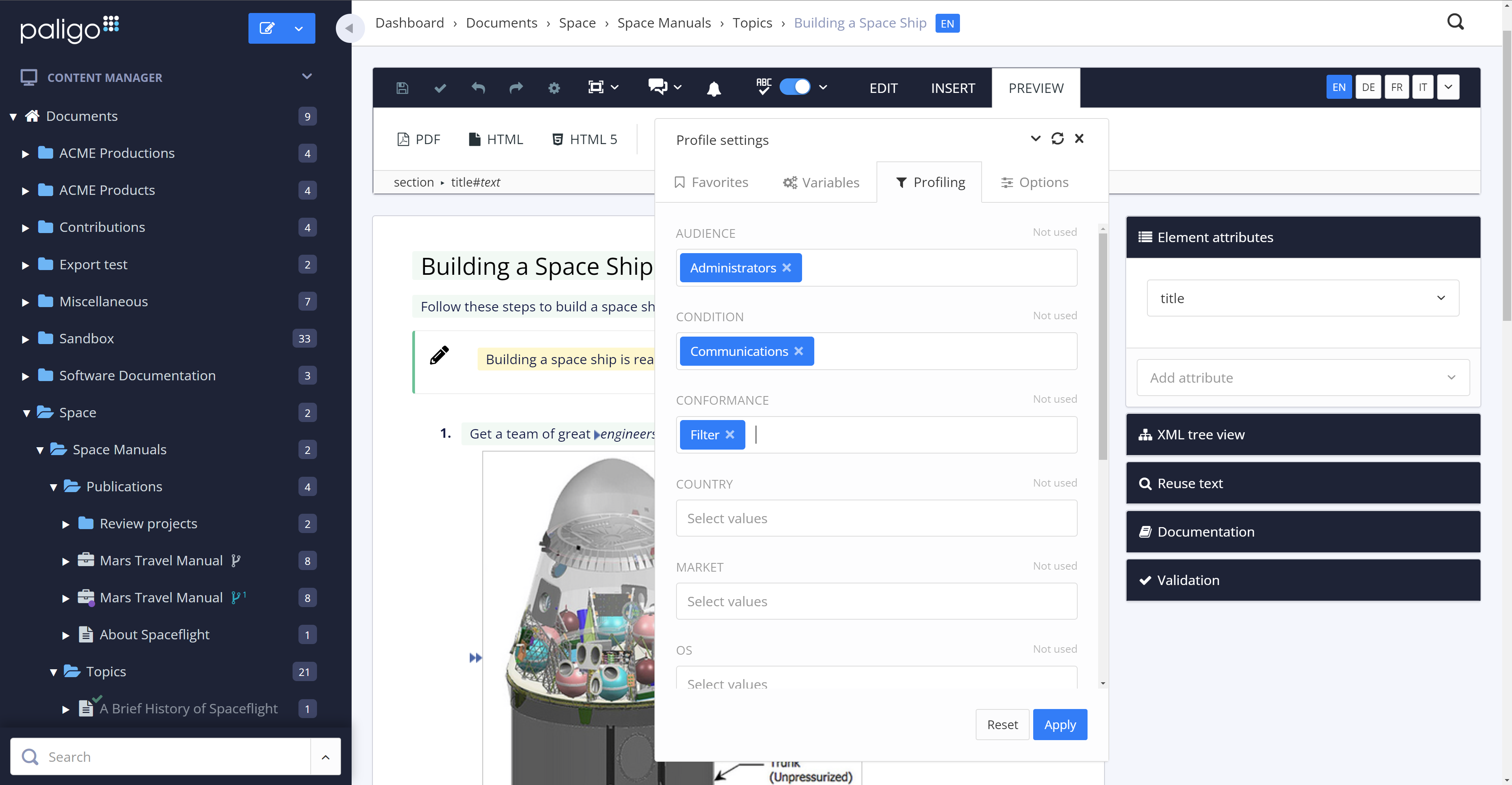
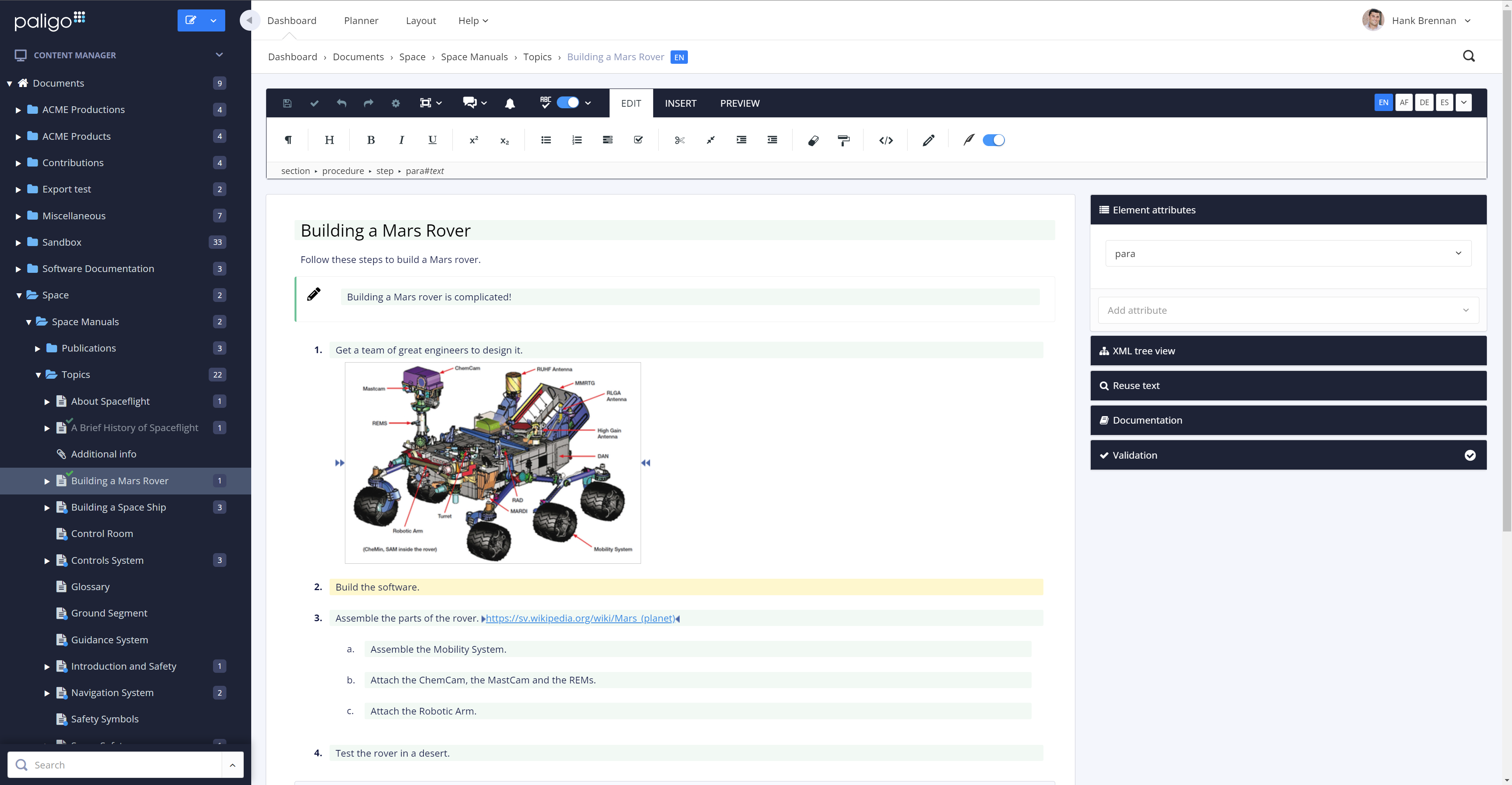
Paligo is a component content management system (CCMS) that helps teams manage complex technical documentation through structured authoring, content reuse, and controlled publishing.
$4,800
per year per seat
Webflow
Score 8.7 out of 10
N/A
Webflow is a Website Experience Platform for modern marketing teams, used to visually build, manage, and optimize websites that offer both the consumer experience teams expect and enterprise-grade performance and scale.
$18
per month
Pricing
Paligo
Webflow
Editions & Modules
Professional
from $4800
per year
Business
Contact Sales
per year
Enterprise
Contact Sales
per year
Basic
$18
per month
CMS
$29
per month
Ecommerce - Standard
$42
per month
Business
$49
per month
Ecommerce - Plus
$84
per month
Ecommerce - Advanced
$235
per month
Offerings
Pricing Offerings
Paligo
Webflow
Free Trial
No
Yes
Free/Freemium Version
No
Yes
Premium Consulting/Integration Services
Yes
No
Entry-level Setup Fee
Optional
No setup fee
Additional Details
—
Up to a 22% discount available for annual pricing.
More Pricing Information
Community Pulse
Paligo
Webflow
Features
Paligo
Webflow
Security
Comparison of Security features of Product A and Product B
Paligo
-
Ratings
Webflow
7.8
16 Ratings
5% below category average
Role-based user permissions
00 Ratings
7.816 Ratings
Platform & Infrastructure
Comparison of Platform & Infrastructure features of Product A and Product B
Paligo
-
Ratings
Webflow
8.2
13 Ratings
5% above category average
API
00 Ratings
8.213 Ratings
Internationalization / multi-language
00 Ratings
8.311 Ratings
Web Content Creation
Comparison of Web Content Creation features of Product A and Product B
Paligo
-
Ratings
Webflow
8.1
19 Ratings
4% above category average
WYSIWYG editor
00 Ratings
8.019 Ratings
Code quality / cleanliness
00 Ratings
8.418 Ratings
Admin section
00 Ratings
6.819 Ratings
Page templates
00 Ratings
8.318 Ratings
Library of website themes
00 Ratings
8.315 Ratings
Mobile optimization / responsive design
00 Ratings
9.519 Ratings
Publishing workflow
00 Ratings
8.518 Ratings
Form generator
00 Ratings
7.115 Ratings
Web Content Management
Comparison of Web Content Management features of Product A and Product B
Paligo is particularly well suited for developing similar document sets for multiple products or product lines. It is not a page layout application, so don't expect the same capabilities as popular applications for graphics-heavy documentation. With some up-front time developing good layouts, however, Paligo does manage to create very usable PDF output for customer-facing documents.
Since the purpose in my case is to build a small professional looking site to present project outcomes and other research, I can create custom fields and design experimentations. Webflow builds sites that are super professional, with many amazing templates that don't look cheap. Additionally, I can test responsive layouts. Apart from this, I used 1-2 static pages to illustrate key findings for example what a multilingual site could look like with screenshots without needing CMS in free version, which are all the valuable skills to acquire. Compared to WordPress, Webflow is expensive with limited free features, although it has really cool additional features that will make the site I build stand out.
The review mode is super convenient. Comparing a snapshot of the previous versions with the current one clearly outlines the respective changes and reduces the necessary content to review tremendously.
The option to reuse text fragments is another handy feature. Text fragments will be updated whenever the original text fragment is altered is also extremely helpful.
Managing a content's structure was never easier. An intuitive drag & drop functionality allows you to design your document's structure however you like.
You can also fork content, in addition to reuse text fragments. This is another helpful option that no longer requires you to create repetetive chapters over and over.
Saves time- because I don't have to do double entry of content.
It saves money. I like that it is an all-in-one system, so I don't have to host elsewhere.
Flexibility - Webflow provides me with a lot of flexibility in my webpage design, allowing me to adjust pages as needed, depending on the content types.
The amount of CSS/JS required to customize a site's appearance can be cumbersome
Product documentation can be lacking, specifically with integrations; in some cases, support offered no real help when trying to solve a problem with an integrated service
Some features require extensive development experience to use, which can sometimes be an obstacle to less-experienced team members
Brand recognition is still behind WordPress, which can make it a challenging sell for clients looking to play it safe in their CMS decision.
The CMS is ideal for smaller datasets, but higher content sites introduce some minor challenges.
Alignment between designers and developers is key prior to implementation. The flexibility of the platform requires careful planning to avoid over-engineering.
Generally, I'm very happy with Paligo and the productivity gains that I get from using it. There are a few arbitrary limitations on structure, and when applying conditional formatting, that I don't really understand. Unlinking / editing reused text uses this broadly inscrutible colour-coding that I just hate. It would be nice to double-click a component, make edits, then respond to a popup asking if I want to confirm the edit for all linked content, or unlink this instance. Likewise converting from an informal topic insertion to duplicates of its raw contents.
Webflow is very easy for a beginner to get started with and achieve good results, but to achieve an expert level of understanding requires experience and some web development knowledge. HTML5, CSS3 and JavaScript knowledge aren't required to use Webflow, but an expert will know BEM class naming patterns, be able to create reusable elements and design systems, and add 3rd party integrations that require custom code.
In my experience, their customer service is an absolute joke, I tried reaching out to them they took forever. I had to keep following up with them as if they never received it in the first place. It’s a new platform, so guidance is needed. Tried the university they offer, in my opinion, it is completely useless, I would just completely move on from this website.
In my opinion, it is horrible, the rendering takes forever. I have the newest MacBook and the platform will still lag and slow down on me. I’m not a developer, I am a designer which makes it worst because I am using the features they are providing not extra coding features. In my opinion, it is a horrible platform really, stay away.
All the support requests I've submitted have been resolved in one way or another. Sometimes it takes some back and forth, which is to be expected. This is where being on a different continent becomes a drawback. Since we became Enterprise users, we've also had an additional level of help and support from a dedicated account manager in the US, and the resolutions seem to come more quickly
I haven't had to engage them from a support perspective; however, there is a considerable user community for tips/ideas/troubleshooting and the like. I believe the Pro plan supports additional resources but we didn't find that the cost justified the outcome. Overall the need for support has been relatively minor.
We moved from Flare to Paligo. One of the main reasons was the fact that Paligo is a cloud product. Collaboration with anyone outside of our team was more difficult with Flare. Also, maintaining a server for Flare content was going to become an issue, and overall I felt the Flare desktop product was prone to errors and issues. The flexibility of assigning Paligo licenses was a huge factor, as was the stability of the cloud platform.
A lot more design control and easier to create a custom site, and then also to scale that site going forward. There's a lot about WordPress I miss, though, when it comes to managing a blog—user permissions, SEO control, edit HTML version of posts.
I feel it doesn’t perform the way it’s supposed to and it doesn’t have any beneficial factors to it. In my opinion, there is no reason to use a platform like this when Wix and Shopify, and WordPress exist. I believe Webflow is a platform that shouldn’t exist and it’s only popular because of the hype it received. I tried it and hate it completely.
I am not involved in the financial decisions for my company regarding Paligo; the decision to migrate our content to this environment predates my hiring. However, I know that the migration effort from WordPress to Paligo was an initially heavy lift, but any content migration effort would be. I believe that ultimately, getting our content out of WordPress was a positive move, and I look forward to seeing what Paligo will help us accomplish in the future. Sorry, no hard numbers from me. :)