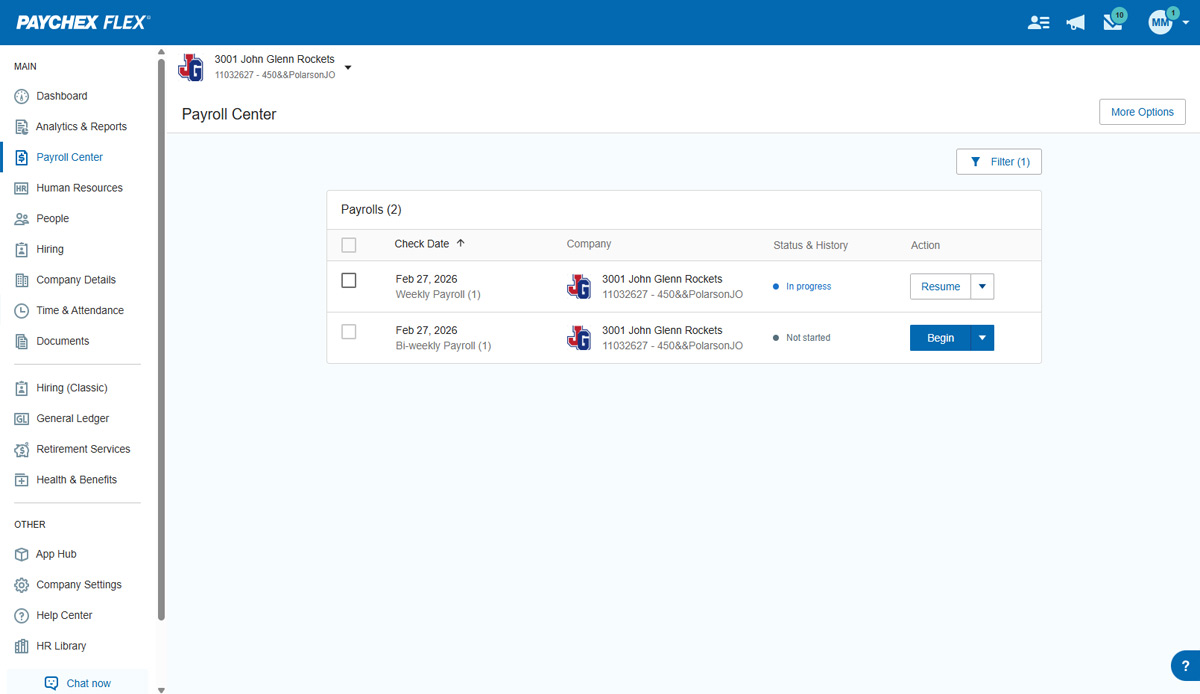
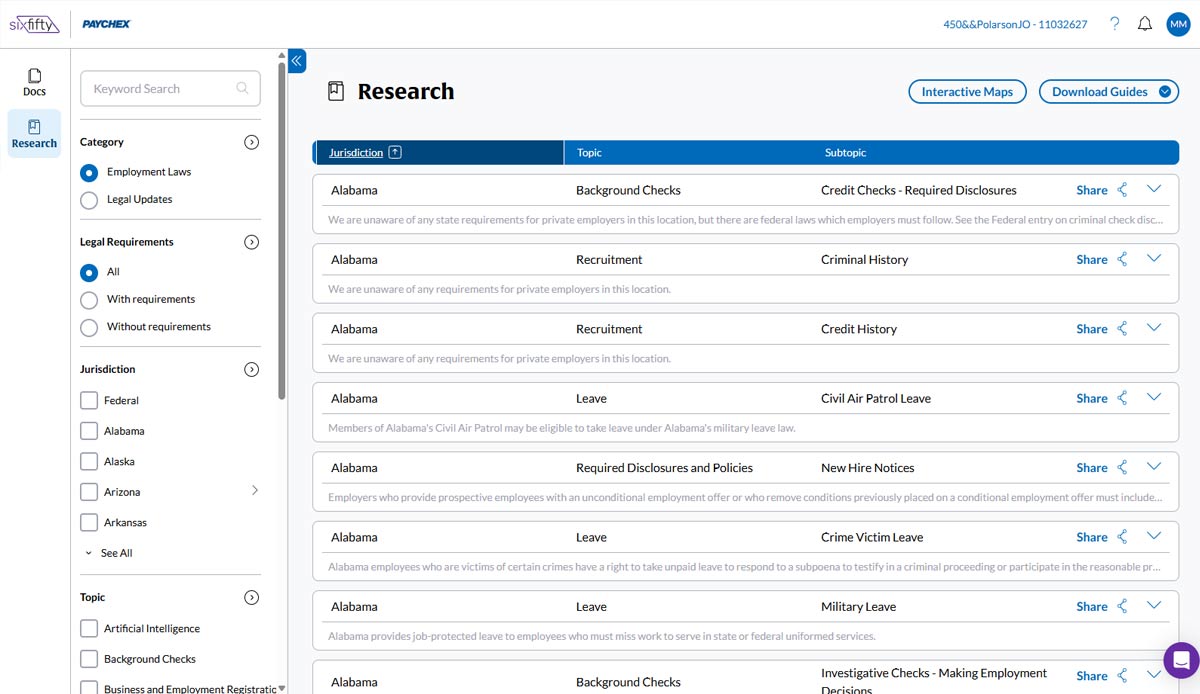
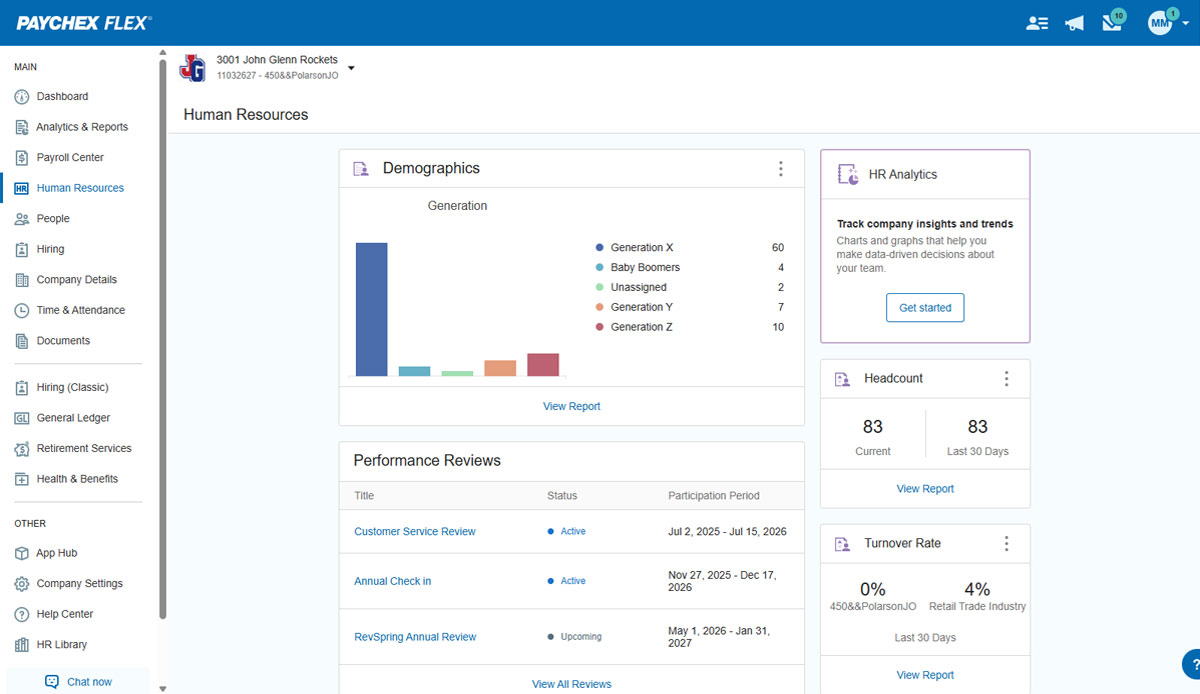
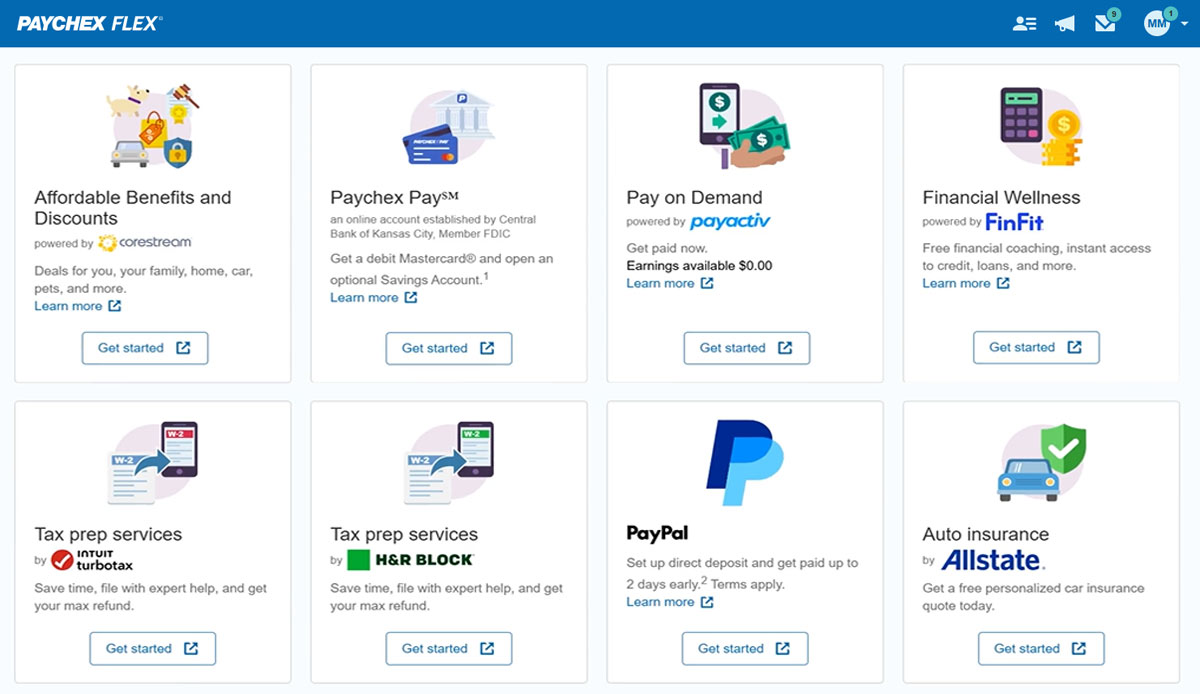
Paychex Flex, of Paychex' Online Payroll Services, is a cloud-based human resource management and payroll platform. Paychex offers core and specialized services, and scales to meet the needs of small businesses, SMBs, and large enterprises.
It is best suited for payrolls from 1 to 150 employees, because their constant attention and flex system are easy to use. Any problem is taking care by your Paychex Agent, and they always listen to you. Better yet, when you become a client with more than 5 years, you get special discount on your renewal. Honestly, I can't not think on nothing that will be less appropriate.
A de minimis incentive was given to thank the reviewer for their time. The incentive was not used to bias or drive a particular response, nor was the incentive contingent on a positive endorsement. TR verified that a representative sample of customers was invited. More Info
SAP HR can be well suited for global companies with operations in multiple countries. The Payroll module needs to be limited to one instance per country, otherwise trying to maintain multiple countries on the same instance is too complicated. I would not recommend using SAP HR and Payroll for smaller companies because the total cost of ownership and the lack of flexibility will make it unfeasible. There are many cloud-based options now a days available that would fit better for this type of scenario.
A de minimis incentive was given to thank the reviewer for their time. The incentive was not used to bias or drive a particular response, nor was the incentive contingent on a positive endorsement. More Info
A de minimis incentive was given to thank the reviewer for their time. The incentive was not used to bias or drive a particular response, nor was the incentive contingent on a positive endorsement. TR verified that a representative sample of customers was invited. More Info
A de minimis incentive was given to thank the reviewer for their time. The incentive was not used to bias or drive a particular response, nor was the incentive contingent on a positive endorsement. More Info
I understand logging you out is a security function, but I'd prefer it not to log you out so soon.
The training we received for the team's meeting was subpar, in my opinion. Probably better geared for people with little to no computer experience. Very slow pace; we could have easily received all of this from some tutorials in a few minutes.
A de minimis incentive was given to thank the reviewer for their time. The incentive was not used to bias or drive a particular response, nor was the incentive contingent on a positive endorsement. TR verified that a representative sample of customers was invited. More Info
A de minimis incentive was given to thank the reviewer for their time. The incentive was not used to bias or drive a particular response, nor was the incentive contingent on a positive endorsement. More Info
Overall I like the features that Paychex Flex offers. I am sure that there are other features that I am unaware of, so I am excited to see if there is more that Flex is capable of to make my job easier. The basic features are really user friendly and easy to access. If there ever is an issue customer service is great
A de minimis incentive was given to thank the reviewer for their time. The incentive was not used to bias or drive a particular response, nor was the incentive contingent on a positive endorsement. More Info
Once you are set up in the system, it is very user-friendly and usability is on par with my expectations. Onboarding new employees is simple, employee access is simple and easy for them to use. Tax documentation, reporting, and entering payroll is easy and user-friendly. Running reports and finding information necessary to keep the flow moving foward is easy to do
A de minimis incentive was given to thank the reviewer for their time. The incentive was not used to bias or drive a particular response, nor was the incentive contingent on a positive endorsement. More Info
A de minimis incentive was given to thank the reviewer for their time. The incentive was not used to bias or drive a particular response, nor was the incentive contingent on a positive endorsement. More Info
We have not experienced any difficulties with unplanned outages. Notifications are always made for outages, and they do not effect normal business operations.
A de minimis incentive was given to thank the reviewer for their time. The incentive was not used to bias or drive a particular response, nor was the incentive contingent on a positive endorsement. More Info
Unless there is lag time within the internet, the Paychex Flex website loads exceptional fast, pages load quickly and reports that I need to print or download load quickly. If I need to create a specialized report, once I complete it I receive an e-mail telling me my report is ready to be downloaded. Changing between web pages is fast as well.
A de minimis incentive was given to thank the reviewer for their time. The incentive was not used to bias or drive a particular response, nor was the incentive contingent on a positive endorsement. More Info
The dedicated support we are given is good and very responsive. If there is a change to the dedicated support, we are notified quickly and have temporary support in place while we wait for our new rep. The phone support is knowledgeable and quick to help if there is an immediate need. However, the chat support can be the slowest option and doesn't always launch so I rarely use it.
A de minimis incentive was given to thank the reviewer for their time. The incentive was not used to bias or drive a particular response, nor was the incentive contingent on a positive endorsement. TR verified that a representative sample of customers was invited. More Info
A de minimis incentive was given to thank the reviewer for their time. The incentive was not used to bias or drive a particular response, nor was the incentive contingent on a positive endorsement. More Info
It was easy to understand and follow along. I do like the informational videos that we can utilize before we opt to call in for customer service support. It has made a difference since sometimes that resolves the issue I may have had and saved myself a phone call to Paychex support.
A de minimis incentive was given to thank the reviewer for their time. The incentive was not used to bias or drive a particular response, nor was the incentive contingent on a positive endorsement. More Info
Implementation was very smooth. The most cumbersome task was entering the current employees into the system during initial set up, but Paychex staff handled most of that and verified against prior system reports as well as internal reports provided to ensure 100% accuracy.
A de minimis incentive was given to thank the reviewer for their time. The incentive was not used to bias or drive a particular response, nor was the incentive contingent on a positive endorsement. More Info
In addition to the ones listed above, we also used BenePay, a local payroll company. We found Paychex Flex priced in the middle, with ADP the most expensive and too complicated, with many features that were unnecessary for us. We found that Paychex Flex's features and reporting to be sized right for our size (around 30 employees). Paychex Flex also offered a very reasonable service to apply for the ERTC
A de minimis incentive was given to thank the reviewer for their time. The incentive was not used to bias or drive a particular response, nor was the incentive contingent on a positive endorsement. TR verified that a representative sample of customers was invited. More Info
A de minimis incentive was given to thank the reviewer for their time. The incentive was not used to bias or drive a particular response, nor was the incentive contingent on a positive endorsement. More Info
I generally do payroll at the office, however I have had to go remote due to internet issues and also had to take payroll on vacation with me. Very easy to log in wherever you are and manage your TAA and payroll
A de minimis incentive was given to thank the reviewer for their time. The incentive was not used to bias or drive a particular response, nor was the incentive contingent on a positive endorsement. More Info
A de minimis incentive was given to thank the reviewer for their time. The incentive was not used to bias or drive a particular response, nor was the incentive contingent on a positive endorsement. More Info
SAP HR is suited for large companies with a sufficient budget. Small budgets will not be able to cover the expensive licensing, technical personnel and consultants required of an SAP installation.
In regards to the total cost of ownership, my ROI experience has been that by replacing SAP HR modules with cloud solutions we have been able to reduce the cost up to 60% while modernizing our systems and improving the employee experience.
I would encourage decision makers to look for cloud-based alternatives with a robust system integration, before believing that supporting every area of HR with a single SAP installation is a good long-term strategy. Having SAP HR as the core integrated to best-in-class cloud-based systems is a very valid and effective system strategy.
A de minimis incentive was given to thank the reviewer for their time. The incentive was not used to bias or drive a particular response, nor was the incentive contingent on a positive endorsement. More Info