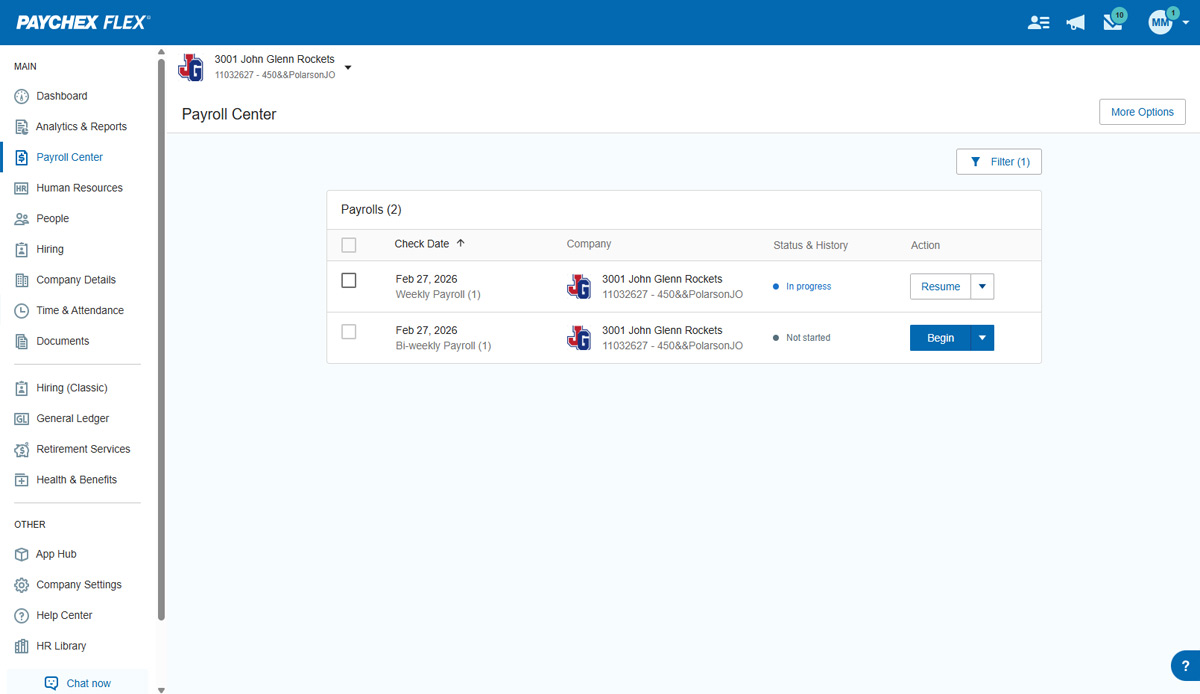
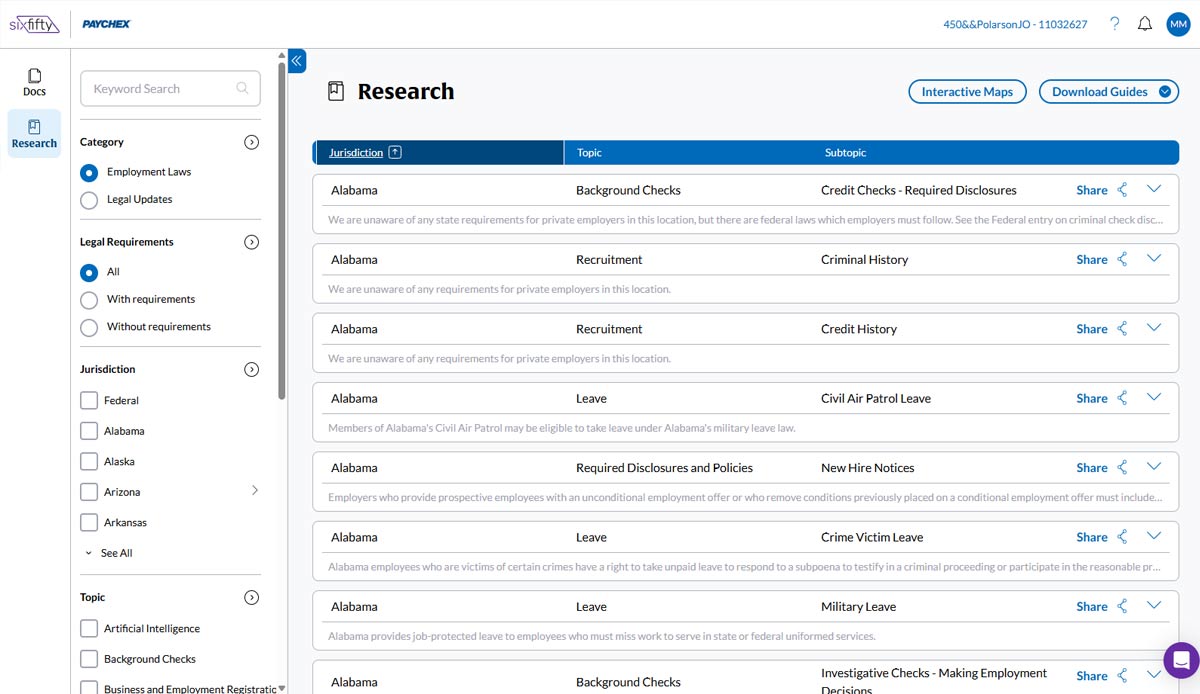
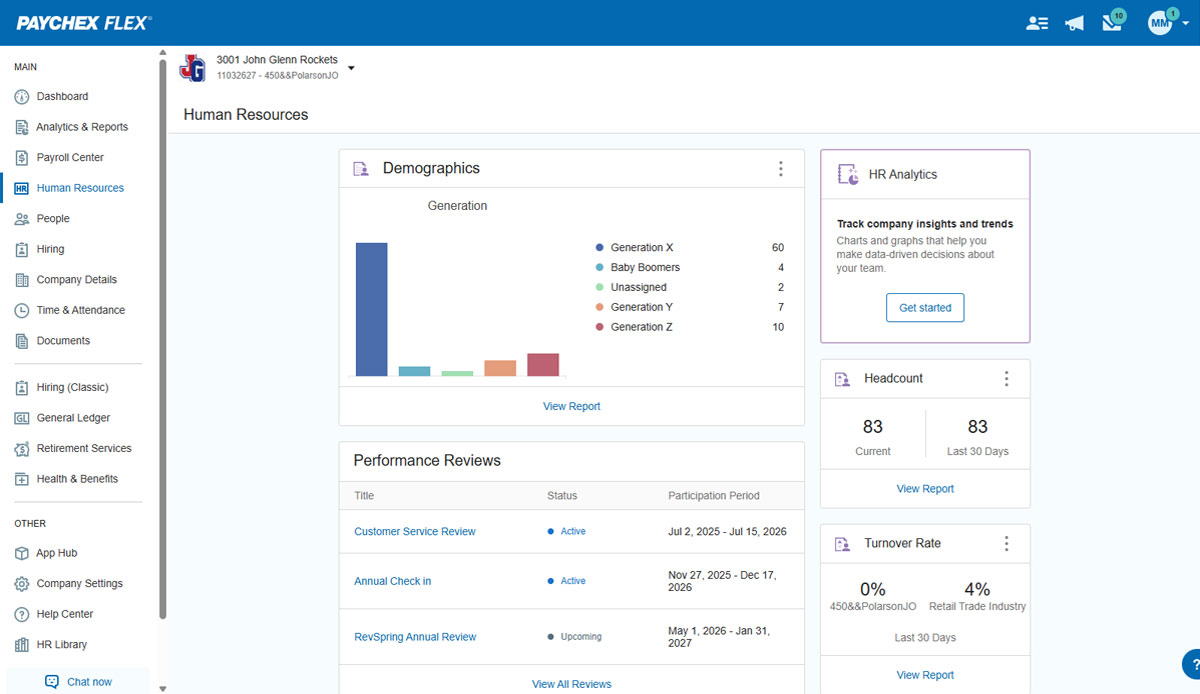
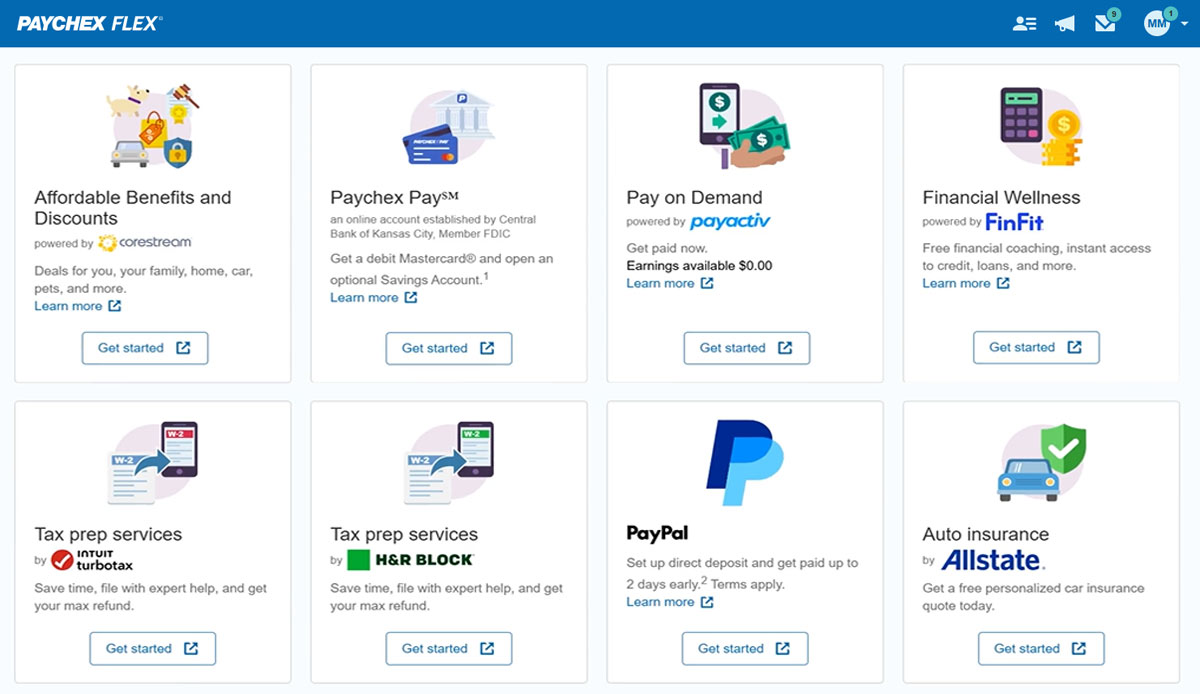
Paychex Flex, of Paychex' Online Payroll Services, is a cloud-based human resource management and payroll platform. Paychex offers core and specialized services, and scales to meet the needs of small businesses, SMBs, and large enterprises.
Based on what I've noticed, Paychex is comparable to Dayforce, which has similar timekeeping functions. I think Dayforce has a few easier-to-navigate tools from an Employee Self Service standpoint. isolved is much better all around from my personal usage. If my company had more …
Verified User
Administrator
Chose Paychex
They were alright, some of the same issues. Lots of turnover with payroll consultants.
Both ADP and Paychex are very good at informing businesses of the latest changes regarding payroll. Not sure which one is better, but very much get the most out of each. Both are informative and always looking at additional topics in a world that is constantly changing. …
Paychex has been around for a long time and have used it at other organizations. The payroll functionality is the best out of the other systems I have used. They all are great with handling the HR needs of our organization but Paychex is the most streamlined.
We use BambooHR in tandem with Paychex. BambooHR is our timesheet service, and Paychex issues the checks/payments to our employees. Ideally we would use one service instead of two to achieve our payment and timesheet needs.
I'm unable to give you a comparison because Paychex is the only payroll service I've used since I started my business over ten years ago. I've had no reason to explore other payroll services or make a change. I trust it will remain that way for as long as I'm in business.
I have used both ADP Workforce Now and ADP Run for smaller companies. ADP is a great program and does what it does well but it does not compare to Paychex Flex. When I call Paychex Flex, I'm routed to my account representative immediately. If my rep isn't available, I'm …
I far prefer Rippling to Paychex Flex, with its easy to navigate interface and user friendly model. I also appreciate the payday emails from Rippling and the paystub breakdown. It is also very easy and simple to request and view PTO in Rippling. I really dread having to use …
In addition to the ones listed above, we also used BenePay, a local payroll company. We found Paychex Flex priced in the middle, with ADP the most expensive and too complicated, with many features that were unnecessary for us. We found that Paychex Flex's features and reporting …
Gusto is more intuitive than Paychex and easier for smaller companies. Paychex has better customer support than Paylocity. Paychex is easier to navigate than Paycom.
Paychex offers much more than just tracking employee attendance and managing employee records. It offers Payroll services, Human Resource Services, Retirement Services, On-Boarding Services, Employee-Self Services, Employee Benefits Management, Employee Handbook Services, …
They used ADP before I started, but the previous office manager did tell me that Paychex was more streamlined, more user friendly, and she loved the features that Paychex had to offer over ADP. I will say in my experience, that customer service is a lot quicker with Paychex.
User interface and functionalities of Paycor edge out Paychex Flex, however, in my experience, Paycor has horrible service resulting in our discontinuation of services. I think Paychex Flex service is leaps and bounds above that of Paycor.
For the most part, Paychex Flex is a very good payroll system and is well suited for a small business. Most basic features are simple and user friendly. For businesses that have hourly employees, its timeclock system is a good feature. For businesses that have a large number of employees and more complicated rules and policies, it might not be as appropriate because of the difficulty to set up for these rules and policies
When it comes to audit reports, Paychex Flex could improve on helping clients locate the correct reports for audit purposes more easily
When a client receives a discount, it would be helpful if the discount were automatically provided each year, or if the Paychex rep proactively reached out to the client first, versus the client having to call and request that the discount continue.
It would be helpful if the invoice was emailed to the client versus the client logging in to access invoices.
Overall I like the features that Paychex Flex offers. I am sure that there are other features that I am unaware of, so I am excited to see if there is more that Flex is capable of to make my job easier. The basic features are really user friendly and easy to access. If there ever is an issue customer service is great
Some things could be streamlined. For example, we could do custom options for the "add items" tab which has so many options that we never use. "Medical Pay" could be something that the system remembers for the applicable employees. Salaried employees' salaries should definitely be auto-filled. Overall the system works well but I think it could be improved to be easier to use and read.
We have not experienced any difficulties with unplanned outages. Notifications are always made for outages, and they do not effect normal business operations.
Unless there is lag time within the internet, the Paychex Flex website loads exceptional fast, pages load quickly and reports that I need to print or download load quickly. If I need to create a specialized report, once I complete it I receive an e-mail telling me my report is ready to be downloaded. Changing between web pages is fast as well.
Our dedicated representative is one of the main reasons we are sticking with Paychex Flex. If it were not for this person, other platforms could provide the same/similar functionality. It is the ability to speak with someone that understands our business and is willing to get questions answered in a timely fashion that keeps us with Paychex Flex.
It was easy to understand and follow along. I do like the informational videos that we can utilize before we opt to call in for customer service support. It has made a difference since sometimes that resolves the issue I may have had and saved myself a phone call to Paychex support.
Implementation was very smooth. The most cumbersome task was entering the current employees into the system during initial set up, but Paychex staff handled most of that and verified against prior system reports as well as internal reports provided to ensure 100% accuracy.
We still use QB Desktop Pro to maintain a Check Register / Overall Balance for the company, but once having tried QB Payroll Online for about 3 months prior to finding Paychex Flex I can tell you that there's just no comparison. QB online is VERY EXPENSIVE and not so user-friendly. I hated every minute of those 6 payrolls we ran through QB online.
I generally do payroll at the office, however I have had to go remote due to internet issues and also had to take payroll on vacation with me. Very easy to log in wherever you are and manage your TAA and payroll
I do not believe we have saved anything additionally. The time we've had to spend to get things to hopefully work is sad. This is the reason we've had to turn off all extra "products" of Paychex Flex. Time and Attendance is horrible. Benefits management is horrible. The user experience is horrible.
One thing I do not understand is why are updates for states, cities, counties, school districts, etc. not automatically updated? Should we not get a big red flag if we have an employee living/working, being paid in CA, but they aren't set up for CA sick time? If it is required to be on the paycheck stub to show the balance of the sick time, why would we not be notified that we are out of compliance?