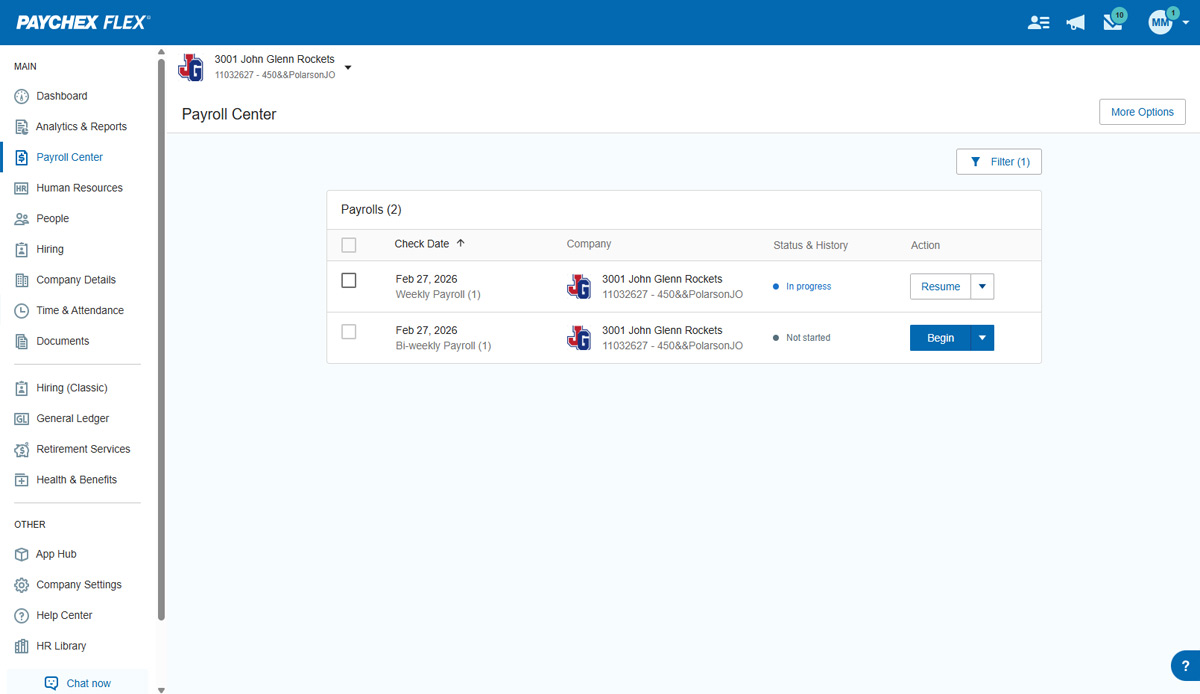
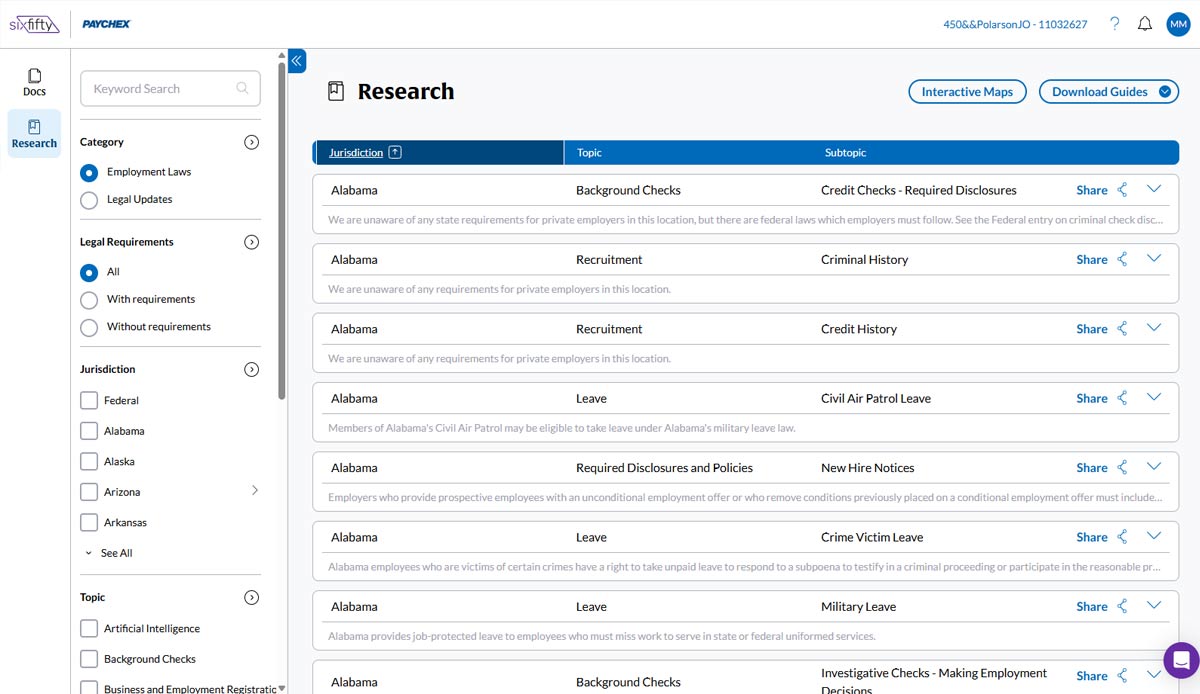
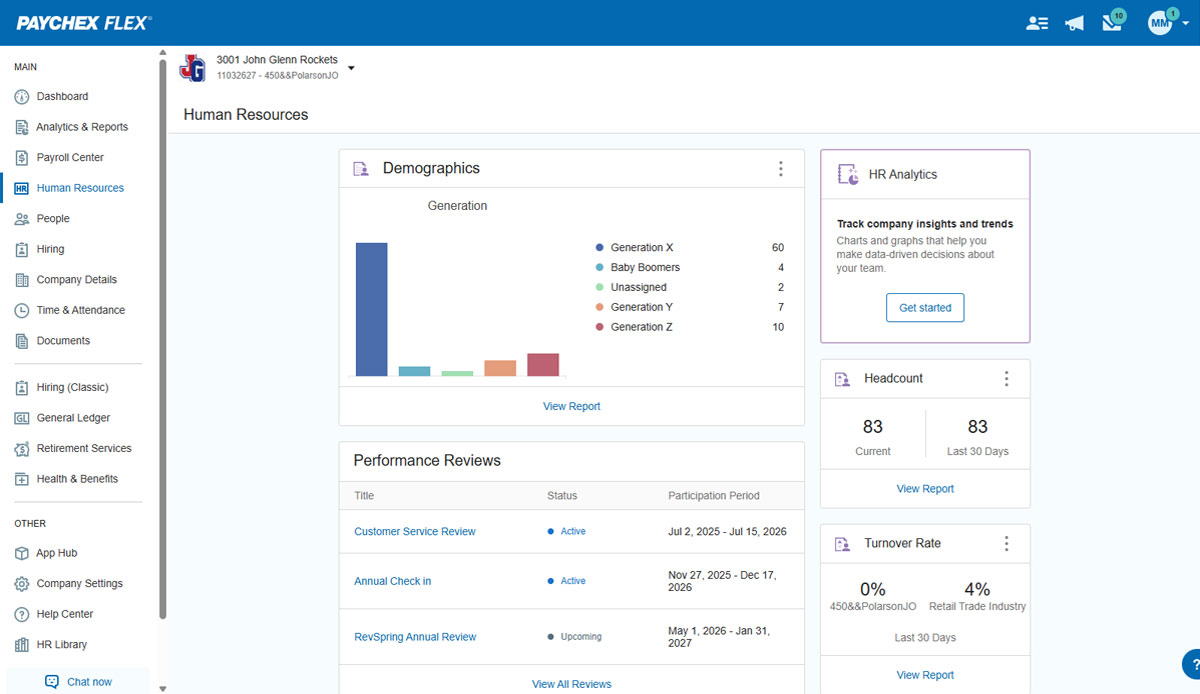
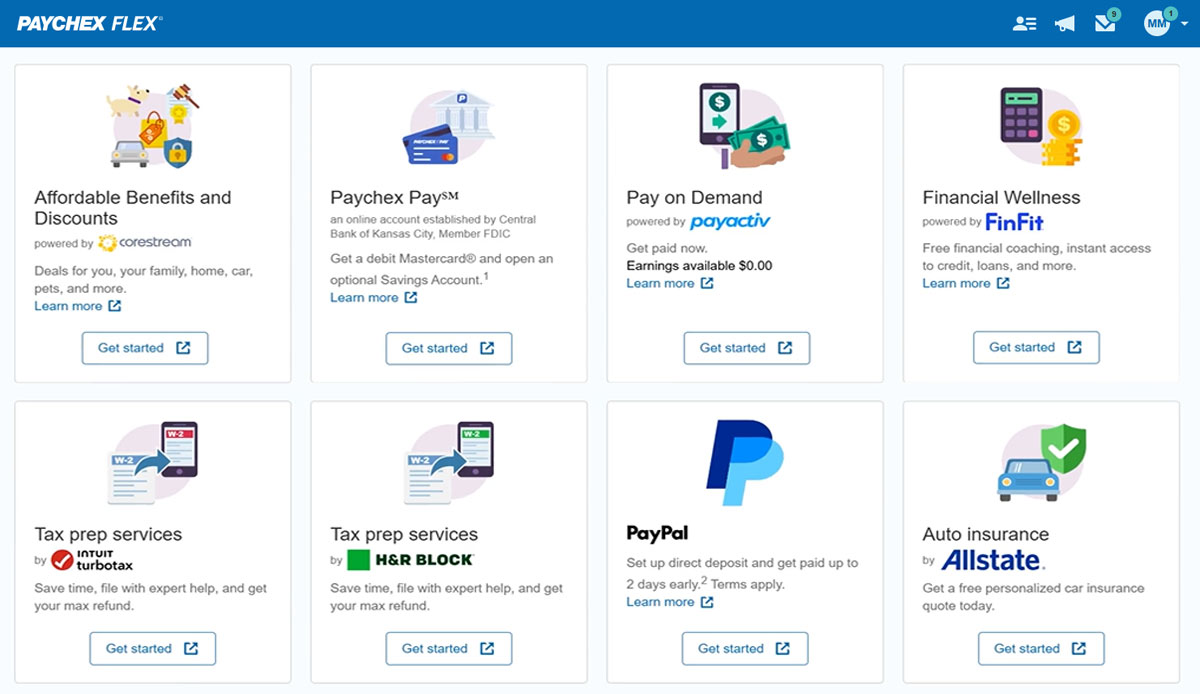
Paychex Flex, of Paychex' Online Payroll Services, is a cloud-based human resource management and payroll platform. Paychex offers core and specialized services, and scales to meet the needs of small businesses, SMBs, and large enterprises.
N/A
Tableau Public
Score 9.9 out of 10
N/A
Tableau Public is a free edition of the Desktop product. With this edition, data can only be published to the Tableau public website and does not allow work to be saved or exported locally.
Paychex is much more user friendly than ADP Run or ADP Total Source. However, I do like that ADP has an option to upload documents related to payroll such as notices from the state (DOR, UI, etc) and creates a case where notes from their rep are added and a case # is provided. …
I used Bangor Payroll prior to Paychex and they were better than Paychex. I didn't select Paychex, it was already at the organization when I joined it.
Both ADP and Paychex are very good at informing businesses of the latest changes regarding payroll. Not sure which one is better, but very much get the most out of each. Both are informative and always looking at additional topics in a world that is constantly changing. …
Paychex has been around for a long time and have used it at other organizations. The payroll functionality is the best out of the other systems I have used. They all are great with handling the HR needs of our organization but Paychex is the most streamlined.
We use BambooHR in tandem with Paychex. BambooHR is our timesheet service, and Paychex issues the checks/payments to our employees. Ideally we would use one service instead of two to achieve our payment and timesheet needs.
I far prefer Rippling to Paychex Flex, with its easy to navigate interface and user friendly model. I also appreciate the payday emails from Rippling and the paystub breakdown. It is also very easy and simple to request and view PTO in Rippling. I really dread having to use …
I'm unable to give you a comparison because Paychex is the only payroll service I've used since I started my business over ten years ago. I've had no reason to explore other payroll services or make a change. I trust it will remain that way for as long as I'm in business.
In addition to the ones listed above, we also used BenePay, a local payroll company. We found Paychex Flex priced in the middle, with ADP the most expensive and too complicated, with many features that were unnecessary for us. We found that Paychex Flex's features and reporting …
Based on what I've noticed, Paychex is comparable to DayForce, which has similar timekeeping functions. I think DayForce has a few easier-to-navigate tools from an Employee Self Service standpoint. iSolved is much better all around from my personal usage. If my company had more …
Gusto is more intuitive than Paychex and easier for smaller companies. Paychex has better customer support than Paylocity. Paychex is easier to navigate than Paycom.
Paychex offers much more than just tracking employee attendance and managing employee records. It offers Payroll services, Human Resource Services, Retirement Services, On-Boarding Services, Employee-Self Services, Employee Benefits Management, Employee Handbook Services, …
The determining factor in us deciding to go with Tableau Public over Power BI Free was the ease of Tablueau's ability to easily process larger datasets in comparison to Power BI Free's limitations.
Tableau public is Free and no subscription is required whereas Tableau Desktop is a paid subscription. if there is no private or confidential data it's easy to tableau public and share reports with people. Tableau public has same features and options same as desktop. its easy …
Tableau Public provides a variety of visualization and point-and-click functionality, with little or no scripting, gives Tableau the advantage. Also, being lightweight, Tableau Public finds the ease of use from our PSU bank-clients that use low-end hardware and devices. Tableau …
Tableau Public allows users to upload their work to a designated place online, where others can view and download it. This feature does not available in OriginLab, which is also a useful and popular program to do data analysis.
Tableau Public is most similar to Google Data Studio in terms of being freely available for public use. However, its capabilities and sophisticated visualizations are far and beyond anything offered by Data Studio: Tableau is ideal for creating professional caliber workbooks …
Google charts/Drive is sufficient for simpler data sets, but it does not integrate with other web platforms and the visualization does not look as professional. I'm not aware of any other competitors that offer the same package as Microsoft.
Tableau's core competency is to create a singular analytics platform and while Google and Microsoft provide viable alternatives, they don't quite match up. Tableau delves deeper into categories than Google and thus doesn't supply deep enough information. Microsoft on the other …
Salesforce can be a black box when it comes to CRM and even though Tableau isnt a CRM program our organization started using it for customer relations.
Tableau Public lacks data connectors to Oracle/SQL Server or just about any. No ability to share non-public data nor to package into Tableau Reader. No ability to connect to Tableau Server or Tableau Online to secure your information. However, if you want basic visualization …
We evaluated about 15 products when we selected Tableau 7 years ago, and periodically review products from other vendors (e.g. Microsoft, QlikView, Tibco Spotfire, Birst, Pentaho, etc.). To date, Tableau offers the widest variety of options and functionality at a reasonable …
Overall we have had a good experience. The unfortunate part of being with them for over 10 years is the change-over in support specialists and sometimes the lack of transparency when that occurs or the lack of personalized communication. However, the ease of use and streamlined services for reporting and recording payroll and onboarding employees is definitely a benefit to the service. Being able to pull reports and review past employees information can be invaluable at times. Knowing I have peace of mind when it comes to tax documentation because someone else is ensuring it is handled and handled correctly is very important
Tableau Public is great, especially if you're new to the platform or considering implementing it within an organization. The Public version has most of the capabilities of the full version, with extensive community documentation to troubleshoot issues you may run into. Additionally, there are many resources to check out Public workbooks from other users and communities: a GREAT learning resource to figure out new, innovative ways to visualize and present data. It is perfect for evaluating public datasets, for doing exploratory data analysis, or contributing to cross-organizational or extracurricular projects that may benefit from more sophisticated data analysis and exploration. Tableau Public, because it stores to the cloud and has limitations on connectivity (ie, cannot connect to SQL servers) is not suited for confidential, financial, PII, etc., data, and care should be taken to avoid including sensitive data in any of the Tableau Public workbooks used by an individual or organization.
Tableau Public can work with data that are differently formatted, such as MS Excel, .txt file, Google Sheets, not sure about MS Access.
GUI interface of Tableau Public is not that hard to start working on; Also, it can generate codes for the operations and so it is relatively easy to visualize and correct mistakes.
Lots of Tableau Public users upload their work to the online community, users can easily find very good figures/graphs that are similar to their problems and so they can use these figures/graphs as templates to modify and make their own ones.
When it comes to audit reports, Paychex Flex could improve on helping clients locate the correct reports for audit purposes more easily
When a client receives a discount, it would be helpful if the discount were automatically provided each year, or if the Paychex rep proactively reached out to the client first, versus the client having to call and request that the discount continue.
It would be helpful if the invoice was emailed to the client versus the client logging in to access invoices.
The biggest drawback to the Public version of Tableau is that any data used in the program is 'public' and therefore not secure: workbooks are saved to the cloud, rather than locally
Tableau Public limits data ingestion to 10 million rows per source
Limited connections - can't connect to SQL databases to ingest data (must be through CSV, Access, TDE, or text files)
there are a lot of competitors on the market such as BambooHR and Insperity. Paychex need to make significant improvement on their offline customer service in order to compete with the other guys. Everything is online now and timely response to customer's questions is vital. Customers won't enjoy being put on hold for 45 mins every time they have a question regarding their HSA problems
It's free, right? I'll keep using the free version. So the real question to ask is this? Will I pay $999 for the Personal version or $1,999 for the Professional? Yikes! That is a big stretch. I'm not sure about that. The product comparison chart is at: http://www.tableausoftware.com/public/comparison
Employee usability is very good and user-friendly. For the most part, the employer usability is good, but for complicated rules and policies, it requires technical assistance, which in our case, was clunky and slow in implementation. Once is place, everything works as it should
Tableau public is a great training tool to understand the basics of Tableau before buying it. A great tool to extend Excel's visualization and to publish data for others. Not useful for anything you need secure. No ability to access databases. Static information only.
We have not experienced any difficulties with unplanned outages. Notifications are always made for outages, and they do not effect normal business operations.
Unless there is lag time within the internet, the Paychex Flex website loads exceptional fast, pages load quickly and reports that I need to print or download load quickly. If I need to create a specialized report, once I complete it I receive an e-mail telling me my report is ready to be downloaded. Changing between web pages is fast as well.
Chat has been helpful but the person I chat with isn't always able to help me with my questions. Phone support is ok, depending on your payroll specialist. We have a great one currently, but the few before that were never available and did not return calls.
It was easy to understand and follow along. I do like the informational videos that we can utilize before we opt to call in for customer service support. It has made a difference since sometimes that resolves the issue I may have had and saved myself a phone call to Paychex support.
Implementation was very smooth. The most cumbersome task was entering the current employees into the system during initial set up, but Paychex staff handled most of that and verified against prior system reports as well as internal reports provided to ensure 100% accuracy.
Start at the end and work backward. Identify the business case / issue and questions the end users have, then identify the data needed, and where to get it.
Paychex is much more user friendly than ADP Run or ADP Total Source. However, I do like that ADP has an option to upload documents related to payroll such as notices from the state (DOR, UI, etc) and creates a case where notes from their rep are added and a case # is provided. This helps create a good way to track a notice and be sure it is resolved. I have sent requests to close different states when a company no longer has an employee there or have been told an item has been filed/completed, only to receive a notice later from Paychex notification or the the state claiming the issue is unresolved. When you have as many clients as we do, this can feel messy.
Tableau public is Free and no subscription is required whereas Tableau Desktop is a paid subscription. if there is no private or confidential data it's easy to Tableau public and share reports with people. Tableau public has same features and options same as desktop. its easy for students or beginners to signup and start learning/build reports.
Employees can log in at home and get up to date information on their FSA balance and any medical bill reimbursements they may have uploaded. At renewal time they have the ability to make changes to their FSA or for new employees star the enrollment.
This software has provided visibility to shift managers and department leads that they never had before in managing their subordinates. They now have an easy-to-use go-to source for seeing who has PTO, how much they have available, and what the work calendar looks like, allowing them to make better-informed decisions.
With this software to manage open enrollment, we can now get through that process with a tool we use regularly, rather than jumping into enrollment management software only once a year and having to relearn it each year.
Literally thousands of steps are saved each week by not needing to traverse the entire shop floor or track people down to clear up questions with time cards. With everything digital, so much can be observed and addressed in real-time through the app.