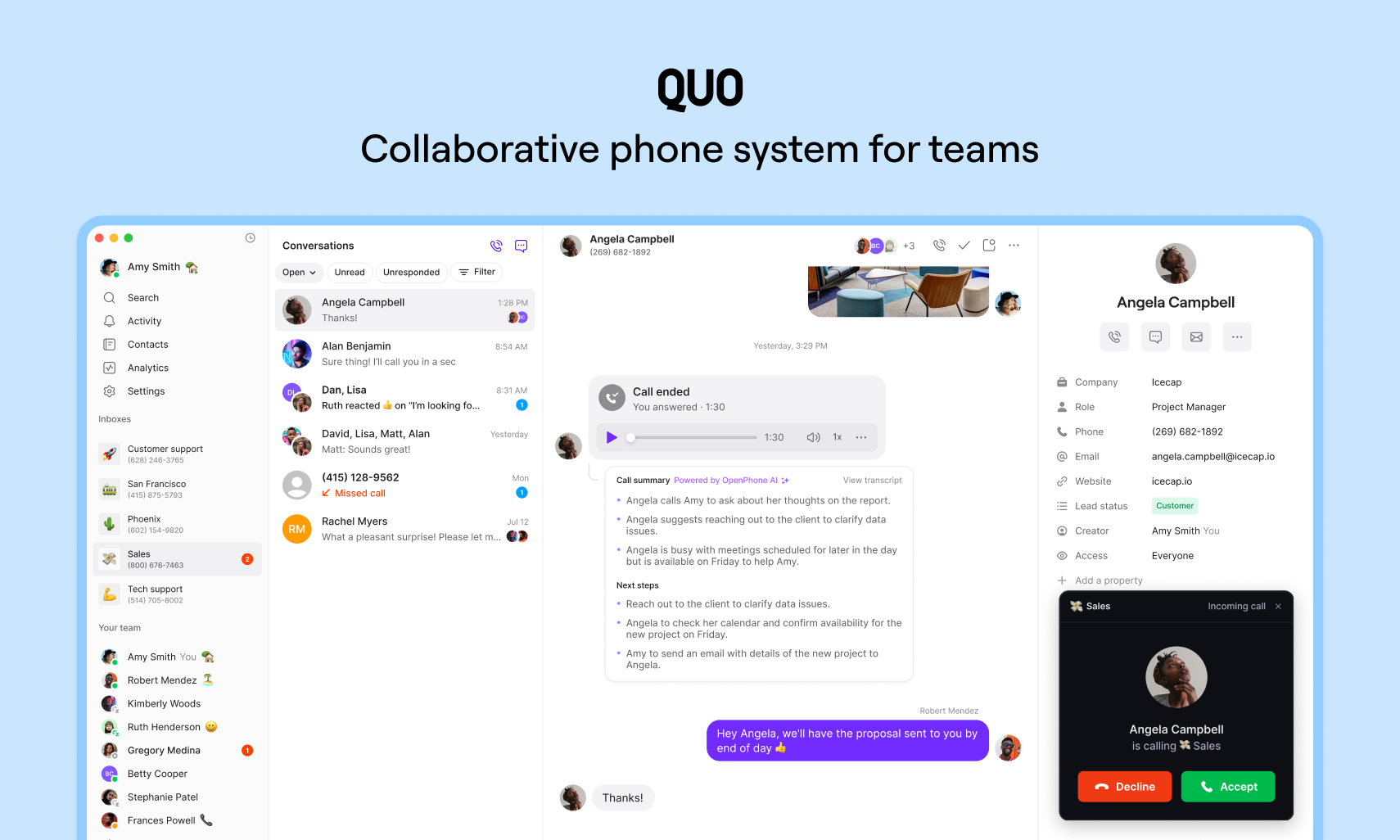
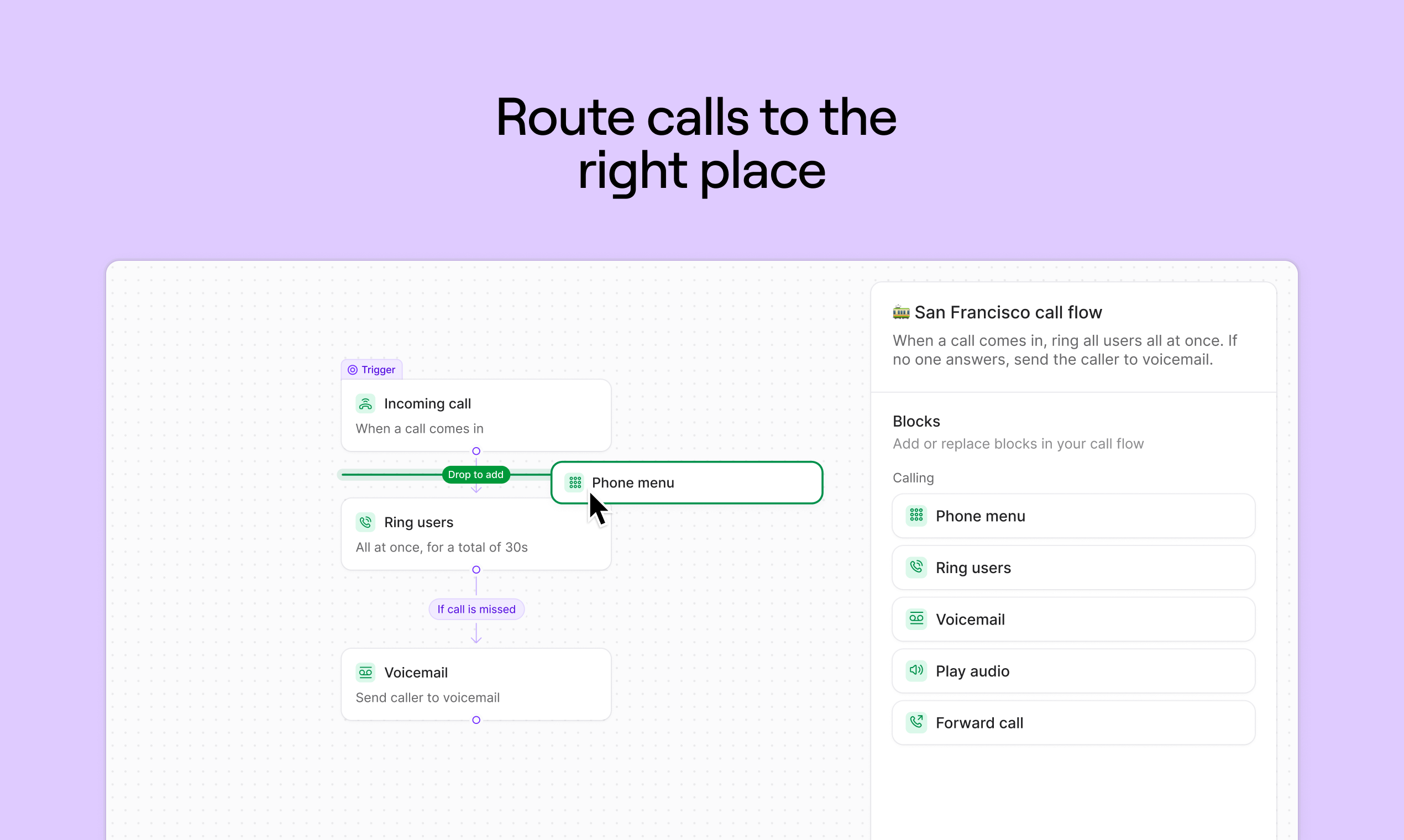
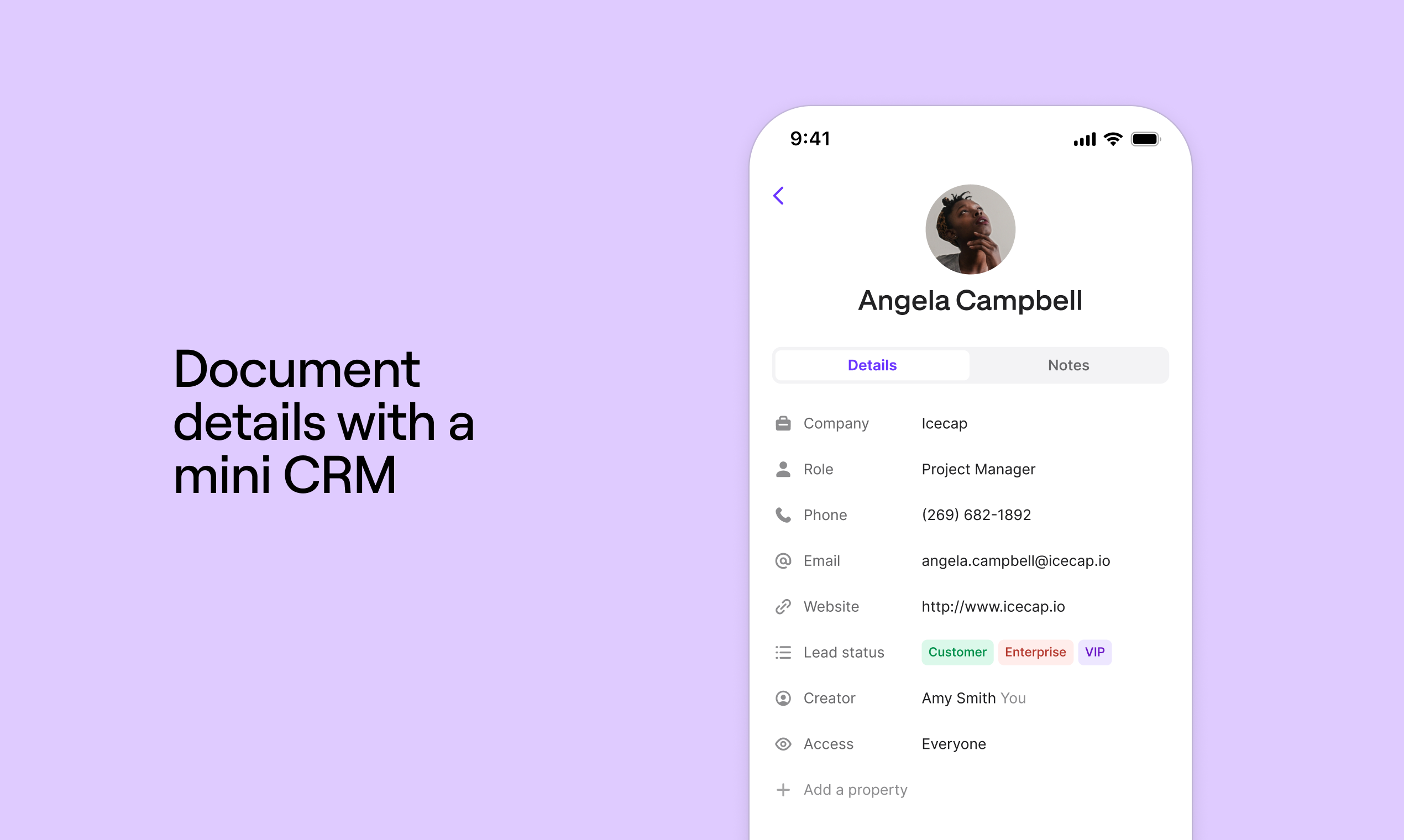
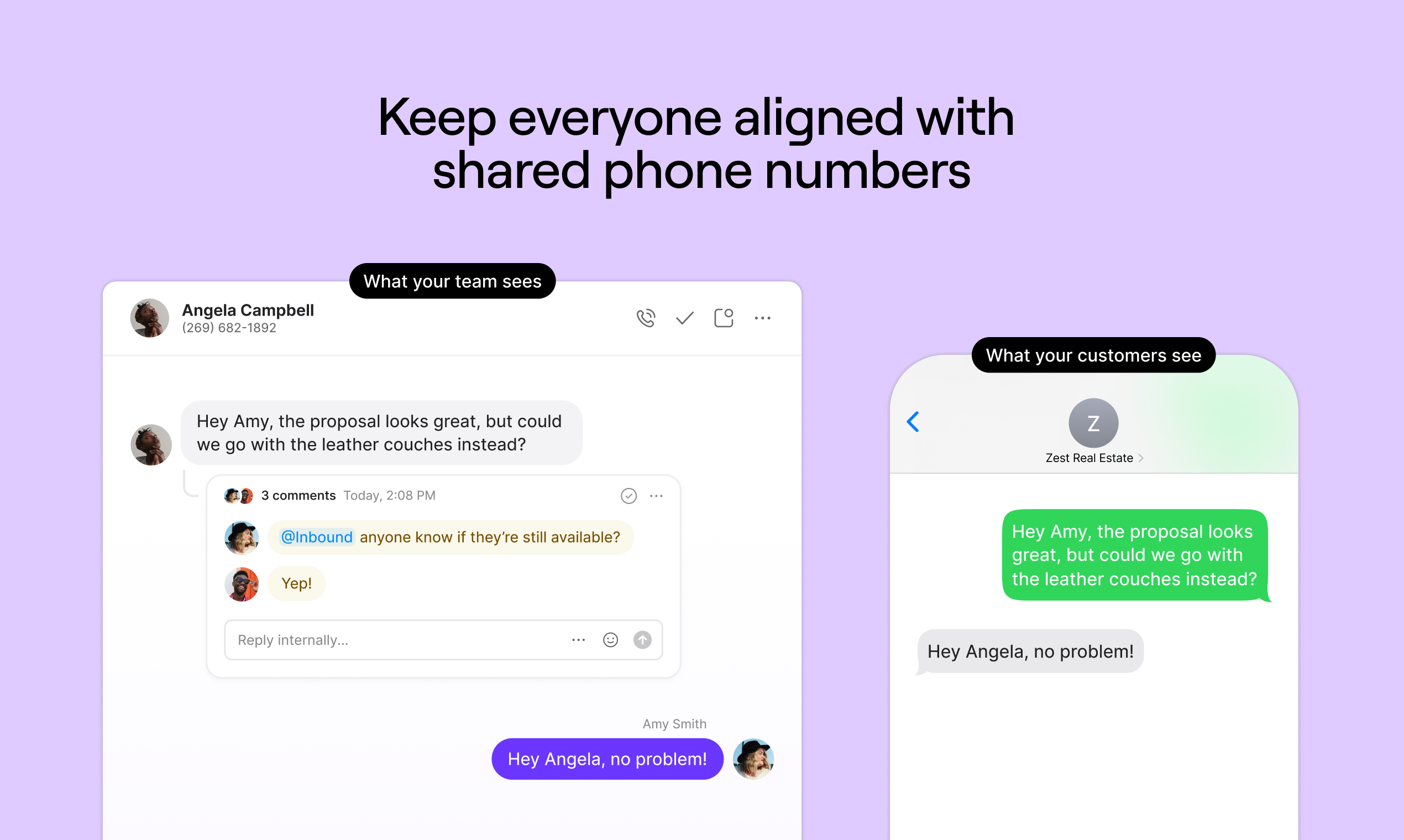
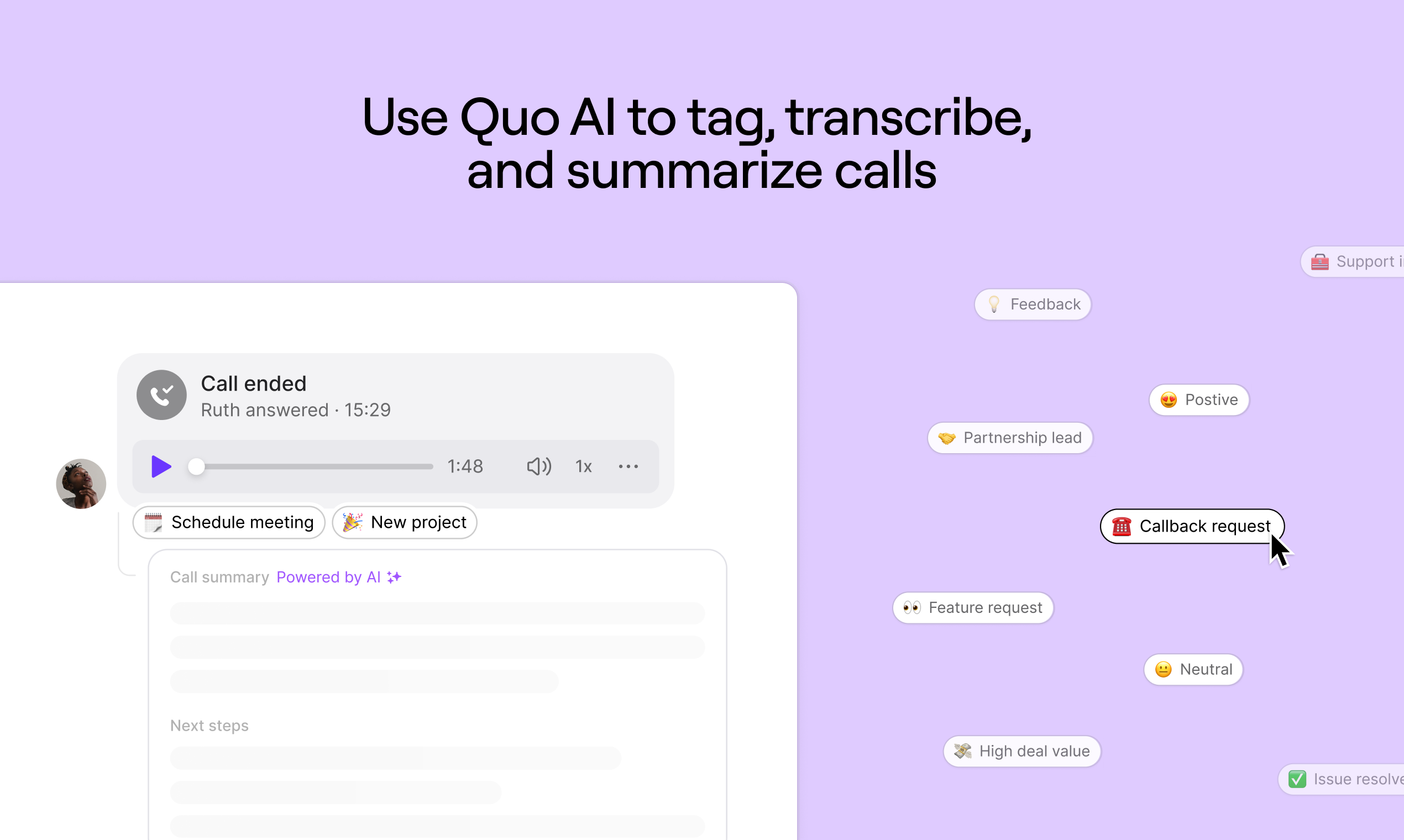
Quo (formerly OpenPhone) is a business phone and VoIP solution designed to help maintain work life balance. Features include incoming call identification, set business hours, contact ownership information to associate calls to teammembers, etc., to help organize call responding.
$19
per month per user
Skype (discontinued)
Score 7.1 out of 10
N/A
Skype (the personal edition or Skype free) was a web meeting, video conferencing, and VoIP software, now superseded by Microsoft Teams' free edition and unsupported from May 2025.
$2.99
per month
Pricing
Quo
Skype (discontinued)
Editions & Modules
Starter
$19
per month per user
Business
$33
per month per user
Scale
$47
per month per user
Enterprise
Custom Pricing
United States Subscription
$2.99
per month
North America Subscription
$6.99
per month
India Subscription
$7.99
per month
Offerings
Pricing Offerings
Quo
Skype (discontinued)
Free Trial
Yes
No
Free/Freemium Version
No
No
Premium Consulting/Integration Services
No
No
Entry-level Setup Fee
No setup fee
No setup fee
Additional Details
Discounts available for annual pricing.
—
More Pricing Information
Community Pulse
Quo
Skype (discontinued)
Features
Quo
Skype (discontinued)
Cloud PBX
Comparison of Cloud PBX features of Product A and Product B
Quo
5.7
5 Ratings
33% below category average
Skype (discontinued)
-
Ratings
Hosted PBX
4.54 Ratings
00 Ratings
Multi-level Interactive Voice Response (IVR)
4.55 Ratings
00 Ratings
User templates
8.04 Ratings
00 Ratings
Call reports
4.54 Ratings
00 Ratings
Directory of employee names
7.14 Ratings
00 Ratings
Call Management
Comparison of Call Management features of Product A and Product B
Quo
7.5
9 Ratings
9% below category average
Skype (discontinued)
-
Ratings
Answering rules
7.16 Ratings
00 Ratings
Call recording
7.18 Ratings
00 Ratings
Call park
7.15 Ratings
00 Ratings
Call screening
7.17 Ratings
00 Ratings
Message alerts
8.97 Ratings
00 Ratings
VoIP system collaboration
Comparison of VoIP system collaboration features of Product A and Product B
Quo
5.7
10 Ratings
32% below category average
Skype (discontinued)
6.6
4 Ratings
10% below category average
Video conferencing
4.52 Ratings
5.74 Ratings
Audio conferencing
4.55 Ratings
6.64 Ratings
Video screen sharing
5.01 Ratings
6.14 Ratings
Instant messaging
8.910 Ratings
7.94 Ratings
Mobile apps
Comparison of Mobile apps features of Product A and Product B
Quo
5.8
10 Ratings
30% below category average
Skype (discontinued)
-
Ratings
Mobile app for iOS
4.510 Ratings
00 Ratings
Mobile app for Android
7.15 Ratings
00 Ratings
Performance & Compatibility of Online Events Software
Comparison of Performance & Compatibility of Online Events Software features of Product A and Product B
Quo
-
Ratings
Skype (discontinued)
6.2
138 Ratings
24% below category average
High quality audio
00 Ratings
6.6135 Ratings
High quality video
00 Ratings
7.3133 Ratings
Low bandwidth requirements
00 Ratings
5.5130 Ratings
Mobile support
00 Ratings
5.5118 Ratings
Screen Sharing
Comparison of Screen Sharing features of Product A and Product B
Quo
-
Ratings
Skype (discontinued)
6.2
119 Ratings
24% below category average
Desktop sharing
00 Ratings
5.6118 Ratings
Whiteboards
00 Ratings
6.860 Ratings
Online Meetings / Events
Comparison of Online Meetings / Events features of Product A and Product B
Quo
-
Ratings
Skype (discontinued)
6.0
118 Ratings
30% below category average
Calendar integration
00 Ratings
6.185 Ratings
Meeting initiation
00 Ratings
6.4106 Ratings
Integrates with social media
00 Ratings
4.465 Ratings
Record meetings / events
00 Ratings
7.077 Ratings
Slideshows
00 Ratings
6.268 Ratings
Online Events Collaboration
Comparison of Online Events Collaboration features of Product A and Product B
Quo
-
Ratings
Skype (discontinued)
5.4
111 Ratings
40% below category average
Live chat
00 Ratings
5.5110 Ratings
Audience polling
00 Ratings
5.364 Ratings
Q&A
00 Ratings
5.462 Ratings
Online Events Security
Comparison of Online Events Security features of Product A and Product B
If you have more than 2 people in your organization, then this will save you so much time. Delegation is the key to starting a business. Even when you're a 1 person show, being able to present to your user base the differentiation of options for client communications is critical. As a founder, feeling compelled to be always on is something I strive not to be. OpenPhone gives you that flexibility. I have found it to be less appropriate in complex HIPPA compliant areas, but that is it. OpenPhone really does seem to suit an open array of use cases.
Having interacted with a new replacement tool, Microsoft Teams, it is challenging to recommend Skype, as it lacks some essential features, such as being less equipped with the latest updates, and it is not platform-independent, causing issues on PCs and phones, as well as during calls that might hinder work.
The instant chat function is great. Very straightforward, easy to use, easy to learn, no technical issues.
Video calls are pretty easy also, user friendly and a mostly stable connection with no issues.
Voice calls are easy also, eliminates the need for an external landline or the need to use your cell phone. Clear connections, not really any dropped calls.
In my experience, App features are buggy and confusing, and they often don't match the descriptions and screenshots in their documentation. In fact, many of their help links go to 404 "page not found" errors. In my experience, there are frequent outages and quality issues. My customers prefer to talk to me on a different line, because they find it difficult to understand me on OpenPhone.
Skype is not as good as Facetime in terms of ease to glance at it and figure out how it works. I think that's a result of Skype trying to be too many things at once. A lot of the menu and UI could be streamlined, and I would jettison some of the additional functions that have been tacked on over the years to simplify. That being said, while some options are slightly hard to find, they all work flawlessly once found.
In my experience, their support feels like the opposite of support. They send you in circles, never directly answer questions, provide vague suggestions with unwanted platitudes, and they often take days between responses to provide that. For me, it's a frustrating experience that leaves you with a net loss of time and energy versus before you reached out to them. In my opinion, you definitely don't get "support".
I am not aware of the current support level for Skype for business, as I have never used even though I have the product. However, the support for Skype's personal paid users is not where it could be. Users who pay for Skype features do not have a clear path to reach out to support. So, rating 6, can be better as soon as I need to use Skype for business support and get a good experience. I will say that I will renew Skype for Business subscription, which is a significant inconsistency on my end. The explanation is that Skype for Business comes bundled with Office for Business, with no additional cost, so why not.
OpenPhone has an easier user interface than Grasshopper. Years ago when I was using Grasshopper, I recall that their user interface looked antiquated and full of complications. They would also update the interface just as everyone was getting used to using it. OpenPhone has many more functions. Grasshopper's app did not offer basic functions such as in-app texting between team members, and its call transfer function was incredibly complicated to use. In my opinion, Grasshopper was an inferior service/product in almost every way.
We use Skype in combination with Grasshopper. While Grasshopper acts as a routing toll free number with extensions, if we are making calls directly, we do it through Skype. Skype's desktop and mobile apps are easier to use, and provide unlimited local calls at a flat, affordable rate. Allowing our team to use their existing mobile or desktop devices without additional hardware for business office phone calls is important, and Skype makes that possible
In my experience, Billing lacks transparency, and they have made billing errors (overcharging me) since I started using them. I think the "trust registration" is an insane ripoff charging around $20 for every attempt. Crazy.