Salesforce Mobile (formerly Salesforce1 Mobile App) provides sales reps and marketers to update their pipeline and lead statuses on the go, as well as share notifications and keep their team and collaborators updated on the movement of prospects through the sales pipeline.
N/A
Sendoso
Score8.2 out of 10
N/A
Sendoso is a gift sending platform designed to support B2B sales and ABM, and provide a sales accelerant.
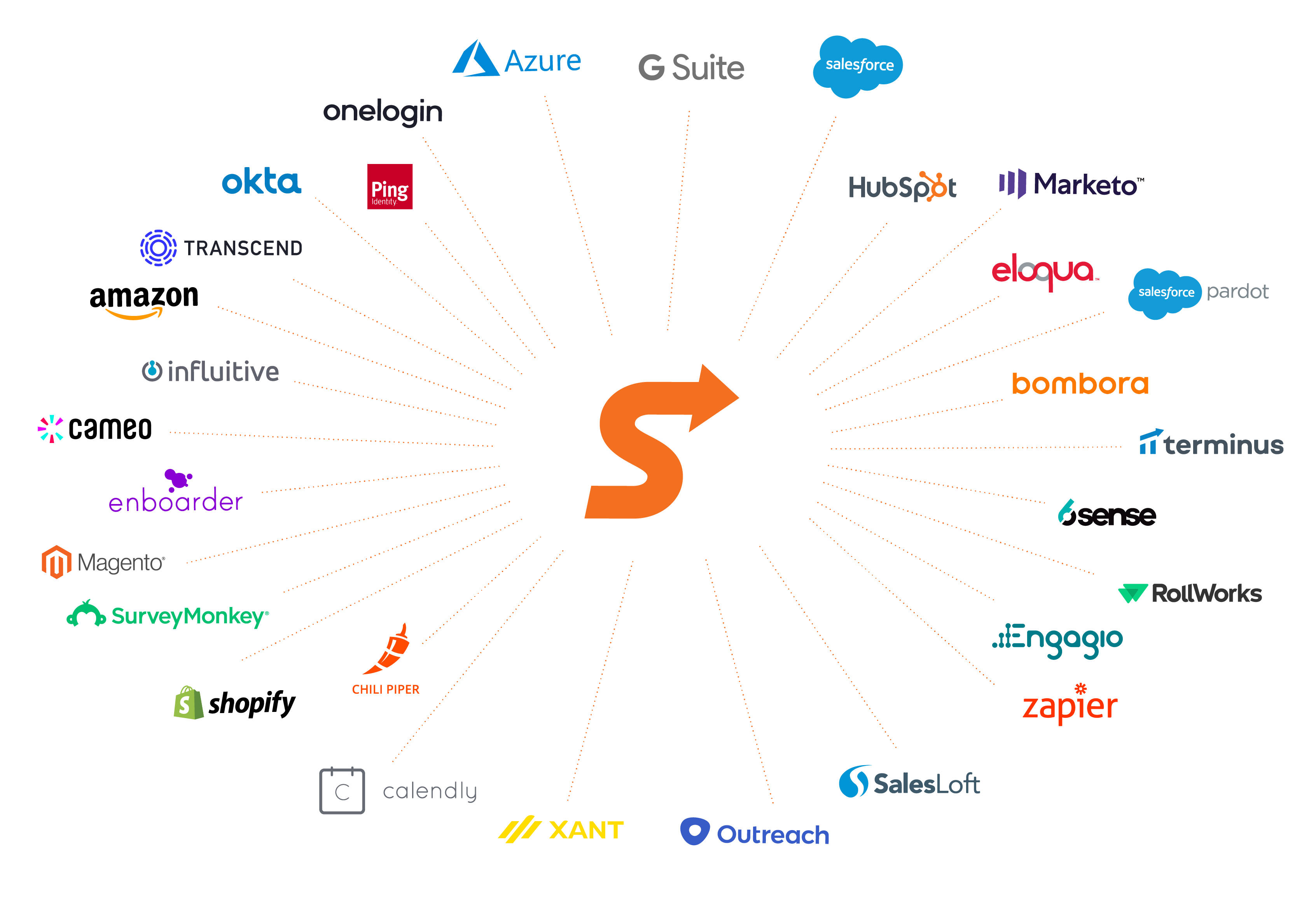
It is well-suited for use cases where you already use Salesforce as a CRM, as it works hand in hand. Also, it can connect to Slack and supports Mulesoft integrations, making it an all-in-one ecosystem. For use cases like ours, where field service reps need an app to add work notes or enter their absences, etc., the app works great.
A de minimis incentive was given to thank the reviewer for their time. The incentive was not used to bias or drive a particular response, nor was the incentive contingent on a positive endorsement. More Info
I've used all the sending platforms (Sendoso, Reachdesk, Loop & Tie, Alyce, and Surgar Wish). I've had the most success with Alyce. We're a global SaaS platform with presence in NAM, EMEA and APAC. We're valued at $2B and drive around $2.5M in sales. As a demand gen team we have about ~$12M in program spend, so I'd say the tool is suitable for a scaling mid-market/enterprise brand that's focused on ROI, efficiency and scaling. I'm not sure who Alyce is not suitable for to be honest, I can only speak from my experience using it in my current role. I imagine it's not suitable for a company whose tech stack cannot integrate with Alyce.
A de minimis incentive was given to thank the reviewer for their time. The incentive was not used to bias or drive a particular response, nor was the incentive contingent on a positive endorsement. More Info
Clicking an address deep-links directly into Google Maps, eliminating the need to copy-paste data between apps while driving.
The app handles technical payroll jargon surprisingly well. I can dictate a meeting summary while walking back to my car, and it saves as a formatted note.
Log calls and emails immediately after they happen.
A de minimis incentive was given to thank the reviewer for their time. The incentive was not used to bias or drive a particular response, nor was the incentive contingent on a positive endorsement. More Info
The Custom Brand Shop has been a real game-changer.
Easy to place curation requests and quick responses.
The ability to send items through Amazon but also include inventoried items is great for higher value gift bundles and lets you avoid having to source items that you may not be 100% sure about the quantity needed.
A de minimis incentive was given to thank the reviewer for their time. The incentive was not used to bias or drive a particular response, nor was the incentive contingent on a positive endorsement. More Info
Just like Salesforce, there's a lot you can do with the app. It can feel overwhelming if you don't know what you're looking for.
This isn't necessarily a fault, but when you use Salesforce on a computer most of the time, when going to Mobile you do have to make an adjustment and be prepared for a different layout and navigation.
A de minimis incentive was given to thank the reviewer for their time. The incentive was not used to bias or drive a particular response, nor was the incentive contingent on a positive endorsement. More Info
A de minimis incentive was given to thank the reviewer for their time. The incentive was not used to bias or drive a particular response, nor was the incentive contingent on a positive endorsement. More Info
A de minimis incentive was given to thank the reviewer for their time. The incentive was not used to bias or drive a particular response, nor was the incentive contingent on a positive endorsement. More Info
We're very sticky with Sendoso and would prefer to not train the entire sales org on a new platform! That and we've already sent up a plethora of gifts the team can send out (eGifts, physical branded items, treats, plants, etc.).
A de minimis incentive was given to thank the reviewer for their time. The incentive was not used to bias or drive a particular response, nor was the incentive contingent on a positive endorsement. More Info
The mobile is usable for all the smaller tasks also from the developer we can make them create button from which we can trigger automations, the app is used for on the go updates to the crm. The log in process is simple, it also has offline capabilities which is a plus point.
A de minimis incentive was given to thank the reviewer for their time. The incentive was not used to bias or drive a particular response, nor was the incentive contingent on a positive endorsement. More Info
I log in to the Sendoso website each time to use it, I'm not sure if there's an easier way. There may actually be a chrome extension that I'm just not using for whatever reason. I bet there is. But the website works well enough. Doesn't blow my mind, but it's all I need
A de minimis incentive was given to thank the reviewer for their time. The incentive was not used to bias or drive a particular response, nor was the incentive contingent on a positive endorsement. More Info
Sendoso occasionally has downtime, but it's usually isolated to a single feature and doesn't effect the entire platform. They are responsive when it comes to intaking these outages and are quick to work to resolve them
A de minimis incentive was given to thank the reviewer for their time. The incentive was not used to bias or drive a particular response, nor was the incentive contingent on a positive endorsement. More Info
Their platform doesn't take a long time to load, and it typically isn't too buggy once a new feature has been out for a while. Reports are pretty quick to generate and are emailed to the user on file for use typically within ten minutes or so. I have not noticed Sendoso slowing down any of the software it integrates with at all
A de minimis incentive was given to thank the reviewer for their time. The incentive was not used to bias or drive a particular response, nor was the incentive contingent on a positive endorsement. More Info
I haven't had the need to contact support, but the online community has a VAST knowledge of support if you're in need. For instance, I needed to know how I could set the dashboard up to automatically refresh and the online community helped me within minutes.
A de minimis incentive was given to thank the reviewer for their time. The incentive was not used to bias or drive a particular response, nor was the incentive contingent on a positive endorsement. More Info
They listened to the problem with delivery times but did not present a reasonable solution. Again, the shipping costs consumed too much budget. On one bulk send their support team agreed to take over a project for a few of the reps which is encouraging to see.
A de minimis incentive was given to thank the reviewer for their time. The incentive was not used to bias or drive a particular response, nor was the incentive contingent on a positive endorsement. More Info
Our in person trainings were on zoom, but they are not recordings which is why I listed them as in person. You get a live person to walk you through integrations, how to use the platform, sendings best practices, setting up other users, etc. The customer success team will help you training staff users too. Ours even ran a contest for them to encourage them to send to prospects and they provided the prize!
A de minimis incentive was given to thank the reviewer for their time. The incentive was not used to bias or drive a particular response, nor was the incentive contingent on a positive endorsement. More Info
These were CSM and Onboarding team zoom meetings where they hand-hold you, which is nice especially compared to other company onboardings. After that they have Zen desk articles and regular check-ins where you can get the training you need. I also am on a slack channel with Sendoso staff where I can ask additional questions or look for best practices.
A de minimis incentive was given to thank the reviewer for their time. The incentive was not used to bias or drive a particular response, nor was the incentive contingent on a positive endorsement. More Info
A de minimis incentive was given to thank the reviewer for their time. The incentive was not used to bias or drive a particular response, nor was the incentive contingent on a positive endorsement. More Info
Get Sales and Marketing both involved in the implementation so you can strategize on how you'd want to use it across your organization. This will help your CSM roll it out the way you want instead of trying to piecemeal it after you've finished the onboarding process. Also I would recommend using a mix of Sendoso Direct, Inventory and eGift sends. Relying all on one or the other will not serve you well
A de minimis incentive was given to thank the reviewer for their time. The incentive was not used to bias or drive a particular response, nor was the incentive contingent on a positive endorsement. More Info
I haven't tried another service yet, therefore I can't give a comparative example from another software. Nevertheless, I can say that the experience that I had so far is pretty amazing. I am able to do things for my job without the need of a laptop, like I can be walking around a city where I am visiting potential clients and check all the data that we have on the way there. It really boosts my productivity.
A de minimis incentive was given to thank the reviewer for their time. The incentive was not used to bias or drive a particular response, nor was the incentive contingent on a positive endorsement. More Info
Local vendors, including print & mail houses, are the only thing I can compare to Sendoso for similar services. Local vendors are good for ordering a bunch of swag to have at the office or [giving] away at conferences but if you are looking to send items to clients/prospects on-demand then a tool like Sendoso is a must.
A de minimis incentive was given to thank the reviewer for their time. The incentive was not used to bias or drive a particular response, nor was the incentive contingent on a positive endorsement. TR verified that a representative sample of customers was invited. More Info
Sendoso has really improved here. Along with helping you train your staff, you can now clone gift touches, sync them with salesforce from the platform directly, and send out address confirmations using your own or their email sending platform - they also just released an option for you to white-label your own domain. helping you save time and get a lot off the ground quickly
A de minimis incentive was given to thank the reviewer for their time. The incentive was not used to bias or drive a particular response, nor was the incentive contingent on a positive endorsement. More Info
A de minimis incentive was given to thank the reviewer for their time. The incentive was not used to bias or drive a particular response, nor was the incentive contingent on a positive endorsement. More Info
A de minimis incentive was given to thank the reviewer for their time. The incentive was not used to bias or drive a particular response, nor was the incentive contingent on a positive endorsement. TR verified that a representative sample of customers was invited. More Info