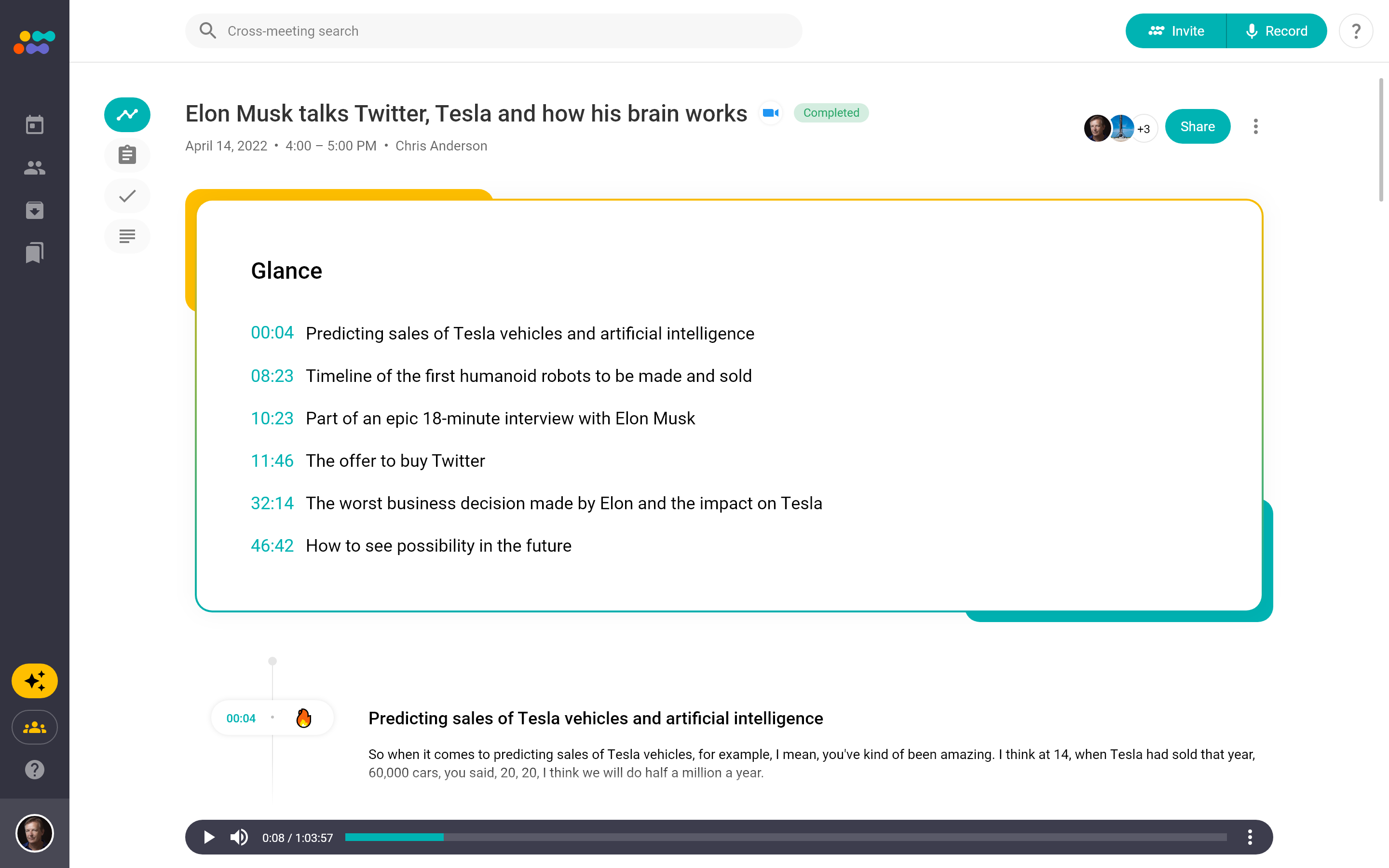
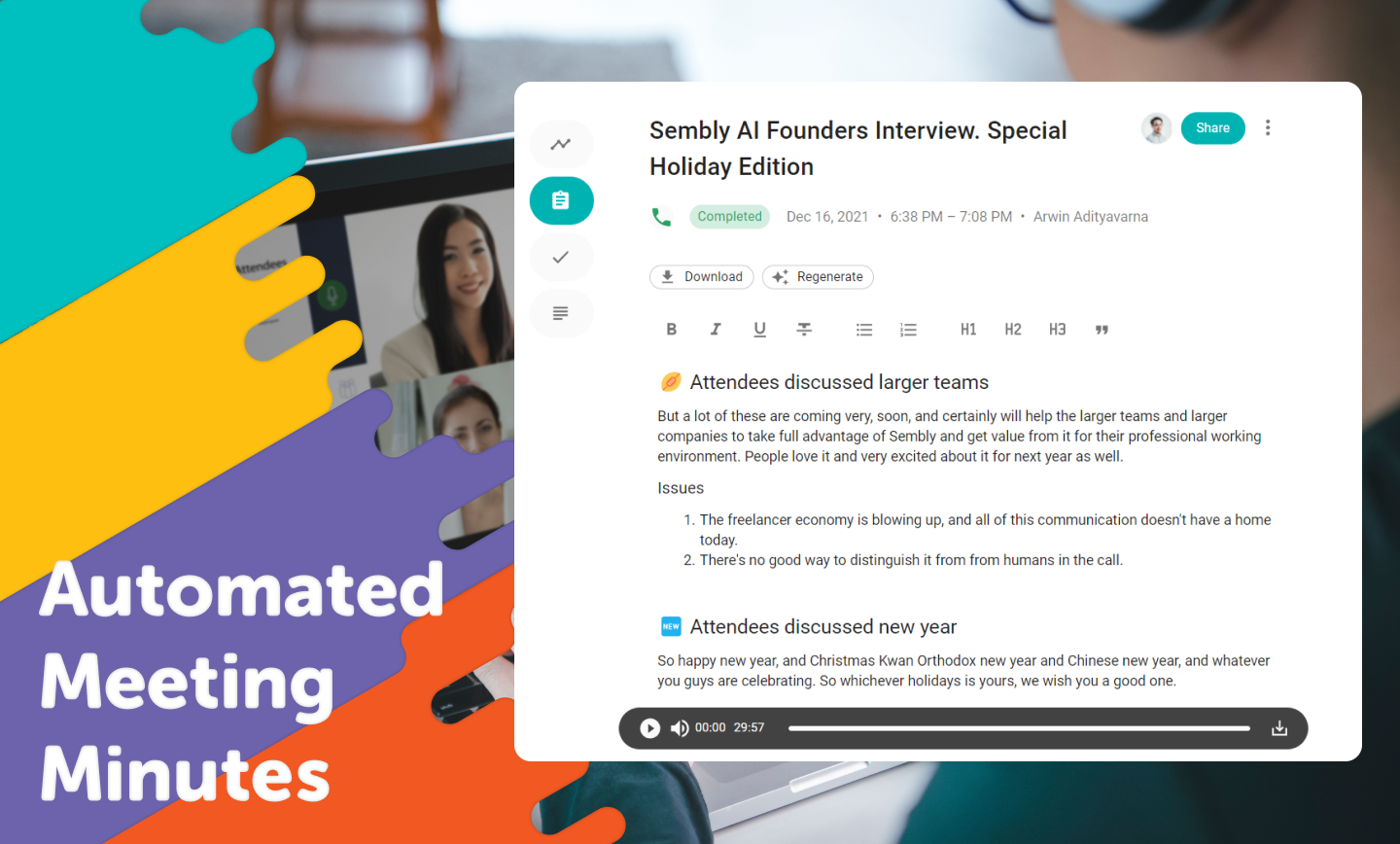
Sembly (formerly Powow) is a SaaS platform from the company of the same name in New York City, that helps to make meetings more effective by using proprietary AI algorithms to transcribe and analyze meetings, transforming them into actionable insights.
$0
per month per user
Whova
Score 9.4 out of 10
N/A
Whova, headquartered in San Diego, provides what they describe as Intelligent Event Technology Solutions by creating authentic audience participation and engagement and simplifying the entire event process from planning to registration, networking, and follow-up. Whova's mobile engagement apps support both on-location events and virtual events.
N/A
Zoom Workplace
Score 8.4 out of 10
N/A
Zoom Workplace, Zoom’s open collaboration platform with an AI Companion, empowers teams to be more productive, and strengthen customer relationships throughout the customer lifecycle with Zoom’s Business Services for sales, marketing, and customer experience teams, including Zoom Contact Center.
I like Whova best for interactive conferencing. However, I did not select it. It was selected by the NY-NJ Harbor & Estuary Program and I'm glad it was. Subsequent discussion with HEP staff has found that the platform is well worth it.
Have only used Whova or particularly proprietary software developed by the particular conference. That proprietary software was not nearly as good as Whova! No contest.
I have not had experience using any platform that matches Whova. It is vital that the virtual conference platform easily interfaces with zoom, emails, and allows for links to click through to recommended sites. The access to breakout sessions allows you to gain intimate …
Powow is well suited for meetings, multi-meetings, and having everyone in the team involved. It simplifies the process of decision-making and any process within our business that needs multiple people working at the same time. It allows people to focus on the meeting instead of taking notes as Powow uses audio transcription to create summaries about everything said. It also allows getting relevant insights and analytics that are really helpful for the business. In my own case, being a fashion and design store requires hand on meetings and work that can't be done thru the internet. Also, for very important meetings or information, you can't really rely on the transcripts as they are not perfect. Even though Powow is relatively new, it has mainly positive aspects.
I think it works really well as a way to organize yourself while at a conference. As well, to network with said attendees I found it very valuable to remember names. Having an automatic rolodex with everyone I met and ensure I had their info to connect later
Zoom Workplace is ideal for many businesses, more so because it saves money by uniting different functionalities into one app - meetings, messaging, phone, and scheduling. The tool keeps teams connected thanks to the amazing collaboration and communication features. In addition, Zoom Workplace is helpful for businesses with a hybrid team, thanks to its effortless connections.
It offers amazing unified collaboration features, including Zoom whiteboard, Zoom team chat, and integrated mail and calendar.
Zoom is a great meeting solution, with features like smart recording, breakout rooms, and personalized video and audio, making it a functional business meeting tool.
It is equipped with amazing AI features that help summarize meetings, generate content, and provide quick catch-up, allowing one to ask AI questions without interrupting meetings.
I don't think there is any malfunction in their solution; it's extremely convenient to use, be it creating a meeting invite, adding people, sending any extra stuff to them. It's quick, and this is the only tool that works seamlessly even on Androids.
We already registered with Whova for our 2024 event and we will continue to use Whova for the foreseeable future as long as the price doesn't rise too high. It was a bit of a shock to see the difference between last year's price and this year's price - nearly 2k increase! We were able to negotiate, thankfully, to lower the price.
We're sticking with Zoom for the foreseeable future--given its compelling feature set, ease of use, and advanced technology, there's just no other competition to be excited about. Plus it's a Gartner-recognized industry leader, so it's a rather easy choice.
Most of Whova's functions are intuitive and you can self-teach about 80% of it with ease. I really was impressive with the messaging, follow up meet-up capabilities and sharing of contact information. My only few concerns were about the lack of an archive or back up, [perhaps cloud-based?] of the meeting room and round-table's presentations
Zoom is made for the non tech office. It has features that can be made to do what you need to run things on a day to day basis. Immediately we we able to get meetings going with remote employees. The ability to be able to add smartphone connected people was a big plus. Zoom met our needs at the time.
There have been less than a handful of outages during our two years with Zoom, and whenever there was one, an email informing us of the outage went out immediately, and they had the issue resolved shortly thereafter.
We had no performance issues with our event delivery. We did have some meet-ups that had some glitches for some attendees, but I believe they were quickly resolved and were more on the part of user error than anything. Once they got the hang of it, their meet-ups went more smoothly.
Zoom has among the best performance of any video conference platform, as I've mentioned several times. Besides that, their Chat platform works great, and their back end always runs smooth. It's unfortunate that reporting can now only be done by one month at a time, but nonetheless, it only takes a second to run any kind of Zoom report, whether it's an attendee report, Poll results, a user report, a list of meetings from the past month, etc.
I only had a single issue regarding a photograph that was handled immediately and a colleague somehow ended up with two profiles which was also handled right away. Those two instances are all I have to go by. Other than that it was smooth but I did have ample information regarding who to contact if I experienced an issue
Because I got a response right away, and was assigned one specific individual to work with me from the beginning to the resolution. I had an actual email address and direct contact with this person without having to start over and over every time I contacted Zoom - this singular individual remained attentive and was well informed on the subject matter and quite able to resolve my needs.
I found Whova to be similar to many social media apps that I already use. It was easy to navigate. This was my second experience using Whova in my presenter role. I liked the icebreaker section to connect with other participants before the event started. I look forward to next year’s event.
If you receive any pushback from higher ups, point to any of the various positive reviews like this one. Or show Zoom's excellent Gartner report, or articles describing Zoom's partnership with Sequoia capital. It's not difficult to show how Zoom is a trustworthy industry leader with best-in-class technology.
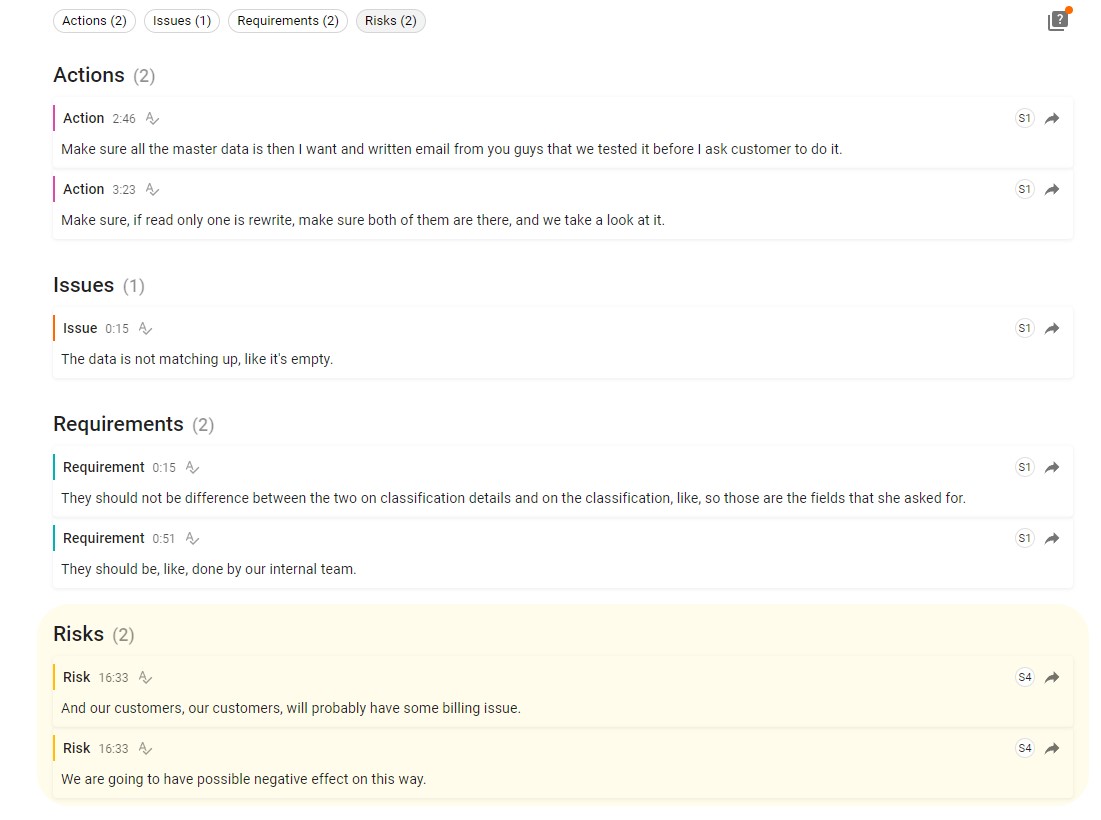
Even though all of the mentioned platforms are helpful for meetings and teamwork, Powow is so much better. First, it allows multi-meetings, facilitating the job of the managers and heads of every team to be involved in all the work done. Also, it has audio transcripts that avoid the need for note-taking, making people pay full attention to the meeting. Provides as well insights and analysis related to the business and meeting content that are really helpful for the business. The AI component to extract patterns and sentiments across multiple meetings is a huge tool for managers and heads of teams to identify key issues and mitigate risks.
We selected Whova for price, and ease of use. We would have chosen GoToWebinar but they did not have as many options for sponsor recognition. We will most likely use Event Rebels in the future for our needs. Tracking time and sessions viewed is a must for our industry as attendees rely on us to earn CEs to renew their licensing.
Teams do not stack up to Zoom at all. My clients use Teamas because it is a corporate policy, and they use it most of the time between employees of the same company. It makes sense for this, NOT for me. Every time a Teams meeting is launched, since I am not part of this company, the meeting is laborious, the interface is not as nice as Zoom's, sharing documents is more difficult, etc., etc. Zoom is superior to Teams in every way!!!
I especially liked the ease of communication, the ability to ask hard questions easily, and afterward the ability to survey all participants to see what we (and/or Whova) could do better going forward.
The billing and price model is really fair for so many functions that they offer, our remote work requires each of the features that Zoom offers, so accepting payment for a tool like this is the least we can do. I like that billing arrives on time and that they offer opportunities and payment times.
Because the Basic licenses are completely free, and because it's very easy to configure and install Zoom, and because anyone can join Zoom from a link without needing an account, scaling is a Breeze. There are absolutely no roadblocks. My company keeps adding more Zoom Pro license every week since it's so in demand. We were able to convert users from several different platforms onto Zoom with no trouble at all.
Zoom is perfect for our business. We use it to video chat with prospective clients. The name recognition alone gives us credibility and it is very easy to screen share and send content out.
Whova made our virtual and hybrid events possible! Our virtual attendees loved the ability to interact and engage with each other, the exhibitors, the speakers and organizers of the event. It also allowed our in-person attendees to do the same, and navigate the conference on-site.
Whova made organizing the conference possible for our small staffed organization! We only have 1.25 FTEs and were able to pull off a hybrid conference in 2022. It wouldn’t have been possible without Whova!
We are still early in our adoption of Zoom Workplace for business, so we don't really have any data to show cost savings.
The ability to take a call summary or meeting summary and add it to our practice management system have been remarkable. It's a quick copy/paste and it's in the system. Prior to this, we would have to scan in notes and save them into the system, if it even got that far. Mostly, attorneys would be searching through legal pads for the notes of a previous meeting or phone call.