TrustRadius: an HG Insights company

Melissa Data Quality Suite

Score9.1 out of 10

2 Reviews and Ratings

What is Melissa Data Quality Suite?

Melissa Data Quality Suite standardizes, verifies and corrects contact data including postal addresses, email addresses, phone numbers, and names. With flexible deployment through cloud web services or on-premise APIs, it validates addresses for 250 countries globally.

Read more details.

Media

Screenshot of Email Verification: Verify email addresses and receive deliverability confidence score, result codes and domain information
Screenshot of Predictive Accept-All Validation: The Predictive Accept-All Validation feature offers a unique approach to evaluating emails hosted on accept-all servers. While these servers might typically mask inactive or invalid addresses, its proprietary algorithm analyzes patterns and traces of historical activity, giving users a reliable window into the likelihood of successful delivery.
Screenshot of Domain Correction: Utilizes state-of-the-art fuzzy matching and data correlation algorithms to automatically correct misspelled domains and outdated providers. Global Email will validate the corrected and standardized version of the input email. By identifying and fixing typos like “dmail.com” to “gmail.com” prior to validation, the system ensures that each email address is accurate before it’s verified, leading to better results and enhanced mailing lists
Screenshot of Melissa vs. Other Email Verification Providers
Screenshot of Phone Verification: Verify any U.S., Canadian, or international telephone number
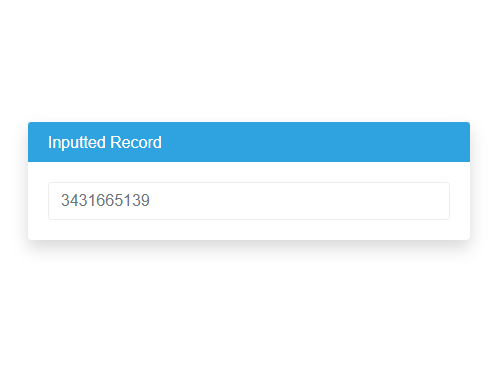
Screenshot of Phone Verification Step 1: Input- Validates a phone number at point of entry so bad data never enters your system.
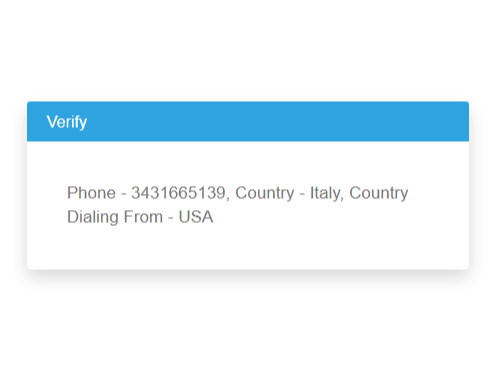
Screenshot of Phone Verification Step 2: Verify- Verifies and adds country code, national prefixes and ensures numbers are live and callable.
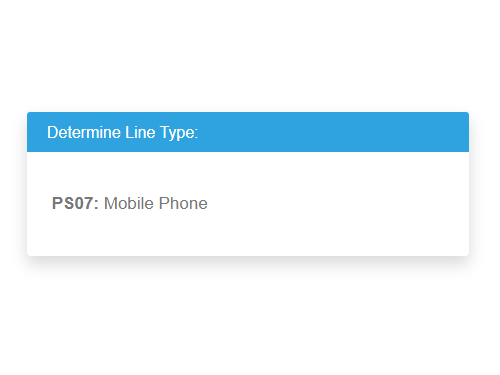
Screenshot of Phone Verification Step 3: Determine Line Type- Identifies number type as landline, VolP, or mobile and carrier.
Screenshot of Phone Verification Step 4: Caller ID- Taps into real-time carrier data to identify the person or business associated with the number at activation.
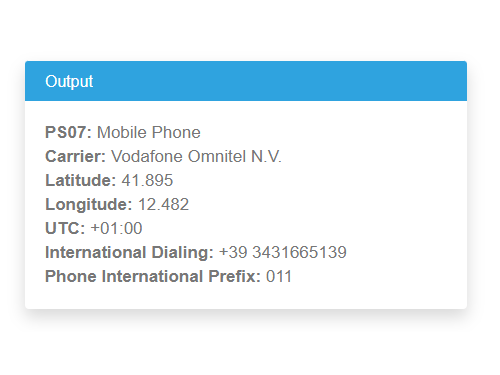
Screenshot of Phone Verification Step 5: Output- A valid, active phone number with data attributes such as city, postal code, country/county/state, lat-long coordinates, time zone, language and more to help optimize communications.
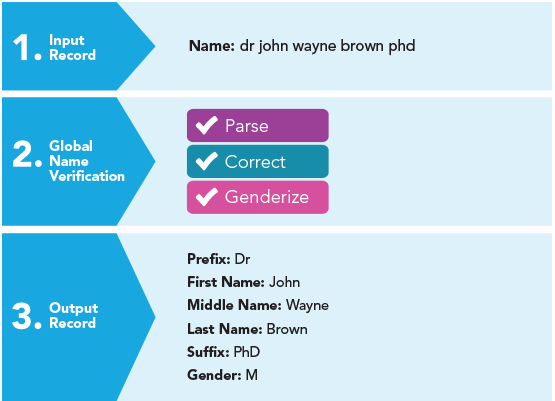
Screenshot of Name Verification: Identify, genderize and parse over 650,000 first and last names
Screenshot of Business Name Detection: Detects and flags company name in the input. Global Name will also standardize company inputs for known company identifiers and special cased companies.
Screenshot of Name Verification Step 1: Input Name- Verifies the name at point of entry so bad data never enters your system.
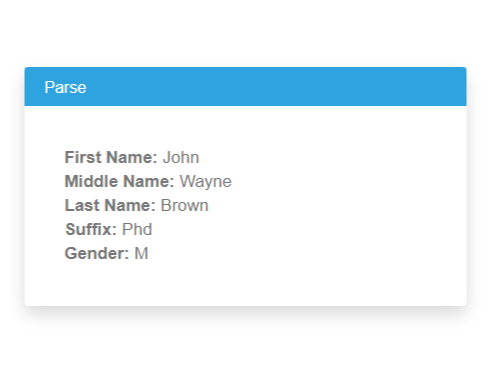
Screenshot of Name Verification Step 2: Parse Name- Names are parsed into five components and name formats are parsed into a single, standard format.
Screenshot of Name Verification Step 3: Correct Name- Misspellings are corrected and fake or vulgar names are flagged.
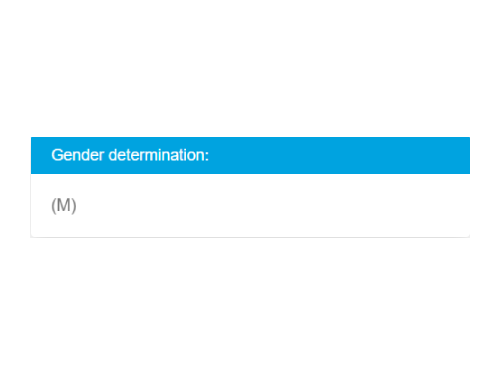
Screenshot of Name Verification Step 4: Genderize-m A gender code is added to each parsed name.
Screenshot of Name Verification Step 5: Salutation Generator- Custom salutations are created based on the format chosen.
Screenshot of Name Verification Step 6: Validate Name! A clean, standardized contact record for the database.

1 / 18

Screenshot of Email Verification: Verify email addresses and receive deliverability confidence score, result codes and domain information

Top Performing Features

  • Data profiling

    Ability to find anomalies and hidden relationships between data elements

    Category average: 8.3

  • Address verification

    Data format checking and valid address checking

    Category average: 8.4

  • Data source connectivity

    Ease of connection to multiple data sources

    Category average: 8.3

Areas for Improvement

  • Master data management (MDM) integration

    Quality of integration with MDM systems

    Category average: 8.4

  • Data element standardization

    Parsing and standardization of data elements according to predefined rules

    Category average: 8.3

  • Match and merge

    Ability to identify potential matches and then merge

    Category average: 7.9

Who Buys & Uses Melissa Data Quality Suite

An amazing platform to transform data, ensure quality, and automate robust data pipelines

Use Cases and Deployment Scope

The suite helps transform data, ensure quality, and automate data pipelines, enabling consumable data at any scale. It provides new variety of approach to profiling, preparing, and pipelining data. It assist in transforming and delivering usable data for insights and analytics as well as monitor the quality of data iteratively as the data pipeline evolves.

Pros

  • It provides ability to profile, discover, and validate data quality.
  • It allows to drill down into larger amounts of data.
  • It automatically suggests possible quality rules based on a statistical profile of the data.

Cons

  • It can expand connectivity to apply adaptive data quality rules to any data source.
  • It can employing more advanced transformation techniques to transform data for specific formats.
  • It can further continue on its existing capabilities like providing more enriched data curation.

Most Important Features

  • Data profiling
  • Ongoing data quality assesment
  • Visual guidance

Return on Investment

  • Accelerated data transormation
  • Increase collaboration
  • Automated processeing