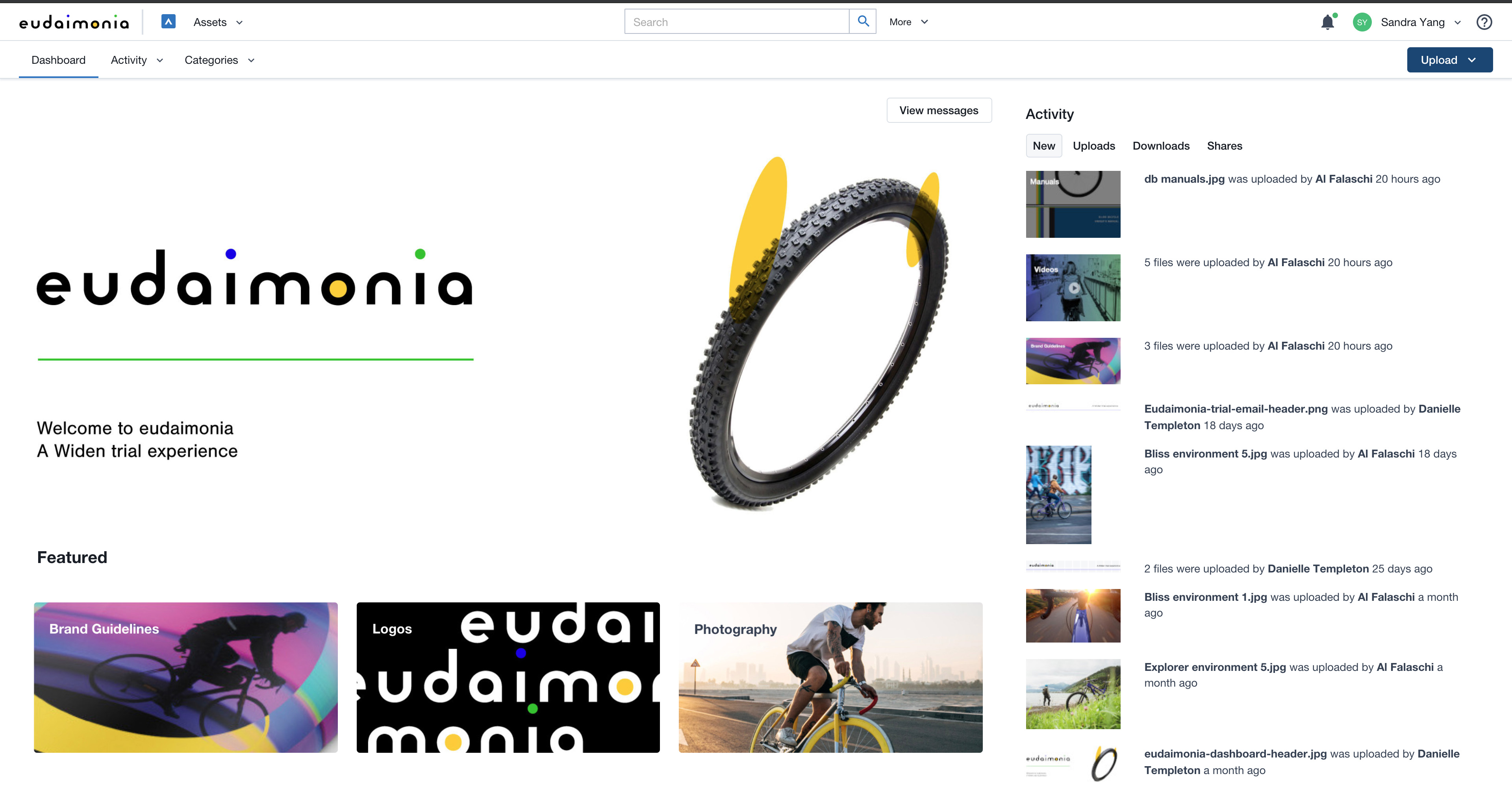
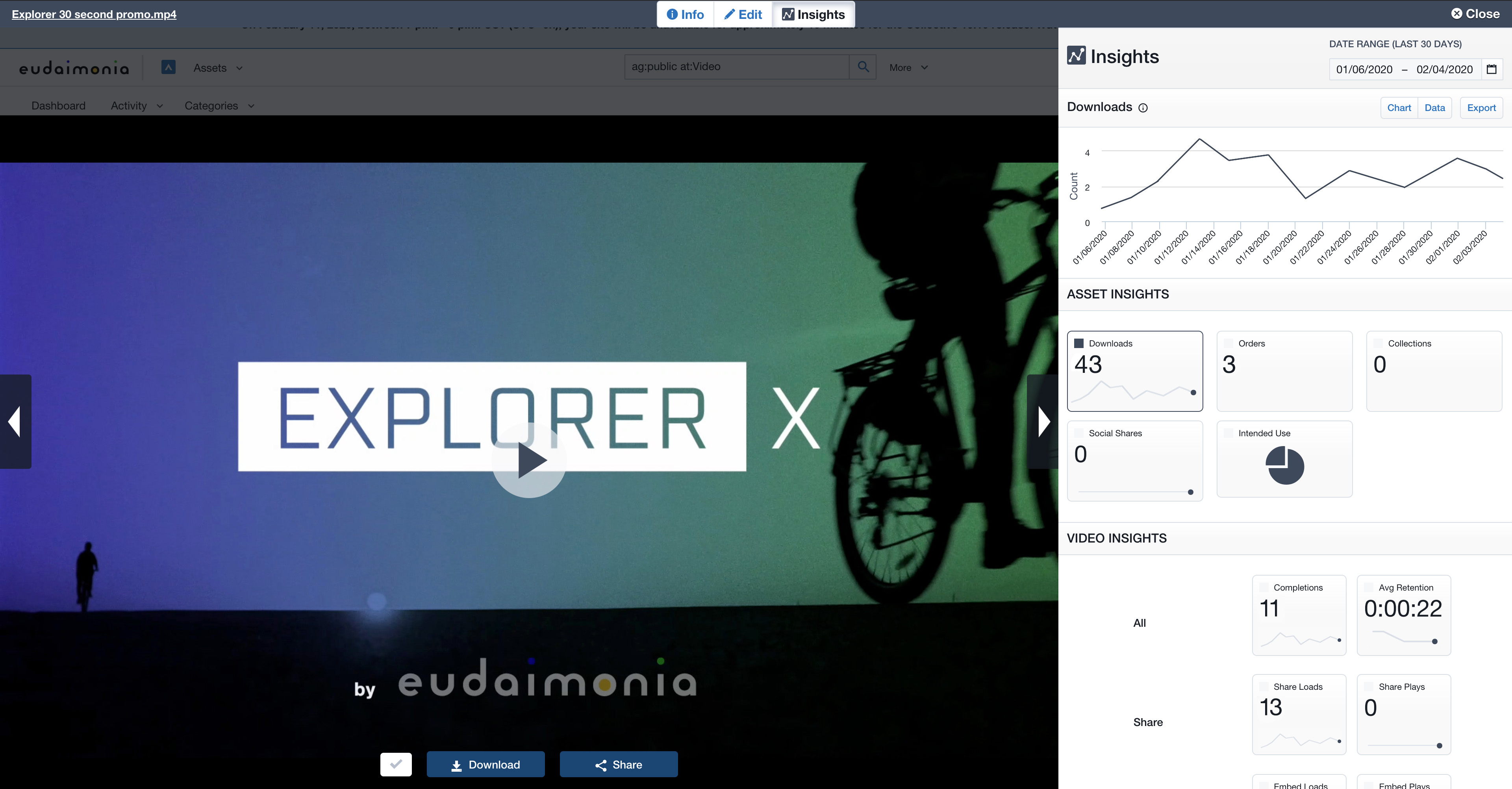
Acquia DAM (Widen) helps brands manage and distribute assets across teams, tools, and channels. A configurable metadata schema provides business-specific search and workflow capabilities. Plus, AI-powered auto tagging makes assets instantly findable. Content can be synced across systems using the API or pre-built integrations with over 50 tools, from creative suites to project management. Product-based companies can use Acquia DAM to build a unique 360º view of their product content. It…
N/A
Adobe Workfront
Score 8.2 out of 10
N/A
Adobe Workfront, acquired by Adobe in late 2020, is a web-based project-management tool. It is designed for both IT and marketing teams, but can be implemented for any kind of project. Workfront offers all the features standard to project management platforms, as well as resource allocation, automation, and agile workflow.
N/A
BugTracker.net
Score 7.5 out of 10
N/A
N/A
N/A
Pricing
Acquia DAM (Widen)
Adobe Workfront
BugTracker.net
Editions & Modules
No answers on this topic
No answers on this topic
No answers on this topic
Offerings
Pricing Offerings
Acquia DAM (Widen)
Adobe Workfront
BugTracker.net
Free Trial
Yes
No
No
Free/Freemium Version
No
No
No
Premium Consulting/Integration Services
Yes
Yes
No
Entry-level Setup Fee
Required
Optional
No setup fee
Additional Details
Guided or full-service implementation options and annual subscriptions based on capabilities required. Workgroup and unlimited user options available. Storage with Amazon Web Services.
Professional services available for strategy consulting, change management, administration services, design services, and managed integrations.
My background and career are video production-based. Therefore, my knowledge and preferences are guided by video asset management systems. I've worked with CatDV and am now researching the iconic brand. The video tools and capabilities in those products far outweigh Acquia …
Adobe is very intuitive in its workflow automation and creation of the task workflows that can be used as templates for employees. That is harder to create in Teams unless there is [the] integration of another Microsoft product and more time spent on it by an IT professional. …
I am a consumer of Workfront for a couple of years now and am a major defender of this venture and the board apparatus for a few reasons. 1) I think that it's exceptionally natural for clients to utilize. 2) It is effectively tweaked dependent on the requirements of your …
Widen is a great digital asset manager internally. I loved the framework that the platform has. However, we created a main portal to share with our external partners so we could control what was private and what was public. The portal framework was not as user-friendly and we tried too much to make it like a website when it was meant to be a DAM. The main reason we switched providers is that we wanted to have the option to have a consistent framework internally and externally that was more user-friendly with better search capabilities.
Having requests for immediate work being routed directly to the team members who perform the function. Proofreading needs to happen fast and turnaround quickly while retaining visibility everywhere. Through reporting and statuses, we can show progress at every stage. A large campaign organization means multiple requests and documents going between departments. By using requests alongside related rejects, we have everything in one place.
See above. Recommended questions: What type of feedback or tracking will we be doing? Will this need to be client-facing? How will we track content edits? How many users will be assigned to issues in a given project?
They offer valuable guidance and educational resources to Administrators
Their I.T. support is knowledgeable and responsive. And friendly!
They build community among Acquia DAM (Widen) Admins
They aren't as salesy and pushy as many of the other DAM Vendors that we considered. I don't feel like they are constantly trying to upsell me or take advantage. I hope this continues to be the case with the acquisition by Acquia.
Improvements in the cropping and editing features within Acquia DAM are essential to ease the workload for our graphic designers. The current functionality falls short in providing the necessary tools and precision required for efficient asset manipulation, not helping with that time management at all.
Enhancing the onboarding experience, we propose creating more video tutorials for Acquia DAM. These visual guides, covering topics from account setup to collaboration features, offer dynamic, step-by-step learning.
To improve the onboarding experience, we recommend expanding introductory tools and templates in Acquia DAM. Introducing more user-friendly features and providing a variety of templates will empower new users to navigate the platform with ease, fostering quicker proficiency and enhancing overall usability.
Acquia DAM (Widen) is changing its pricing model and at this point, we are unsure whether it is a good thing for us or not. While we consider this a robust tool, we will take our time to evaluate the competitors.
Workfront is sometimes a bit clunky to use, but overall it works well for our teams when it comes to project management and collaboration across multiple, involved teams. It also has flexibility that allows us to adapt it to diverse use cases, some of which aren't necessarily always the first things that one would think of using workfront for.
I would plan on renewing and staying with BugTracker.net simply because it is a no nonsense easy to use tool. Once you get it set up and understand the small nuances with this custom piece of software, it really is a great tool to help your organization get started with Defect Management and BugTracking without having to drop several thousands of dollars on tools that are more fluff than function.
We used to have to respond to any email questions from our library users about how to find assets. With Acquia DAM (Widen), the system is similar to online shopping, workable with keywords for those who like to search that way, or with filters for those who like to browse.
Workfront is overly complex, but it is functional as a tool to keep track of projects. It is a shame that sometimes it takes a lot of clicks to find anything. Workfront is slowly modernizing its interface but at the same time, hides certain information away thus making the experience feels worse.
I have found that Adobe Workfront is a reliable resource, because in the post 6 years of using it, rarely has it been unavailable to our team. I think I could count on one hand the number of times the site has been down over my time using it with my team.
There have been a couple of rare instance where after I uploaded an asset, I was unable to rename it, or after uploading it it took a while before it actually appeared and can be viewed in the DAM.
I think overall, Adobe Workfront performs well. There have been some times when it doesn't load or run as quickly as our team would like. This is frustrating when it is such a crucial tool that our team utilizes on a daily basis. It can show our workflow when it lags.
It's very seldom that I have to reach out for support, but when I have, there are quick solutions and follow-ups to make sure the system is working how it should be. My customer support team is also great at reaching out on a regular basis to keep me up to speed on emerging features I may be able to leverage to improve my experience.
I know that this particular company has it's own Adobe Workfront employee that builds out things they need from the software, and meets with them regularly to troubleshoot. I'm not part of this process, but it's refreshing to see Adobe provide this level of customer service to people, and they're expedient.
The training was very thorough. The recordings for all our traning sessions were provided to us so that we could go back and review. Our trainer was always available for follow up questions. Our trainer shared a spreadsheet with us as a checklist for all things that needed to be done to ensure proper import and setup of our assets and DAM.
The training is very easy to use and you can simply choose the topics included in the course(s) that are most important to your training needs. After each training course, you are tested on what you have learned. If you need a refresher course, they provide Course Catalogs as well as instructor-led courses & workshops.
It was a lot of work! But worth the effort to get our assets cleaned up and organized. Enough time and personnel need to be allotted for any implementation, but we had some advantage in having our assets in a previous DAM with attached metadata in XML, and our users were prepared with knowledge of our existing DAM at that time. Though old habits present their own issues, a company that is starting from scratch with no DAM has to think farther ahead about how it will organize and collect assets. Far more pre-planning with stakeholders would be needed for a company starting an implementation from scratch.
Most people learn as you go, a lot of this stuff requires trial and error throughout so my suggestion is to provide as much information in the upfront and keep it as simple as possible. You can add other tools and features as you go but everyone should have the basics down so no bad habits can start to develop. Be persistent with everyone, and don't be afraid to correct and talk through steps again so everyone is on the same page
We decided to stick with Acquia DAM (Widen) in the short term but will be reviewing the options this or next year to better integrate with Social, Web, and Creative team needs. We use Sitecore for all our web services, so it needs to be compatible with that, Social also needs to integrate but is not fixed on a single system, but Canva would be a good fit. The creative team always prefers local storage to link to rather than the cloud due to speeds.
Adobe Workfront blows the other systems out of the water. It just delivers more - out of the gate, and at every quarterly update. Innovation is top of mind, and meeting customers' needs is key. We have been extremely satisfied with Workfront and look forward to all the new features on the horizon, especially AI.
As I stated earlier, I didn't have to pay for Workfront myself- I'm a user under a large organization. I know it's not cheap to implement, I don't know how the price scales for a small-business, but I do like the product enough that I'm going to look into it in the future for my own company.
Our organization has thousands of users that use Workfront and it seems to hold up very well. I have not encountered any issues using it and I think it makes it very easy for multiple people to be involved in a project and keep things organized and clear for everyone involved.
The Acquia DAM (Widen) helped our company transition more quickly to remote work, giving users access to files much faster than the company servers could.
The Acquia DAM (Widen) has given non-web devs the ability to quickly build clean web pages that share out marketing resources and information.
Resource Management - Year over year, we were able to validate time and money saved by the implementation of Workfront by more than 2%, saving in non-working dollars and 9% savings in working media dollars.
Organization Restructuring and Automation- We also restructured our teams and implemented automation based on our analysis of how and what we spend our time on and the ROI for our respective business units.