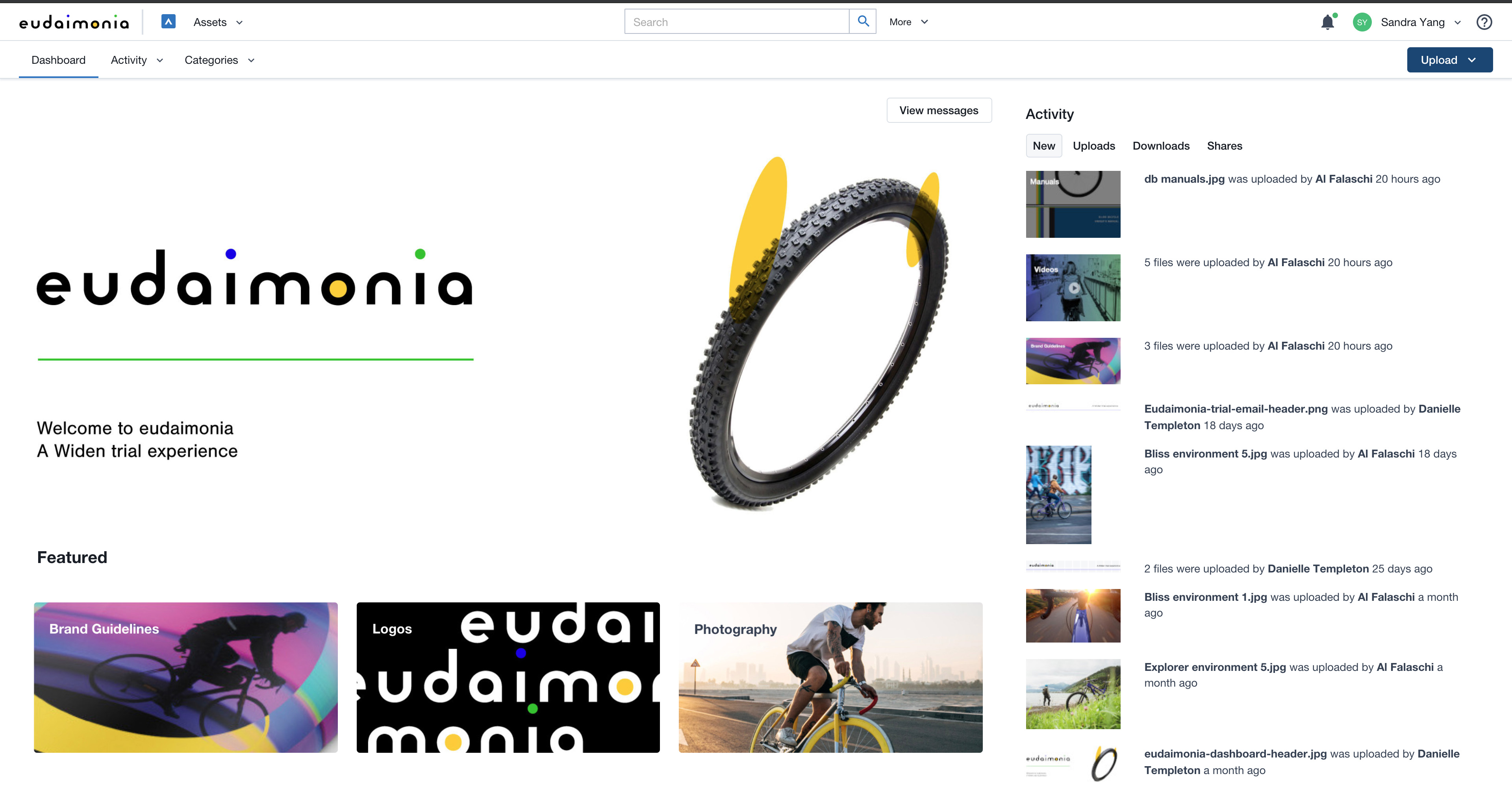
Acquia DAM (Widen) helps brands manage and distribute assets across teams, tools, and channels. A configurable metadata schema provides business-specific search and workflow capabilities. Plus, AI-powered auto tagging makes assets instantly findable. Content can be synced across systems using the API or pre-built integrations with over 50 tools, from creative suites to project management. Product-based companies can use Acquia DAM to build a unique 360º view of their product content. It…
N/A
Dropbox
Score 8.6 out of 10
N/A
Dropbox is a cloud storage solution, equipped with features that help users to save time, improve productivity, and collaborate with others. Users can edit PDFs, share videos, sign documents, and collaborate with stakeholders without leaving Dropbox.
$9.99
per month
Pricing
Acquia DAM (Widen)
Dropbox
Editions & Modules
No answers on this topic
Plus
$9.99
per month
Essentials
$18
per month
Business
$20
per month per user
Business Plus
$26
per month per user
Basic
Free
Offerings
Pricing Offerings
Acquia DAM (Widen)
Dropbox
Free Trial
Yes
No
Free/Freemium Version
No
No
Premium Consulting/Integration Services
Yes
No
Entry-level Setup Fee
Required
No setup fee
Additional Details
Guided or full-service implementation options and annual subscriptions based on capabilities required. Workgroup and unlimited user options available. Storage with Amazon Web Services.
Professional services available for strategy consulting, change management, administration services, design services, and managed integrations.
It is easier to download an entire folder of files instead of just one at a time. It is easier to comment on files for approvals and edits on Dropbox as well.
They are completely different. Dropbox is better for cloud storage whereas Widen is more assets library driven. They are both faily easy to share content through but Widen is set-up better visually.
We've used file-sharing platforms to share assets, but without any controls, it's a relative free-for-all. There's no control over which assets get used where; it's often dependent on one person's account hosting, or shared assets get deleted or moved if more than one person is …
One reason was that we migrated to Acquia Drupal and Acquia DAM (Widen) is the Acquia product that comes with loads of features and seamless integration with Acquia Drupal. Also, Acquia DAM (Widen) aces in other features like granular user management, publishing workflow, …
The breaking away from the Folder structure was a great selling point for Acquia DAM (Widen), and really is a great structural breakdown for us due to how many things we have that would fit in multiple folders instead of work within the category and metadata structure that we …
Dropbox is easy to access and upload and download data. The data is secure and safe. [Files are put in an] organized manner, folder creation is easy, and [adding] titles, labeling, and tagging are easy.
Verified User
Employee
Chose Dropbox
I've used Google Drive before and although it is convenient to use, I enjoy having a completely separate Dropbox account specifically for my current company's files. With Google, you need to sign into your Google account and sometimes I'll be signed into my personal gmail …
Features
Acquia DAM (Widen)
Dropbox
Reporting & Analytics
Comparison of Reporting & Analytics features of Product A and Product B
Acquia DAM (Widen)
6.6
62 Ratings
7% below category average
Dropbox
-
Ratings
Dashboards
7.259 Ratings
00 Ratings
Standard reports
5.054 Ratings
00 Ratings
Custom reports
5.443 Ratings
00 Ratings
Data exportability
8.143 Ratings
00 Ratings
Content analytics
7.346 Ratings
00 Ratings
DAM Features
Comparison of DAM Features features of Product A and Product B
Acquia DAM (Widen)
6.9
83 Ratings
17% below category average
Dropbox
-
Ratings
Uploading assets
7.782 Ratings
00 Ratings
Downloading assets
8.183 Ratings
00 Ratings
Categories
6.079 Ratings
00 Ratings
Asset storage
8.682 Ratings
00 Ratings
Asset sharing
8.682 Ratings
00 Ratings
Asset search
7.183 Ratings
00 Ratings
Tagging system
6.479 Ratings
00 Ratings
Content editing
3.663 Ratings
00 Ratings
Embed codes
6.555 Ratings
00 Ratings
Metadata
6.870 Ratings
00 Ratings
Collections
7.775 Ratings
00 Ratings
User access
6.777 Ratings
00 Ratings
DAM Integrations
7.658 Ratings
00 Ratings
DAM API
7.642 Ratings
00 Ratings
Workflow automations
5.440 Ratings
00 Ratings
Related asset discovery
5.350 Ratings
00 Ratings
File Sharing & Management
Comparison of File Sharing & Management features of Product A and Product B
Acquia DAM (Widen)
-
Ratings
Dropbox
8.1
1367 Ratings
3% below category average
Versioning
00 Ratings
8.61139 Ratings
Video files
00 Ratings
7.61117 Ratings
Audio files
00 Ratings
8.11013 Ratings
Document collaboration
00 Ratings
8.31189 Ratings
Access control
00 Ratings
8.41265 Ratings
File search
00 Ratings
7.61311 Ratings
Device sync
00 Ratings
8.31258 Ratings
Cloud Storage Security & Administration
Comparison of Cloud Storage Security & Administration features of Product A and Product B
Acquia DAM (Widen)
-
Ratings
Dropbox
8.3
1296 Ratings
4% below category average
User and role management
00 Ratings
7.71156 Ratings
File organization
00 Ratings
8.81278 Ratings
Device management
00 Ratings
8.41137 Ratings
Cloud Storage Platform
Comparison of Cloud Storage Platform features of Product A and Product B
Widen is a great digital asset manager internally. I loved the framework that the platform has. However, we created a main portal to share with our external partners so we could control what was private and what was public. The portal framework was not as user-friendly and we tried too much to make it like a website when it was meant to be a DAM. The main reason we switched providers is that we wanted to have the option to have a consistent framework internally and externally that was more user-friendly with better search capabilities.
Dropbox is well suited for sending File Requests to clients to upload documents, and for me to send File Transfers to clients with documents for them to download. I can create separate files for each client, and also create files within files, which is very convenient and useful for my business purposes. In Dropbox I can also see all of the File Requests that I have sent and it shows me how many times they've accessed it and how many files they uploaded. I can also see all of the File Transfers that I have made and whether how many times the client has accessed it and how many documents were downloaded. It also sends me notifications if the clients haven't downloaded their files yet so I can remind them. Dropbox Sign has been very easy to use, and I have already stated what could be changed with it
They offer valuable guidance and educational resources to Administrators
Their I.T. support is knowledgeable and responsive. And friendly!
They build community among Acquia DAM (Widen) Admins
They aren't as salesy and pushy as many of the other DAM Vendors that we considered. I don't feel like they are constantly trying to upsell me or take advantage. I hope this continues to be the case with the acquisition by Acquia.
I can make projects available to editors so that they can do their work.
Dropbox is a place where I can store files that I can access from anywhere, even if I don't have my laptop with me at the time.
I have an old friend who is an acting professor in Tokyo. He loves the dialogue that I write in my novels. He converts chapters into scenework for his acting students. They get very excited when there's new material!
Improvements in the cropping and editing features within Acquia DAM are essential to ease the workload for our graphic designers. The current functionality falls short in providing the necessary tools and precision required for efficient asset manipulation, not helping with that time management at all.
Enhancing the onboarding experience, we propose creating more video tutorials for Acquia DAM. These visual guides, covering topics from account setup to collaboration features, offer dynamic, step-by-step learning.
To improve the onboarding experience, we recommend expanding introductory tools and templates in Acquia DAM. Introducing more user-friendly features and providing a variety of templates will empower new users to navigate the platform with ease, fostering quicker proficiency and enhancing overall usability.
Acquia DAM (Widen) is changing its pricing model and at this point, we are unsure whether it is a good thing for us or not. While we consider this a robust tool, we will take our time to evaluate the competitors.
Dropbox is a user-friendly, easy tool which requires little to no skill and they offer a free version with a good amount of storage available. There are other file sharing tools available however at a cost. Dropbox free version I have used for years and it serves every purpose I need.
We used to have to respond to any email questions from our library users about how to find assets. With Acquia DAM (Widen), the system is similar to online shopping, workable with keywords for those who like to search that way, or with filters for those who like to browse.
It works extremely well, and we have never had any issues with connecting or sharing files. It's very easy to use, and any team member can share, add, and delete files to a virtual drive. This is extremely helpful, and it's an amazing tool to use, ensuring everyone can connect and work together effectively.
I really recommend the product for the Dropbox availability is a great having very very less downtimes, they errors are less I have been faced yet, due to connectivity sometimes we are getting errors. Only sometimes the limitations of some features show some errors.
There have been a couple of rare instance where after I uploaded an asset, I was unable to rename it, or after uploading it it took a while before it actually appeared and can be viewed in the DAM.
Dropbox is really useful, you can access any file from anywhere and you can upload and even edit files online, but, sometimes it can be slow. Downloading, uploading, and syncing is a bit slow, it can take several minutes. Furthermore, the search engine for large amounts of data can be slow too and it is not powerful.
It's very seldom that I have to reach out for support, but when I have, there are quick solutions and follow-ups to make sure the system is working how it should be. My customer support team is also great at reaching out on a regular basis to keep me up to speed on emerging features I may be able to leverage to improve my experience.
They immediately responded like in an example that I gave where one of our staff members accidentally deleted the whole Special Hope Network Dropbox, we immediately contacted Dropbox they walked us through the steps of how to retrieve the information and luckily enough we were able to retrieve the entire Dropbox and we have had back and forth with Dropbox on what to do when an employee leaves how to remove them how to add another employee.
The person for corporate product dealing and knowledge of the product explore and better and secure use are properly handover to us. Also provide full software and tool training from the basic to the pro level with each and every possible explanation. Provide many sessions regarding every doubt. Also Guide better suitable options for our business to migrate and integrate for the expansion in all places employee smoothly.
The training was very thorough. The recordings for all our traning sessions were provided to us so that we could go back and review. Our trainer was always available for follow up questions. Our trainer shared a spreadsheet with us as a checklist for all things that needed to be done to ensure proper import and setup of our assets and DAM.
I did not personally take any training for Dropbox so I am self taught but I know when our Vice President selected Dropbox, he personally did do some training modules on it and I'm assuming it was very easy and simple to understand since he now acts like he is a pro at it!
It was a lot of work! But worth the effort to get our assets cleaned up and organized. Enough time and personnel need to be allotted for any implementation, but we had some advantage in having our assets in a previous DAM with attached metadata in XML, and our users were prepared with knowledge of our existing DAM at that time. Though old habits present their own issues, a company that is starting from scratch with no DAM has to think farther ahead about how it will organize and collect assets. Far more pre-planning with stakeholders would be needed for a company starting an implementation from scratch.
I needed to stay current in improving my daily operations. Dropbox was suggested to me by a former colleague two-years ago and I've been using it just fine ever since.
We decided to stick with Acquia DAM (Widen) in the short term but will be reviewing the options this or next year to better integrate with Social, Web, and Creative team needs. We use Sitecore for all our web services, so it needs to be compatible with that, Social also needs to integrate but is not fixed on a single system, but Canva would be a good fit. The creative team always prefers local storage to link to rather than the cloud due to speeds.
I prefer the layout and visual aspect of Dropbox as it mirrors my files on my computer. I feel that I am more organized, and it's easier to find my files in Dropbox than it was with Google Drive.
I would recommend to this product directly to the sales team of Dropbox for the best deal provide to my referred person and provide the best service to them.
It's easy to integrate with the systems of Windows and Linux, easy to have web versions accessible, which provide the web login credentials. Also, it can be installed for individuals for the best autosync features.
The Acquia DAM (Widen) helped our company transition more quickly to remote work, giving users access to files much faster than the company servers could.
The Acquia DAM (Widen) has given non-web devs the ability to quickly build clean web pages that share out marketing resources and information.
When it works (usually if a client already has Dropbox, so they don't get the solicitation to sign up), it works flawlessly.
I've had multiple clients not see the "continue with download only" at the bottom and email me to resend the media another way because they don't have a Dropbox account.