Adobe acquired Neolane in July 2013 and later re-named the product Adobe Campaign. Adobe Campaign provides both marketing automation and marketing resource management functionality such as spend & financial management, workflow, and asset management.
N/A
Infor CRM
Score 6.0 out of 10
N/A
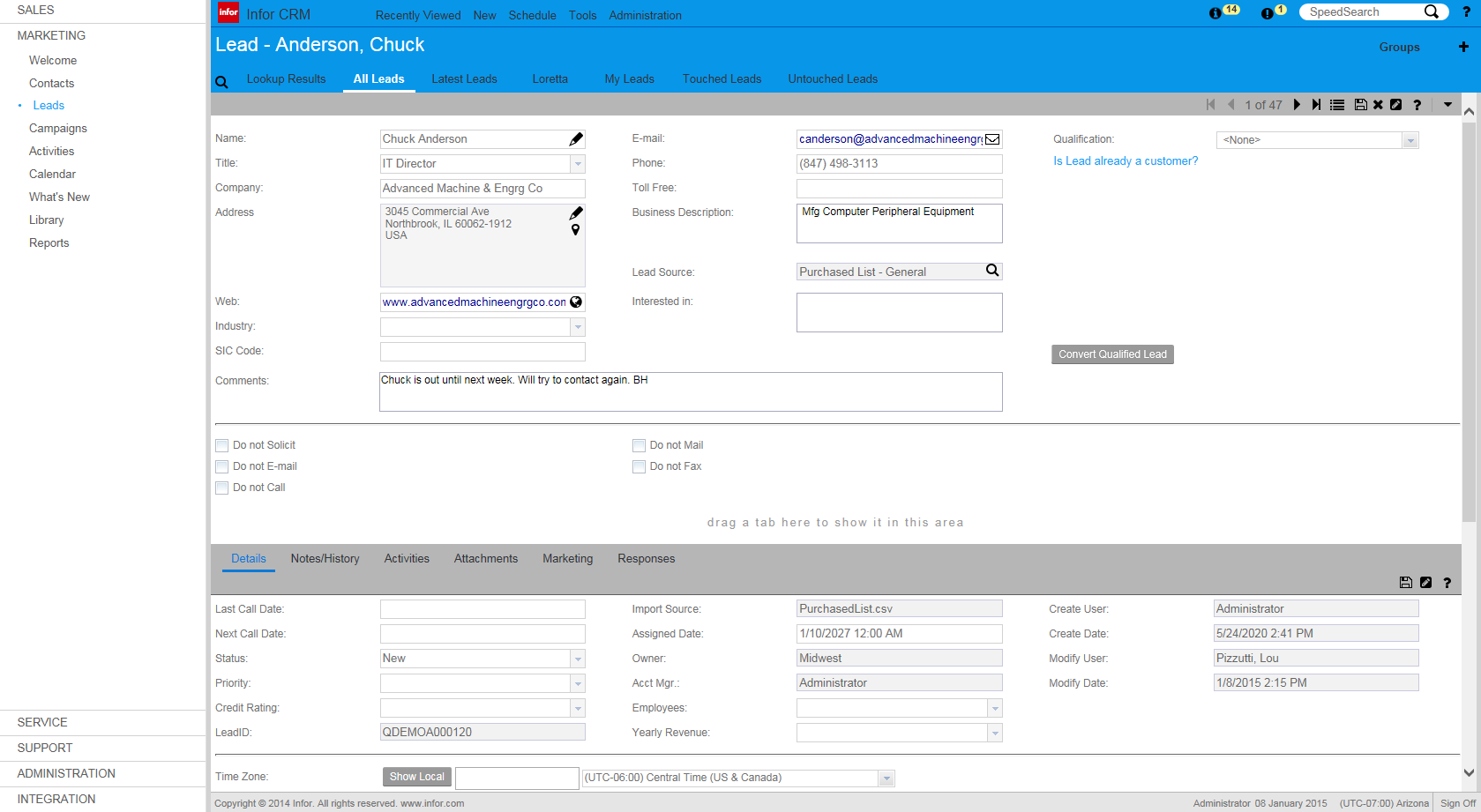
Infor CRM delivers tools for individuals, teams, and companies focused on increasing sales performance and the insights to optimize sales, marketing, and service strategy and execution. Infor CRM provides sales teams with rich customer information from interactions and transactions across the business and accommodates the modern flexible workforce with multiple access methods. Robust process automation capabilities enable efficiencies and the application of best practices across sales…
N/A
Pricing
Adobe Campaign
Infor CRM
Editions & Modules
No answers on this topic
No answers on this topic
Offerings
Pricing Offerings
Adobe Campaign
Infor CRM
Free Trial
No
Yes
Free/Freemium Version
No
No
Premium Consulting/Integration Services
No
Yes
Entry-level Setup Fee
No setup fee
No setup fee
Additional Details
—
—
More Pricing Information
Community Pulse
Adobe Campaign
Infor CRM
Features
Adobe Campaign
Infor CRM
Sales Force Automation
Comparison of Sales Force Automation features of Product A and Product B
Adobe Campaign
-
Ratings
Infor CRM
7.8
9 Ratings
0% above category average
Customer data management / contact management
00 Ratings
8.48 Ratings
Workflow management
00 Ratings
10.07 Ratings
Territory management
00 Ratings
5.46 Ratings
Opportunity management
00 Ratings
8.46 Ratings
Integration with email client (e.g., Outlook or Gmail)
00 Ratings
5.48 Ratings
Contract management
00 Ratings
5.74 Ratings
Quote & order management
00 Ratings
7.34 Ratings
Interaction tracking
00 Ratings
10.08 Ratings
Channel / partner relationship management
00 Ratings
10.08 Ratings
Customer Service & Support
Comparison of Customer Service & Support features of Product A and Product B
Adobe Campaign
-
Ratings
Infor CRM
8.3
4 Ratings
8% above category average
Case management
00 Ratings
10.03 Ratings
Call center management
00 Ratings
5.03 Ratings
Help desk management
00 Ratings
10.03 Ratings
Marketing Automation
Comparison of Marketing Automation features of Product A and Product B
Adobe Campaign
-
Ratings
Infor CRM
2.5
8 Ratings
102% below category average
Lead management
00 Ratings
3.97 Ratings
Email marketing
00 Ratings
1.06 Ratings
CRM Project Management
Comparison of CRM Project Management features of Product A and Product B
Adobe Campaign
-
Ratings
Infor CRM
4.2
7 Ratings
58% below category average
Task management
00 Ratings
7.17 Ratings
Billing and invoicing management
00 Ratings
3.61 Ratings
Reporting
00 Ratings
2.15 Ratings
CRM Reporting & Analytics
Comparison of CRM Reporting & Analytics features of Product A and Product B
Adobe Campaign
-
Ratings
Infor CRM
4.2
8 Ratings
58% below category average
Forecasting
00 Ratings
3.64 Ratings
Pipeline visualization
00 Ratings
7.05 Ratings
Customizable reports
00 Ratings
2.18 Ratings
Customization
Comparison of Customization features of Product A and Product B
Adobe Campaign
-
Ratings
Infor CRM
8.6
9 Ratings
12% above category average
Custom fields
00 Ratings
10.09 Ratings
Custom objects
00 Ratings
7.07 Ratings
Scripting environment
00 Ratings
7.24 Ratings
API for custom integration
00 Ratings
10.06 Ratings
Security
Comparison of Security features of Product A and Product B
Adobe Campaign
-
Ratings
Infor CRM
10.0
8 Ratings
18% above category average
Single sign-on capability
00 Ratings
10.06 Ratings
Role-based user permissions
00 Ratings
10.06 Ratings
Social CRM
Comparison of Social CRM features of Product A and Product B
Adobe Campaign
-
Ratings
Infor CRM
3.5
2 Ratings
72% below category average
Social data
00 Ratings
4.02 Ratings
Social engagement
00 Ratings
3.02 Ratings
Integrations with 3rd-party Software
Comparison of Integrations with 3rd-party Software features of Product A and Product B
Adobe Campaign
-
Ratings
Infor CRM
2.9
4 Ratings
88% below category average
Marketing automation
00 Ratings
3.04 Ratings
Compensation management
00 Ratings
2.71 Ratings
Platform
Comparison of Platform features of Product A and Product B
Multi-Channel Campaign Management: I have found Adobe Campaign to be excellent for managing campaigns across multiple channels, including email, mobile, social media, and web. Its centralized platform allows me to plan, execute, and track campaigns effectively, making it ideal for organizations with diverse marketing channels. For example, when I was running a campaign to promote a new product launch across email, SMS, and social media channels, Adobe Campaign provided me with the tools to orchestrate and track the campaign seamlessly. I could ensure consistent messaging and a cohesive customer experience across different channels.
If you have a mobile workforce, it likely wouldn't be as appropriate (keep in mind we're using the desktop client, and have very limited experience with the web app). It is well suited if your business needs lots of custom processes- find a good vendor. We utilize SimpleSoft out of Ohio, and they have been excellent. Key question: think about where your business is going to be in 5-10 years, and will this CRM solution be able to grow with us?
It allows me to capture leads through various sources, such as website forms or landing pages.
It offers a centralized repository where I can securely store and manage customer data, encompassing contact information, preferences, transaction records, and additional relevant data.
It provides robust analytics and reporting capabilities.
Saleslogix functionality can be managed to a very granular level for each individual using it. Within the users profile you can restrict access to modules, remove write permission, remove export privileges, etc.
Saleslogix has one of the best sync engines I have ever seen. If you allow your outside sales reps to have their own database, they can modify customer record while off line and when they do have internet access they can sync changes in both directions. This functionality works great when you have inside and outside sales staff covering the same territory.
Saleslogix can be customized using Visual Basic Code syntax. This is a positive aspect as well as a negative. Our existing Saleslogix is so customized that if we were to upgrade to 8.0 it would cost us over $20k to redo some of the customizations. Upgrades are frequently incompatible with customizations.
Adobe Campaign does not have a high enough sales intelligence to let us know which landing page format would be the most optimal for the proper development of our mass marketing operations, which in the long run would also help with customer collection.
Does not directly track the number of people who enter our website, beyond sending them automated messages depending on whether they entered a certain section of the site. This problem is important, because it does not allow us to get complete tracking results in that area.
The platform does not do social media marketing extensively enough to let us create dynamic evaluations on the results of interactions that are obtained within social networks, which creates a huge margin of error in our analytical results messages, and so we have stopped applying social marketing.
InforCRM has made dramatic improvements in the web client though in some cases it has been painfully slow to get the most needed things updated. An example is the slow speed of the web client. The newest update is supposed to fix this.
The web client does not autosave, so users have to remember to hit the 'save' button at each screen. This is the biggest complaint of users going from the desktop client to the web client.
I personally would like to see data panes (account, contact, etc.) with the capability to set up a different view for each team and/or security level that would access the data.
Once you go for Neolane you are a bit stuck with it, so we will most likely stay with Neolane. Cost of investment and training are the main factors at work here. We havesimply have invested too much in the product to stop using it after 2 years. That said, my score of 8 does not imply that the product is worthy of getting an 8 but reflects our willingness to renew. Given that upgrading to a new version will cost again a substantial sum, we most likely will keep using the current version we are on which is 6X.
Because we've already made the investment in the original on-premise version, the cost per user is relatively low. The product has grown with us and we can now choose a LAN or Web client version and host the site internally, giving us total control of our data. The iPhone and iPad versions allow the sales team quick access in the field and the voice-to-text option is quite handy. SalesLogix doesn't require that our technology stack be constantly up to date which again, keeps our cost down. They are always making enhancements to the product and we can choose to update/upgrade when those enhancements appeal to us enough to justify adding the service pack.
Thanks to this tool we are taking more internal control of the creation and deployment of campaigns with less dependency on an ESP. We can pre-program marketing publications, being able to concentrate on the target audience. It helps me manage email campaigns with real-time tracking.
Although there is a lot of material available on the internet to answer questions, I still feel a lack of commitment and delay in the responses of the support, but as a whole, it leaves nothing to be desired. I believe that, in the great majority, companies sin in the desired support, but we cannot generalize. But this one, in particular, has a wide range of specialists and well-qualified management, but I believe that it is not so bad.
As we tried to centralise the marketing automation platform within the enterprise, Adobe Campaign can plug into several instances of Salesforce.com for lead management queues. All other marketing automation platforms can only plug into one instance of Salesforce.com. Adobe Campaign was also able to handle the complexity and challenges of our enterprise data which are a result of years of legacy, mergers and acquisitions and data aggregation.
We selected INFOR CRM over Salesforce simply because it was affordable and didn't have so many 'bells & whistles' that Salesforce has that we were not using. We didn't realize that the compatibility with upgrades were going to be such an issue.
Not everything was great at all times. It was handled accordingly, pricing was reasonable for what was purchased. It was the best value on the market at the time of purchase.
Talking about profits can be subjective if you don't take into account the periodic variations between net and gross profit margins, but fortunately with Adobe Campaign, it is easy to notice these differences quickly.
Results have always seemed relative to us, as they vary greatly depending on how much is invested.