Adobe Creative Cloud Express (formerly Adobe Spark) is a task-based, web and mobile product used to create and share rich multimedia content – from social media posts and stories to invitations to marketing materials like logos, flyers and banners.
$0
Emplifi
Score8.9 out of 10
Mid-Size Companies (51-1,000 employees)
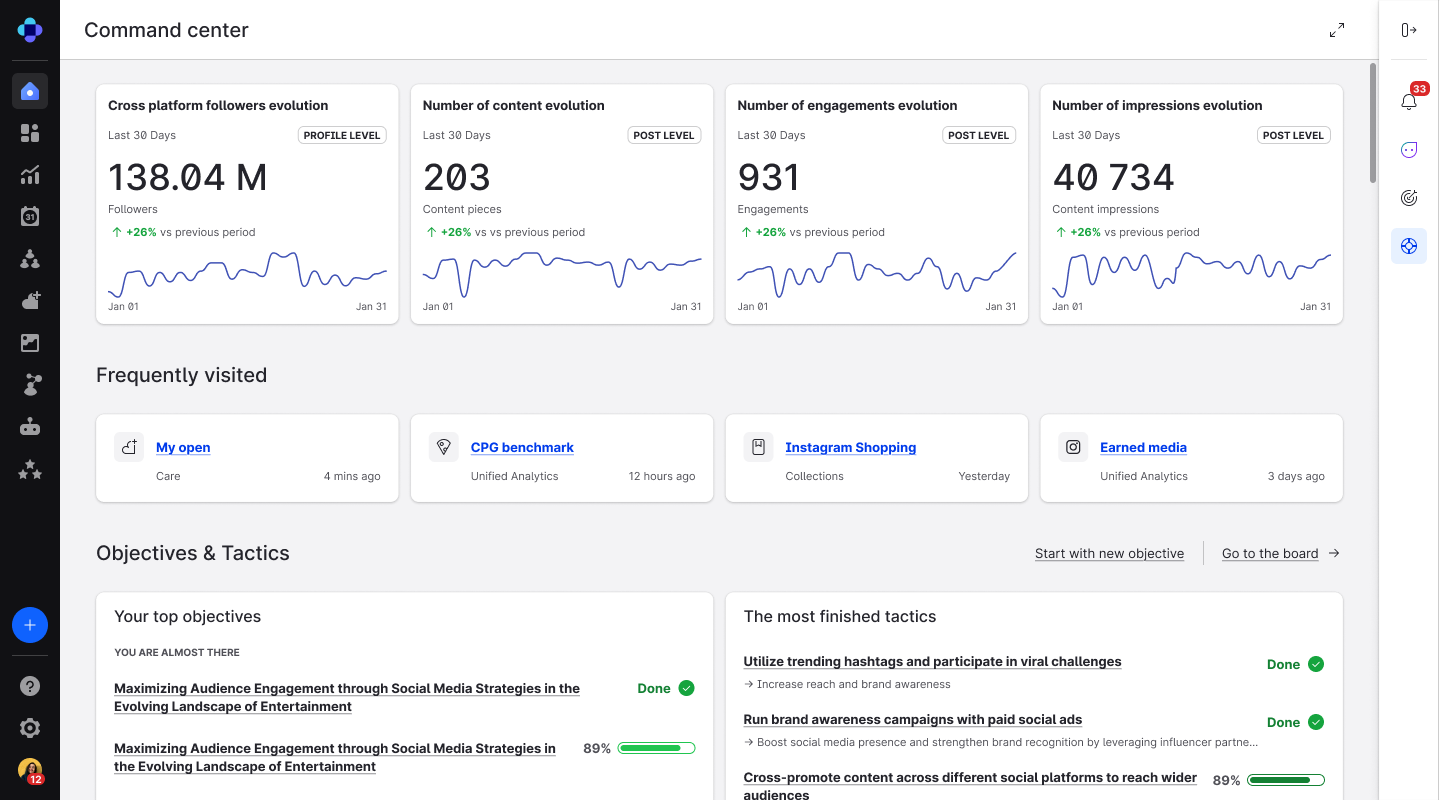
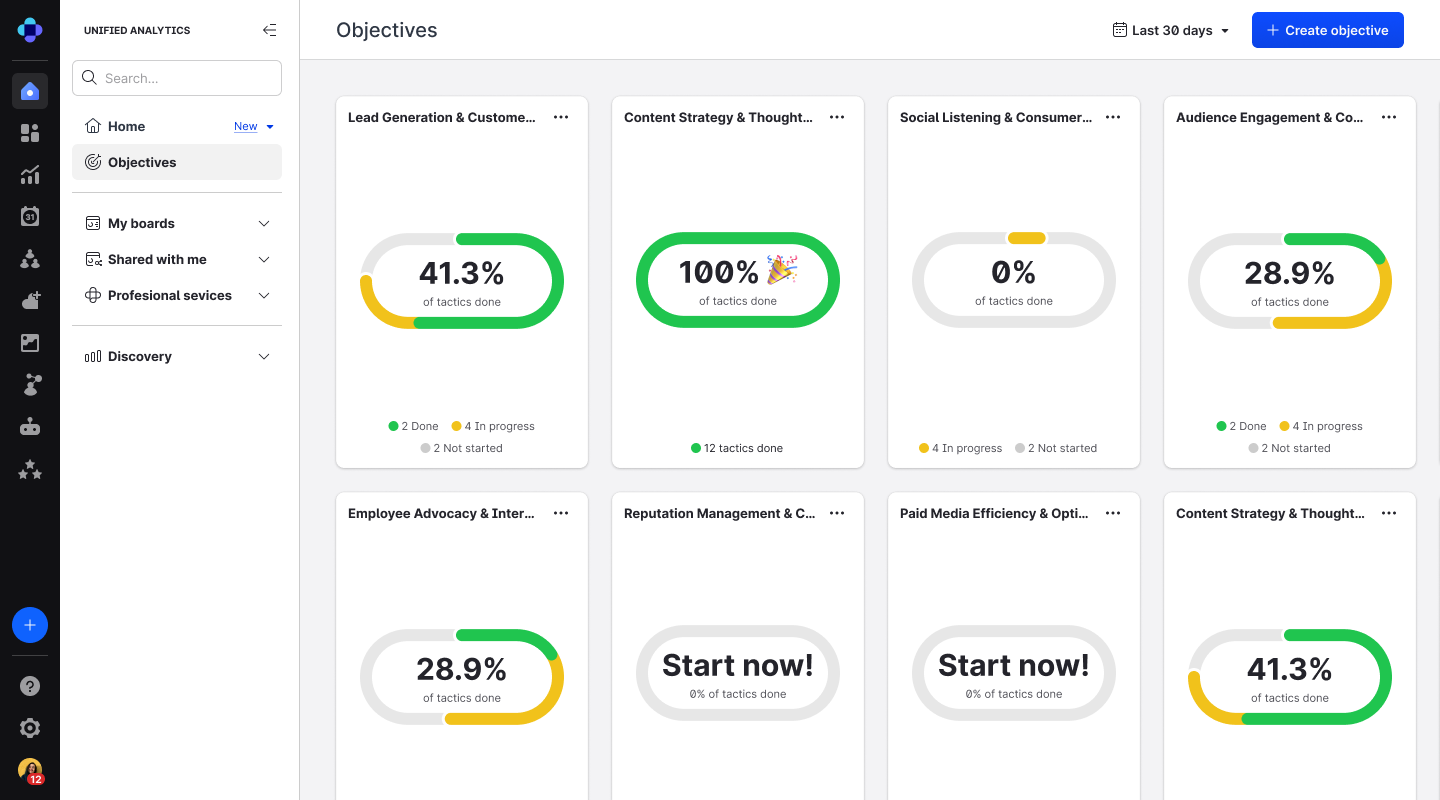
Emplifi offers a platform that enables brands to manage social marketing, commerce, and care. At the core of this platform is Emplifi Fuel — the outcome and enablement layer that connects all modules across marketing, commerce, and care. Fuel empowers brands to optimize the customer journey, unifying data, automation, and AI-driven insights to ensure every interaction drives meaningful business outcomes. The platform's core capabilities include:…
N/A
Pricing
Adobe Express
Emplifi
Editions & Modules
Free
$0.00
Premium
$9.99 / $99.99
per month
Teams
$9.99
per month per user
No answers on this topic
Offerings
Pricing Offerings
Adobe Express
Emplifi
Free Trial
Yes
No
Free/Freemium Version
Yes
No
Premium Consulting/Integration Services
No
Yes
Entry-level Setup Fee
No setup fee
No setup fee
Additional Details
Contact Adobe directly for Enterprise pricing plan details.
It works amazing for the creation of attention grabbing, clean, and professional looking flyers or infographics. Especially when you need to create a few graphic organizers, like a workflow, or a reference sheet for new members, it is awesome. I have created a few in one day, and honestly, even though you can utilize AI tools to do so, I love that I get to choose what the end product looks like during the process, and it's still easy and fast. It falls short with multi-page brochures, and while illustrator can take on branding quite well, it needs to be pre-made and imported to work in Express.
A de minimis incentive was given to thank the reviewer for their time. The incentive was not used to bias or drive a particular response, nor was the incentive contingent on a positive endorsement. TR verified that a representative sample of customers was invited. More Info
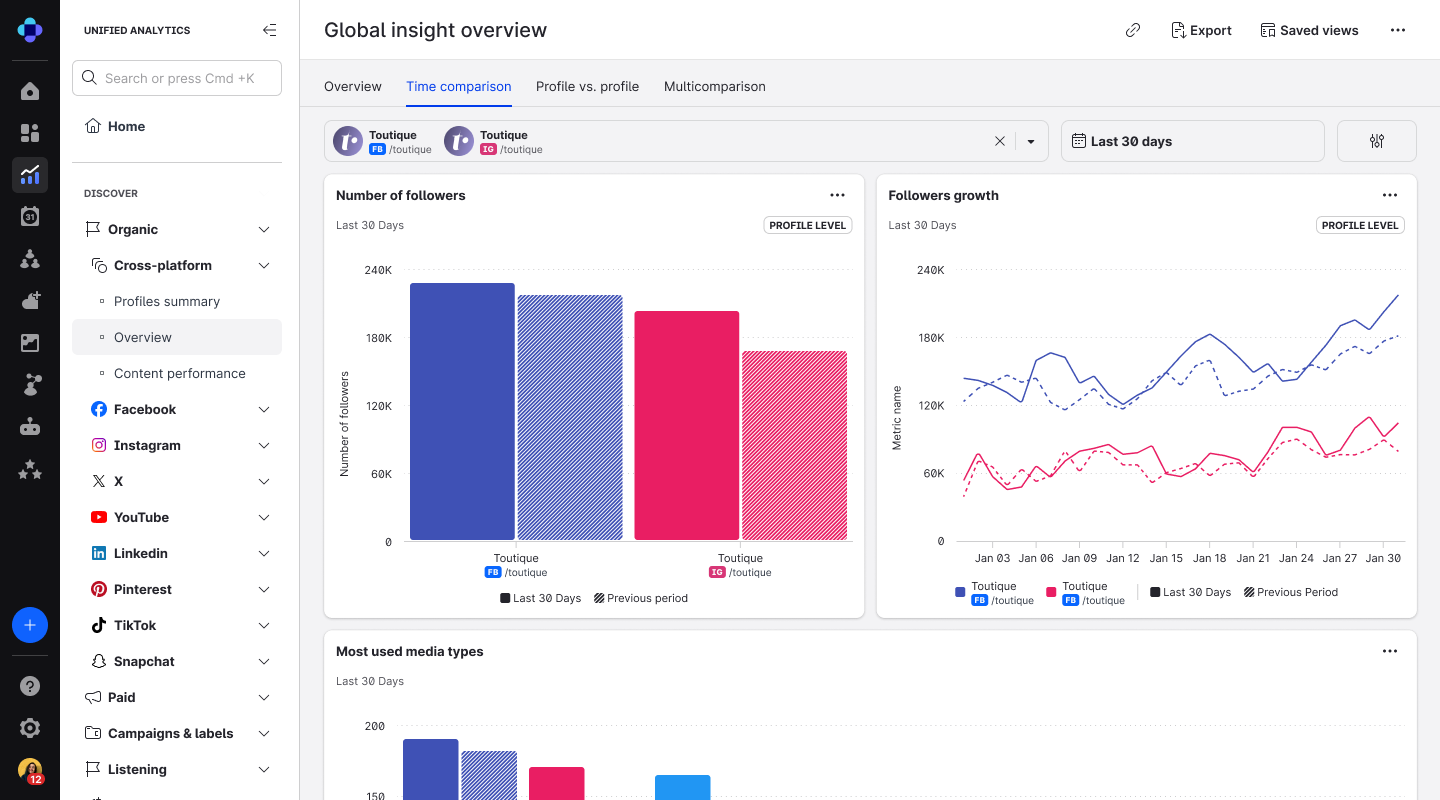
- Very well suited to grabbing top-level and more in-depth social performance data, across campaigns and BAU activity. - Not as well suited for moments where you need benchmarking or context of your performance compared with a previous time frame. This can be a bit clunky to go back and forth with as it requires multiple dashboards or consistent manual time-frame changes.
A de minimis incentive was given to thank the reviewer for their time. The incentive was not used to bias or drive a particular response, nor was the incentive contingent on a positive endorsement. More Info
The only improvement that I wish that Adobe Express could make would be to increase the number of video and audio tracks their Video application could have. Even adding one extra track for both would totally increase the overall professional output of the video, while allowing for a more engaging and memorable product.
A de minimis incentive was given to thank the reviewer for their time. The incentive was not used to bias or drive a particular response, nor was the incentive contingent on a positive endorsement. More Info
Would love more robust search parameters for labels. ex. search for tickets labeled 'Availability' AND 'United States' but excluding any that are only one of those labels
Ability to break conversations into multiple tickets; so labels can be more accurate if the same person reaches out again after 3 months with a totally different question
The social account quick view doesn't always load the follower count for people reaching out to us. it makes it slower to manager messages from high level creators
I foresee Adobe Express becoming the "go-to" platform for everyone except professional, high-level designers. It is a relatively easy-to-use tool that allows users to create a wide variety of visuals quickly. Because it is a template-driven tool, the in-house design team has the ability to make brand kit available to keep visuals on point
A de minimis incentive was given to thank the reviewer for their time. The incentive was not used to bias or drive a particular response, nor was the incentive contingent on a positive endorsement. More Info
the balance between quality and price si perfectperfect for agency that have many client to manage, because it helps us to save time (we don't have to plan content from every single account, only one click to look at different community and moderate...)it also help the team works: senior can review content direcly from emplifi; labeling DM/comments as done help us to track where a collegue stop and we have to startIt makes the content approval from clients very easy
A de minimis incentive was given to thank the reviewer for their time. The incentive was not used to bias or drive a particular response, nor was the incentive contingent on a positive endorsement. More Info
The user interface is pretty straightforward to use. It has easy to navigate navigations, and the canvas UX is also pretty good. One thing i would like to add it to use shortcuts to add elements on canvas. Like if I am on canvas and I press 'T' on my keyboard the text box should be added automatically
A de minimis incentive was given to thank the reviewer for their time. The incentive was not used to bias or drive a particular response, nor was the incentive contingent on a positive endorsement. More Info
Since the main use of the Live Advisor is on the website that doesn't have e-commerce capabilities, it has been challenging to attach an specific metric to Emplifi's solutions and their usability in our websites. The Live Advisor is helping us to deliver our unique sale proposition in digital channels, which is great, but it is difficult to assign a higher mark in usability due to the limitation just explained.
A de minimis incentive was given to thank the reviewer for their time. The incentive was not used to bias or drive a particular response, nor was the incentive contingent on a positive endorsement. More Info
Overall, the Adobe Creative Cloud Express is worth a try and may be a good fit for many organizations and businesses. At a monthly rate, the cost is not prohibitive, but the tools are somewhat limited and not necessarily worthwhile when compared to standard applications and software that are often available free or through a package of services commonly found on workplace computers.
A de minimis incentive was given to thank the reviewer for their time. The incentive was not used to bias or drive a particular response, nor was the incentive contingent on a positive endorsement. More Info
We have a dedicated Customer Success manager, and that is very helpful. Anytime we have questions or need support, they are always there to answer. If thety do not know the solution, they always go around the bend to find one and provide it to us. They are always very kind.
A de minimis incentive was given to thank the reviewer for their time. The incentive was not used to bias or drive a particular response, nor was the incentive contingent on a positive endorsement. More Info
I think Adobe Express is a bit behind Canva, but as an Adobe Community Expert, I try to provide as much feedback as I can to help improve Adobe Express. ADobe Express does a better job than InShot and a few other apps, but isn't quite there against Canva, I'm sorry to say!
A de minimis incentive was given to thank the reviewer for their time. The incentive was not used to bias or drive a particular response, nor was the incentive contingent on a positive endorsement. More Info
We have used Sprinklr to source UGC content as well, but found the platform to be much more time intensive when searching for the desired images. Additionally, Emplifi's UGC tool has incremental tools the other platforms do not provide, including the ability to share images on digital screens within the property and put carousels on our websites.
A de minimis incentive was given to thank the reviewer for their time. The incentive was not used to bias or drive a particular response, nor was the incentive contingent on a positive endorsement. More Info
Adobe Creative Cloud Express is included with an Adobe Creative Cloud account. Our company has a corporate team membership so it is nice to have a professional and powerful tool that anyone on our team can use for free. The pricing structure of giving the tool away for free will be fundamental to users utilizing the tool. Similar tools, such as Canva, cost significantly more but do not offer the same features
A de minimis incentive was given to thank the reviewer for their time. The incentive was not used to bias or drive a particular response, nor was the incentive contingent on a positive endorsement. More Info
The professional services for Adobe Creative Cloud Express is top notch and should be highly commended. I am thoroughly impressed with how far Adobe has come. In the past, I had several issues with how something were handled, but in the past few years things have been better than ever and they get no complaints from me
A de minimis incentive was given to thank the reviewer for their time. The incentive was not used to bias or drive a particular response, nor was the incentive contingent on a positive endorsement. More Info
A de minimis incentive was given to thank the reviewer for their time. The incentive was not used to bias or drive a particular response, nor was the incentive contingent on a positive endorsement. More Info
A de minimis incentive was given to thank the reviewer for their time. The incentive was not used to bias or drive a particular response, nor was the incentive contingent on a positive endorsement. More Info