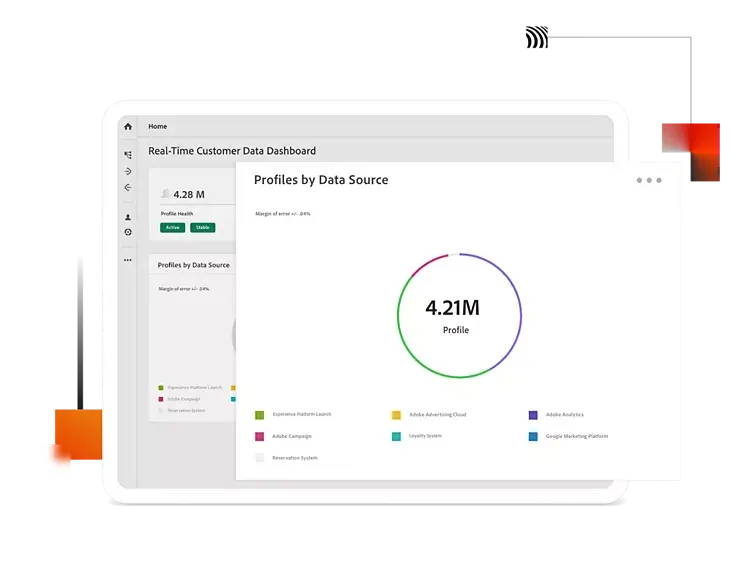
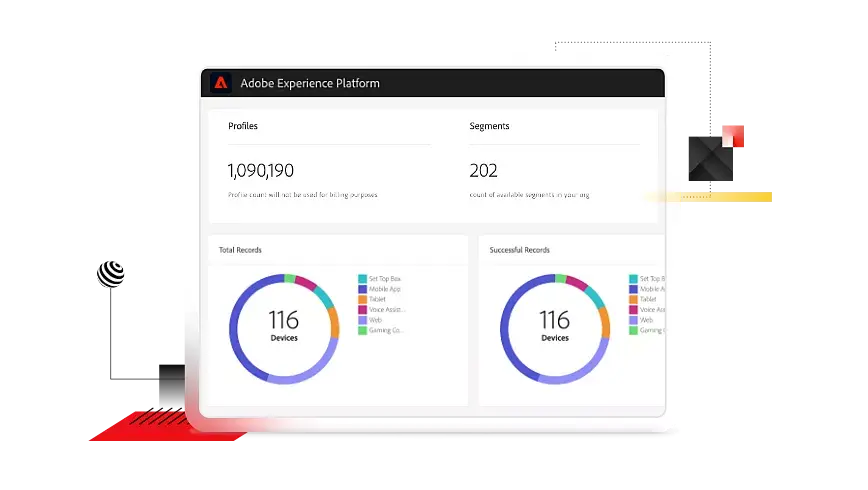
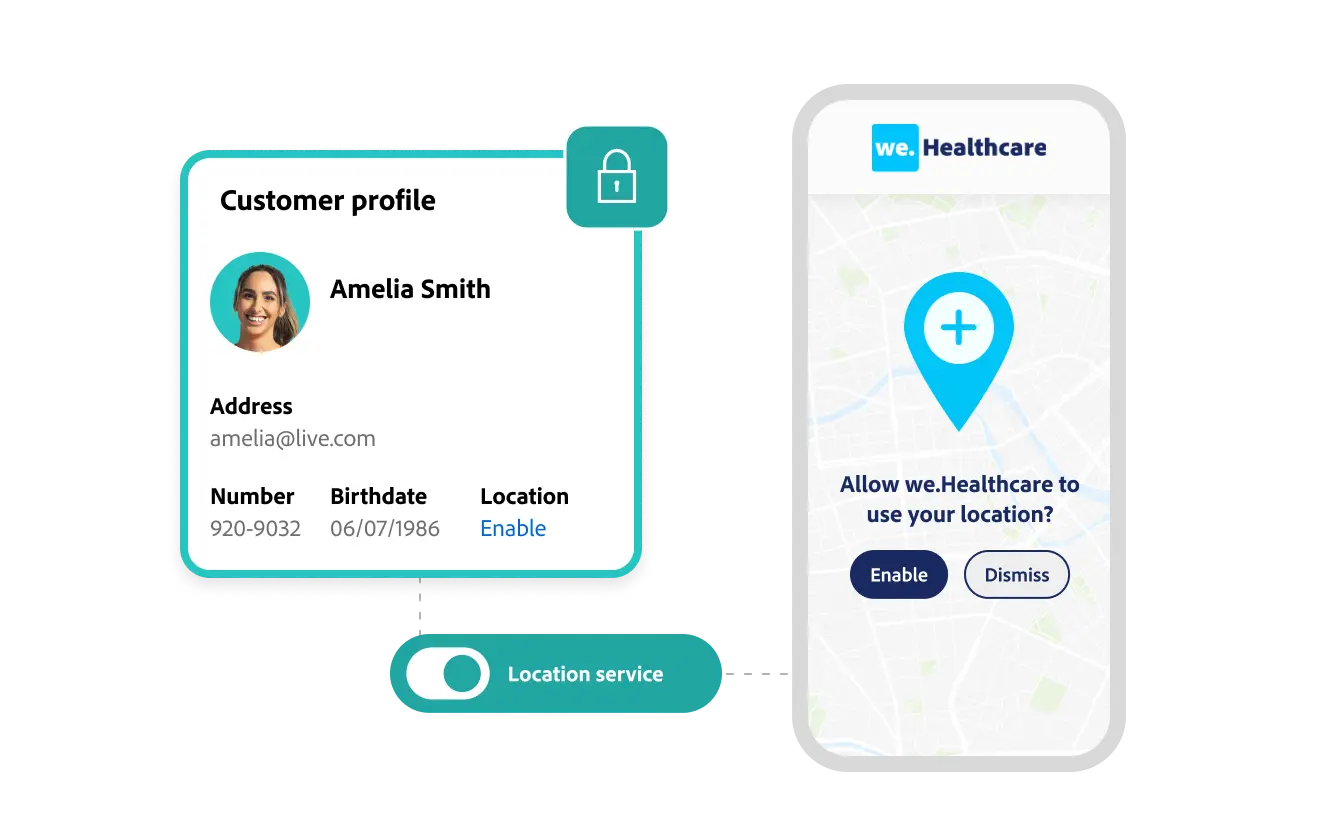
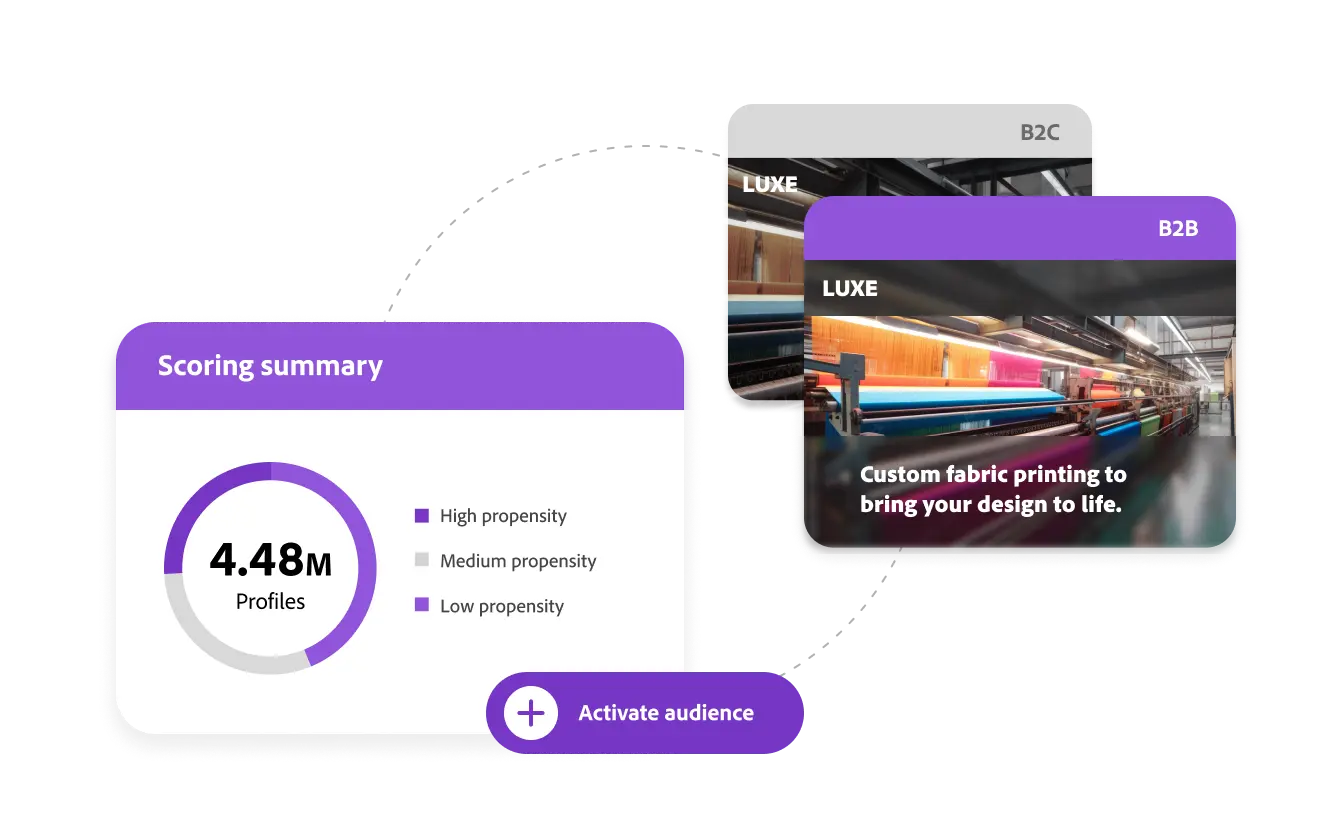
Adobe's Real-Time Customer Data Platform allows marketers to collect, normalize, and unify known and pseudonymous consumer and professional data into real-time profiles. These person or account-based profiles then power B2B, B2C, and hybrid customer experiences at scale.
N/A
Google Tag Manager
Score 8.8 out of 10
N/A
From Google, the Google Tag Manager is a tag management application that facilitates creating, embedding, and updating tags across websites and mobile apps. It is a free option, vs. the company's enterprise-tier Google Tag Manager 360.
$0
MagicPixel
Score 7.7 out of 10
Small Businesses (1-50 employees)
MagicPixel's server side tag management solution allows users to manage both web and mobile app tagging from the same console. MagicPixel helps marketers in healthcare and insurance sectors to comply with HIPAA guidelines by protecting sensitive PII of users. Users can enable consent-driven data…
N/A
Pricing
Adobe Real-Time Customer Data Platform
Google Tag Manager
MagicPixel
Editions & Modules
No answers on this topic
Offerings
Pricing Offerings
Adobe Real-Time CDP
Google Tag Manager
MagicPixel
Free Trial
No
No
No
Free/Freemium Version
No
Yes
No
Premium Consulting/Integration Services
Yes
No
Yes
Entry-level Setup Fee
Optional
No setup fee
No setup fee
Additional Details
Adobe offers three tiers of Real-Time CDP tailored for any type of business wanting to power their customer experience management strategy with unified customer data. The Business-to-Consumer Edition is for B2C brands wanting to personalize experiences for consumers. The Business-to-Business Edition is for B2B brands wanting to personalize experiences for leads and accounts. The Business-to-Person Edition is for combined B2C and B2B brands wanting to personalize experiences for the same person across all lines of business.
—
—
More Pricing Information
Community Pulse
Adobe Real-Time Customer Data Platform
Google Tag Manager
MagicPixel
Features
Adobe Real-Time Customer Data Platform
Google Tag Manager
MagicPixel
Tag Management
Comparison of Tag Management features of Product A and Product B
Adobe Real-Time Customer Data Platform
7.6
20 Ratings
8% below category average
Google Tag Manager
8.1
67 Ratings
0% above category average
MagicPixel
7.2
3 Ratings
11% below category average
Tag library
7.719 Ratings
8.062 Ratings
9.03 Ratings
Ease of writing custom tags
7.419 Ratings
5.766 Ratings
6.33 Ratings
Rules-driven tag execution
7.819 Ratings
6.761 Ratings
6.02 Ratings
Tag performance monitoring
7.517 Ratings
10.056 Ratings
9.03 Ratings
Page load times
7.717 Ratings
8.148 Ratings
6.03 Ratings
Mobile app tagging
7.517 Ratings
10.033 Ratings
00 Ratings
Tag variable mapping
00 Ratings
8.554 Ratings
7.03 Ratings
Library of JavaScript extensions
00 Ratings
8.137 Ratings
00 Ratings
Audience Segmentation & Targeting
Comparison of Audience Segmentation & Targeting features of Product A and Product B
Adobe Real-Time Customer Data Platform
8.2
23 Ratings
0% above category average
Google Tag Manager
-
Ratings
MagicPixel
-
Ratings
Standard visitor segmentation
8.323 Ratings
00 Ratings
00 Ratings
Behavioral visitor segmentation
8.223 Ratings
00 Ratings
00 Ratings
Website personalization
8.222 Ratings
00 Ratings
00 Ratings
Customer Data Management
Comparison of Customer Data Management features of Product A and Product B
Adobe Real-Time Customer Data Platform
7.8
24 Ratings
7% below category average
Google Tag Manager
-
Ratings
MagicPixel
-
Ratings
Account Scoring
7.819 Ratings
00 Ratings
00 Ratings
Customer Data Governance
7.923 Ratings
00 Ratings
00 Ratings
Data Connectors
8.124 Ratings
00 Ratings
00 Ratings
Data Enhancement
7.224 Ratings
00 Ratings
00 Ratings
Data Ingestion
8.324 Ratings
00 Ratings
00 Ratings
Data Storage
7.924 Ratings
00 Ratings
00 Ratings
Data Visibility
7.424 Ratings
00 Ratings
00 Ratings
Event Data
8.424 Ratings
00 Ratings
00 Ratings
Identity Resolution
7.523 Ratings
00 Ratings
00 Ratings
Security
Comparison of Security features of Product A and Product B
Adobe Real-Time Customer Data Platform
-
Ratings
Google Tag Manager
6.4
56 Ratings
24% below category average
MagicPixel
-
Ratings
Role-based user permissions
00 Ratings
6.456 Ratings
00 Ratings
Data Management & Integrity
Comparison of Data Management & Integrity features of Product A and Product B
Adobe Real-Time Customer Data Platform
-
Ratings
Google Tag Manager
7.3
67 Ratings
10% below category average
MagicPixel
-
Ratings
Event tracking
00 Ratings
8.764 Ratings
00 Ratings
Mobile event tracking
00 Ratings
8.146 Ratings
00 Ratings
Data distribution management
00 Ratings
8.541 Ratings
00 Ratings
Universal data layer
00 Ratings
8.058 Ratings
00 Ratings
Automated error checking
00 Ratings
3.045 Ratings
00 Ratings
Best Alternatives
Adobe Real-Time Customer Data Platform
Google Tag Manager
MagicPixel
Small Businesses
Bloomreach - The Agentic Platform for Personalization
Score 8.9 out of 10
Adobe Experience Platform Launch
Score 7.1 out of 10
Google Tag Manager
Score 8.8 out of 10
Medium-sized Companies
Bloomreach - The Agentic Platform for Personalization
Score 8.9 out of 10
Adobe Experience Platform Launch
Score 7.1 out of 10
Google Tag Manager
Score 8.8 out of 10
Enterprises
Bloomreach - The Agentic Platform for Personalization
In any scenario where we have a unique offline and online 'Person ID,' we are able to see great results with profile stitching within CDP. In cases where we do not have a unique Person ID between datasets, we find ourselves at a point where we would need to change our architecture to have the same Person ID to see results.
I use Google Tag Manager (GTM) daily and create tags/triggers for all of our client's websites. It is easy to set up but for some of my tasks, the process does get repetitive so it'd be nice to have a default setting I can use when I have to create accounts, and then tweak/add things to them as needed. It is a great way to collect data and have code on the site without having to log into the site builder all the time. It makes it convenient to make edits or add code after our client's sites go live with us.
Magic Pixel has worked really well between teams - the ability for anyone on our team from marketing to IT to channel leads can update and implement and track, enabling for better integration and more efficiency
Selecting elements on a site [object, class, cookie, etc] (to later fire an event, send some data, etc) is very easy with triggers. Want to add an event when someone clicks on a button? Super easy. It was many many DOM selectors and you can even add custom functions if you need to do something more specific
In general, firing events in different circumstances is very easy mixing triggers and tags. You can track almost any element of the DOM and do whatever you want with it.
Testing is a great functionality. Only you can see what's on the site and you can debug it easily by seeing which events or tags were triggered and all the DOM elements involved (and why they matched the trigger).
Working in environments (staging, production) and versioning is easy to do, deploying changes in 2 clicks.
There are several good integrations, but there can always be more. Native tracking for call tracking solutions, analytics providers, non-Google advertisers would be top of my list.
Documentation is just dreadful. Luckily there are some awesome folks out there doing crowdsourced tutorials (shout out to Simo Ahava) but by and large the Google Tag Manager instructions are worth what you pay for them.
As I mentioned earlier, there are many reasons such as preparing a unified customer profile so you can easily evaluate your customers, generating segments or audiences for similar types of customers based on city, country, or attributes, and targeting them for campaigns. You can also create individual personalized journeys based on the data available at the customer level.
Google Tag Manager makes tracking traffic to our websites effortless, which enables our developers to focus on other tasks. Setting up a new instance takes only minutes and additional scripts can be added/modified without touching the source code of a site in production. This enables our marketing directors to coordinate tests and experiments with minimal effort.
Activation - great Segmentation - in UI, there should be the possibility of writing advanced code Tags. Both Mobile and Desktop Data Ingestion - might be pain in the ass. Changing one customer attribute is time-consuming. It should be some super admin or some feature. One user can change some customers' attributes easily. Data Transformation - Maybe there are some modules for that in AJO?
No difficult obstacle to overcome but Google Tag Manager can still be difficult for many users to deploy. Sure the basic HTML script can be deployed quite easily, but when you start to require triggers, variables, etc, it can be a little daunting.
GTM does not provide support. This is one of GTM's biggest issues but it's due to the level of customization for each website. If your team thinks they would heavily rely on the need for a support staff it is probably better to invest in a paid service with a team that can support your needs.
While they're definitely very helpful, they aren't always the best at explaining how to integrate certain products and APIs into their platform. I would have appreciated additional support articles with video and pictures references on how to integrate other products. Overall though they were very helpful when reaching out!
Planning and communication will help greatly with an in-house implementation. If there are large teams, try to limit the number of people involved to 1-2 developers (back-end dev may be necessary depending on your platform), one analytics marketer and one project manager.
Its my favorite tool in the entire Adobe Experience Platform ecosystem. I thought that its important to be connected with your customers and the best way to do it its to have a really good description to reveal what they like and prefer, that's the most important thing, so that's why I like Adobe Real-Time CDP
We moved to GTM from a standard Google Analytics implementation. GTM is much more flexible and easier to make changes, especially as the changes relate to multiple sites and environments. While there is a learning curve when figuring out how to use GTM, I believe the change has been worth it because it helps us understand at a more fundamental level how our tracking works and gives us a lot more control over what we track and how.
I only briefly had an experience with Hitask but the biggest tale away for me was that MagicPixel a better user interface and user experience. This was really important to me because the more user friendly the tool is, theoretically we are spending less time using the tool but reaping an equitable value.
GTM is very useful to determine if a particular element on the site is useful (i.e. is it being watched, is it being clicked, does it help customers navigate through more pages). As an SEO person, I can use this information to decide what to optimize for but also to track progress and see improvements in engagement.
With the use of Google Tag Manager, I was able to easily inject an A/B testing tool which lead to several improvements in lead generation.