
Adobe Workfront vs. Frontify
Adobe Workfront vs. Frontify
| Product | Rating | Most Used By | Product Summary | Starting Price |
|---|---|---|---|---|
 Adobe Workfront | N/A | Adobe Workfront, acquired by Adobe in late 2020, is a web-based project-management tool. It is designed for both IT and marketing teams, but can be implemented for any kind of project. Workfront offers all the features standard to project management platforms, as well as resource allocation, automation, and agile workflow. | N/A | |
 Frontify | Mid-Size Companies (51-1,000 employees) | Frontify aims to simplify brand management with a platform that connects everything (and everyone) important to the growth of a brand. Offering plans for all company sizes, the vendor states Frontify is used by 4,000 brands globally. Frontify features: Cloud-based brand guidelines to ensure consistency across every touchpoint Digital asset management for centralizing all brand assets and essentials Creative collaboration to accelerate project… | N/A |
| Adobe Workfront | Frontify | |||||||||||||||
|---|---|---|---|---|---|---|---|---|---|---|---|---|---|---|---|---|
| Editions & Modules | No answers on this topic | No answers on this topic | ||||||||||||||
| Offerings |
| |||||||||||||||
| Entry-level Setup Fee | Optional | Optional | ||||||||||||||
| Additional Details | — | — | ||||||||||||||
| More Pricing Information | ||||||||||||||||
| Adobe Workfront | Frontify |
|---|
| Adobe Workfront | Frontify | |||||||||||||||||||||||||||||||||||||||||||||
|---|---|---|---|---|---|---|---|---|---|---|---|---|---|---|---|---|---|---|---|---|---|---|---|---|---|---|---|---|---|---|---|---|---|---|---|---|---|---|---|---|---|---|---|---|---|---|
| Project Management |
| |||||||||||||||||||||||||||||||||||||||||||||
| Professional Services Automation |
|
| Adobe Workfront | Frontify | |
|---|---|---|
| Small Businesses |  Stackby Score 8.9 out of 10 |  CoSchedule Marketing Suite Score 10.0 out of 10 |
| Medium-sized Companies |  InEight Score 8.4 out of 10 | CoSchedule Marketing Suite Score 10.0 out of 10 |
| Enterprises | InEight Score 8.4 out of 10 |  MediaValet Score 9.0 out of 10 |
| All Alternatives | View all alternatives | View all alternatives |
| Adobe Workfront | Frontify | |
|---|---|---|
| Likelihood to Recommend | 8.3 (383 ratings) | 7.5 (6 ratings) |
| Likelihood to Renew | 6.0 (61 ratings) | 10.0 (1 ratings) |
| Usability | 6.4 (19 ratings) | - (0 ratings) |
| Availability | 9.1 (9 ratings) | - (0 ratings) |
| Performance | 9.1 (4 ratings) | - (0 ratings) |
| Support Rating | 10.0 (12 ratings) | - (0 ratings) |
| In-Person Training | 5.0 (1 ratings) | - (0 ratings) |
| Online Training | 8.9 (4 ratings) | - (0 ratings) |
| Implementation Rating | 8.3 (10 ratings) | - (0 ratings) |
| Configurability | 5.0 (1 ratings) | - (0 ratings) |
| Contract Terms and Pricing Model | 10.0 (1 ratings) | - (0 ratings) |
| Ease of integration | 1.0 (1 ratings) | - (0 ratings) |
| Product Scalability | 8.2 (3 ratings) | - (0 ratings) |
| Vendor post-sale | 1.0 (1 ratings) | - (0 ratings) |
| Vendor pre-sale | 1.0 (1 ratings) | - (0 ratings) |
| Adobe Workfront | Frontify | |
|---|---|---|
| Likelihood to Recommend |  Adobe
| Frontify AG
|
| Pros | Adobe
| Frontify AG
 Shelle Pourmanafzadehardabili Principal |
| Cons | Adobe
| Frontify AG
Shelle Pourmanafzadehardabili Principal |
| Likelihood to Renew | Adobe
 Adam Messano Senior Project Manager – Resource & Infrastructure Optimization. | Frontify AG
 Stefanie Cash Digital Marketing Manager |
| Usability | Adobe
| Frontify AG No answers on this topic |
| Reliability and Availability | Adobe
| Frontify AG No answers on this topic |
| Performance | Adobe
| Frontify AG No answers on this topic |
| Support Rating | Adobe
 Rob Gokee Composer | Frontify AG No answers on this topic |
| In-Person Training | Adobe
| Frontify AG No answers on this topic |
| Online Training | Adobe
 Maryland Tracy Web Traffic Manager | Frontify AG No answers on this topic |
| Implementation Rating | Adobe
| Frontify AG No answers on this topic |
| Alternatives Considered | Adobe
 Erik Viager Sr. Strategic Development Manager, B2D | Frontify AG
|
| Contract Terms and Pricing Model | Adobe
Rob Gokee Composer | Frontify AG No answers on this topic |
| Scalability | Adobe
Maryland Tracy Web Traffic Manager | Frontify AG No answers on this topic |
| Return on Investment | Adobe
| Frontify AG
|
| ScreenShots | Adobe Workfront Screenshots    | Frontify Screenshots 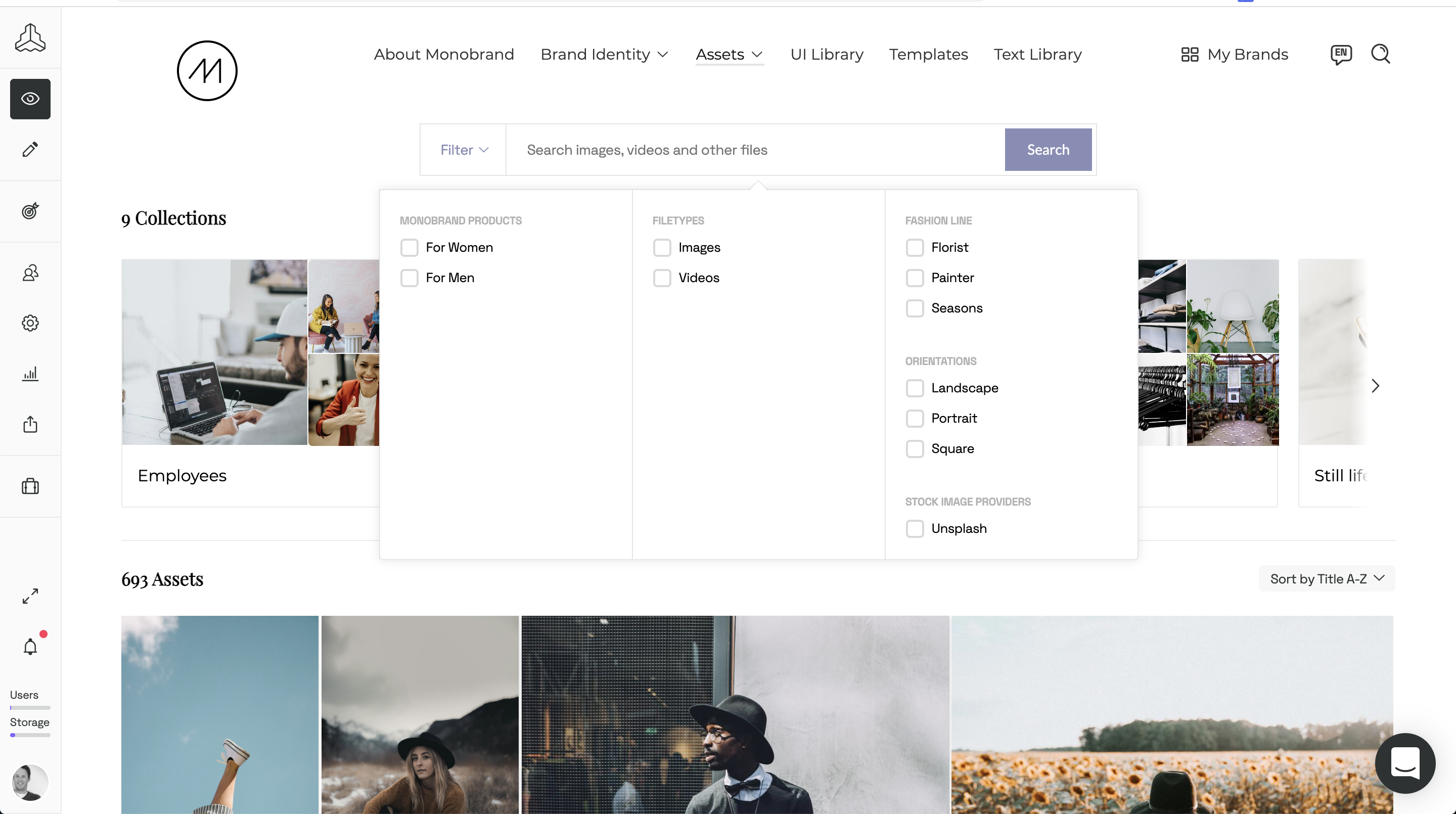    |